
Category: How-Tos
-
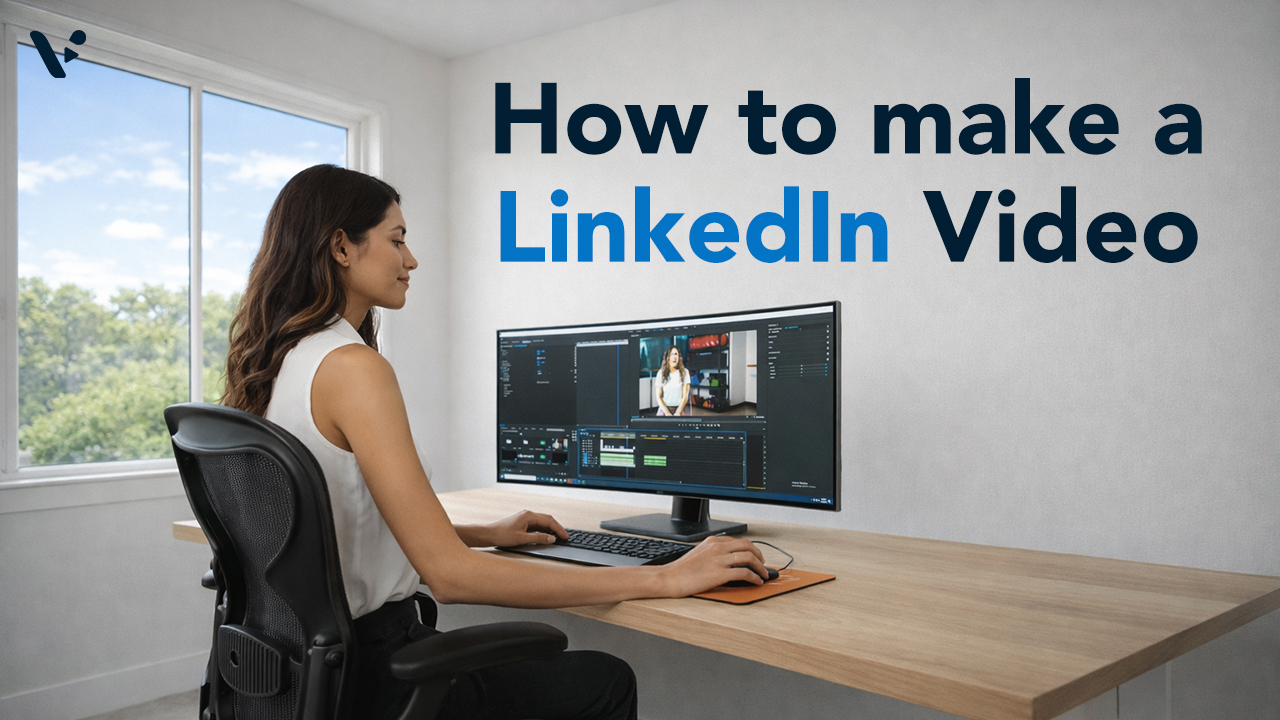
How to Make a LinkedIn Video: A Practical Guide for Every Starting Point
—
in How-TosQuick Answer LinkedIn video outperforms every other static format on the platform, but the biggest barrier most teams face isn’t strategy, it’s production. Visla gives you three distinct paths to a publish-ready LinkedIn video: starting purely with AI, recording yourself on camera, or capturing your screen. Each path fits different video types and different levels…
-
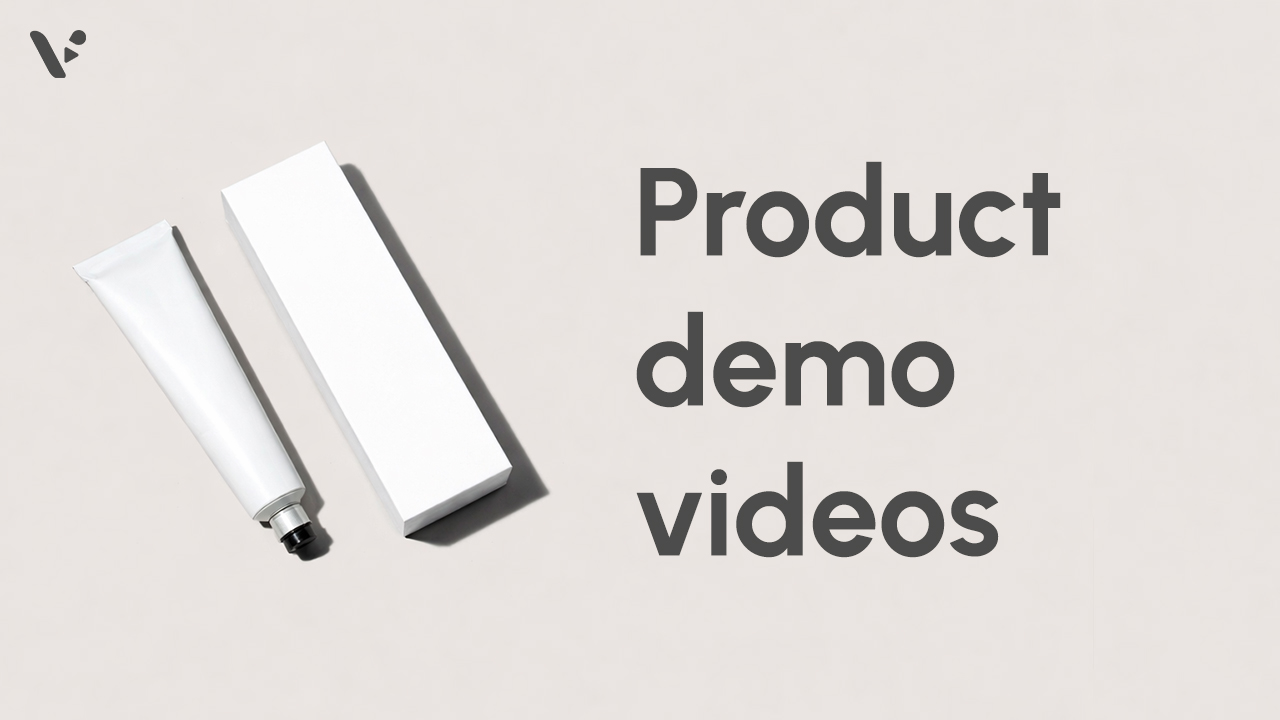
How to Create a Product Demo Video in 2026
—
in How-TosQuick Answer A product demo video shows your product solving a real problem so viewers can quickly understand what it does, who it helps, and why they should care. The best demos are clear, focused, and structured around one use case, not a long list of features, whether you are filming a physical product or…
-
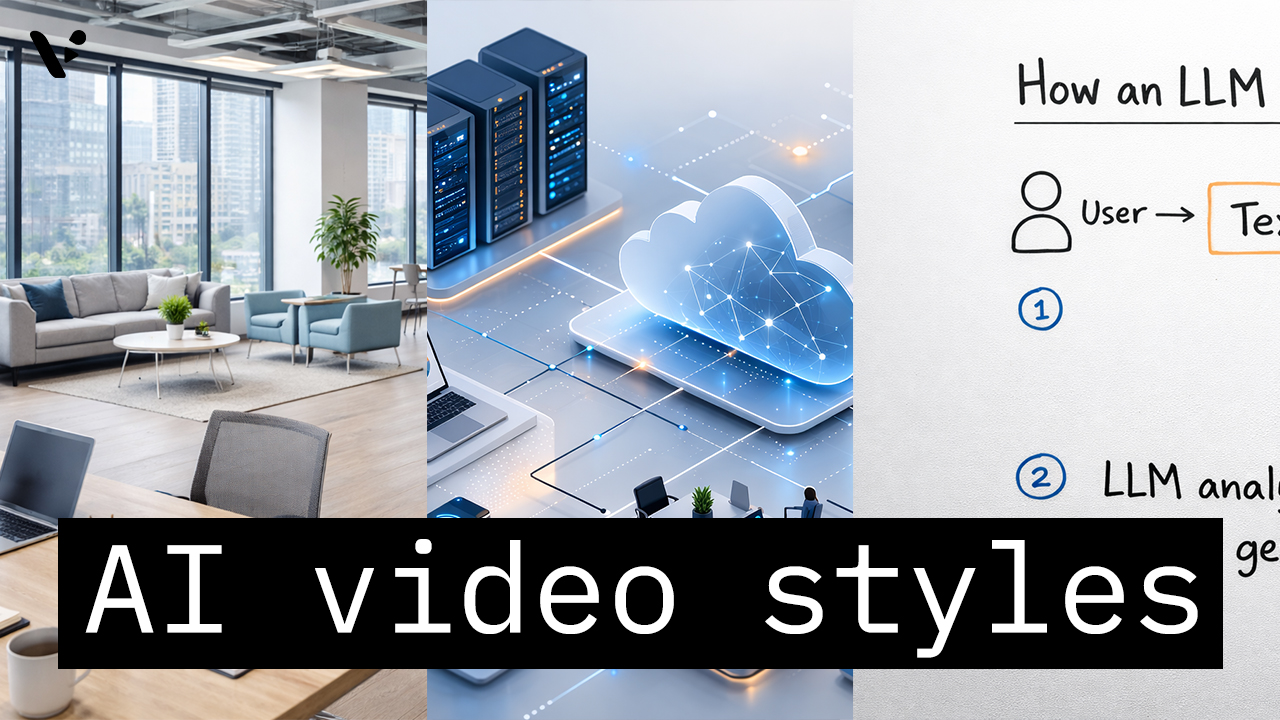
How to Choose the Right AI Video Style in Visla AI Director Mode
—
in How-TosQuick Answer AI video styles in Visla AI Director Mode control the look of the AI-generated storyboard images and AI video clips in your final video. You choose the style before you generate the storyboard and before you turn selected scenes into motion, so the style helps shape the whole visual direction of the project.…
-
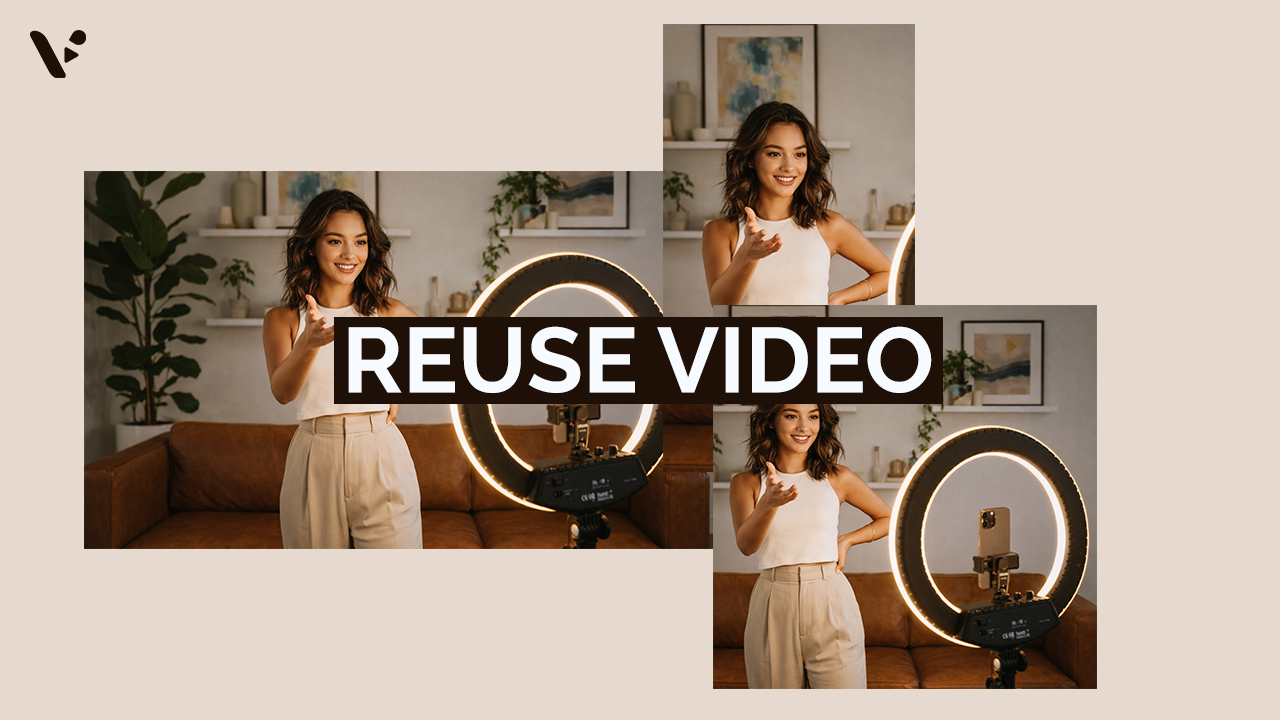
How to Repurpose Video Content (And Why It’s Worth the Effort)
—
in How-TosQuick Answer Repurposing video content is re-editing footage to maximize its value. Common ways to re-edit footage includes adjusting the length, aspect ratio, pace, visual style, and much more. It’s a potentially high-ROI move that can help you reach more of your potential audience. However, repurposing video isn’t as simple as trimming a long video…
-
How to Measure Video ROI: Metrics That Actually Matter
—
in How-TosQuick answer: Video ROI and metrics Measuring video ROI requires tracking metrics that align with your specific business goals, not just vanity numbers like total views. The most valuable indicators combine engagement metrics (watch time, completion rate, shares) with business outcomes (conversions, lead generation, cost per acquisition). Different platforms count engagement differently (YouTube requires 30…
-
How to Generate AI Video Clips in AI Director Mode
—
in How-TosQuick Answer AI Director Mode helps you generate AI video clips that actually fit together by making you plan first, then animate with intention. Start with your project basics and storyboard, because your best results come from getting structure, style, and reusable ingredients (characters, objects, environments) locked before you spend credits on AI video clips.…
-
How to Plan Your Video Before You Generate Anything (AI Director Mode)
—
in How-TosQuick Answer AI Director Mode works best when you do a tiny bit of pre-production before you generate anything. Start by picking your starting point in Visla, then write a one-paragraph creative brief that locks audience, message, channel, and style. Next, choose a small set of repeating elements – your visual spine – so characters,…
-
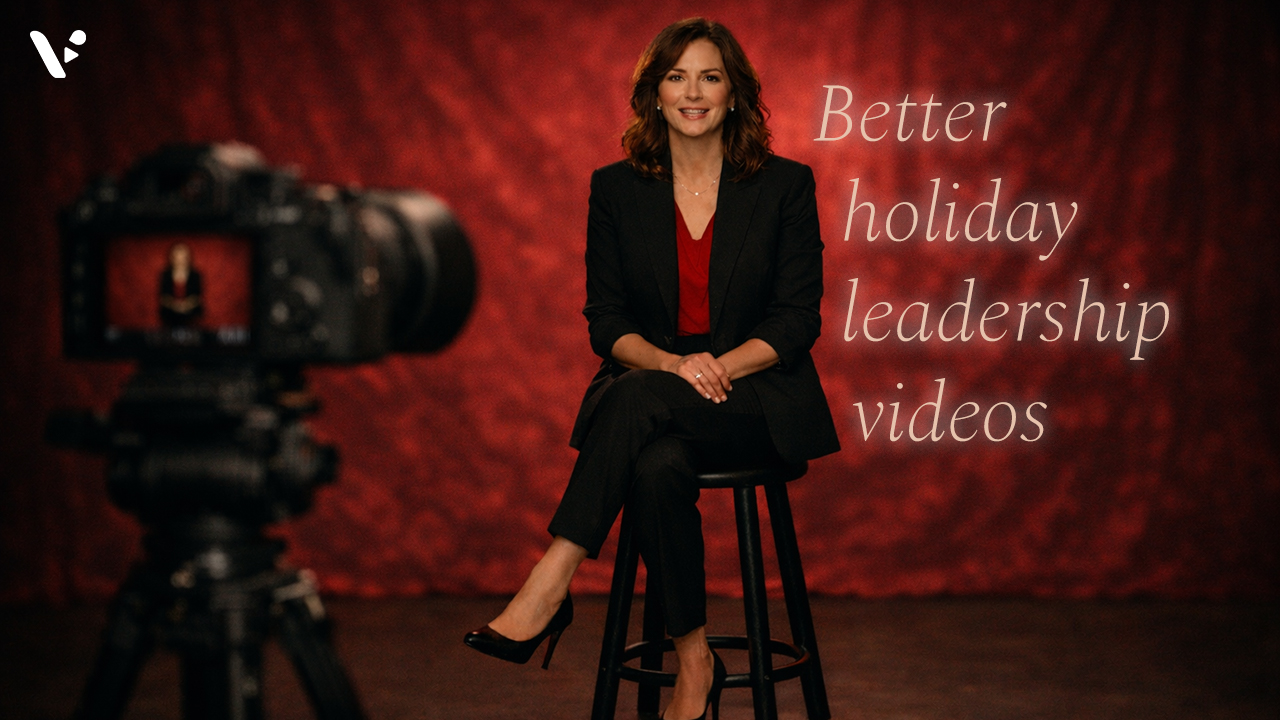
How to create a memorable holiday leadership video (2025 Guide)
—
in How-TosQuick Answer: why holiday leadership videos matter A great holiday leadership video thanks your team for specific wins, recognizes the year honestly, and points to what comes next in a way that feels human. Keep it short, write for one clear audience, and record in a calm setup with clean audio, simple framing, and captions.…
-

How to Make a Santa Avatar Video with Visla
—
in How-TosQuick answer: Want to cast Santa in your videos? Ho, ho, ho! Santa is here to star in your next video. To make a holiday video with Visla’s Santa AI Avatar, start a new project with any input (text, a script, a link, clips, images, or a PDF), then make sure to select our brand…
-
How to Make a Holiday Party Recap Video
—
in How-TosQuick Answer: How to actually make a holiday party recap video To make a holiday party recap video people actually watch, plan your “must-capture” moments, film short clips with steady framing and clear audio, then edit around a simple beginning-middle-end story. Aim for one main recap cut for your team, plus a shorter teaser if…