
Category: How-Tos
-
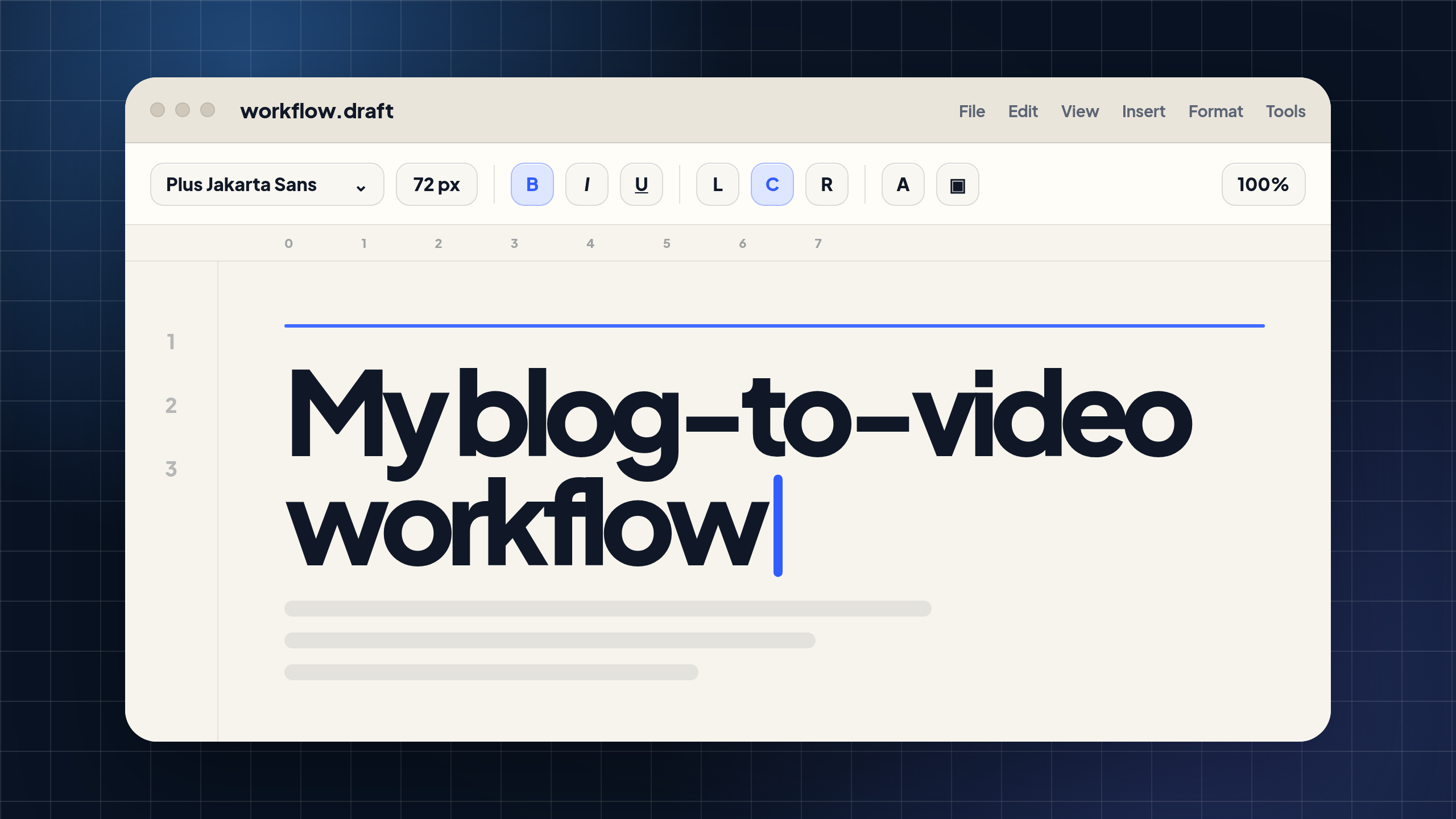
How I Turn Blogs Into Videos for YouTube, LinkedIn, and Blog Embeds
I write a lot of blog posts. If you’re reading this on the Visla blog, you probably already know that because you’re in one right now. But for a lot of marketing teams, publishing the blog is only part of the job. The bigger question is what happens after the article goes live. Does it…
-
How to Choose an AI Video Tool for L&D Teams at ATD26
If you’re at ATD26 this week, you’re probably seeing a lot of AI video tools. Some promise instant training videos. Some show lifelike avatars. Some turn prompts into polished clips in a few minutes. That’s exciting, but it can also be hard to sort through. L&D teams don’t just need an AI tool that makes…
-
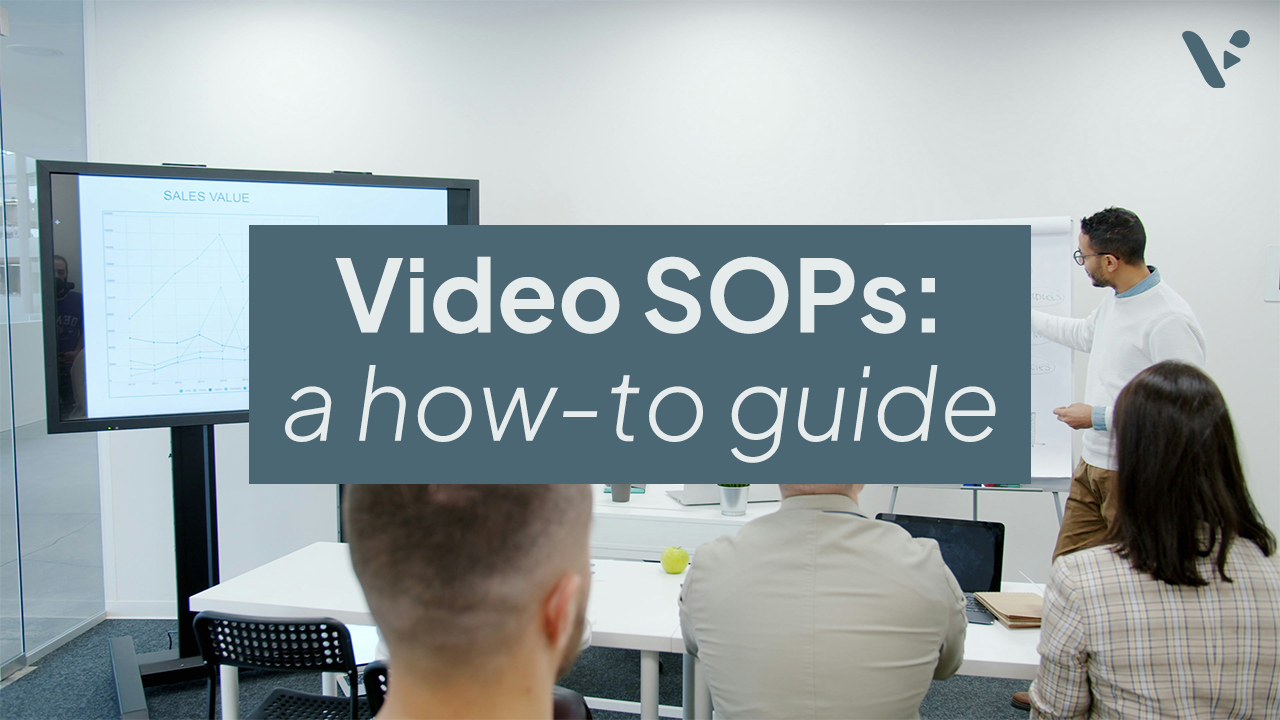
How to Create Video SOPs for Scalable L&D Training
Quick answer Video SOPs are standard operating procedures turned into clear, reusable training videos. They help L&D teams explain repeatable processes through visual steps, narration, captions, and examples employees can revisit anytime. They’re especially useful for onboarding, compliance training, workplace safety, software workflows, manager training, and role-specific procedures. With Visla, teams can record real workflows,…
-
How to Create a SaaS Strategy Video That Actually Communicates Your Vision
Quick answer A SaaS strategy video translates your company’s product direction, roadmap, or go-to-market plan into a clear, shareable video that’s faster to consume than a slide deck and easier to align teams around. The best ones are focused on a specific audience (internal teams, investors, or prospects), built around one core message, and produced…
-
How to Create a Product Demo Video in 2026
Quick Answer A product demo video shows your product solving a real problem so viewers can quickly understand what it does, who it helps, and why they should care. The best demos are clear, focused, and structured around one use case, not a long list of features, whether you are filming a physical product or…
-
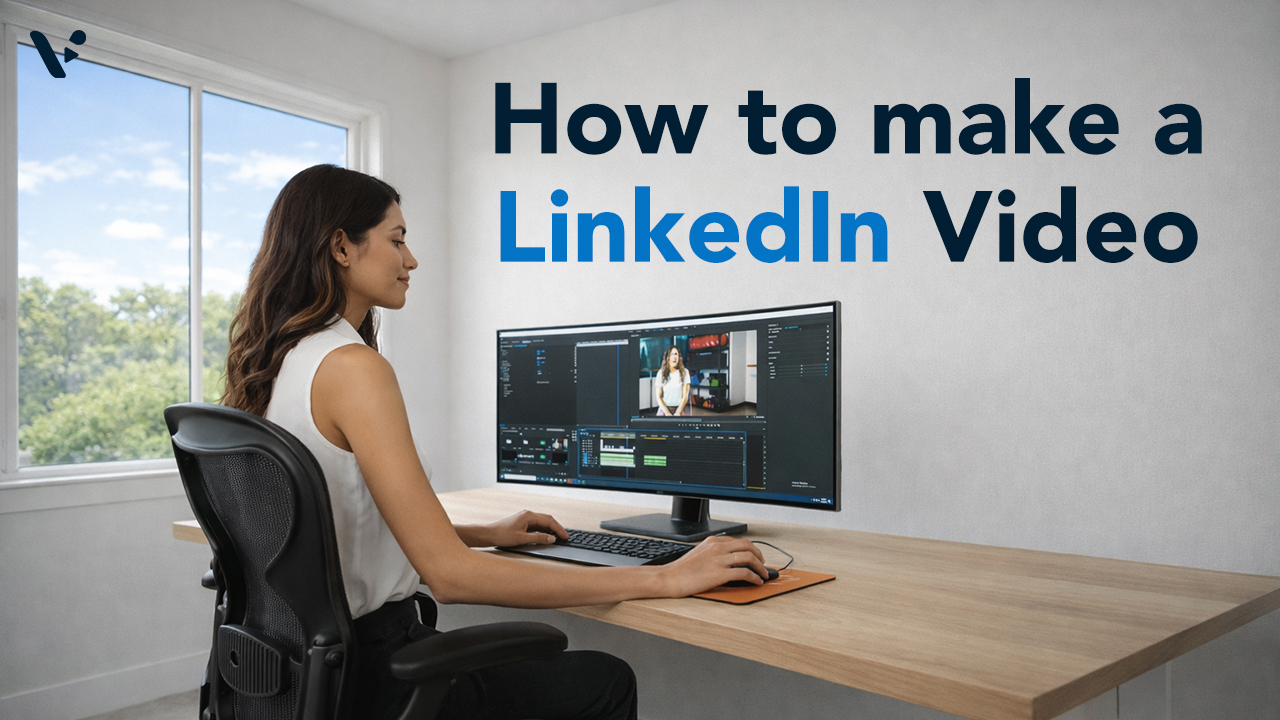
How to Make a LinkedIn Video: A Practical Guide for Every Starting Point
Quick Answer LinkedIn video outperforms every other static format on the platform, but the biggest barrier most teams face isn’t strategy, it’s production. Visla gives you three distinct paths to a publish-ready LinkedIn video: starting purely with AI, recording yourself on camera, or capturing your screen. Each path fits different video types and different levels…
-
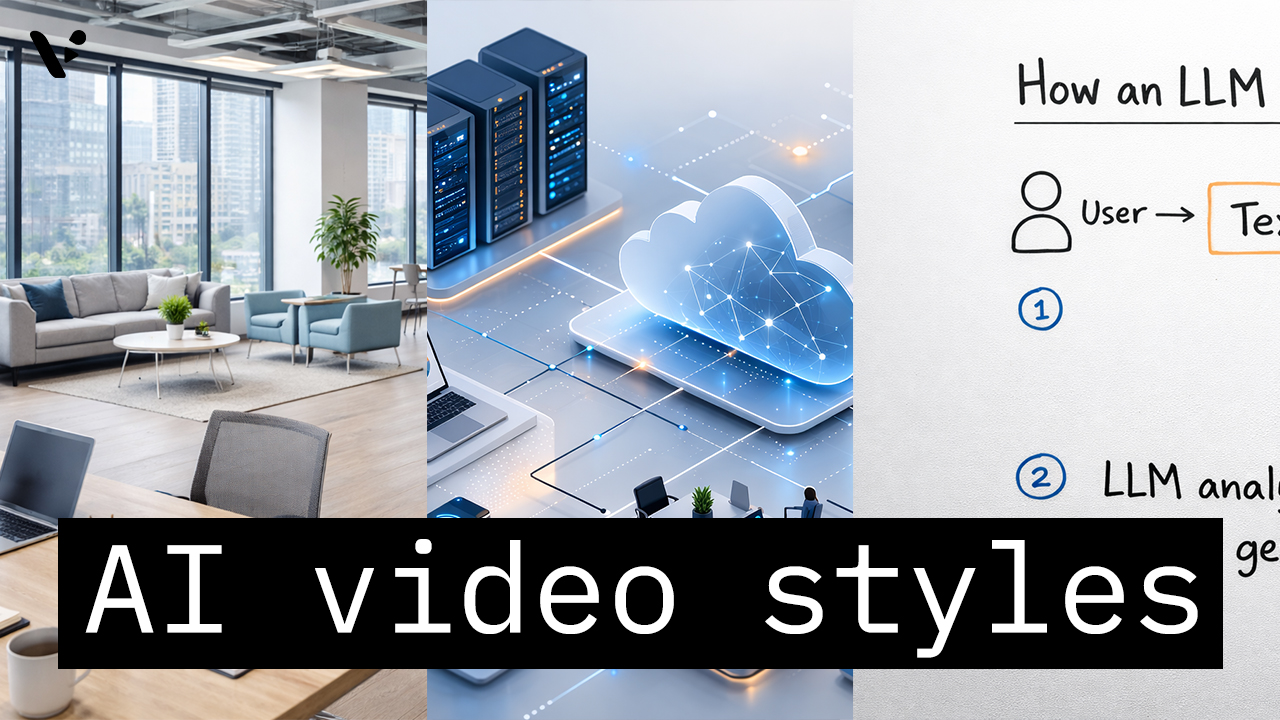
How to Choose the Right AI Video Style in Visla AI Director Mode
Quick Answer AI video styles in Visla AI Director Mode control the look of the AI-generated storyboard images and AI video clips in your final video. You choose the style before you generate the storyboard and before you turn selected scenes into motion, so the style helps shape the whole visual direction of the project.…
-
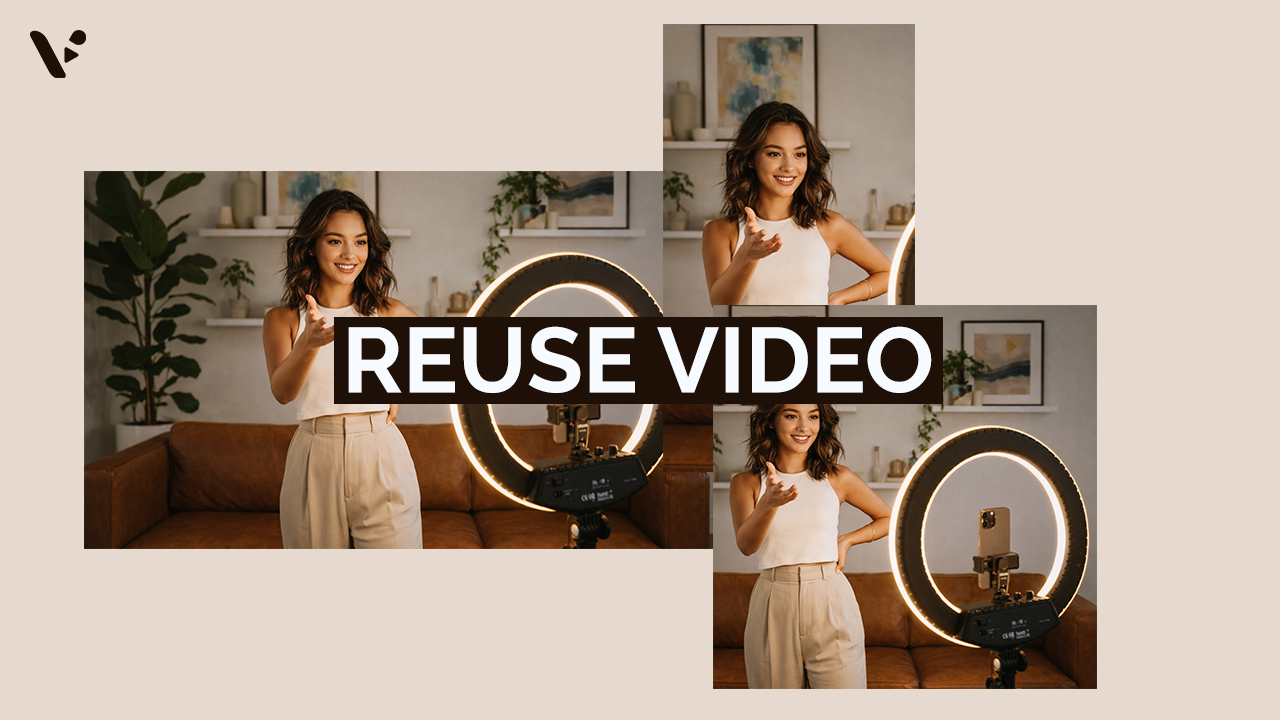
How to Repurpose Video Content (And Why It’s Worth the Effort)
Quick Answer Repurposing video content is re-editing footage to maximize its value. Common ways to re-edit footage includes adjusting the length, aspect ratio, pace, visual style, and much more. It’s a potentially high-ROI move that can help you reach more of your potential audience. However, repurposing video isn’t as simple as trimming a long video…