
Where enterprise video strategy gets sharper
New articles every Tuesday and Thursday.
The Visla blog covers AI video tools, production workflows, and video strategy for marketing, enablement, and operations teams. Practical content, no filler.
-
How to Measure Training Video Effectiveness
Quick answer: To measure training video effectiveness, check whether employees learned the intended knowledge or skill, retained it, and applied it afterward. Video analytics such as completion rate and watch time show how people interacted with the training, while assessments and workplace performance show what they learned and used. For…
-
What Makes a Good Training Video? Best Practices for L&D Teams
Quick answer: what makes a good training video? Our recommendation is to build each training video around one clear learning goal and remove anything that doesn’t help achieve it. Break complicated material into meaningful sections, and use visual cues to show learners exactly where to focus. Use video when seeing…
-
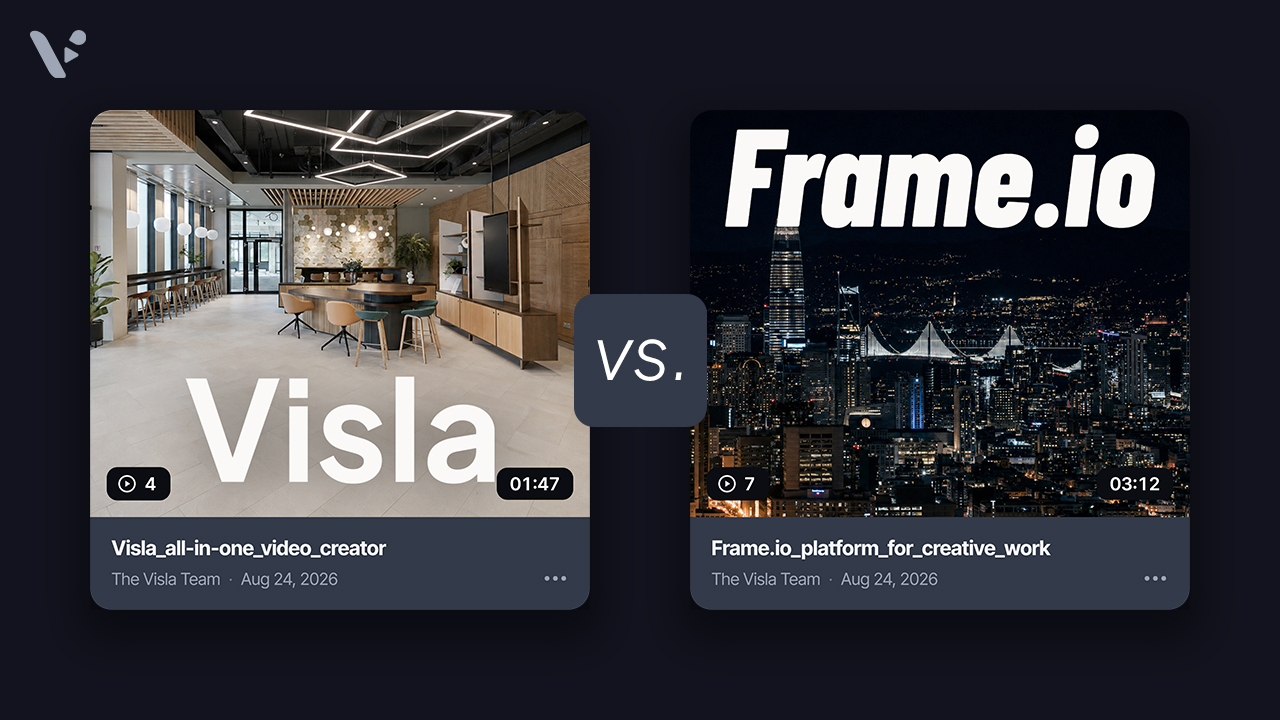
Visla vs. Frame.io: Which Video Collaboration Platform Is Right for Your Team?
Quick answer: Frame.io is built for professional video and creative teams that need detailed review, asset management, versioning, and production workflow controls. Visla is built for business professionals who need to create videos without becoming professional editors, with recording, AI creation, editing, collaboration, and sharing in one platform. A useful…
-
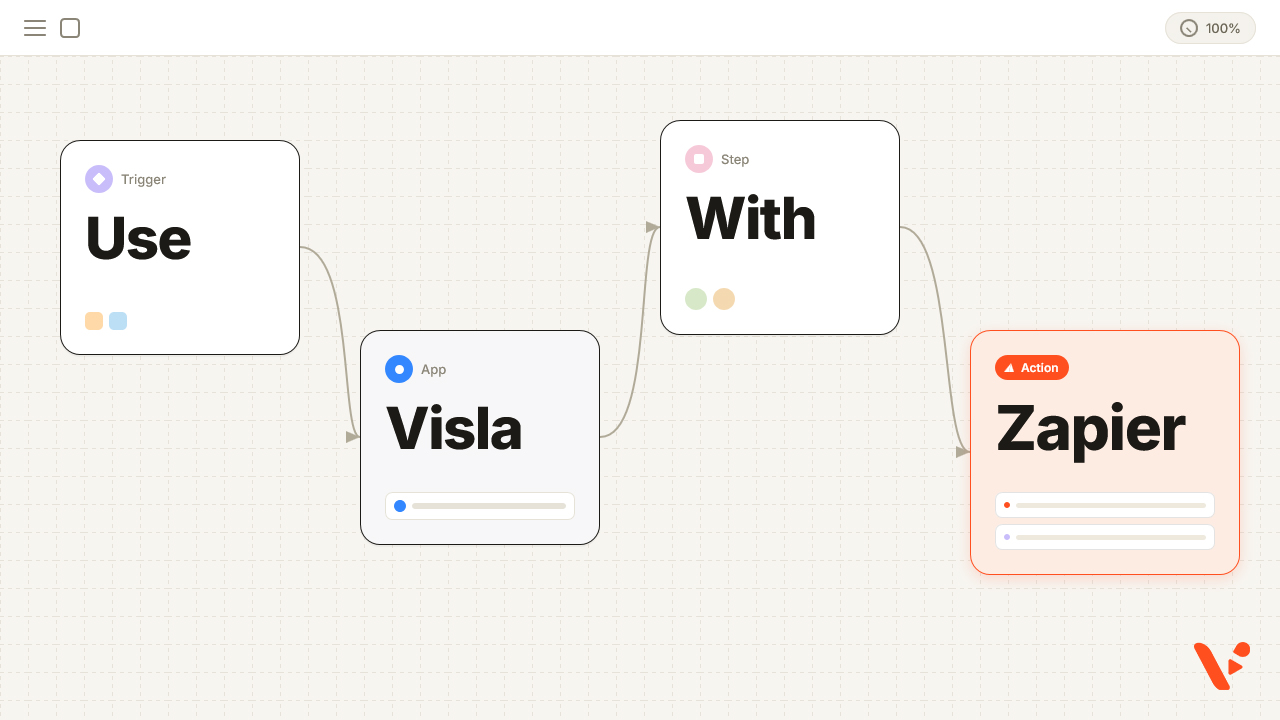
How to Automatically Turn Blog Posts Into Videos With Zapier and Visla
Quick answer: If you already use Zapier, you can automate blog-to-video creation by connecting your site’s RSS feed to Visla. RSS by Zapier detects each newly published post, Formatter isolates the individual article URL, and Visla’s Create Video Project From URL action sends that page into Visla’s webpage-to-video workflow. Visla…
-
How to Transcribe Video to Text With AI
Quick Answer: to transcribe video to text with Visla, open Clips in your Teamspace and upload a video file or paste a YouTube URL. Once Visla processes the video, open Video Transcription to see the timestamped transcript. You can click any word to jump to that point in the video,…
-
How to Convert PowerPoint to Video Online With AI in 2026
Quick answer: Visla can turn a PowerPoint presentation into a narrated video with subtitles, music, transitions, and editable scenes. Upload a .ppt or .pptx file, choose how you want the video produced, and generate a first draft. Each slide becomes a still visual in its own scene, while Visla builds…
-
Visla vs. Canva: Which Is Better for Business Video in 2026?
Quick Answer: Visla and Canva can both create videos, but they’re built around different kinds of work. Visla is an end-to-end video production platform that brings AI creation, recording, editing, branding, collaboration, and sharing into one place. Canva is a broader visual design platform with capable video tools alongside graphic…
-
How to Use AI Director Mode in Visla: A Step-by-Step Guide
Updated 8/6/2026 Quick answer: AI Director Mode is Visla’s workflow for creating consistent, multi-scene AI videos. Start with a prompt or source material, add any visual references you have, and choose a style. You can then review or create the characters, objects, products, and environments that Visla will use throughout…
Get the Visla newsletter
Weekly insights on tools, strategy, and what’s changing in enterprise video. No noise, just what your team needs to know.