
Category: Guides
-

What Are ChatGPT Plugins and How Do They Work?
Quick answer: A ChatGPT Plugin packages tools, instructions and other capabilities for a specific workflow in ChatGPT or Codex. Plugins can include reusable skills, connected Apps, App templates and interactive extensions. Apps connect ChatGPT to outside services and data; Plugins organize those capabilities into something you can install and use for a particular task. What…
-
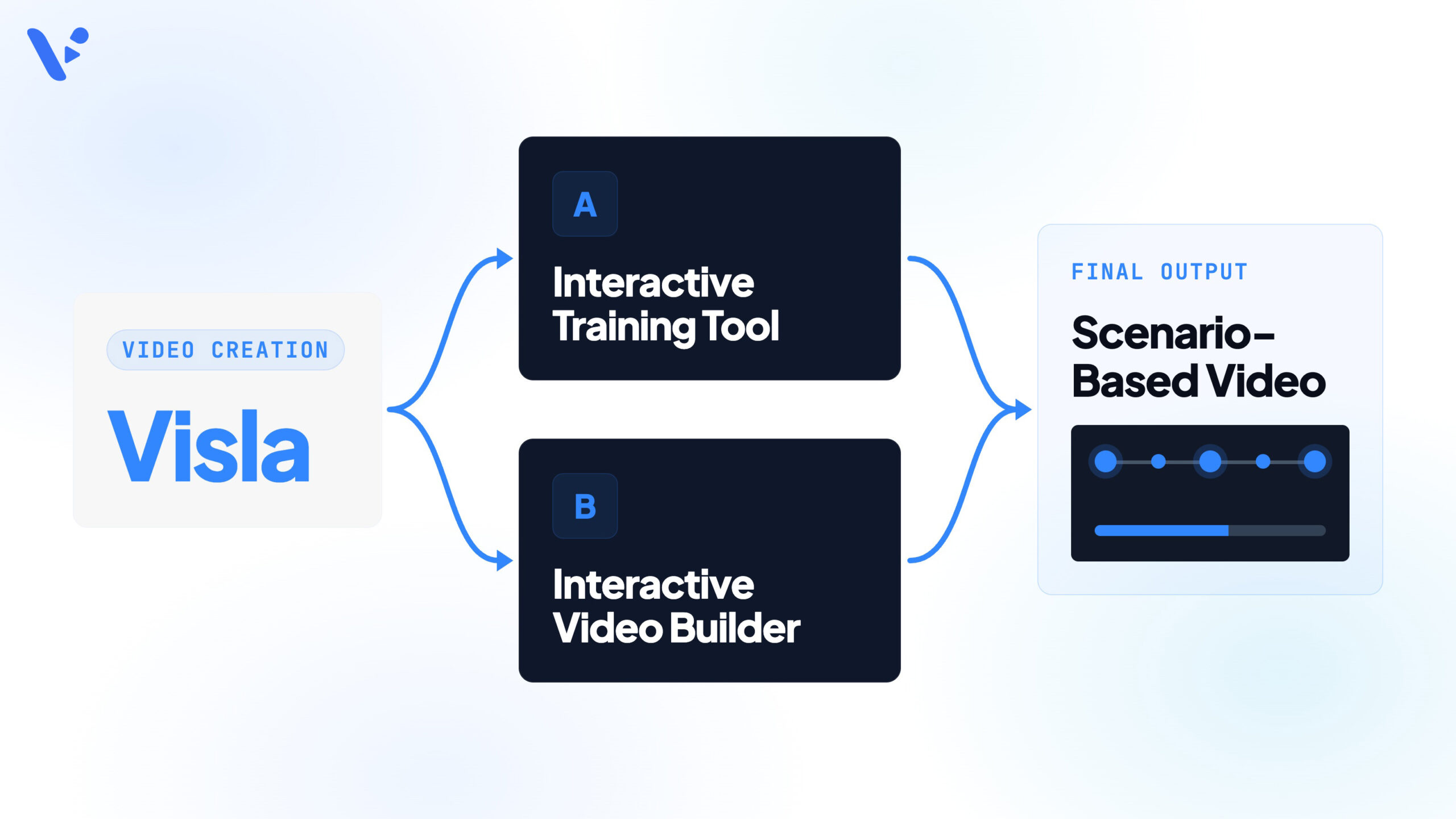
How to use Visla with scenario-based learning tools in 2026
Quick Answer: Use Visla’s Scenario-Based Video to create the individual video scenes in a branching scenario, then use an authoring tool such as Articulate Storyline 360, Adobe Captivate, or iSpring Suite to add learner choices and branching logic. Plan the scenario first, assign every video to a specific branch, and name each Visla project so…
-
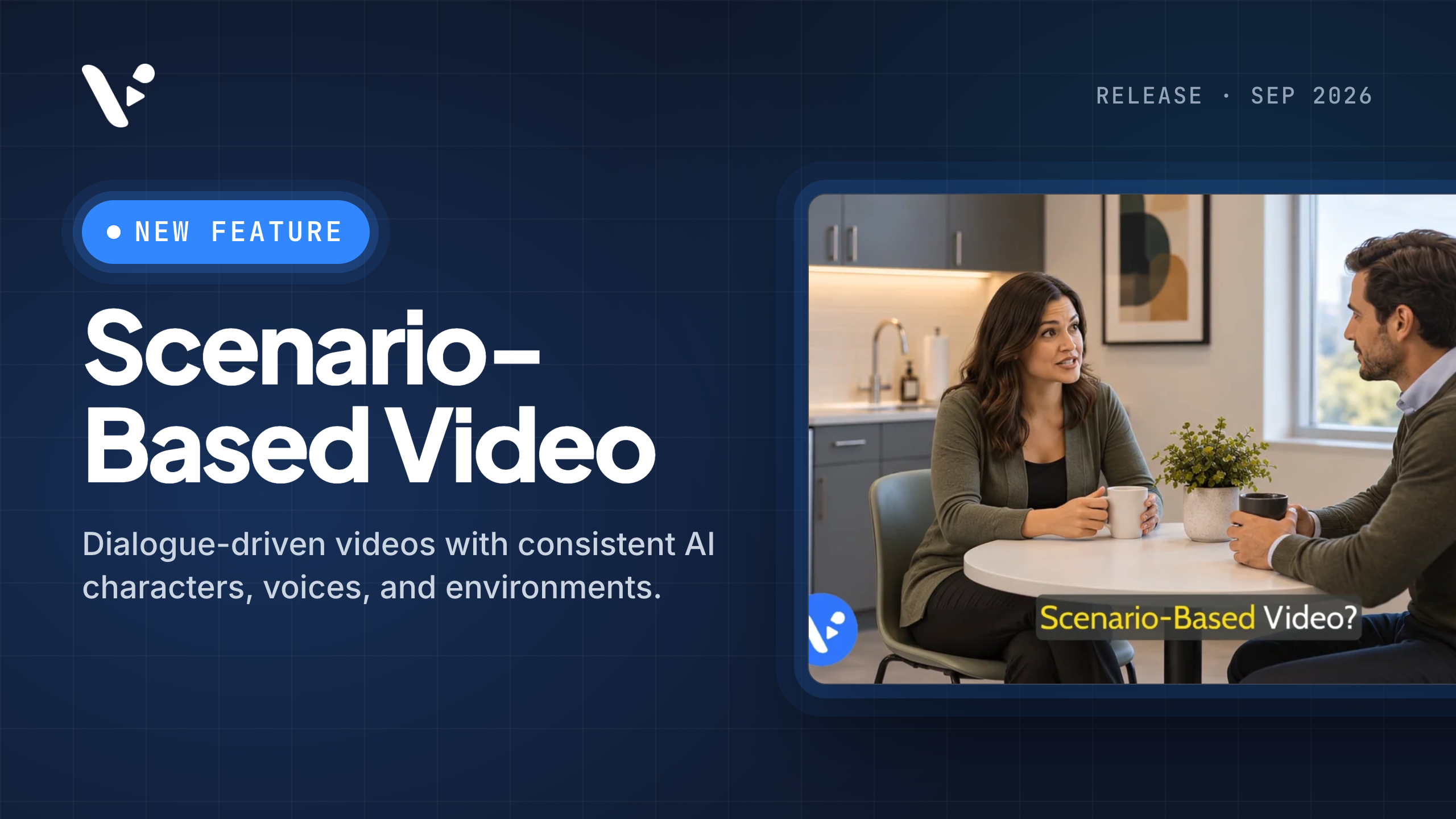
Introducing Scenario-Based Video: Create Consistent AI Training Videos With Visla
Quick answer: Scenario-Based Video is Visla’s workflow for creating and directing multi-character AI videos built around a scenario. This article explains what the feature is, how Visla keeps recurring characters, voices, environments, and objects consistent, and how to set up a scenario before generation. It also covers interactive training, instructional design, and measurement. What is…
-
Are Scenario-Based Learning Videos Effective? What the Research Says
Quick Answer: Yes, scenario-based learning videos can be effective, especially when learners need to practice making decisions or applying knowledge in a realistic situation. Research shows that scenario-based and branching videos can improve knowledge, motivation, engagement, and, in some cases, decision-making, but they don’t consistently outperform well-designed linear training videos. The format works best when…
-

What Is Scenario-Based Learning? Definition, Benefits, and Research
Quick answer: Scenario-based learning, also called scenario-based training (SBL), puts learners into realistic situations where they have to apply knowledge, make decisions, and usually receive feedback or see the consequences of their choices. It’s especially useful for practicing judgment, communication, problem-solving, and procedures that are hard to learn from explanation alone. Research suggests SBL can…
-

How to Measure Training Video Effectiveness
Quick answer: To measure training video effectiveness, check whether employees learned the intended knowledge or skill, retained it, and applied it afterward. Video analytics such as completion rate and watch time show how people interacted with the training, while assessments and workplace performance show what they learned and used. For stronger evidence, compare performance before…
-
What Makes a Good Training Video? Best Practices for L&D Teams
Quick answer: what makes a good training video? Our recommendation is to build each training video around one clear learning goal and remove anything that doesn’t help achieve it. Break complicated material into meaningful sections, and use visual cues to show learners exactly where to focus. Use video when seeing movement, sequence, or a process…
-
How to Use AI Director Mode in Visla: A Step-by-Step Guide
Updated 8/6/2026 Quick answer: AI Director Mode is Visla’s workflow for creating consistent, multi-scene AI videos. Start with a prompt or source material, add any visual references you have, and choose a style. You can then review or create the characters, objects, products, and environments that Visla will use throughout the video. After Visla creates…