
Category: Guides
-
How to Use ChatGPT 5.5 for Video Production
Quick Answer ChatGPT 5.5 can help business teams make videos faster, but it works best as a planning, writing, research, and review assistant, not as a full replacement for everything you do. GPT-5.5 Instant is the faster everyday model for script cleanup, brainstorming, organizing production tasks, and turning rough ideas into usable drafts. GPT-5.5 Thinking…
-
What We’re Watching for at ATD 2026: AI, Video, and the Future of L&D
Visla is heading to ATD 2026 in Los Angeles, and we’re excited to be part of the conversation. The 2026 ATD International Conference & EXPO, hosted by the Association for Talent Development, takes place May 17 to 20 at the Los Angeles Convention Center. You’ll be able to find Visla on the EXPO floor at…
-

How AI Can Help L&D Teams Create Better Training in 2026
Quick answer AI can help L&D teams create better training by turning subject matter expertise, internal documents, screen recordings, and existing content into clearer learning materials faster. The best uses of AI in L&D include needs analysis, instructional design support, training video creation, localization, role-play practice, job aids, and content updates. However, AI should support…
-
What Is Learning and Development (L&D)? Definition, Strategy, and ROI in 2026
Quick answer: Learning and development, often shortened to L&D, is the business function that helps employees build the skills, knowledge, behaviors, and confidence they need to do their jobs well and grow into future roles. In 2026, L&D supports workforce upskilling, AI fluency, human judgment, leadership development, internal mobility, performance improvement, and long-term business resilience.…
-

How to Create L&D Videos for Employee Training in 2026
Quick answer: How do Learning & Development and Video go together? L&D videos help teams teach skills, standardize processes, onboard employees, and reinforce knowledge without pulling everyone into another meeting. In 2026, the best training videos are short, searchable, modular, and tied to real workflows, not treated as one-off course assets. Use video when people…
-
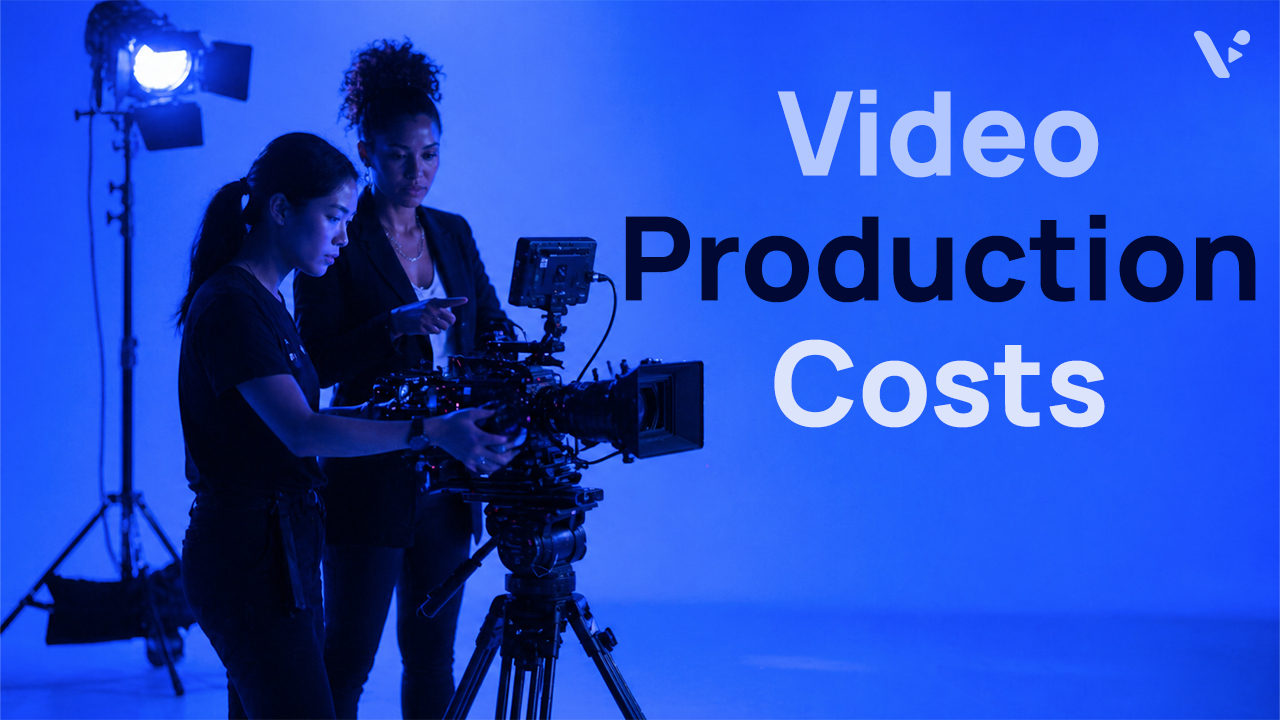
How Much Does Video Production Cost in 2026?
Quick Answer Video production costs in 2026 can range from a few thousand dollars for a simple business video to $50,000 or more for a polished brand, product, customer, or enterprise campaign video. Traditional video production costs usually come from pre-production, crew, equipment, talent, locations, editing, graphics, sound, captions, revisions, and versioning. AI video production…
-

Visla’s New Plans: More Credits, More Flexibility for Your Video Workflow
We get it. You have videos to make, deadlines to hit, and a team counting on you, but you’ve just run out of credits. Sure, you can always buy flexible credits, but we know it’s a relief if the plan you already have simply offers more flexibility to begin with. Well, we heard you, and…
-
Video Editing Pacing: What It Is and How to Control It
Quick Answer Video editing pacing refers to how fast or slow your video feels to a viewer, and it’s one of the biggest factors in whether someone actually watches your video all the way through. You control pacing through things like scene length, cuts, pauses, and the footage you choose. In Visla, you’ve got several…