
May Horiuchi
-
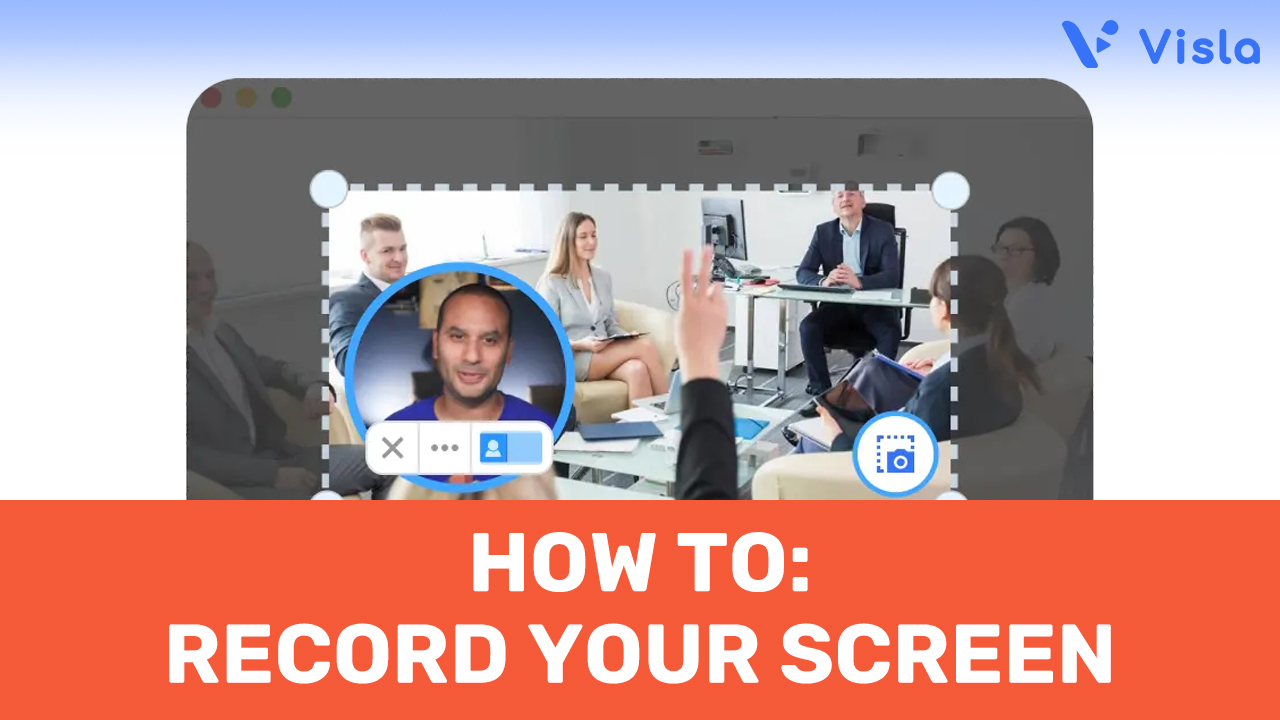
How to Screen Record on Any Device
—
in How-TosLooking to learn how to screen record quickly and effectively? Visla makes it downright easy to capture your screen, whether you’re preparing a presentation, creating a tutorial, or documenting a process. How to Screen Record with Visla 1. Download and Install the Visla App: Start by downloading the Visla app. Visla is available for Windows,…
-

How to Use AI to Summarize YouTube Videos with Visla
—
in How-TosLooking to save time and get straight to the point? With AI to summarize YouTube videos, you can quickly extract key insights without watching entire videos. Discover how Visla’s AI-powered tools make it easy for businesses to streamline content review and boost productivity. How to Use AI to Summarize YouTube Videos Using AI to summarize…
-

Video Collaboration: A How-To Guide
—
in How-TosVideo collaboration is transforming how businesses produce and refine video content. In this how-to guide, you’ll learn the essential steps to set up and manage video projects with your team, understand why collaboration is crucial for effective video production, and discover when it’s most beneficial to collaborate on your video projects. Video Collaboration – How-To…
-

Thank You, Forbes: Recognizing Visla Among Top AI Video Tools
—
in NewsWe are excited to share that Visla has been featured in a Forbes article titled “5 Generative AI Video Tools Everyone Should Know About” by Bernard Marr. This recognition highlights the innovative strides our team has made in developing AI video tools that are transforming the video production landscape. Being acknowledged by Forbes, a leading…
-
How to Video Record on PC
—
in How-TosWant to know how to video record on PC with ease? Whether you’re preparing a corporate presentation, recording a training session, or creating marketing content, your PC offers powerful tools to get the job done. How to Video Record on PC Using Visla To video record on a PC using Visla, start by downloading the…
-
Video Production Costs Explained
—
in GuidesWhen planning a corporate video, understanding video production costs is crucial for staying on budget and ensuring a high-quality final product. From concept development to the final edit, each stage of production comes with its own set of expenses. Whether you’re looking to create a sleek promotional video or an in-depth training film, knowing what…
-
How to Video Record on Mac
—
in How-TosWant to know how to video record on Mac with ease? Whether you’re preparing a corporate presentation, recording a training session, or creating marketing content, your Mac offers powerful tools to get the job done. In this guide, we’ll walk you through step-by-step instructions using both Visla and Photo Booth, so you can produce professional-quality videos…
-
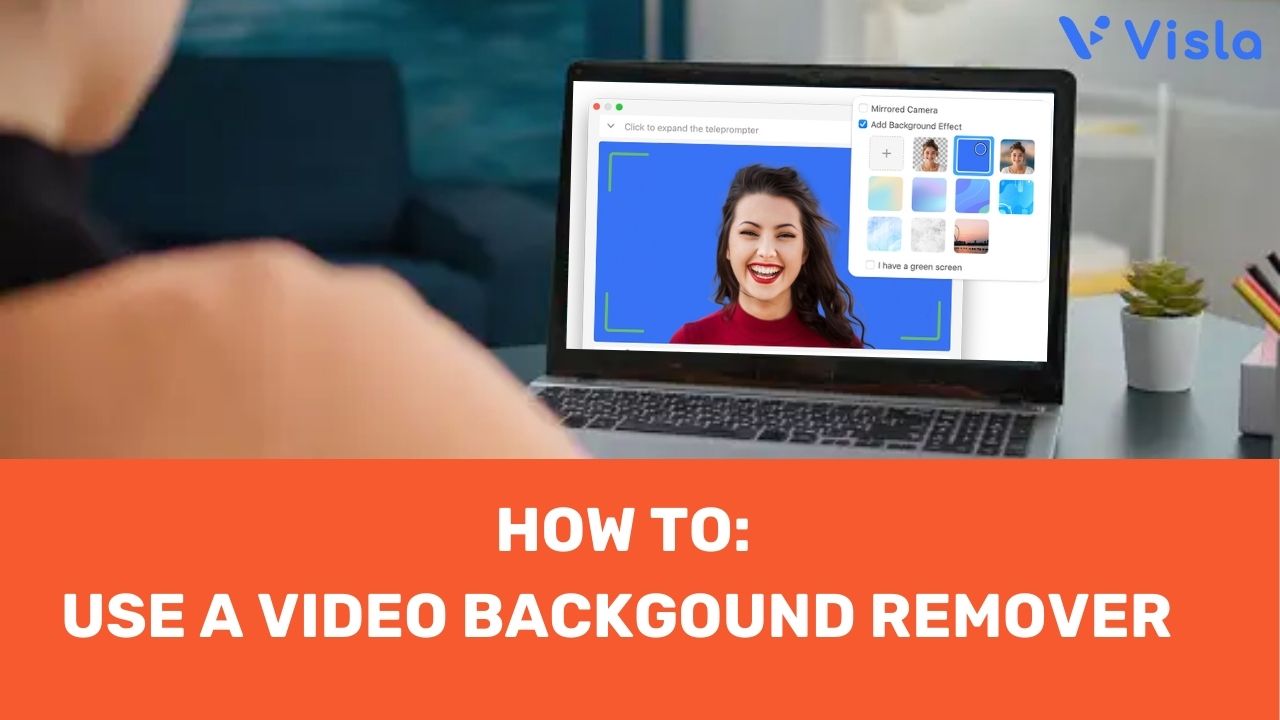
Video Background Remover: A Visla How-To
—
in How-TosUsing a video background remover can transform your video content, giving it a professional edge and eliminating distractions. Whether you’re aiming to enhance focus, improve branding, or simply create a polished appearance, changing your video background can make a significant difference. Discover how easy it is to elevate your videos with the Visla app. How…
-
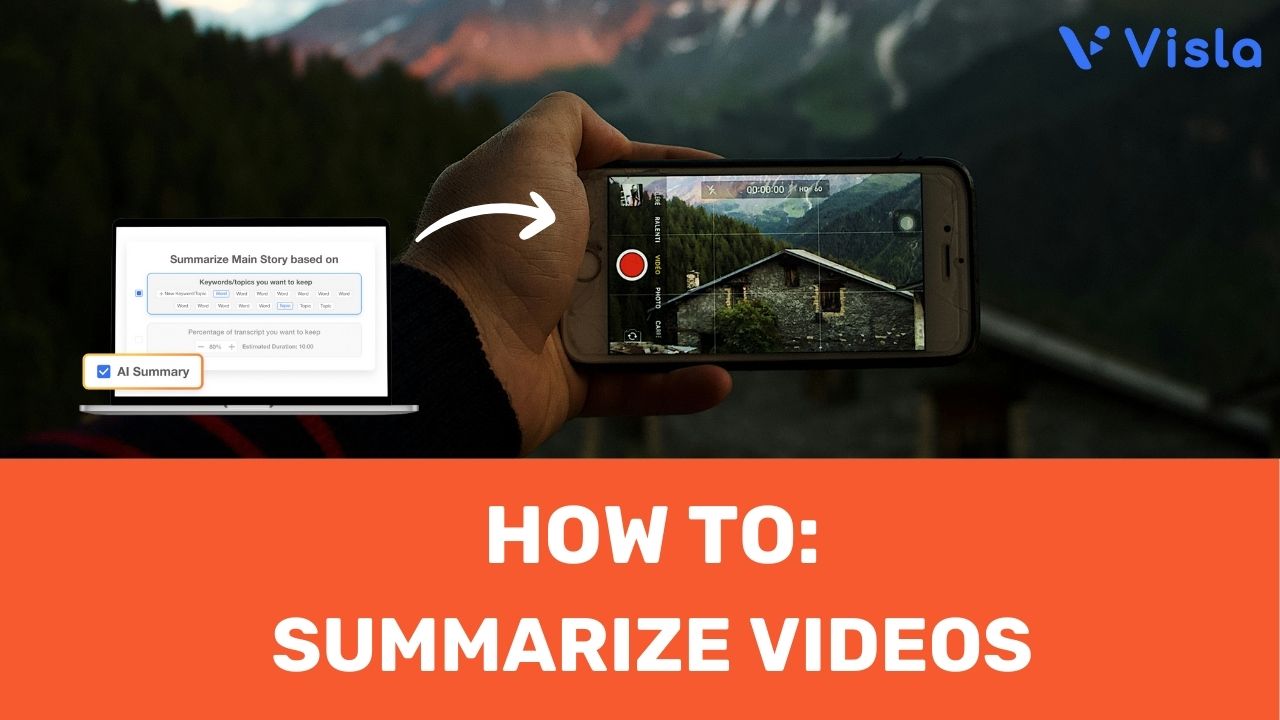
AI That Summarizes Videos | A Visla How To
—
in How-TosTime is a precious commodity. Imagine having an AI that summarizes videos, transforming lengthy content into concise, easily digestible clips. Welcome to our step-by-step how-to on using Visla, an innovative platform that streamlines video summarization with cutting-edge AI technology. Whether you’re a marketer, trainer, or executive, learn how to save time and boost productivity with…
-
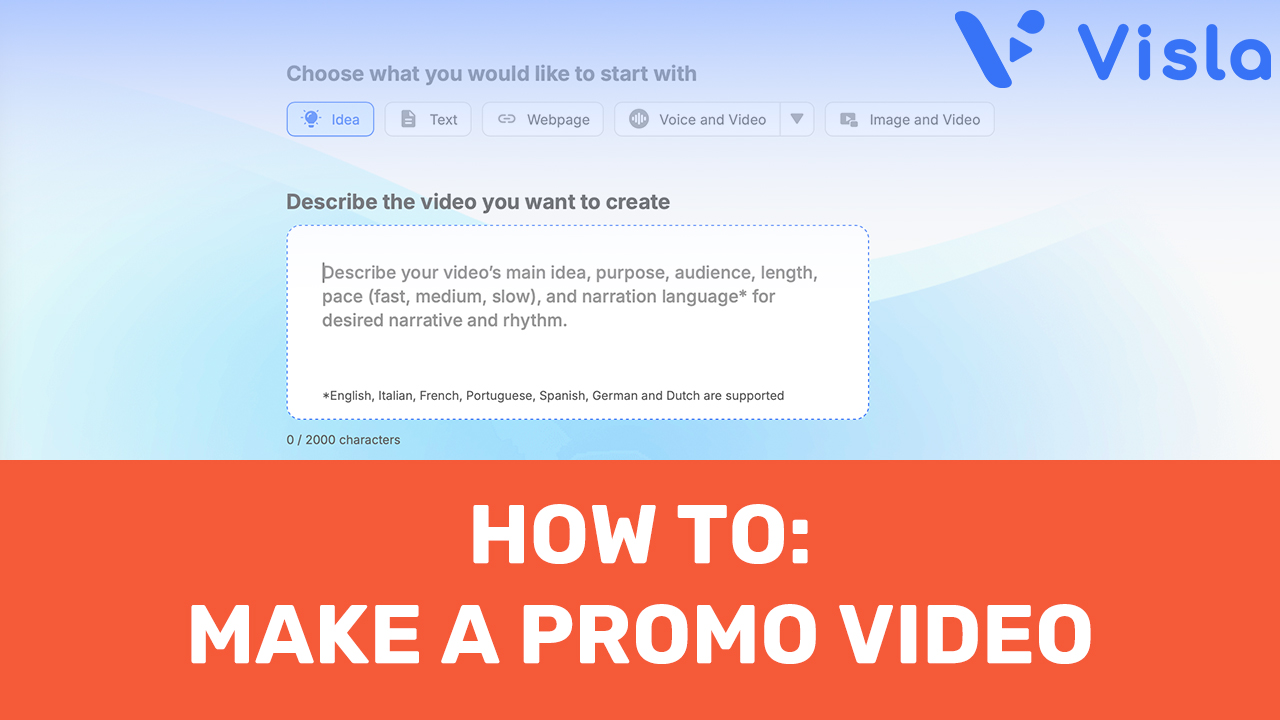
AI Promo Video Creator: A Visla How-To
—
in How-TosCreating a captivating promo video is a must for businesses aiming to engage their audience and promote their products or services effectively. An AI promo video creator makes that easy. Visla, our AI-powered video creation platform, makes this task simple and accessible, allowing your team to produce high-quality videos effortlessly. How to Use Visla to…