
Category: Guides
-
Sora 2 Pro vs Veo 3.1: what their single‑clip results actually look like
I’m keeping this simple and honest: no multi-shot timelines, no continuity stitching, no editor magic. Just single clips. You give the prompt, you get the shot. The goal is to compare how Sora 2 Pro and Veo 3.1 look on screen, and how their in‑clip audio supports that look. Think texture, motion, lighting, faces, and…
-
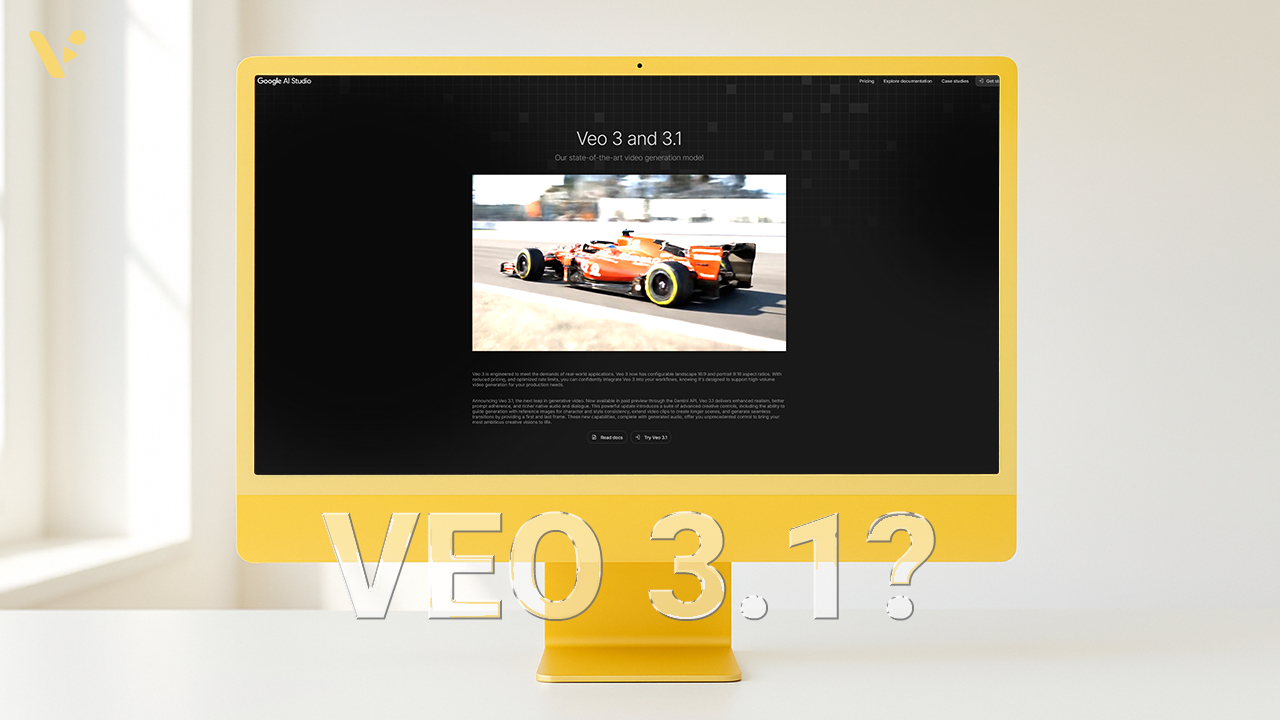
Google Veo 3.1 launch: what’s new, what’s different, and how to start
Quick Answer: What is Veo 3.1? Veo 3.1 is Google’s latest video generation model. It creates short video clips from text or images, now with native audio and new controls that help you maintain continuity between shots. You can generate a clip, extend it, and keep characters, lighting, and camera style consistent. You can also…
-
How to Prompt Veo 3 and Veo 3.1
Quick answer Write your Veo prompt like a shot list in one sentence: [Cinematography] + [Subject] + [Action] + [Context] + [Style and Audio], followed by duration, aspect ratio, negative elements, and any reference images. Keep verbs concrete, point the camera first, and include audio cues when the story needs them. What is Veo 3/3.1?…
-
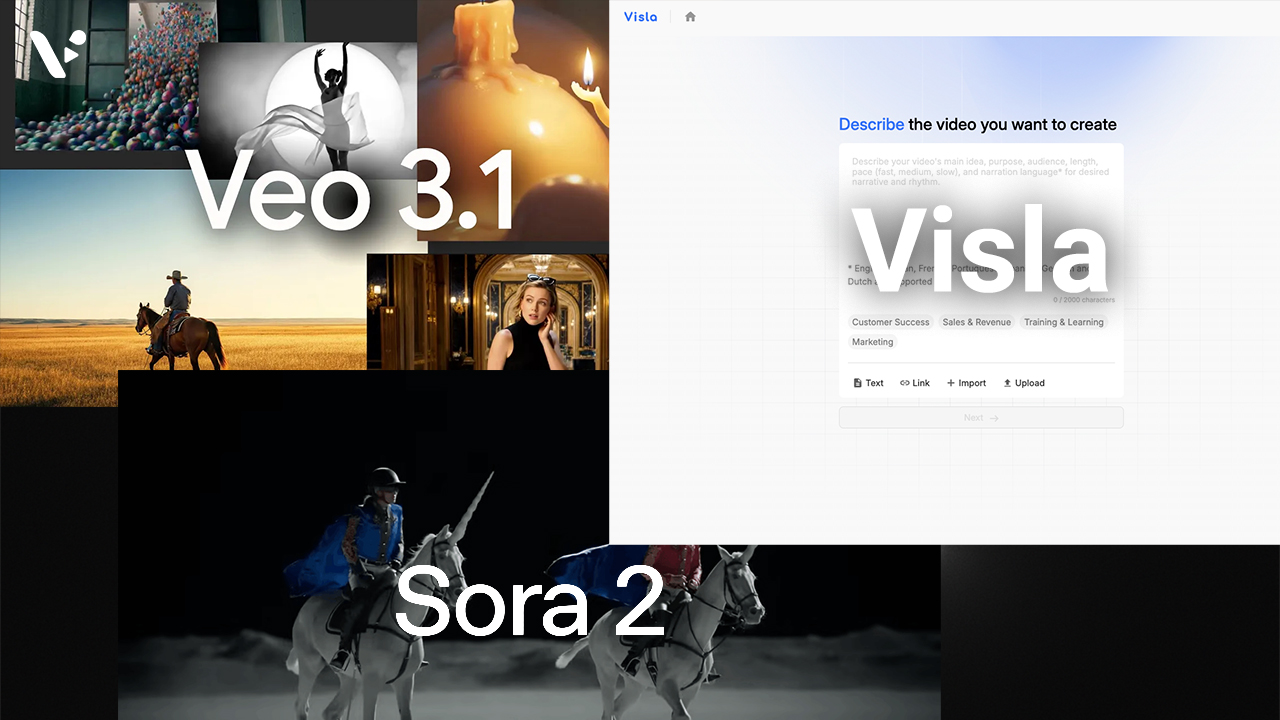
Sora 2 vs Veo 3/3.1 vs Visla: What’s the Difference and Which Should You Use?
Quick answer: when to choose Sora 2, Veo 3/3.1, or Visla If you need raw, cinematic AI footage from a text prompt, you choose a model like Sora 2 or Veo 3/3.1. These systems generate short video clips from your ideas with impressive realism and control. If you need a finished, on‑brand video that also…
-

How to Start a YouTube Channel: A Comprehensive Beginner’s Guide (2025)
You’re here because you want to start a channel and actually grow it. Good news: you don’t need fancy gear or insider connections. You need a clear plan, clean packaging, a basic understanding of YouTube’s tools, and a habit of shipping good videos. Are you ready to learn how to start a YouTube channel? 1)…
-

Visla Credits: how they work, what they cost, and the best plan for your team
TL;DR: Visla uses a transparent, usage‑based credit system so you only pay for the resources you consume. Every plan includes a monthly pool of Visla Credits (Free: 1,000; Pro: 5,000+; Business: 20,000+; Enterprise: custom). You can top up with flexible credits (paid plans), earn credits via referrals, and forecast spend using the tables below. Not…
-
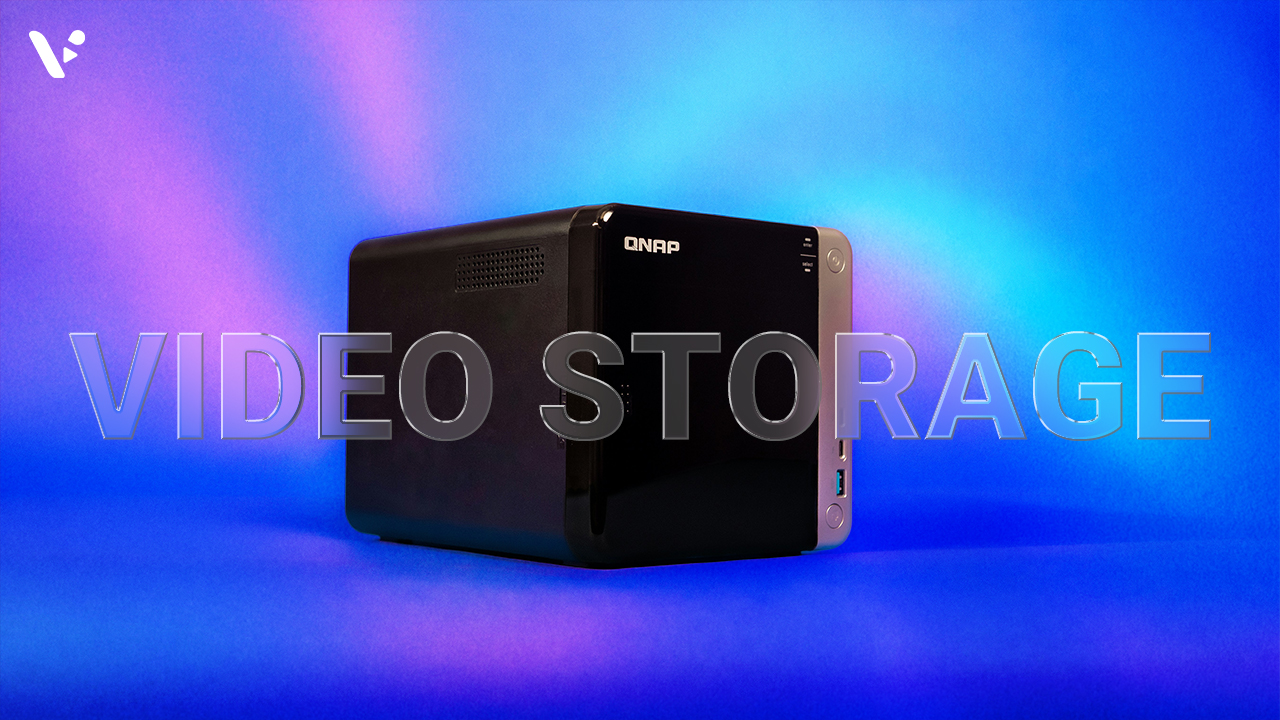
Video Storage: The Ultimate Guide for Every Team and Every Budget
Ready for video storage without blowing your budget? This guide walks you through the video storage basics without getting too technical. From fast SSDs and small NAS hubs to low‑cost cloud and deep archive, plus the 3‑2‑1 rule that keeps footage safe, you’ll get a good grasp of the basics. You’ll learn the difference between…
-
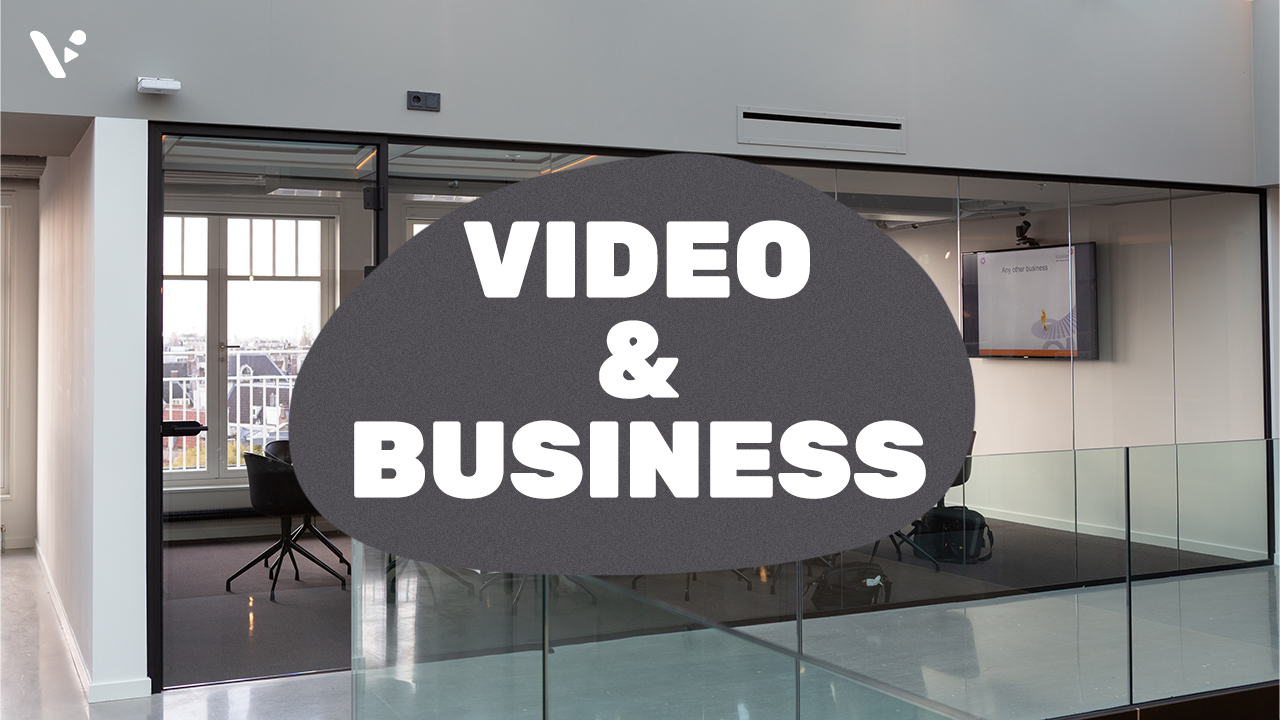
Video for business remains essential in 2025
In the business world of 2025, the phrase “a picture is worth a thousand words” takes on new meaning with video. Video for business transcends traditional communication barriers, offering a richer, more dynamic way to convey messages. For businesses, video represents a convergence of art and strategy, where creativity meets commercial objectives. It’s a medium…