
Category: How-Tos
-
How To Create an Engaging Social Media Video
Ready to take your social media game up a notch? Visla makes creating an engaging social media video super easy, even if you’ve never made one before. Let’s walk through it together. How to make an engaging social media video 1. Start by Clicking “Create Video”: This is where your video journey begins. Don’t worry,…
-
How to Make a SaaS Product Demo Video
Creating a great product demo video can feel a bit like crafting the perfect recipe: you need the right ingredients, some technique, and a dash of creativity. For a SaaS company, a good product demo video isn’t just about showing features—it’s about helping your audience understand your product’s value and how it fits into their…
-
How To Edit TikTok Videos With AI
Creating TikTok videos that grab attention is simpler than you think. You need content that’s snappy, fun, and memorable—all in a few seconds. The good news? You don’t need a big team or endless editing hours. With Visla, you can turn a simple idea into a slick video, perfect for TikTok. Learn how to edit…
-
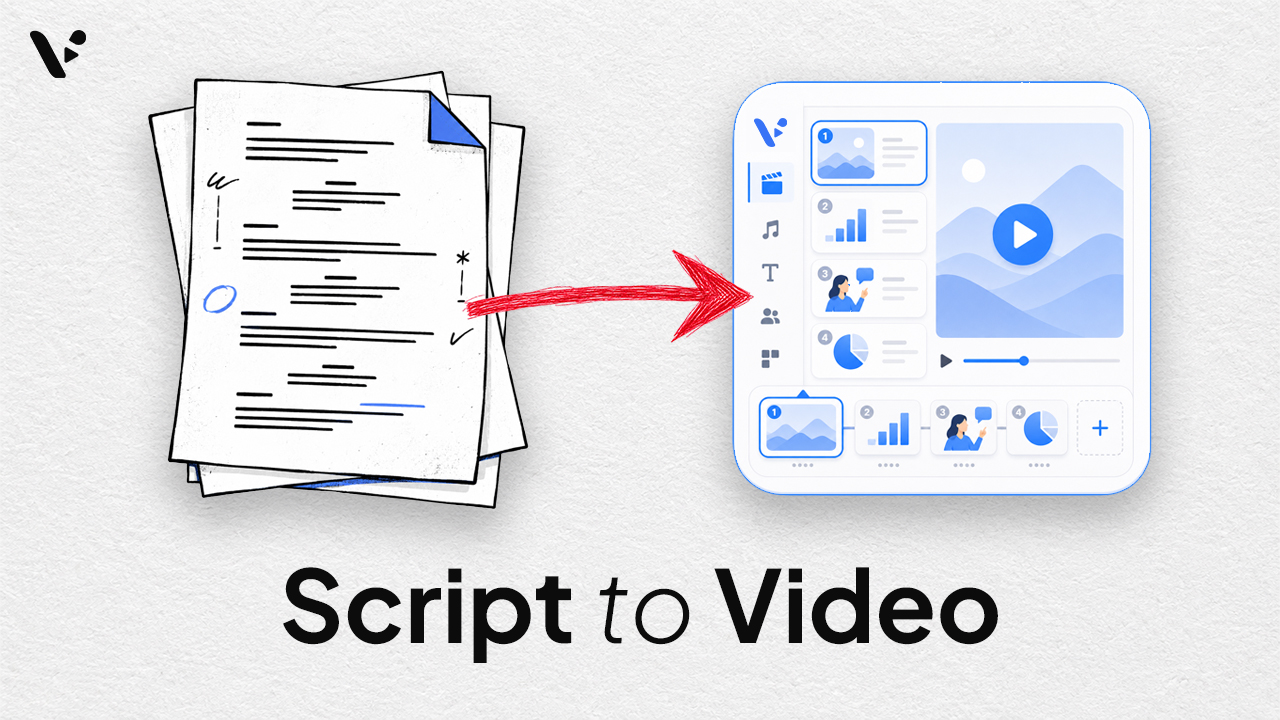
How to Turn a Script Into a Video With AI in 2026
Updated August 27, 2026 · Originally published October 3, 2024. Quick answer: Script to video is an AI workflow that turns a written script into a video with scenes, visuals, voiceover, subtitles, and background music. In Visla, Script to Video keeps your original wording while AI divides it into scenes and builds a video draft…
-
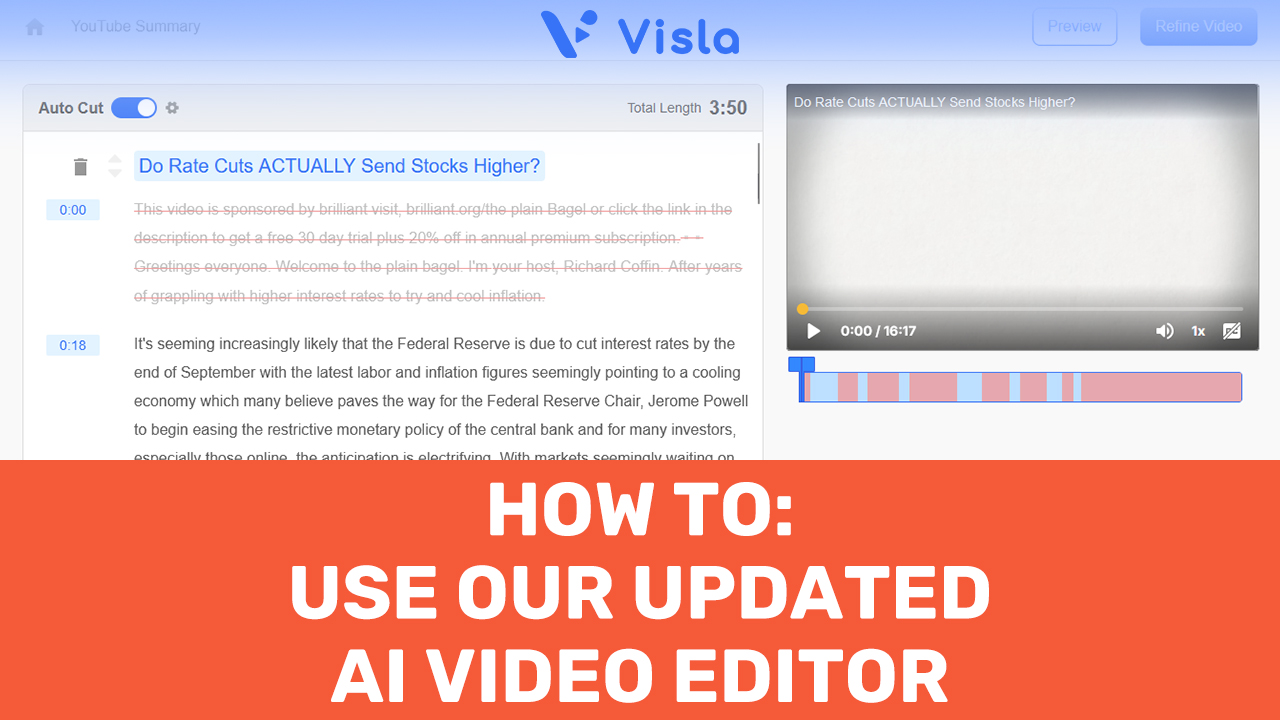
How to Use Visla’s Updated AI Video Editor
Ready to make video editing a breeze? With Visla’s new AI video editor, you can skip the hours of tedious edits and let the AI do the heavy lifting. This step-by-step guide will show you how to quickly turn raw footage into polished, professional videos—no advanced skills needed! How to Use Our New AI Video…
-
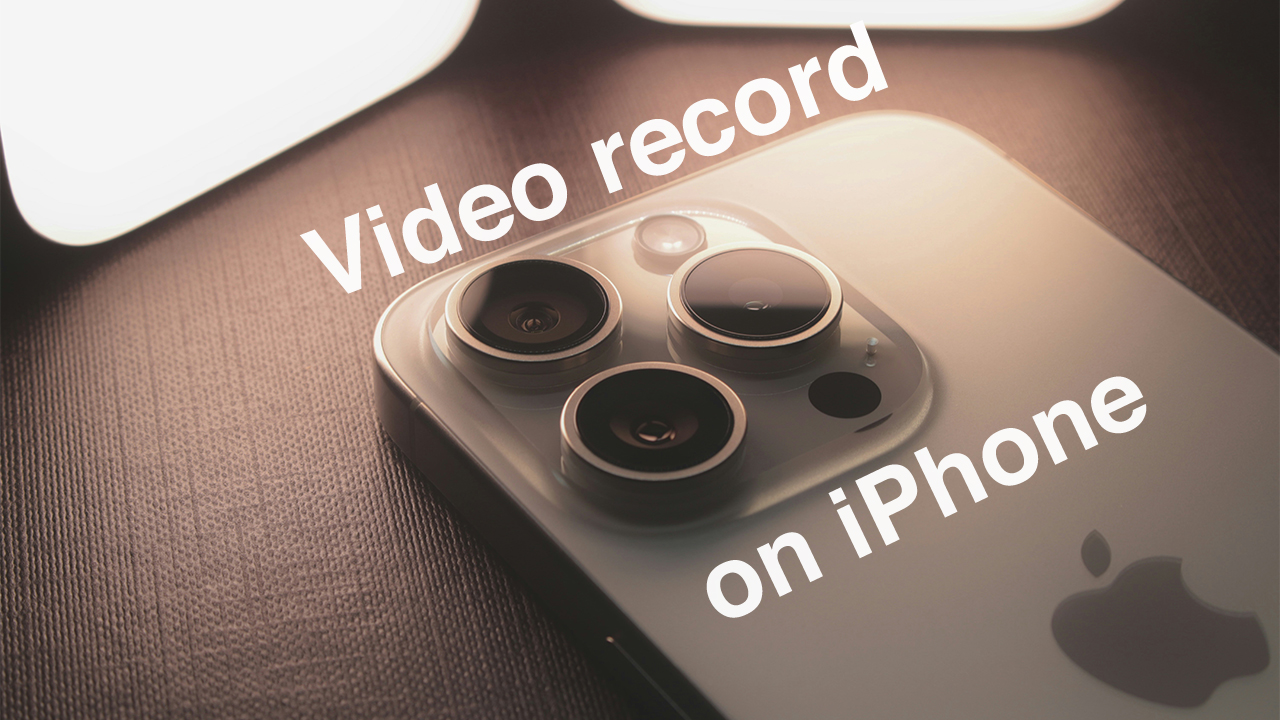
How to Record a Video on iPhone
Ready to take your video content to the next level? Whether you’re capturing a corporate event or creating quick training materials, knowing how to record a video on iPhone can help you produce high-quality footage with ease. With iOS 18’s advanced features, including multiple recording modes, and seamless integration with apps like Visla for AI-powered…
-
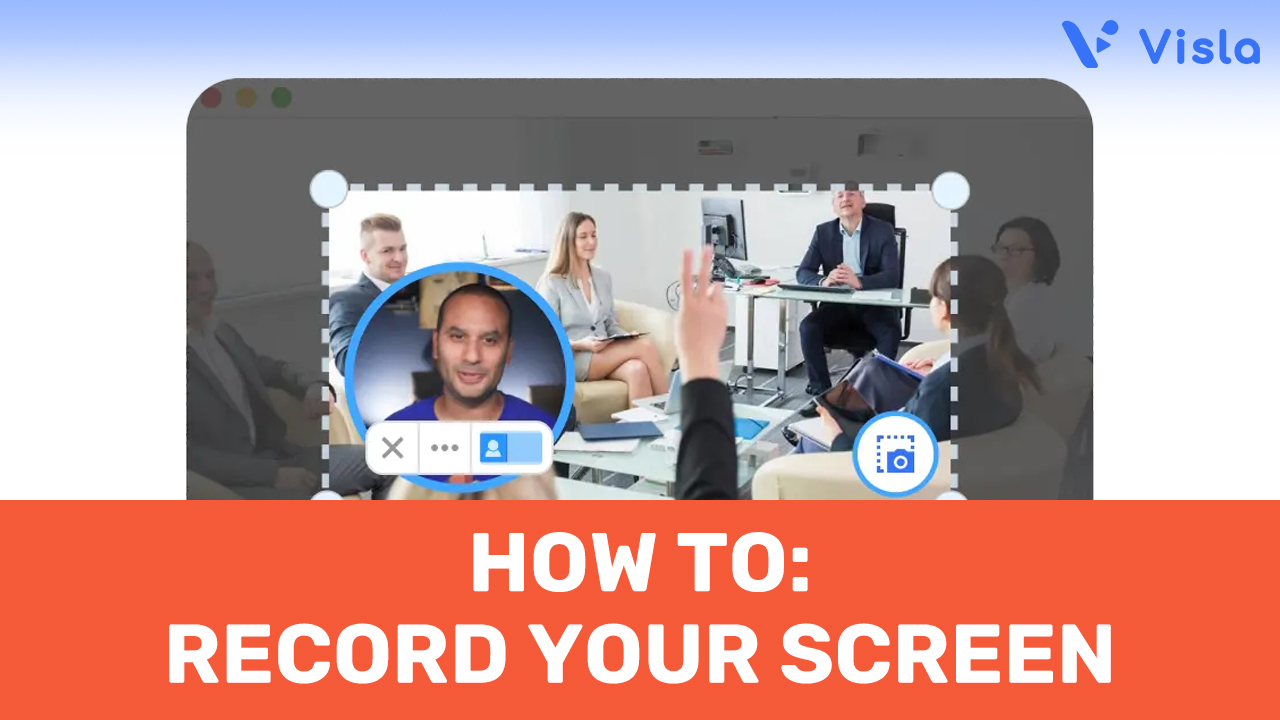
How to Screen Record on Any Device
Looking to learn how to screen record quickly and effectively? Visla makes it downright easy to capture your screen, whether you’re preparing a presentation, creating a tutorial, or documenting a process. How to Screen Record with Visla 1. Download and Install the Visla App: Start by downloading the Visla app. Visla is available for Windows,…
-
How to Use AI to Summarize YouTube Videos with Visla
Looking to save time and get straight to the point? With AI to summarize YouTube videos, you can quickly extract key insights without watching entire videos. Discover how Visla’s AI-powered tools make it easy for businesses to streamline content review and boost productivity. How to Use AI to Summarize YouTube Videos Using AI to summarize…