
Where enterprise video strategy gets sharper
New articles every Tuesday and Thursday.
The Visla blog covers AI video tools, production workflows, and video strategy for marketing, enablement, and operations teams. Practical content, no filler.
-
The Best Way to Use AI Video for Business in 2026
Quick Answer The best way to use AI video is to match the workflow to the job instead of expecting one tool to do everything. In most cases, that means using AI-generated video clips for a few custom, high-impact moments and using an AI video platform to build the full…
—
in Guides -
OpenAI’s Sora: What Happened, and Why Visla Isn’t Worried
Quick Answer OpenAI shut down its Sora AI video generation app on March 24, 2026, just six months after launch, citing a need to focus compute resources on enterprise productivity tools. The real story is more complicated: Sora was burning an estimated $15 million per day in compute costs while…
—
in News -
How to Make a LinkedIn Video: A Practical Guide for Every Starting Point
Quick Answer LinkedIn video outperforms every other static format on the platform, but the biggest barrier most teams face isn’t strategy, it’s production. Visla gives you three distinct paths to a publish-ready LinkedIn video: starting purely with AI, recording yourself on camera, or capturing your screen. Each path fits different…
—
in How-Tos -
LinkedIn Video in 2026: What’s Working and How to Make It
Quick Answer LinkedIn video has become the platform’s fastest-growing content format, with native video generating up to two times more engagement than text-only posts. The 2026 LinkedIn algorithm prioritizes native video, dwell time, and educational content over promotional posts and anything with an external link. Short clips between 30 and…
—
in Guides -
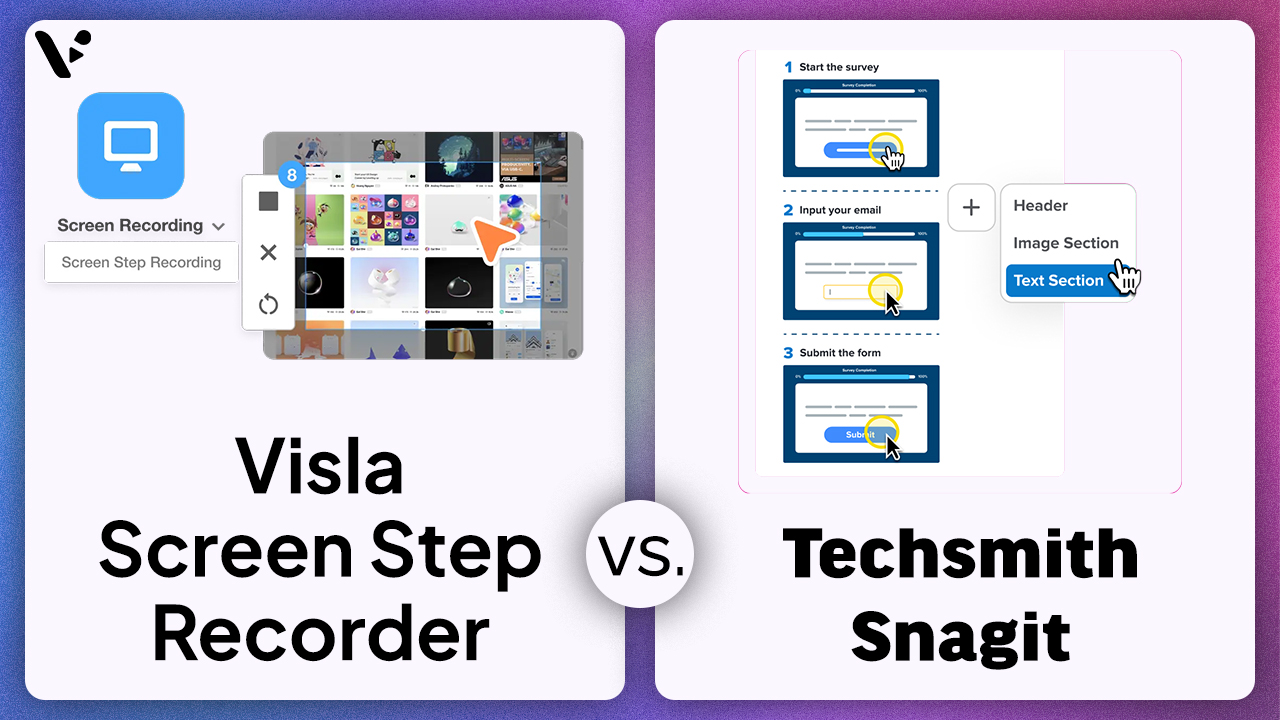
Visla Screen Step Recorder vs. Snagit: Which Tool Is Better for Business Teams?
If you’re comparing Visla Screen Step Recorder and TechSmith Snagit, you’re comparing two different approaches to step-by-step content: TechSmith Snagit is a screen capture and annotation product whose Step Capture feature collects sequential screenshots and turns them into a numbered visual guide, while the Visla Screen Step Recorder turns a…
—
in Guides -
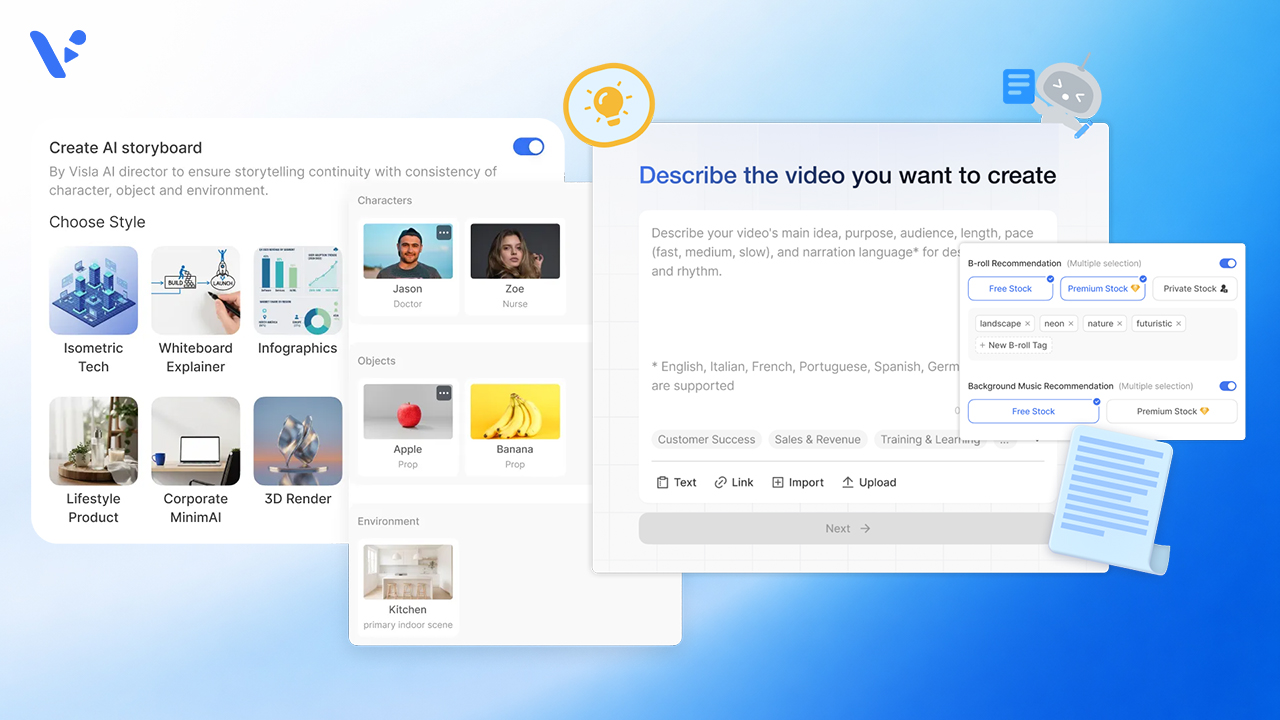
AI Director Mode vs. Standard AI Video Agent in Visla: When to Use Storyboard-First AI Clips vs. Stock Footage
Quick Answer If you’re creating a video in Visla, the choice usually isn’t between two separate products. It’s between two different workflows inside the same creation system. The standard AI Video Agent workflow is the faster path when you want Visla to build a scene-based draft and match scenes with…
—
in Guides -
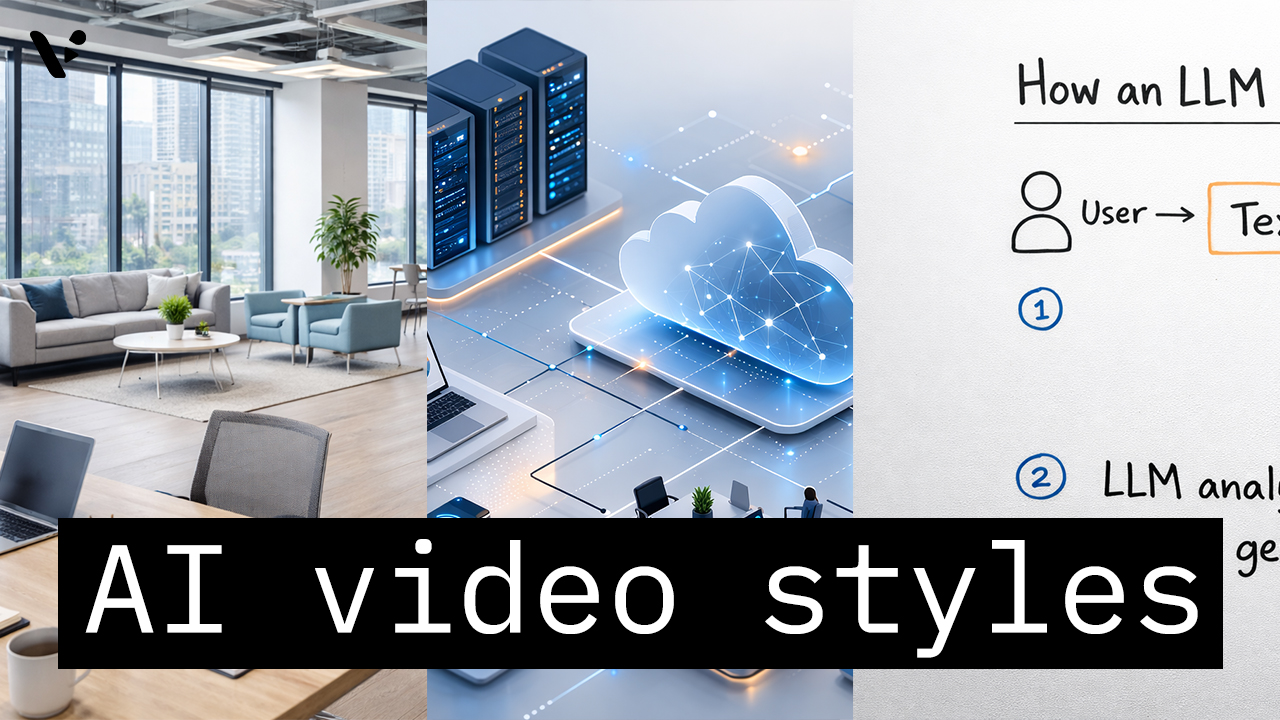
How to Choose the Right AI Video Style in Visla AI Director Mode
Quick Answer AI video styles in Visla AI Director Mode control the look of the AI-generated storyboard images and AI video clips in your final video. You choose the style before you generate the storyboard and before you turn selected scenes into motion, so the style helps shape the whole…
—
in How-Tos -
What Is AI Video? A Plain-English Explanation
Quick Answer: What is AI Video? AI video (also called AI-generated or generative video) is video that AI models generate, edit, or assemble, often from text prompts, scripts, images, or existing footage. Depending on the tool, AI can create short clips (text-to-video), animate still images (image-to-video), automate editing (captions, cuts,…
—
in Guides
Get the Visla newsletter
Weekly insights on tools, strategy, and what’s changing in enterprise video. No noise, just what your team needs to know.