
Where enterprise video strategy gets sharper
New articles every Tuesday and Thursday.
The Visla blog covers AI video tools, production workflows, and video strategy for marketing, enablement, and operations teams. Practical content, no filler.
-
What Is AI? A Straightforward 2026 Guide for Non-Experts
Quick Answer Artificial intelligence, or AI, means software that can make useful outputs like predictions, recommendations, decisions, or new content from the information it receives. People use “AI” as a shorthand for tools like chatbots and image generators, but it also includes things like fraud detection, spam filters, route planning,…
—
in Guides -
What is Visla? A practical guide for business teams (Updated for 2026)
Quick Answer Visla helps teams record, generate, edit, and approve videos in one shared workspace, so you can ship professional video faster without stitching together five different tools. You can start from almost anything, like a prompt, script, webpage, meeting recording, screen recording, PDF, or slides, and Visla’s AI Video…
—
in Guides -
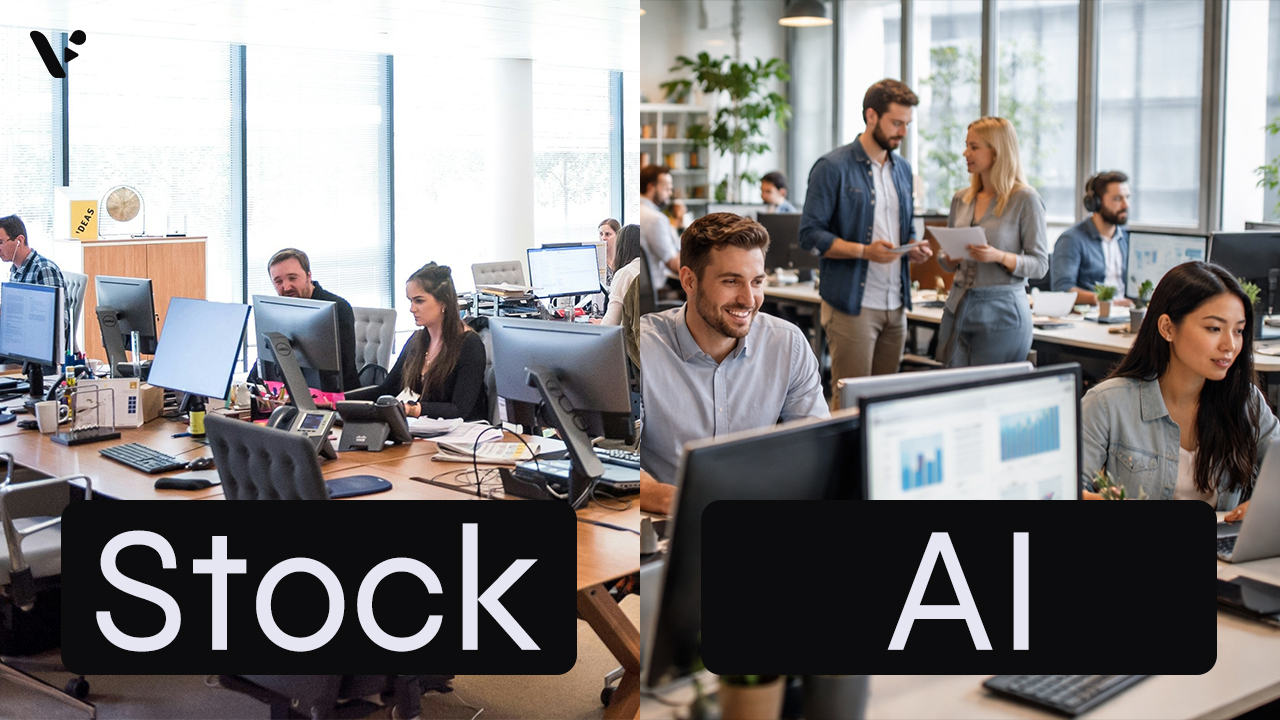
AI-Generated Video Clips vs Stock Footage: A Practical Guide for Business Videos
Quick Answer: AI-generated video clips vs stock footage AI-generated video clips give you custom visuals on demand, while stock footage gives you real-world footage with predictable realism and licensing terms. For common scenes like office conversations, city flyovers, transit movement, and laptop-in-a-cafe b-roll, stock wins on instant believability and AI…
—
in Guides -
How to Generate AI Video Clips in AI Director Mode
Quick Answer AI Director Mode helps you generate AI video clips that actually fit together by making you plan first, then animate with intention. Start with your project basics and storyboard, because your best results come from getting structure, style, and reusable ingredients (characters, objects, environments) locked before you spend…
—
in How-Tos -
How to Plan Your Video Before You Generate Anything (AI Director Mode)
Quick Answer AI Director Mode works best when you do a tiny bit of pre-production before you generate anything. Start by picking your starting point in Visla, then write a one-paragraph creative brief that locks audience, message, channel, and style. Next, choose a small set of repeating elements – your…
—
in How-Tos -
How to Use AI Director Mode in Visla
Quick Answer AI Director Mode helps you create cohesive AI videos that stay consistent across multiple scenes, not just one short clip. You start with any input, add your characters, objects, environments, then Visla generates an AI storyboard you can edit. Next, you choose which scenes stay as storyboard images…
—
in Guides -
Introducing AI Director Mode: storyboard-first AI video with real control
Quick Answer AI Director Mode is Visla’s game-changing new way to create AI video with a storyboard you can edit before you generate full AI video clips. You set the direction up front and control what appears on screen, like characters, objects, and environments. Then Visla builds a scene-by-scene storyboard…
—
in News -
Visla AI Video Director, The FSD for Video Production, Is Born
Mark your calendar. Today is the birth of the AI Video Director, a Full Self-Driving (FSD) experience for video production. It’s not a new button. It’s not a new template. It is not “yet another generator.” It is an end-to-end system that takes a destination you describe, including purpose, audience,…
—
in Visla AI Lab
Get the Visla newsletter
Weekly insights on tools, strategy, and what’s changing in enterprise video. No noise, just what your team needs to know.