
Where enterprise video strategy gets sharper
New articles every Tuesday and Thursday.
The Visla blog covers AI video tools, production workflows, and video strategy for marketing, enablement, and operations teams. Practical content, no filler.
-
Visla AI Video Director, The FSD for Video Production, Is Born
Mark your calendar. Today is the birth of the AI Video Director, a Full Self-Driving (FSD) experience for video production. It’s not a new button. It’s not a new template. It is not “yet another generator.” It is an end-to-end system that takes a destination you describe, including purpose, audience,…
—
in Visla AI Lab -
Video Production Trends for 2026 that SME and Corporate Teams Need to Know
Quick Answer Here are the main trends in video production for 2026. Most teams will run a two-speed video strategy: quick vertical clips for reach, plus longer “anchor” videos that build trust and drive conversions. Viewers will expect creator-style authenticity, clear captions, and versions that fit each platform instead of…
—
in Listicles -
Video Marketing Trends for 2026: Short-Form, UGC, AI, CTV (With Updated Statistics)
Quick Answer: What do I need to know about video marketing in 2026? Video continues to be the winning option in 2026 because it drives results across social, search, and paid ads. Plus, teams can now produce more video faster without blowing up budgets. Short-form remains dominant (I’m sure you’ve…
—
in Listicles -
Visla vs Guidde: which AI screen step recorder is right for your team?
If you have ever tried to document a tricky workflow, you know how painful it feels to juggle screenshots, arrows, and long text explanations. Tools like Guidde and Visla exist so you do not have to do that by hand anymore. They both use AI to turn a recording into…
—
in Guides -
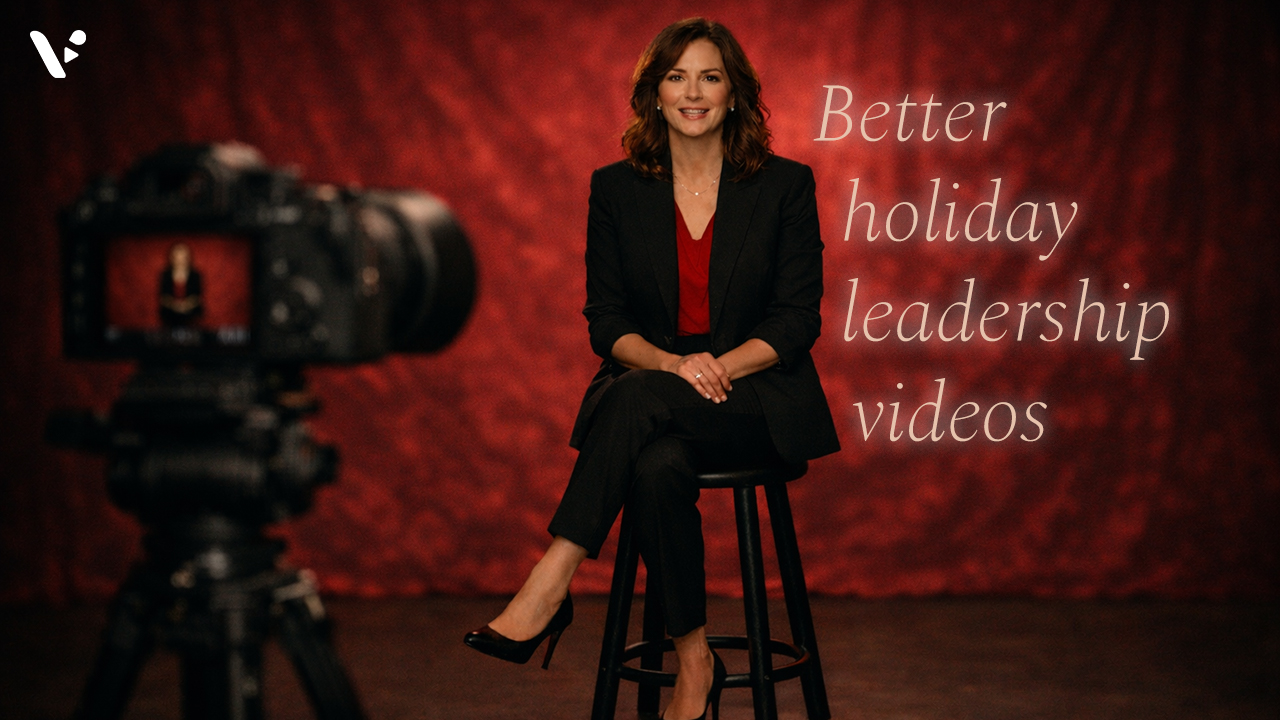
How to create a memorable holiday leadership video (2025 Guide)
Quick Answer: why holiday leadership videos matter A great holiday leadership video thanks your team for specific wins, recognizes the year honestly, and points to what comes next in a way that feels human. Keep it short, write for one clear audience, and record in a calm setup with clean…
—
in How-Tos -
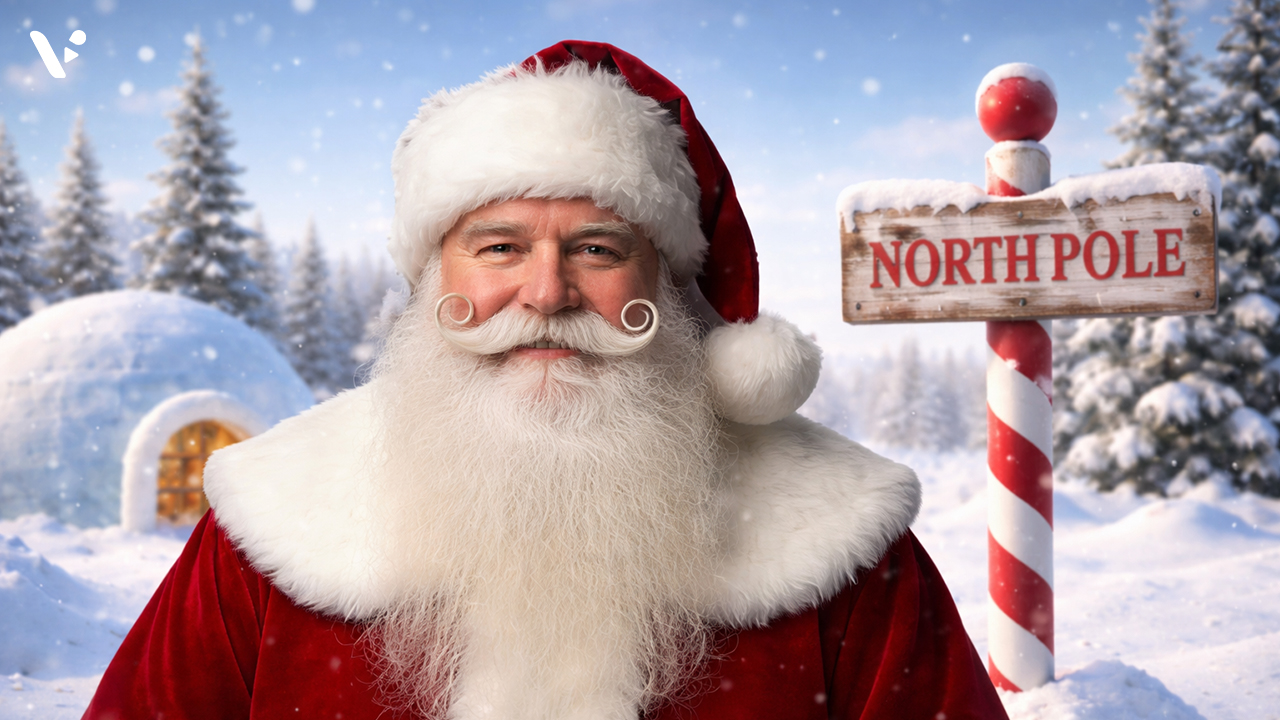
How to Make a Santa Avatar Video with Visla
Quick answer: Want to cast Santa in your videos? Ho, ho, ho! Santa is here to star in your next video. To make a holiday video with Visla’s Santa AI Avatar, start a new project with any input (text, a script, a link, clips, images, or a PDF), then make…
—
in How-Tos -
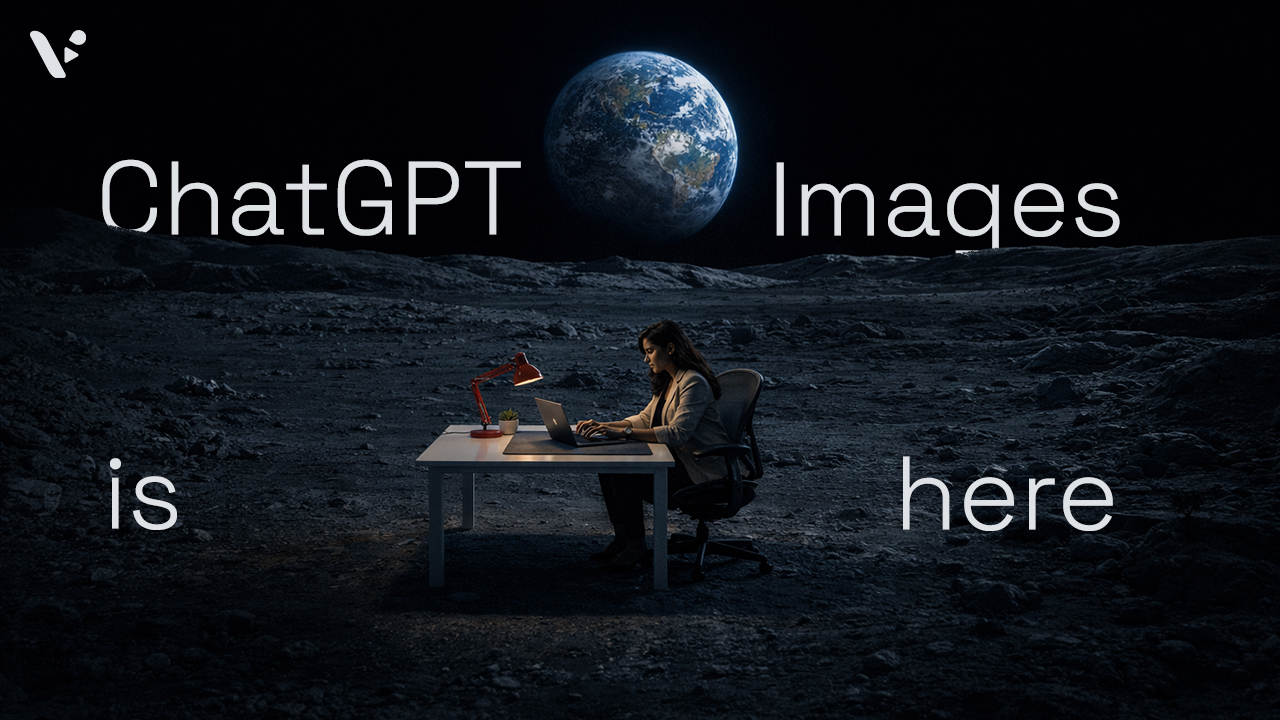
ChatGPT Images update: what it changes, what it doesn’t, and how I’m actually using it
Quick answer ChatGPT Images is OpenAI’s latest image creation and editing experience inside ChatGPT, and it feels like a real shift from “fun demo” to “useful tool.” It generates fast, edits surprisingly cleanly, and follows instructions better than most earlier text-to-image models. While I won’t be dropping Photoshop for precision…
-
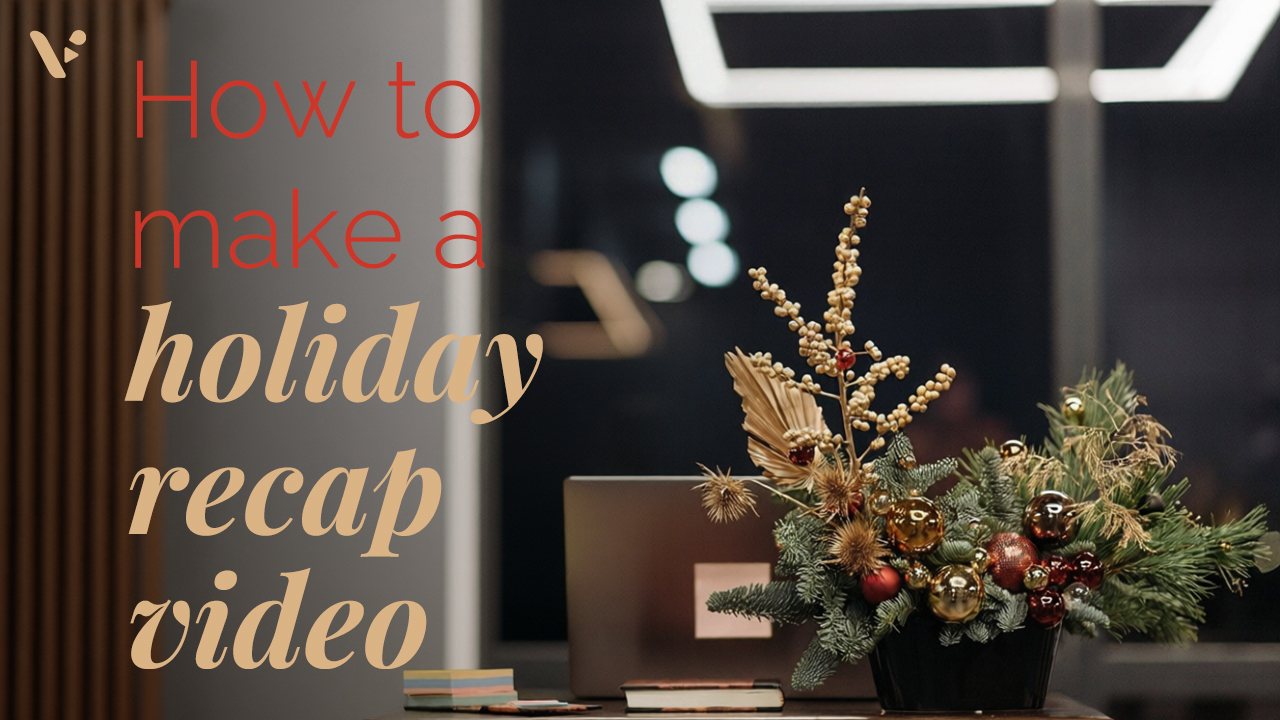
How to Make a Holiday Party Recap Video
Quick Answer: How to actually make a holiday party recap video To make a holiday party recap video people actually watch, plan your “must-capture” moments, film short clips with steady framing and clear audio, then edit around a simple beginning-middle-end story. Aim for one main recap cut for your team,…
—
in How-Tos
Get the Visla newsletter
Weekly insights on tools, strategy, and what’s changing in enterprise video. No noise, just what your team needs to know.