
Where enterprise video strategy gets sharper
New articles every Tuesday and Thursday.
The Visla blog covers AI video tools, production workflows, and video strategy for marketing, enablement, and operations teams. Practical content, no filler.
-
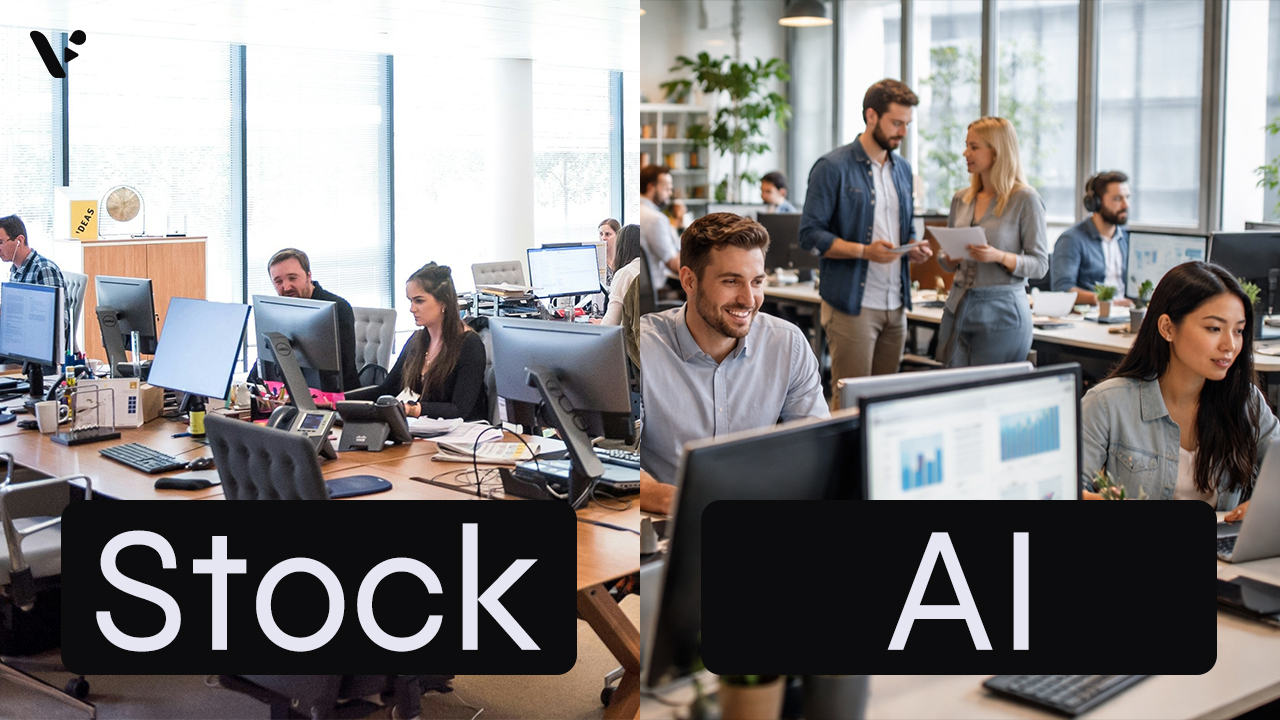
AI-Generated Video Clips vs Stock Footage: A Practical Guide for Business Videos
Quick Answer: AI-generated video clips vs stock footage AI-generated video clips give you custom visuals on demand, while stock footage gives you real-world footage with predictable realism and licensing terms. For common scenes like office conversations, city flyovers, transit movement, and laptop-in-a-cafe b-roll, stock wins on instant believability and AI…
-
How to Generate AI Video Clips in AI Director Mode
Quick Answer AI Director Mode helps you generate AI video clips that actually fit together by making you plan first, then animate with intention. Start with your project basics and storyboard, because your best results come from getting structure, style, and reusable ingredients (characters, objects, environments) locked before you spend…
-
How to Plan Your Video Before You Generate Anything (AI Director Mode)
Quick Answer AI Director Mode works best when you do a tiny bit of pre-production before you generate anything. Start by picking your starting point in Visla, then write a one-paragraph creative brief that locks audience, message, channel, and style. Next, choose a small set of repeating elements – your…
-
Introducing AI Director Mode: storyboard-first AI video with real control
Quick Answer AI Director Mode is Visla’s game-changing new way to create AI video with a storyboard you can edit before you generate full AI video clips. You set the direction up front and control what appears on screen, like characters, objects, and environments. Then Visla builds a scene-by-scene storyboard…
-

Visla AI Video Director, The FSD for Video Production, Is Born
Mark your calendar. Today is the birth of the AI Video Director, a Full Self-Driving (FSD) experience for video production. It’s not a new button. It’s not a new template. It is not “yet another generator.” It is an end-to-end system that takes a destination you describe, including purpose, audience,…
-
Video Production Trends for 2026 that SME and Corporate Teams Need to Know
Quick Answer Here are the main trends in video production for 2026. Most teams will run a two-speed video strategy: quick vertical clips for reach, plus longer “anchor” videos that build trust and drive conversions. Viewers will expect creator-style authenticity, clear captions, and versions that fit each platform instead of…
-
Video Marketing Trends for 2026: Short-Form, UGC, AI, CTV (With Updated Statistics)
Quick Answer: What do I need to know about video marketing in 2026? Video continues to be the winning option in 2026 because it drives results across social, search, and paid ads. Plus, teams can now produce more video faster without blowing up budgets. Short-form remains dominant (I’m sure you’ve…
-
Visla vs Guidde: which AI screen step recorder is right for your team?
If you have ever tried to document a tricky workflow, you know how painful it feels to juggle screenshots, arrows, and long text explanations. Tools like Guidde and Visla exist so you do not have to do that by hand anymore. They both use AI to turn a recording into…
Get the Visla newsletter
Weekly insights on tools, strategy, and what’s changing in enterprise video. No noise, just what your team needs to know.