
Tag: AI video
-
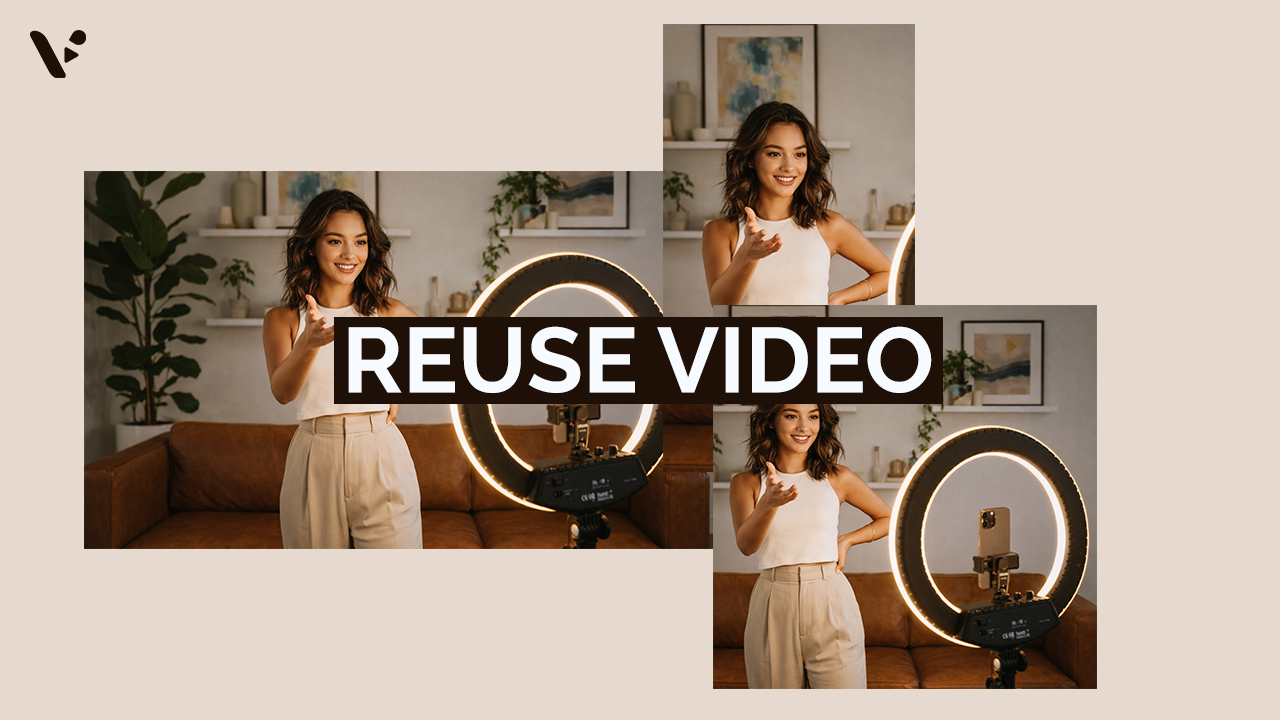
How to Repurpose Video Content (And Why It’s Worth the Effort)
Quick Answer Repurposing video content is re-editing footage to maximize its value. Common ways to re-edit footage includes adjusting the length, aspect ratio, pace, visual style, and much more. It’s a potentially high-ROI move that can help you reach more of your potential audience. However, repurposing video isn’t as simple as trimming a long video…
-
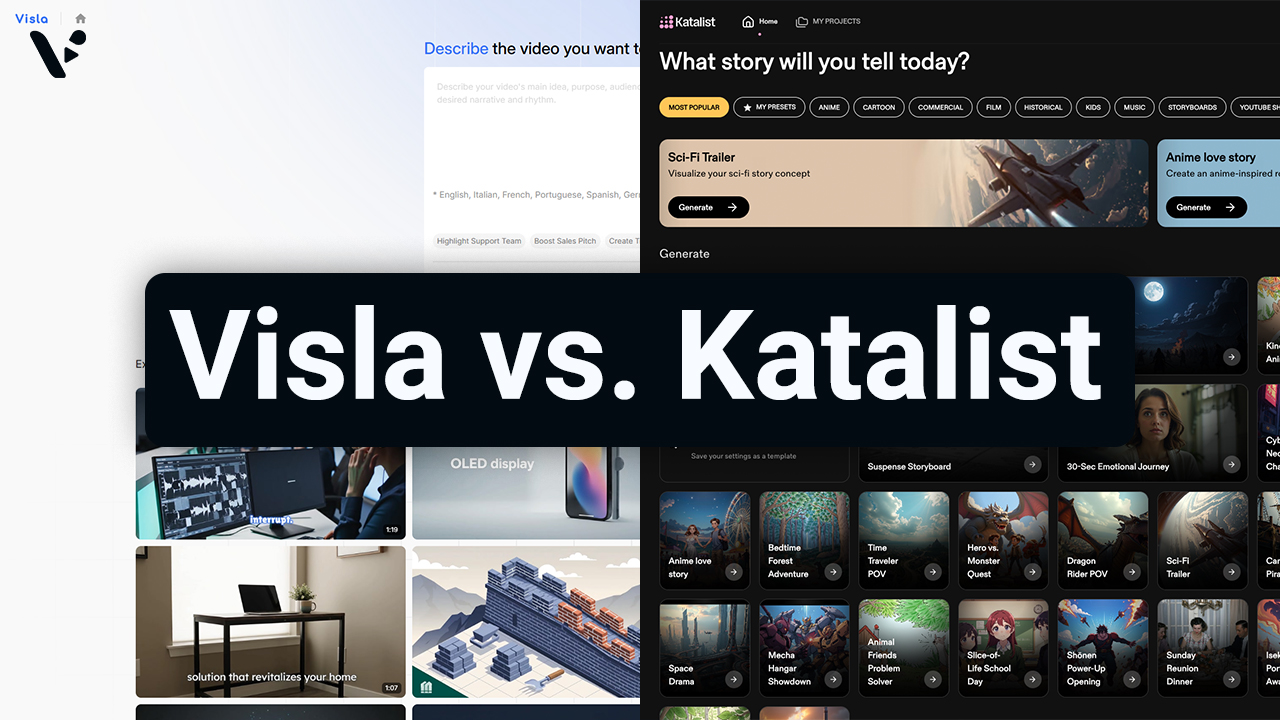
Visla AI Director Mode vs. Katalist: Which AI Video Platform Is Right for You?
Quick Answer: Visla vs. Katalist Both Visla and Katalist use AI-generated storyboards to help you go from an idea to a finished video, but they’re built with different types of users in mind. Katalist is aimed at filmmakers, social media creators, and smaller ad agencies who want granular, shot-level control over their video projects. Visla…
-

AI-Generated Video Clips vs Stock Footage: A Practical Guide for Business Videos
Quick Answer: AI-generated video clips vs stock footage AI-generated video clips give you custom visuals on demand, while stock footage gives you real-world footage with predictable realism and licensing terms. For common scenes like office conversations, city flyovers, transit movement, and laptop-in-a-cafe b-roll, stock wins on instant believability and AI wins on specificity, brand fit,…
-
How to Generate AI Video Clips in AI Director Mode
Quick Answer AI Director Mode helps you generate AI video clips that actually fit together by making you plan first, then animate with intention. Start with your project basics and storyboard, because your best results come from getting structure, style, and reusable ingredients (characters, objects, environments) locked before you spend credits on AI video clips.…
-
How to Plan Your Video Before You Generate Anything (AI Director Mode)
Quick Answer AI Director Mode works best when you do a tiny bit of pre-production before you generate anything. Start by picking your starting point in Visla, then write a one-paragraph creative brief that locks audience, message, channel, and style. Next, choose a small set of repeating elements – your visual spine – so characters,…
-
Introducing AI Director Mode: storyboard-first AI video with real control
Quick Answer AI Director Mode is Visla’s game-changing new way to create AI video with a storyboard you can edit before you generate full AI video clips. You set the direction up front and control what appears on screen, like characters, objects, and environments. Then Visla builds a scene-by-scene storyboard you can review and edit.…
-
Video Marketing Trends for 2026: Short-Form, UGC, AI, CTV (With Updated Statistics)
Quick Answer: What do I need to know about video marketing in 2026? Video continues to be the winning option in 2026 because it drives results across social, search, and paid ads. Plus, teams can now produce more video faster without blowing up budgets. Short-form remains dominant (I’m sure you’ve heard that before), but creators,…
-
How to Prompt Veo 3 and Veo 3.1
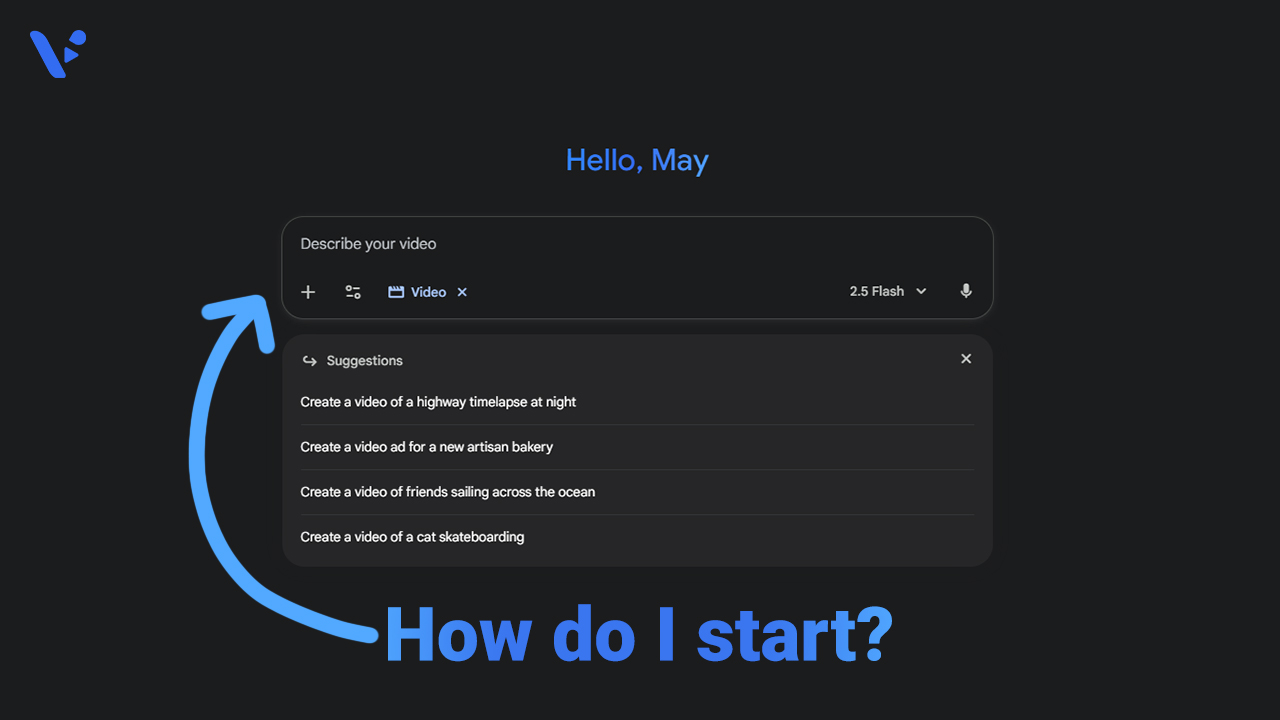
Quick answer Write your Veo prompt like a shot list in one sentence: [Cinematography] + [Subject] + [Action] + [Context] + [Style and Audio], followed by duration, aspect ratio, negative elements, and any reference images. Keep verbs concrete, point the camera first, and include audio cues when the story needs them. What is Veo 3/3.1?…