
May Horiuchi
-
LinkedIn Video in 2026: What’s Working and How to Make It
—
in GuidesQuick Answer LinkedIn video has become the platform’s fastest-growing content format, with native video generating up to two times more engagement than text-only posts. The 2026 LinkedIn algorithm prioritizes native video, dwell time, and educational content over promotional posts and anything with an external link. Short clips between 30 and 90 seconds work best for…
-
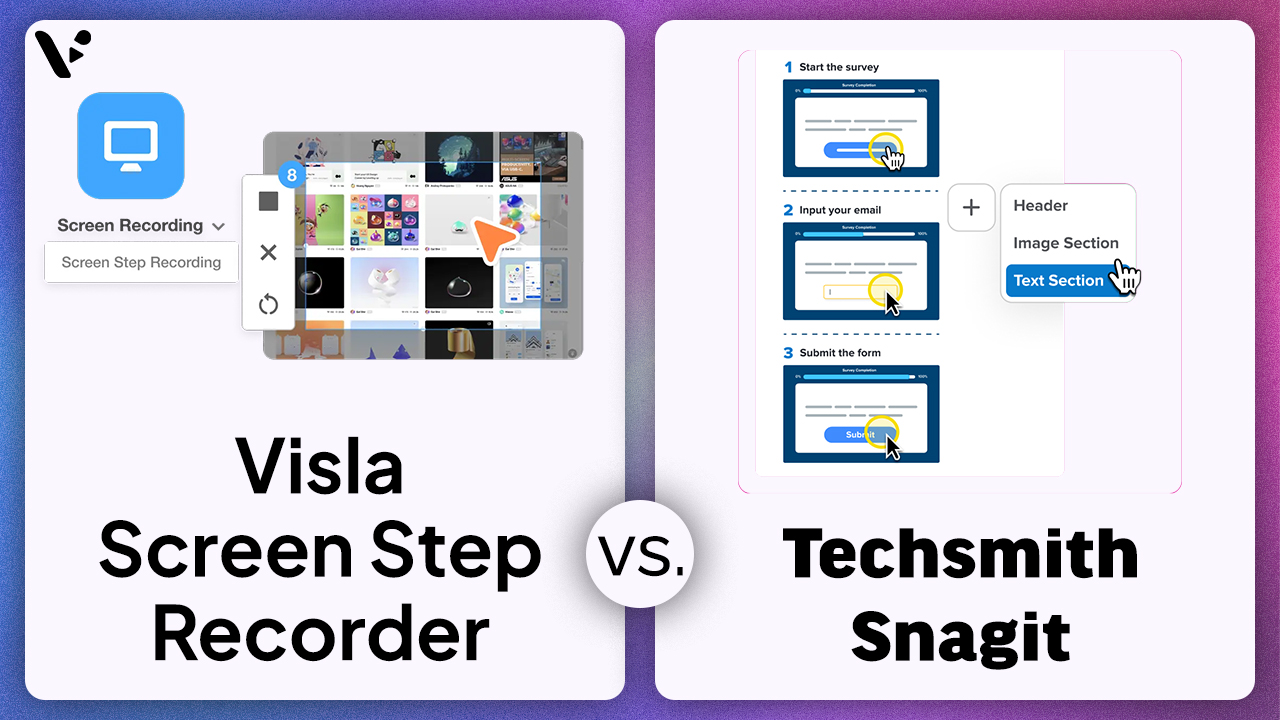
Visla Screen Step Recorder vs. Snagit: Which Tool Is Better for Business Teams?
—
in GuidesIf you’re comparing Visla Screen Step Recorder and TechSmith Snagit, you’re comparing two different approaches to step-by-step content: TechSmith Snagit is a screen capture and annotation product whose Step Capture feature collects sequential screenshots and turns them into a numbered visual guide, while the Visla Screen Step Recorder turns a recorded process into a more…
-
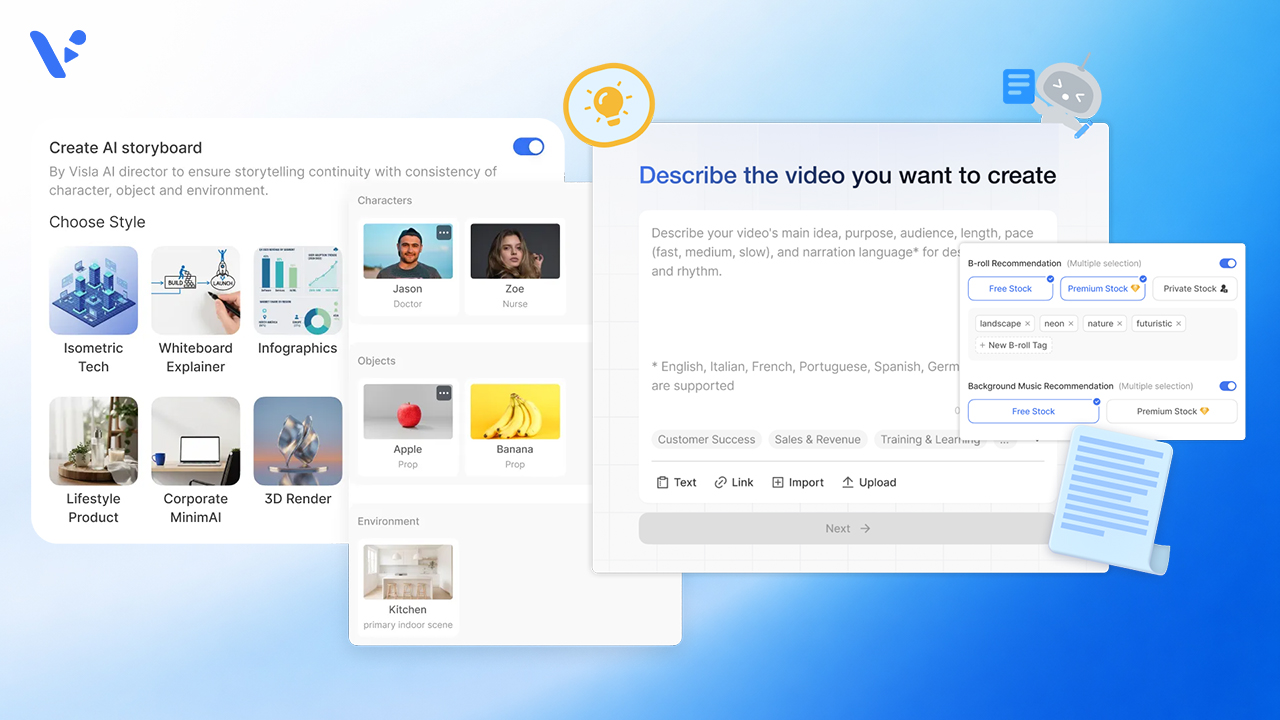
AI Director Mode vs. Standard AI Video Agent in Visla: When to Use Storyboard-First AI Clips vs. Stock Footage
—
in GuidesQuick Answer If you’re creating a video in Visla, the choice usually isn’t between two separate products. It’s between two different workflows inside the same creation system. The standard AI Video Agent workflow is the faster path when you want Visla to build a scene-based draft and match scenes with stock footage, your own footage,…
-
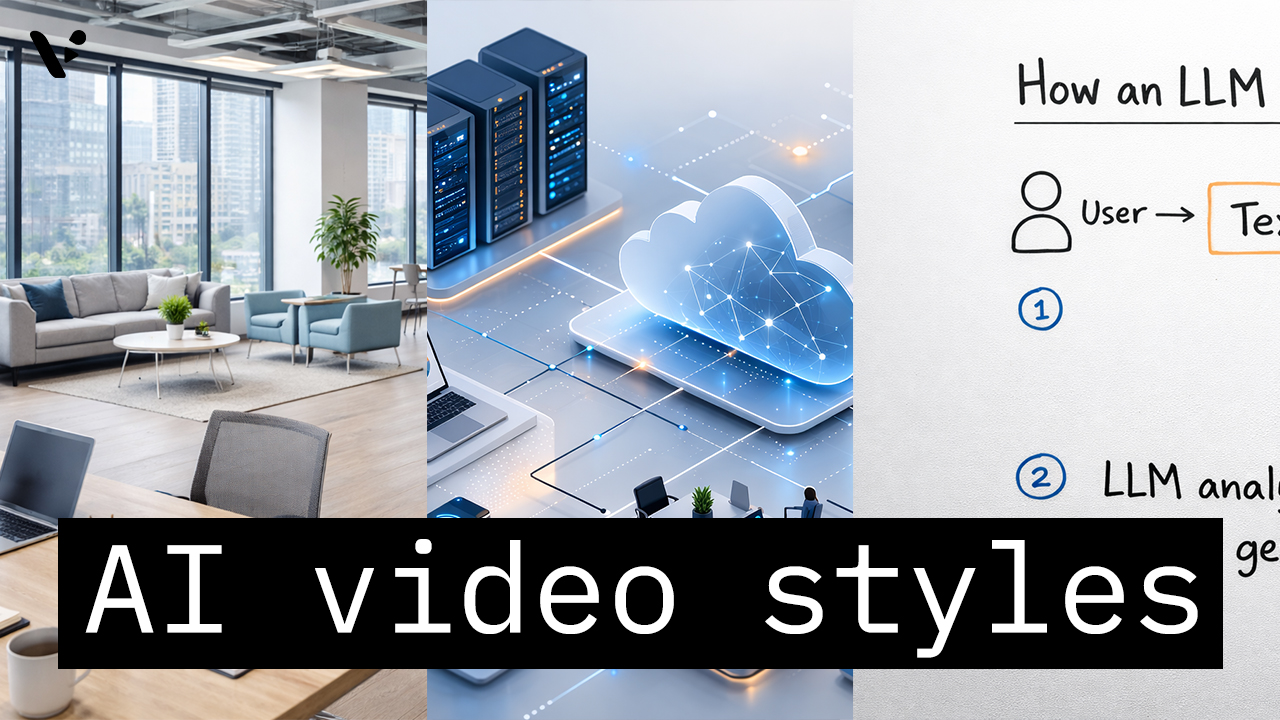
How to Choose the Right AI Video Style in Visla AI Director Mode
—
in How-TosQuick Answer AI video styles in Visla AI Director Mode control the look of the AI-generated storyboard images and AI video clips in your final video. You choose the style before you generate the storyboard and before you turn selected scenes into motion, so the style helps shape the whole visual direction of the project.…
-
What Is AI Video? A Plain-English Explanation
—
in GuidesQuick Answer: What is AI Video? AI video (also called AI-generated or generative video) is video that AI models generate, edit, or assemble, often from text prompts, scripts, images, or existing footage. Depending on the tool, AI can create short clips (text-to-video), animate still images (image-to-video), automate editing (captions, cuts, b-roll), or produce full videos…
-
GPT-5.3 Instant: What the New ChatGPT Model Means for You
—
in NewsQuick Answer OpenAI has released GPT-5.3 Instant, a faster ChatGPT model designed to provide clearer answers, fewer unnecessary refusals, and improved factual accuracy. Early reports suggest the model reduces hallucinations and produces more natural responses. However, some benchmark results show mixed safety changes, and many users are already speculating about what this release means for…
-
Video for Sales in 2026: The Complete Guide to Closing More Deals
—
in GuidesQuick answer Sales teams that use video get up to 5x more replies from cold outreach, book up to 4x more meetings, and close deals faster than reps who rely on text alone. This guide covers why video for sales works, when and how to use it across the sales cycle, what formats perform best,…
-

Best AI Video Generators for Business in 2026
—
in ListiclesThere are a lot of AI video generators in the marketplace in 2026, but they’re not all built the same. Some focus on AI Avatar creation. Others are focused more on editing. Some are focused on template-based consumer video creation. The best AI video generators for business give you a full production environment: recording, creating,…
-

How to Repurpose Video Content (And Why It’s Worth the Effort)
—
in How-TosQuick Answer Repurposing video content is re-editing footage to maximize its value. Common ways to re-edit footage includes adjusting the length, aspect ratio, pace, visual style, and much more. It’s a potentially high-ROI move that can help you reach more of your potential audience. However, repurposing video isn’t as simple as trimming a long video…
-
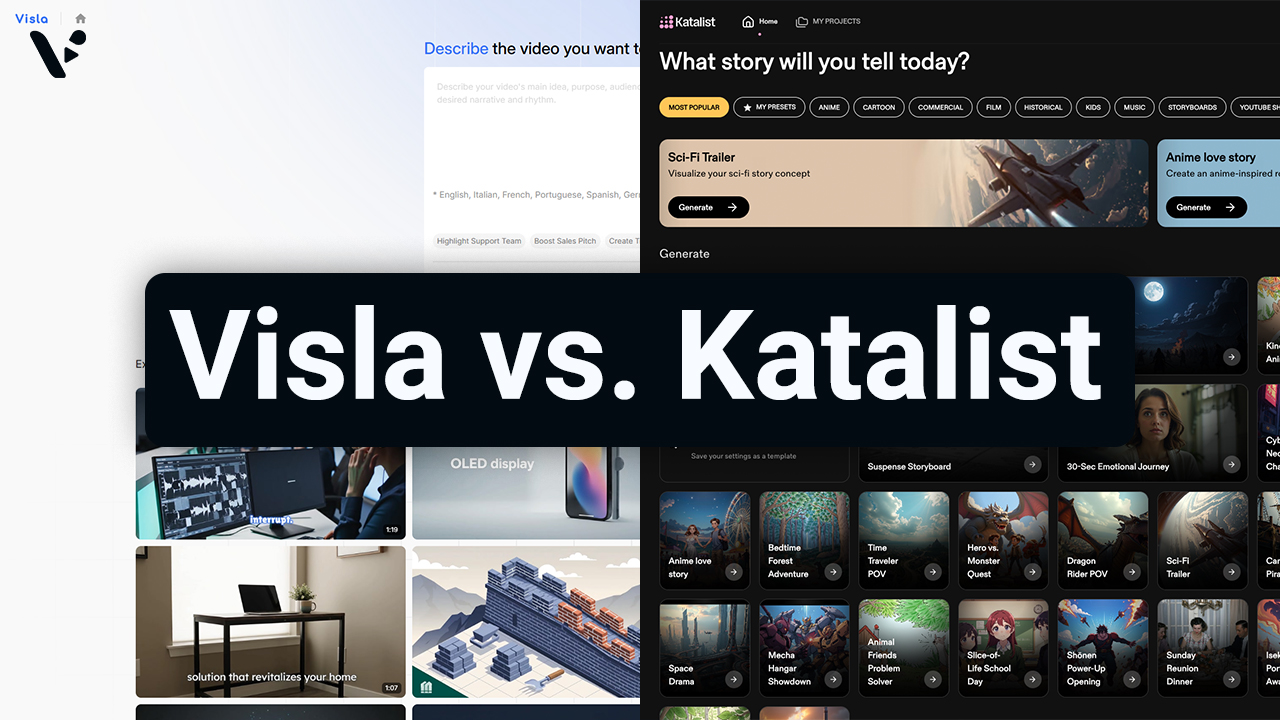
Visla AI Director Mode vs. Katalist: Which AI Video Platform Is Right for You?
—
in GuidesQuick Answer: Visla vs. Katalist Both Visla and Katalist use AI-generated storyboards to help you go from an idea to a finished video, but they’re built with different types of users in mind. Katalist is aimed at filmmakers, social media creators, and smaller ad agencies who want granular, shot-level control over their video projects. Visla…