
Tag: Video production
-
How to Use AI Director Mode in Visla: A Step-by-Step Guide
Updated 8/6/2026 Quick answer: AI Director Mode is Visla’s workflow for creating consistent, multi-scene AI videos. Start with a prompt or source material, add any visual references you have, and choose a style. You can then review or create the characters, objects, products, and environments that Visla will use throughout the video. After Visla creates…
-
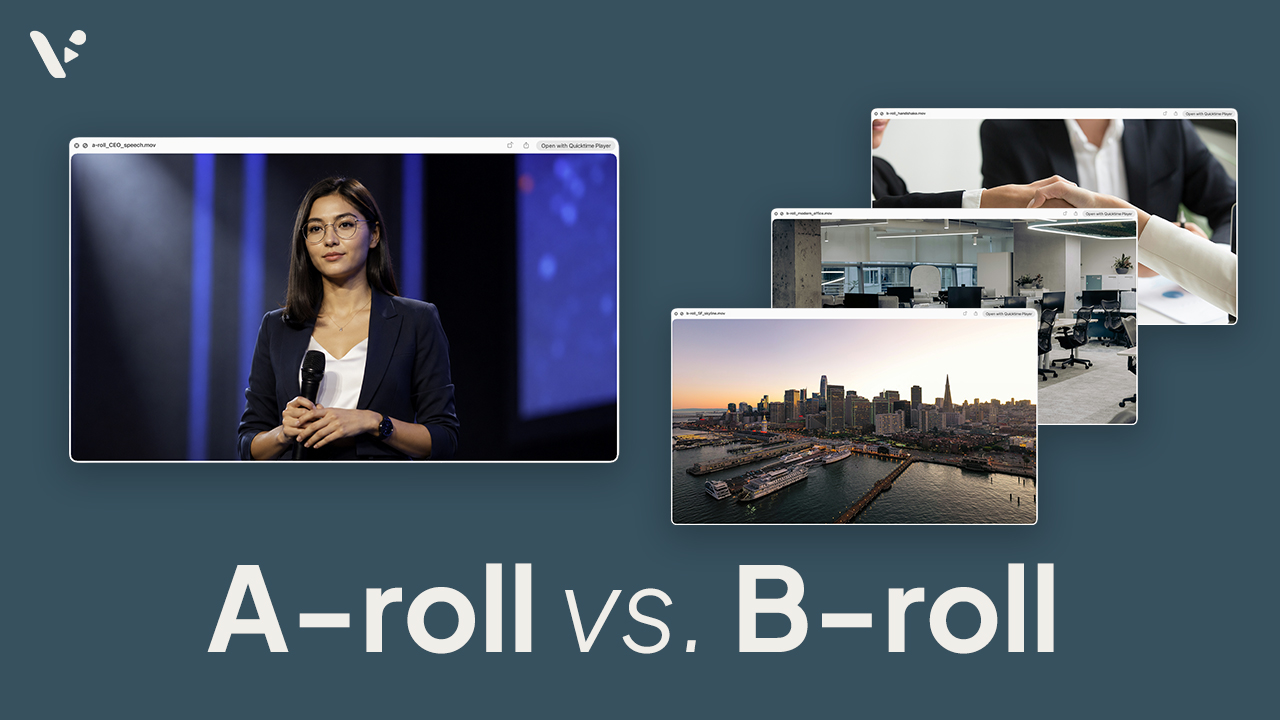
What Is B-Roll? How to Find and Create B-Roll Footage in 2026
Updated 8/4/2026. Quick answer: B-roll is supporting footage used alongside a video’s main footage, or A-roll. It can show what a speaker describes, establish context, or cover an edit. You can record it, license stock, reuse owned footage, or generate it with AI. What is b-roll footage? Whether a shot counts as A-roll or b-roll…
-
How to Create Video SOPs for Scalable L&D Training
Quick answer Video SOPs are standard operating procedures turned into clear, reusable training videos. They help L&D teams explain repeatable processes through visual steps, narration, captions, and examples employees can revisit anytime. They’re especially useful for onboarding, compliance training, workplace safety, software workflows, manager training, and role-specific procedures. With Visla, teams can record real workflows,…
-
How Much Does Video Production Cost in 2026?
Quick Answer Video production costs in 2026 can range from a few thousand dollars for a simple business video to $50,000 or more for a polished brand, product, customer, or enterprise campaign video. Traditional video production costs usually come from pre-production, crew, equipment, talent, locations, editing, graphics, sound, captions, revisions, and versioning. AI video production…
-
How to Create a SaaS Strategy Video That Actually Communicates Your Vision
Quick answer A SaaS strategy video translates your company’s product direction, roadmap, or go-to-market plan into a clear, shareable video that’s faster to consume than a slide deck and easier to align teams around. The best ones are focused on a specific audience (internal teams, investors, or prospects), built around one core message, and produced…
-
How to Create a Product Demo Video in 2026
Quick Answer A product demo video shows your product solving a real problem so viewers can quickly understand what it does, who it helps, and why they should care. The best demos are clear, focused, and structured around one use case, not a long list of features, whether you are filming a physical product or…
-
Video Editing Pacing: What It Is and How to Control It
Quick Answer Video editing pacing refers to how fast or slow your video feels to a viewer, and it’s one of the biggest factors in whether someone actually watches your video all the way through. You control pacing through things like scene length, cuts, pauses, and the footage you choose. In Visla, you’ve got several…
-

Visla: The 10 Best Features for Video Production
Quick Answer The best Visla features are the ones that help you publish faster without making your workflow feel chaotic, bloated, or weirdly fragile. For me, that means starting with webpage to video, sharpening visuals with AI Director Mode and AI-generated b-roll, and using an AI Avatar or my own cloned voice when a video…