
Tag: Video production
-
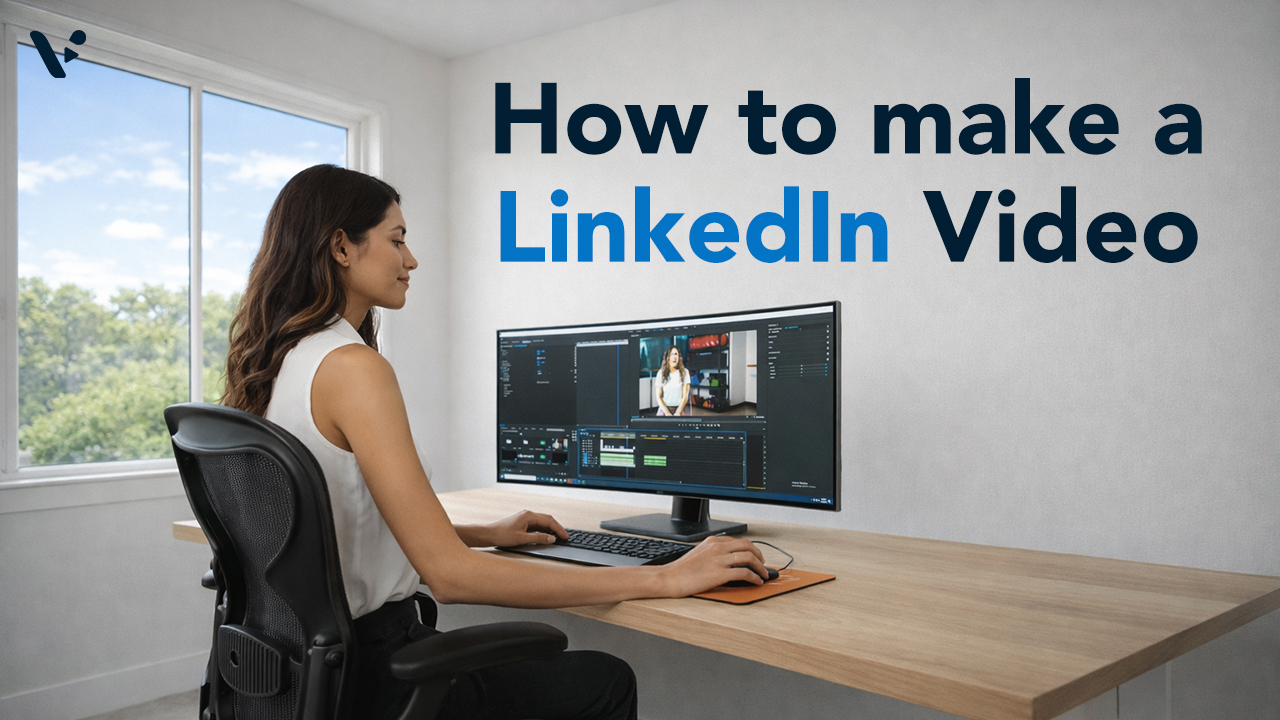
How to Make a LinkedIn Video: A Practical Guide for Every Starting Point
Quick Answer LinkedIn video outperforms every other static format on the platform, but the biggest barrier most teams face isn’t strategy, it’s production. Visla gives you three distinct paths to a publish-ready LinkedIn video: starting purely with AI, recording yourself on camera, or capturing your screen. Each path fits different video types and different levels…
-
LinkedIn Video in 2026: What’s Working and How to Make It
Quick Answer LinkedIn video has become the platform’s fastest-growing content format, with native video generating up to two times more engagement than text-only posts. The 2026 LinkedIn algorithm prioritizes native video, dwell time, and educational content over promotional posts and anything with an external link. Short clips between 30 and 90 seconds work best for…
-
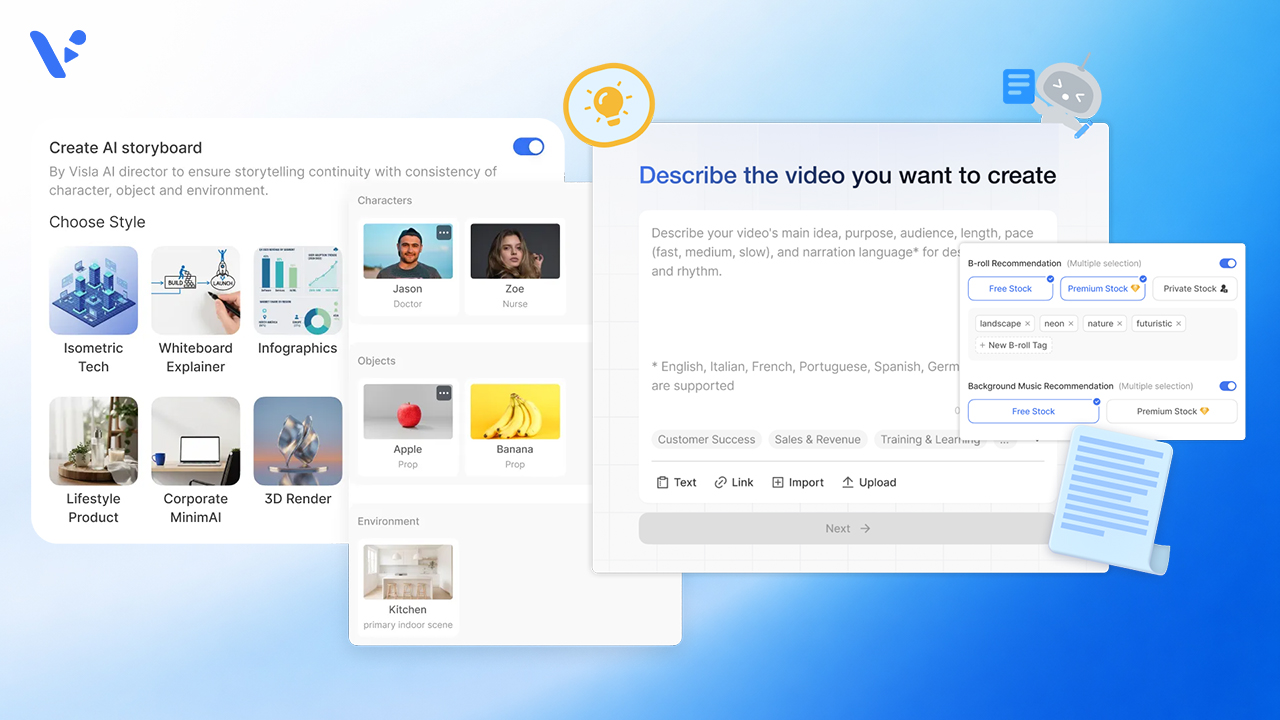
AI Director Mode vs. Standard AI Video Agent in Visla: When to Use Storyboard-First AI Clips vs. Stock Footage
Quick Answer If you’re creating a video in Visla, the choice usually isn’t between two separate products. It’s between two different workflows inside the same creation system. The standard AI Video Agent workflow is the faster path when you want Visla to build a scene-based draft and match scenes with stock footage, your own footage,…
-
Video for Sales in 2026: The Complete Guide to Closing More Deals
Quick answer Sales teams that use video get up to 5x more replies from cold outreach, book up to 4x more meetings, and close deals faster than reps who rely on text alone. This guide covers why video for sales works, when and how to use it across the sales cycle, what formats perform best,…
-
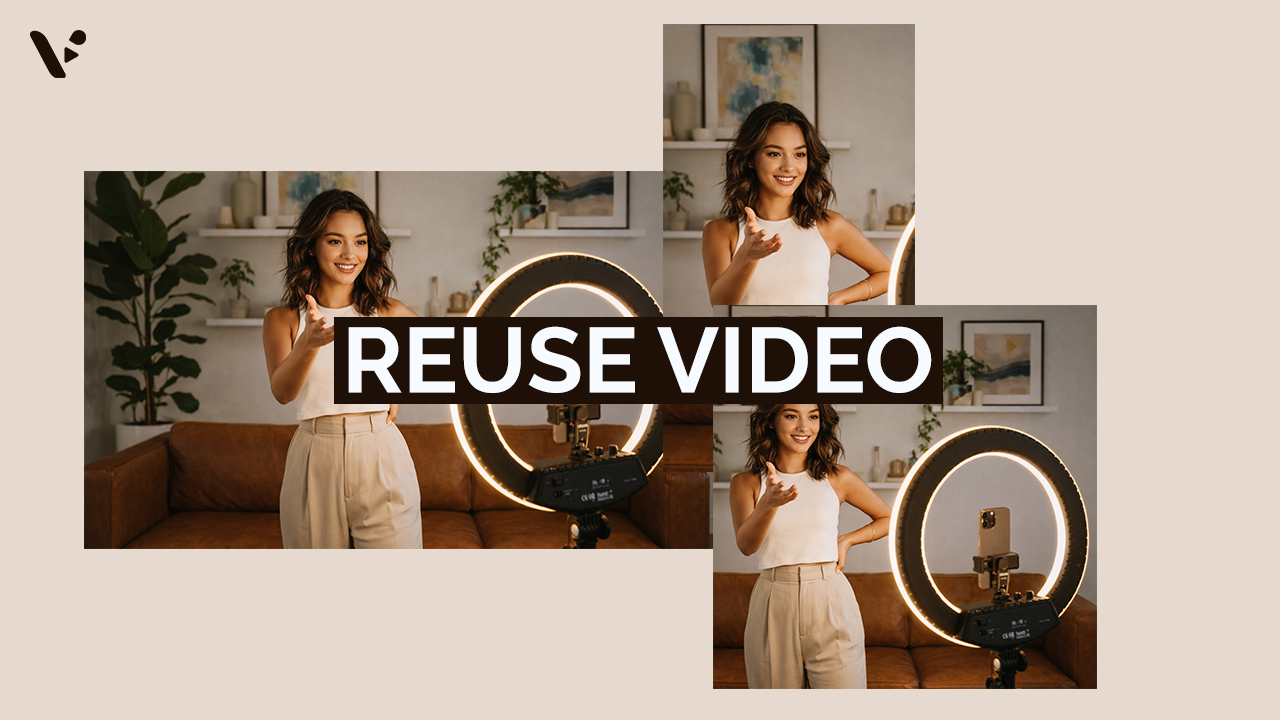
How to Repurpose Video Content (And Why It’s Worth the Effort)
Quick Answer Repurposing video content is re-editing footage to maximize its value. Common ways to re-edit footage includes adjusting the length, aspect ratio, pace, visual style, and much more. It’s a potentially high-ROI move that can help you reach more of your potential audience. However, repurposing video isn’t as simple as trimming a long video…
-
How to Measure Video ROI: Metrics That Actually Matter
Quick answer: Video ROI and metrics Measuring video ROI requires tracking metrics that align with your specific business goals, not just vanity numbers like total views. The most valuable indicators combine engagement metrics (watch time, completion rate, shares) with business outcomes (conversions, lead generation, cost per acquisition). Different platforms count engagement differently (YouTube requires 30…
-

AI-Generated Video Clips vs Stock Footage: A Practical Guide for Business Videos
Quick Answer: AI-generated video clips vs stock footage AI-generated video clips give you custom visuals on demand, while stock footage gives you real-world footage with predictable realism and licensing terms. For common scenes like office conversations, city flyovers, transit movement, and laptop-in-a-cafe b-roll, stock wins on instant believability and AI wins on specificity, brand fit,…
-
How to Generate AI Video Clips in AI Director Mode
Quick Answer AI Director Mode helps you generate AI video clips that actually fit together by making you plan first, then animate with intention. Start with your project basics and storyboard, because your best results come from getting structure, style, and reusable ingredients (characters, objects, environments) locked before you spend credits on AI video clips.…