
Tag: Visla
-
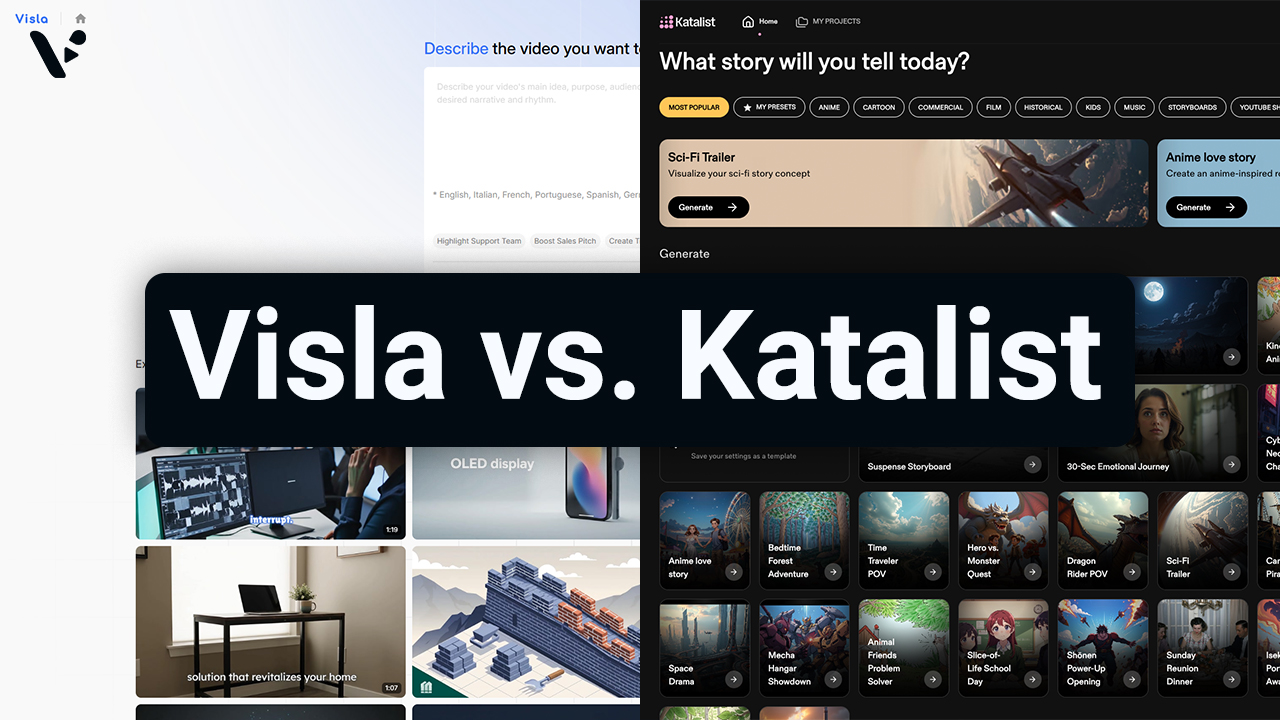
Visla AI Director Mode vs. Katalist: Which AI Video Platform Is Right for You?
Quick Answer: Visla vs. Katalist Both Visla and Katalist use AI-generated storyboards to help you go from an idea to a finished video, but they’re built with different types of users in mind. Katalist is aimed at filmmakers, social media creators, and smaller ad agencies who want granular, shot-level control over their video projects. Visla…
-
What is Visla? A practical guide for business teams (Updated for 2026)
Quick Answer Visla helps teams record, generate, edit, and approve videos in one shared workspace, so you can ship professional video faster without stitching together five different tools. You can start from almost anything, like a prompt, script, webpage, meeting recording, screen recording, PDF, or slides, and Visla’s AI Video Agent turns it into a…
-
How to Generate AI Video Clips in AI Director Mode
Quick Answer AI Director Mode helps you generate AI video clips that actually fit together by making you plan first, then animate with intention. Start with your project basics and storyboard, because your best results come from getting structure, style, and reusable ingredients (characters, objects, environments) locked before you spend credits on AI video clips.…
-
Introducing AI Director Mode: storyboard-first AI video with real control
Quick Answer AI Director Mode is Visla’s game-changing new way to create AI video with a storyboard you can edit before you generate full AI video clips. You set the direction up front and control what appears on screen, like characters, objects, and environments. Then Visla builds a scene-by-scene storyboard you can review and edit.…