
Tag: Visla
-
How to Use AI Director Mode in Visla: A Step-by-Step Guide
Updated 8/6/2026 Quick answer: AI Director Mode is Visla’s workflow for creating consistent, multi-scene AI videos. Start with a prompt or source material, add any visual references you have, and choose a style. You can then review or create the characters, objects, products, and environments that Visla will use throughout the video. After Visla creates…
-
10 Best Visla Use Cases for Marketing, Sales, Training, and Support
Quick Answer Visla works best when you treat it as a full video workflow rather than a single-purpose tool. The strongest use cases span demand generation, social distribution, sales, onboarding, training, education, product walkthroughs, and support because the platform covers AI creation, recording, editing, and collaboration in one place. For AI-led campaigns, AI Director Mode…
-

Visla’s New Plans: More Credits, More Flexibility for Your Video Workflow
We get it. You have videos to make, deadlines to hit, and a team counting on you, but you’ve just run out of credits. Sure, you can always buy flexible credits, but we know it’s a relief if the plan you already have simply offers more flexibility to begin with. Well, we heard you, and…
-
Visla: The 10 Best Features for Video Production
Quick Answer The best Visla features are the ones that help you publish faster without making your workflow feel chaotic, bloated, or weirdly fragile. For me, that means starting with webpage to video, sharpening visuals with AI Director Mode and AI-generated b-roll, and using an AI Avatar or my own cloned voice when a video…
-
OpenAI’s Sora: What Happened, and Why Visla Isn’t Worried
Quick Answer OpenAI shut down its Sora AI video generation app on March 24, 2026, just six months after launch, citing a need to focus compute resources on enterprise productivity tools. The real story is more complicated: Sora was burning an estimated $15 million per day in compute costs while generating only $2.1 million in…
-
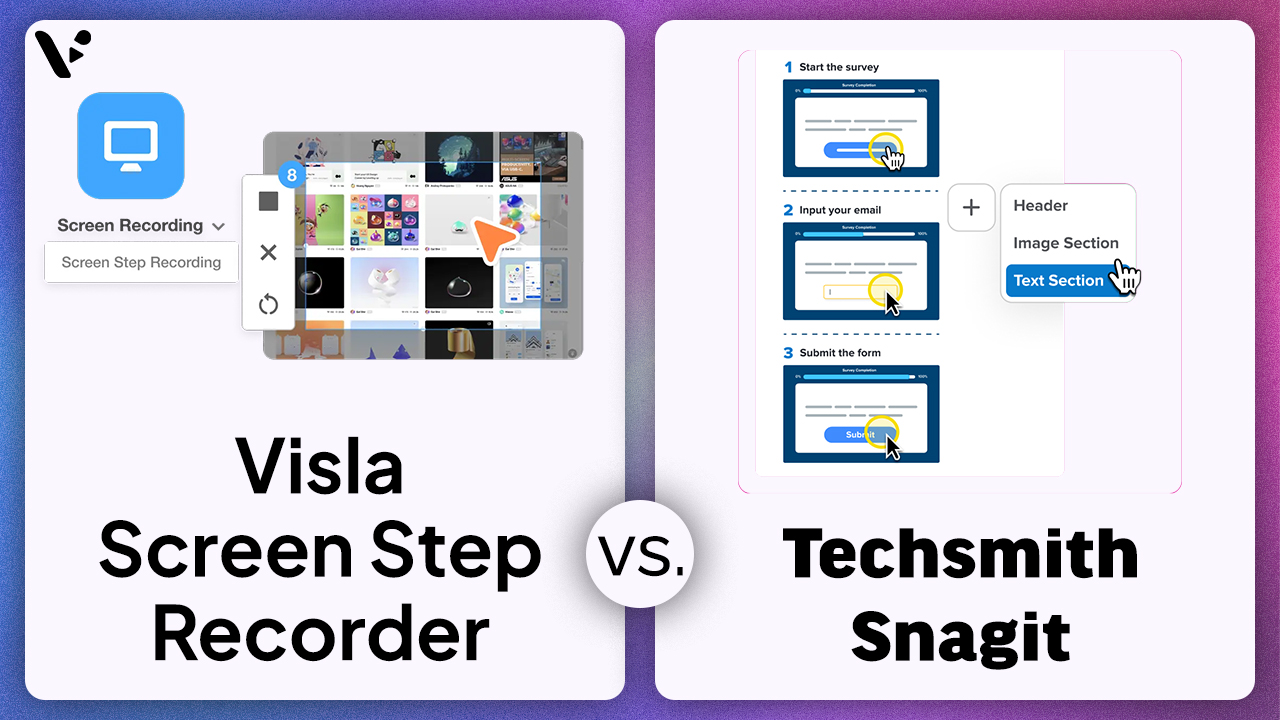
Visla Screen Step Recorder vs. Snagit: Which Tool Is Better for Business Teams?
If you’re comparing Visla Screen Step Recorder and TechSmith Snagit, you’re comparing two different approaches to step-by-step content: TechSmith Snagit is a screen capture and annotation product whose Step Capture feature collects sequential screenshots and turns them into a numbered visual guide, while the Visla Screen Step Recorder turns a recorded process into a more…
-
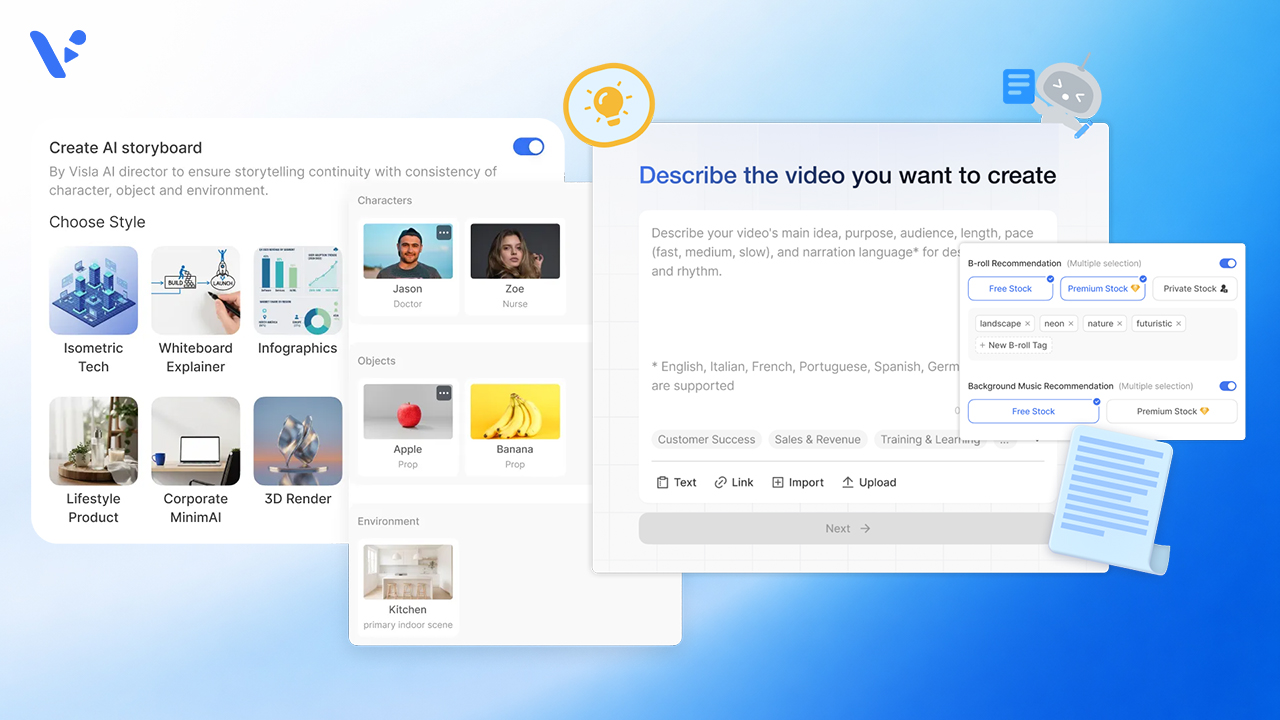
AI Director Mode vs. Standard AI Video Agent in Visla: When to Use Storyboard-First AI Clips vs. Stock Footage
Quick Answer If you’re creating a video in Visla, the choice usually isn’t between two separate products. It’s between two different workflows inside the same creation system. The standard AI Video Agent workflow is the faster path when you want Visla to build a scene-based draft and match scenes with stock footage, your own footage,…
-
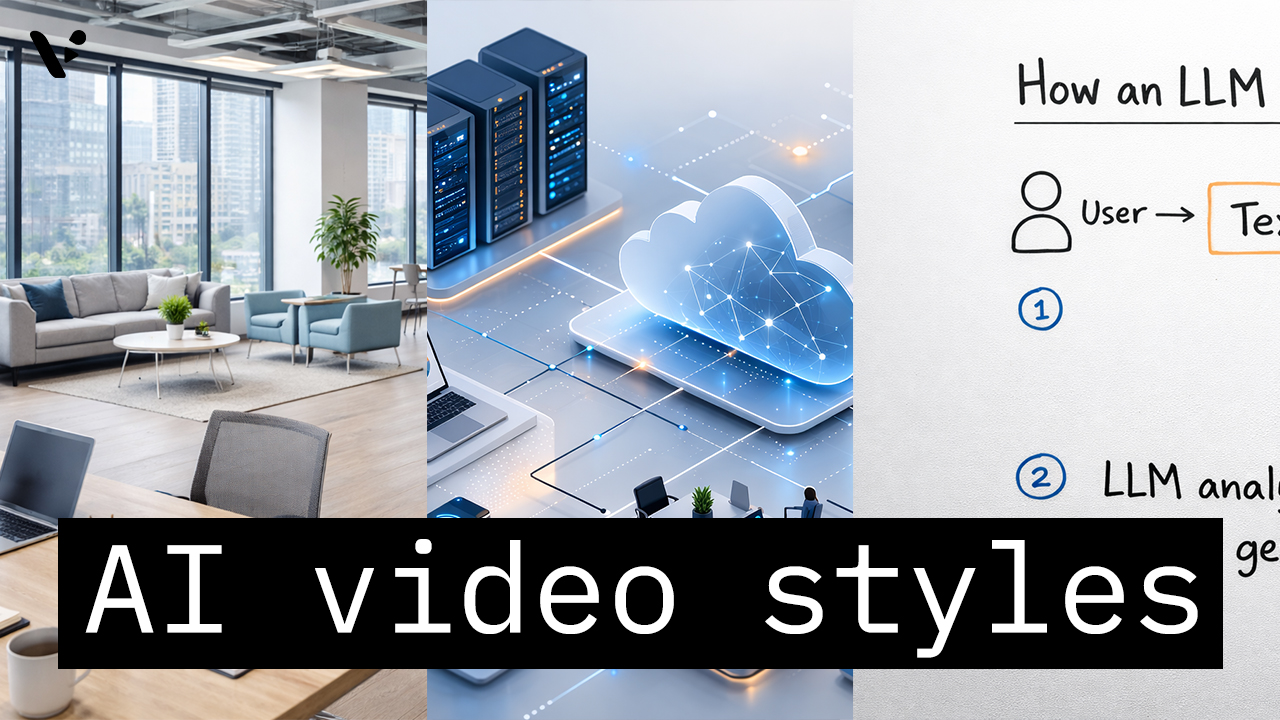
How to Choose the Right AI Video Style in Visla AI Director Mode
Quick Answer AI video styles in Visla AI Director Mode control the look of the AI-generated storyboard images and AI video clips in your final video. You choose the style before you generate the storyboard and before you turn selected scenes into motion, so the style helps shape the whole visual direction of the project.…