
May Horiuchi
-
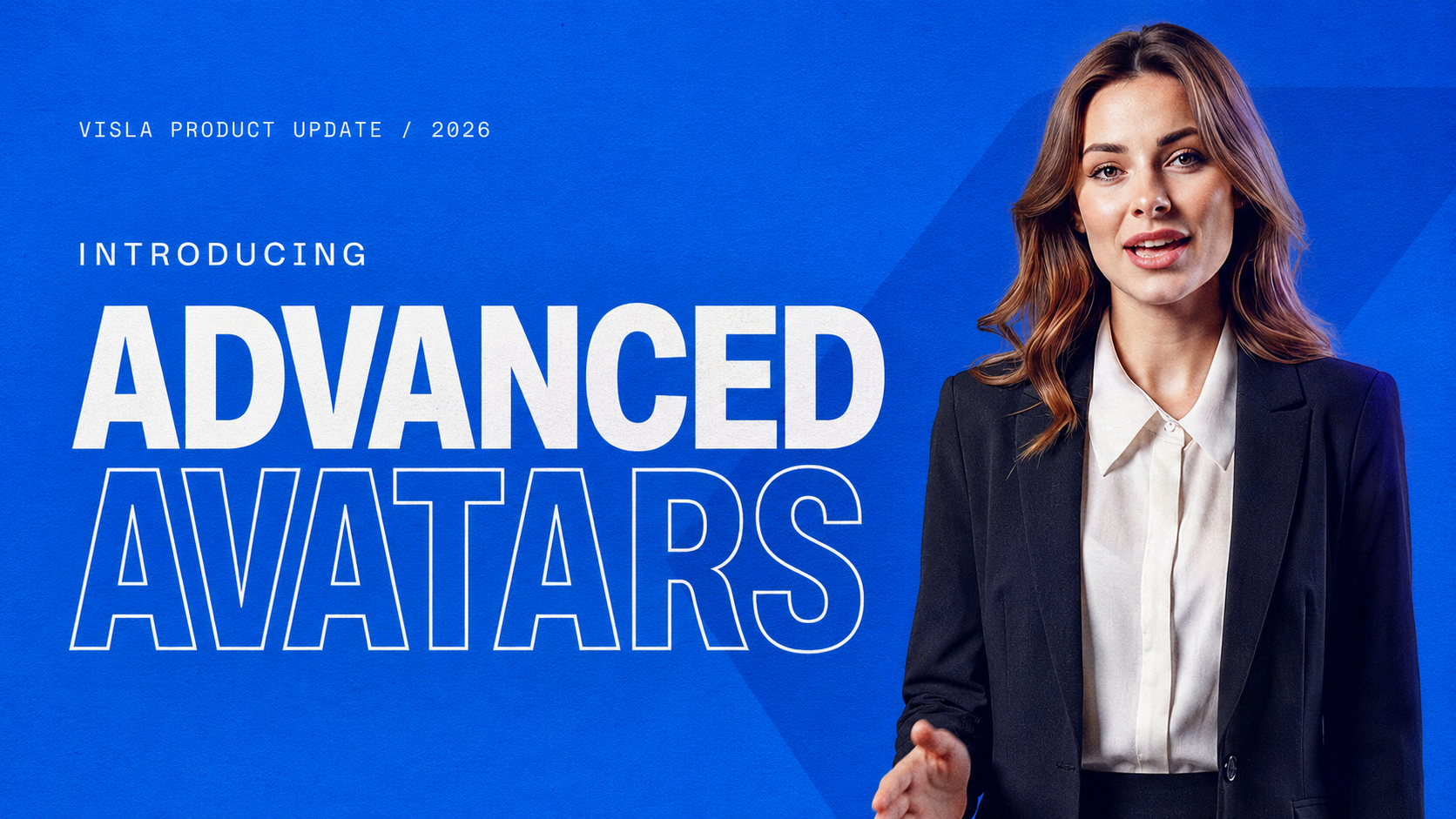
Introducing Advanced Avatars: A better presenter inside a complete video workflow
Visla already had AI avatars before this launch, and we’re keeping them. Basic Avatar is still useful for smaller overlays, quick presenter moments, and scenes where the footage should stay in charge. Advanced Avatar was built for a different job. Sometimes the presenter needs to fill the frame. Maybe they’re welcoming a new employee, opening…
-

AI Avatars vs. Human Presenters: Which Should Your Business Use?
Quick Answer Choose an AI avatar when your business needs standardized videos that can be created quickly, revised often, or adapted for different audiences and languages. Choose a human presenter when the speaker’s identity, expertise, accountability, or emotional delivery is central to the message. AI avatars work well for training, product education, explainers, and routine…
-
Visla vs. Synthesia: Features, Use Cases, and Key Differences
Visla vs. Synthesia: the quick answer Choose Visla when your team needs to create several kinds of business video from documents, webpages, recordings, footage, audio, and other source material. Visla also includes AI-generated visuals, screen and camera recording, editing, collaboration, branding, and repurposing. Choose Synthesia when your team mainly wants to produce consistent, avatar-led videos,…
-
How Learning and Development Teams Can Turn Google Docs Into Training Videos
Quick answer: Visla AI Video is a Google Docs add-on and AI training video generator that turns training documents into editable video drafts. This is valuable for any L&D team. Use it for material that benefits from narration, examples, visuals, or a presenter. Keep detailed policies, tables, checklists, and searchable reference material in writing. Should…
-
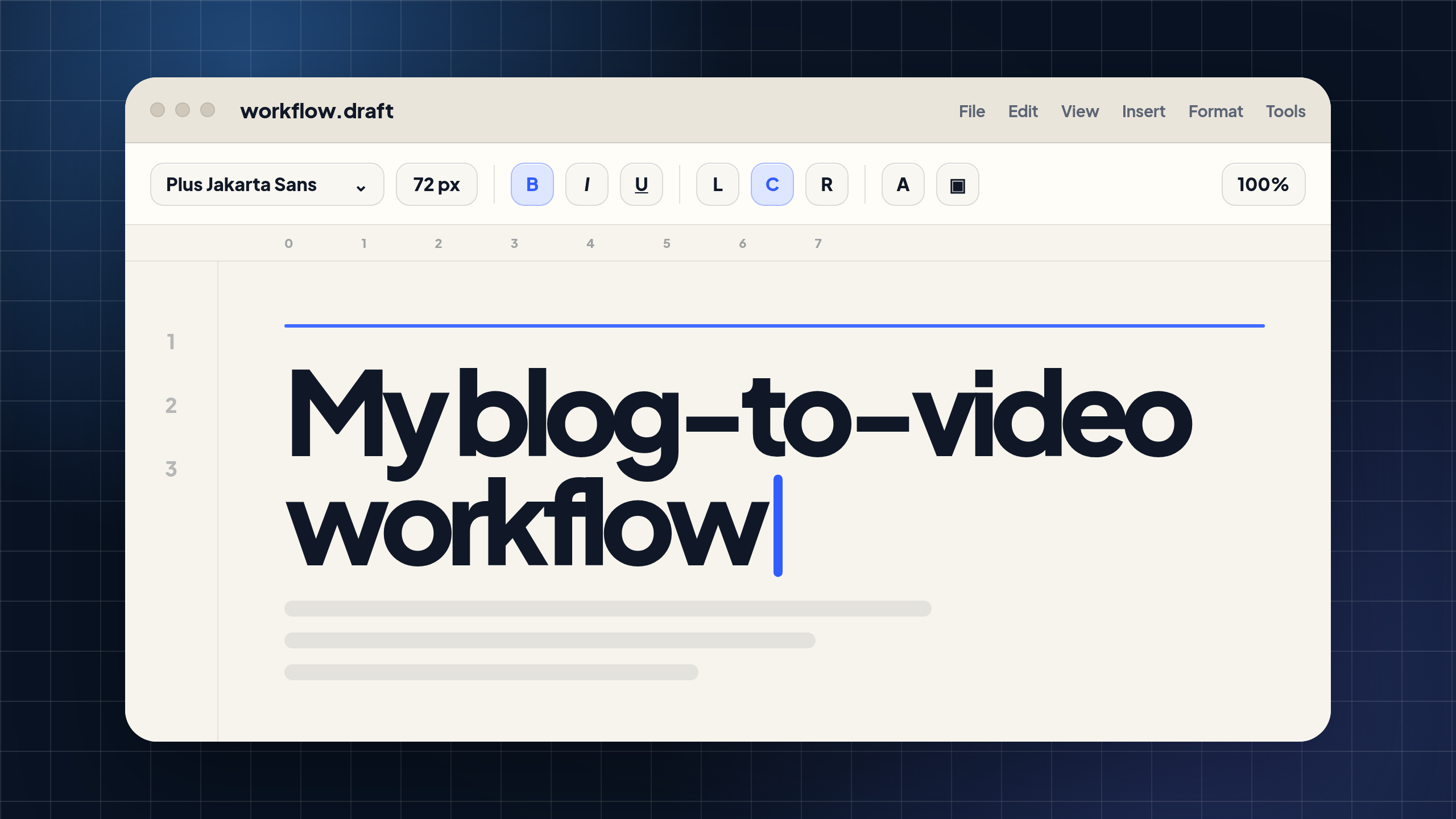
How I Turn Blogs Into Videos for YouTube, LinkedIn, and Blog Embeds
I write a lot of blog posts. If you’re reading this on the Visla blog, you probably already know that because you’re in one right now. But for a lot of marketing teams, publishing the blog is only part of the job. The bigger question is what happens after the article goes live. Does it…
-
![[UPDATE] Claude Fable 5 Was Suspended. Here’s How Marketers Can Still Use AI for Video Strategy](https://www.visla.us/wp-content/uploads/2026/06/Blog-Thumbnail-1-1.jpg)
[UPDATE] Claude Fable 5 Was Suspended. Here’s How Marketers Can Still Use AI for Video Strategy
Editor’s note, June 2026: Shortly after this article was published, Anthropic suspended access to Claude Fable 5 and Claude Mythos 5. According to Anthropic’s statement on the U.S. government directive, the company received an export control order requiring it to suspend access to both models for foreign nationals. Anthropic said the practical result was that…
-

Video for Sales: Make Buying Easier, Not Noisier (Updated 2026)
Quick answer: How should sales teams use video? Video for sales works best when it helps a buyer do something specific: understand a product, answer a question, revisit a conversation, or explain a recommendation to someone else. A generic pitch with a play button is still a generic pitch. Before you record anything, ask what…
-
Visla vs. Video Agencies: Which Is Better for Business Video Production?
A lot of companies used to hire a video agency for a handful of major projects each year: a launch film, a customer story, or a brand campaign. Now, those same companies also need training videos, SOPs, product explainers, onboarding modules, sales clips, internal updates, and localized versions. That recurring work creates a different problem.…