
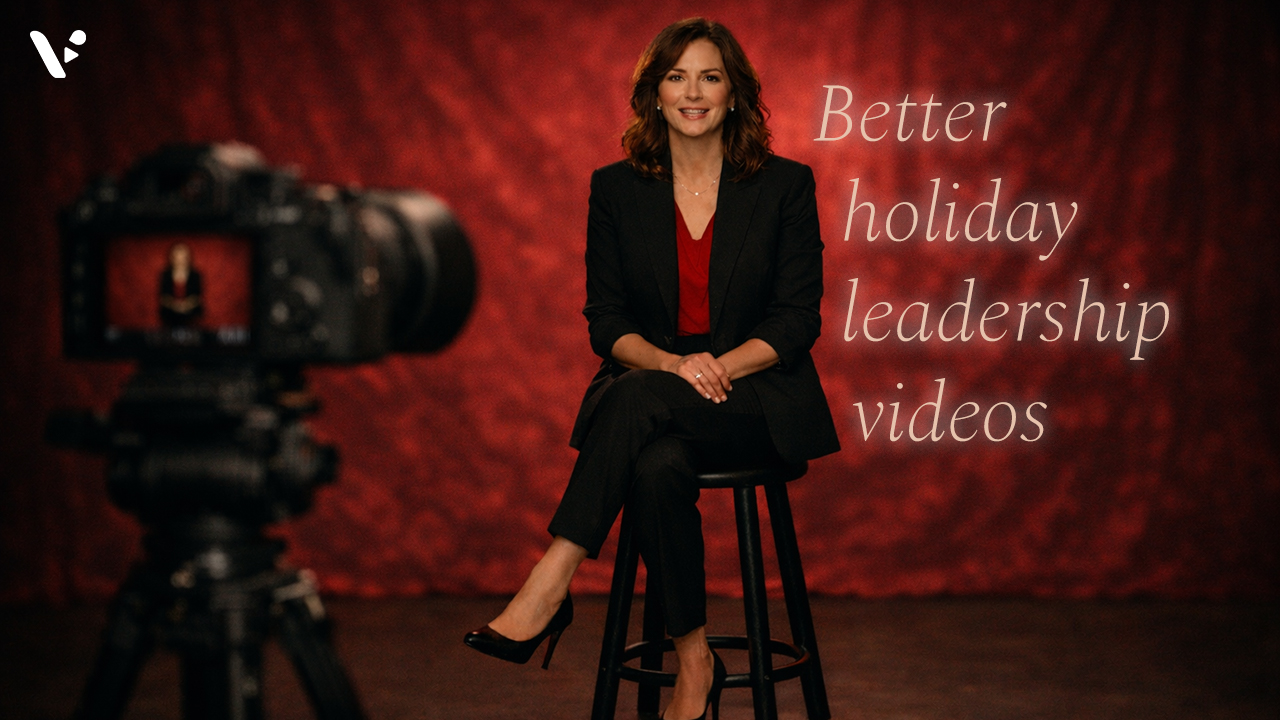
Quick Answer: why holiday leadership videos matter
A great holiday leadership video thanks your team for specific wins, recognizes the year honestly, and points to what comes next in a way that feels human. Keep it short, write for one clear audience, and record in a calm setup with clean audio, simple framing, and captions. Then share it where your team already works, and follow up with an easy way for employees to react, ask questions, and feel seen.
Why holiday leadership videos work

The holidays push people into reflection mode. A video lets leaders show tone, warmth, and clarity in a way that plain text rarely matches.
Holiday leadership videos also help you do three practical things:
- Close the year with a shared narrative so teams don’t fill the silence with rumors.
- Reinforce trust by showing up with a clear message and a steady presence.
- Kick off the next quarter with focus, not a vague “we’ll do better next year.”
What to say in a 2025 holiday leadership video
Aim for a simple arc: thank you → what we learned → what’s next → how employees can engage.
The 5-part message that rarely fails
- Start with one real moment you witnessed this year (a customer story, a launch, a team breakthrough).
- Thank people for specific behaviors (collaboration, customer empathy, shipping quality).
- Name the year honestly in one sentence (wins and friction, without oversharing).
- Set one clear focus for early 2026 (priority, principle, or outcome).
- Invite participation (questions, ideas, feedback, or a simple “tell us what you want more of”).
Quick “do / don’t” list for holiday tone
Do
- Use inclusive language: “holiday season” or “end of year” works across teams.
- Keep the optimism grounded: connect it to real progress.
- Speak like you talk, not like you write a memo.
Don’t
- Assume everyone celebrates the same holiday.
- Overpromise next year’s results.
- Try to cram every KPI into one video.
Pick the right type of leadership video
Different messages need different formats. Use this table to choose fast.
| Video type | Best for | Ideal length | Best time to send | Best follow-up |
|---|---|---|---|---|
| Holiday thank-you | Recognition, morale | 45–90 sec | Final 2–3 weeks of Dec | Reactions + shout-out thread |
| End-of-year recap | Wins, lessons, clarity | 90–180 sec | 1–2 weeks before time off | “Here’s what we heard” post |
| 2026 kickoff | Priorities, focus | 2–4 min | First work week in Jan | Team goals doc + manager kit |
| Values in action | Culture, trust | 60–120 sec | Any time | Collect stories from teams |
| Customer impact story | Motivation, meaning | 60–150 sec | Late Nov to mid Dec | Share a customer quote deck |
How to make a holiday leadership video in 5 steps
1. Write a script that sounds like you
Writing a script is tough. Here are some tips for you. Write for the ear, not the page; if you wouldn’t say it out loud, don’t put it in the video.
Use this simple structure:
- Hook (1 sentence): “I want to take two minutes to thank you for…”
- Proof (2–3 sentences): “Here’s what I saw you do…”
- Truth (1 sentence): “This year challenged us in…”
- Next (2 sentences): “In early 2026, we’ll focus on…”
- Invite (1 sentence): “Reply with questions or ideas, and we’ll address them next week.”
2. Set up your recording for clean audio and calm energy
People forgive average video quality. They don’t forgive bad audio. If you need help, we have a guide about what microphones to consider.
Fast setup checklist
- Face a window or soft lamp.
- Put your camera at eye level.
- Wear something simple that fits your normal work vibe.
- Record in a quiet room, and silence notifications.
3. Record in short segments, not one long take
Short segments lower stress and speed up editing. They also help you keep your pace steady.
If you tend to ramble, record in 10–20 second chunks:
- Segment 1: Hook
- Segment 2: Thank you + proof
- Segment 3: Truth
- Segment 4: What’s next
- Segment 5: Invite
4. Edit for clarity, pace, and trust
Editing should help the message, not distract from it.
What to do every time
- Cut filler words and long pauses.
- Add captions and a downloadable transcript.
- Add a simple title card: “Holiday message from [Name]”
- Keep music subtle, or skip it if your message feels serious.
What to skip
- Over-the-top transitions.
- Stock footage that doesn’t match your message.
- Text walls on screen.
5. Share it, then create a two-way moment
A leadership video lands best when employees can respond.
Try one of these:
- Ask one question: “What’s one thing you want us to keep doing in 2026?”
- Collect anonymous questions for a follow-up video.
- Give managers a discussion prompt for team meetings.
Replace live video with an async Q&A follow-up
Live town halls can help, but they also create problems: time zones, scheduling friction, and low participation from people who don’t like speaking up.
Instead, run a simple async loop:
- Share the holiday leadership video.
- Collect questions for 3–5 days.
- Record a short “top questions answered” follow-up.
- Post a written recap with links to exact timestamps.
This approach keeps the conversation open without forcing everyone into the same meeting.
Make your video accessible by default
Accessibility improves reach and clarity for everyone, not just people who request accommodations.
Accessibility checklist
- Add accurate subtitles.
- Share a transcript in the same post.
- Avoid tiny on-screen text.
- Describe key visuals out loud if they matter to the meaning.
Distribution that actually gets watched
Meet people where they already work. Don’t make them hunt for it.
Good places to post a leadership video
- Slack or Teams channel (with a short intro line)
- Internal newsletter
- Company intranet
- All-hands recap post
Timing tips
- Share earlier in the day for better watch time.
- Avoid the last day before a holiday break.
- If your team spans time zones, post once, then pin it.
Tools that make leadership videos easier

If your team already makes videos, you can keep your workflow. If you want to speed up the process, an all-in-one platform like Visla can help you record with a teleprompter, edit by transcript, and collaborate on feedback in one place.
Here’s a simple workflow that many teams like:
- Record in short segments.
- Let AI clean up filler words and pauses.
- Rearrange scenes until the message feels tight.
- Add captions, branding, and a clear thumbnail.
- Share a link!
Copy-and-paste scripts
Script: 60–90 second holiday thank-you
Hi team. I want to take a minute to thank you for how you showed up this year.
I saw you [ship a launch, support customers through an issue, help each other hit deadlines], and you did it with a level of care that made me proud to lead this company.
This year asked a lot of us, and you still found ways to deliver great work and treat each other well.
As we head into early 2026, we’ll stay focused on [one priority], and we’ll keep investing in the tools and support you need to do your best work.
If you have one idea for what we should do more of next year, reply to this post. I’ll read every note.
Script: 2–3 minute end-of-year recap
Hi team. I’m recording this to close out the year together and to say thank you.
First, thank you for [two specific wins]. Those results happened because you made smart decisions, took care of customers, and helped each other move fast without cutting corners.
Second, I want to name the hard parts. We ran into [one challenge], and it affected [impact]. You handled it with professionalism, and you kept pushing for better outcomes.
Third, here’s what we’ll focus on next. In early 2026, we’ll prioritize [one focus], and we’ll measure it with [one simple metric].
Finally, I want your input. Drop your questions or ideas below, and I’ll record a short follow-up video answering the top themes.
FAQ
A holiday leadership video matters because it closes the year with a clear, shared story instead of letting rumors fill the silence. It builds trust by showing a real human tone while still delivering a steady end-of-year message. It also sets a focused direction for early 2026 so the team starts the next quarter with clarity, not vague optimism.
Most teams get the highest completion rates with a 45–90 second leadership thank-you video. If you’re doing an end-of-year recap, aim for 90–180 seconds and keep the message tight. Save longer details for a follow-up post or an async Q&A so the video stays watchable.
Use a simple arc: thank the team for specific wins, name one honest truth about the year, and share one clear focus for early 2026. Mention concrete behaviors like collaboration, customer empathy, and shipping quality so the praise feels earned and memorable. End by inviting participation with one question and a promise to respond, which boosts employee engagement fast.
Clean audio matters more than perfect video, so record in a quiet room and silence notifications. Put the camera at eye level, face a window or soft lamp, and speak like you normally do in conversation. Record in 10–20 second segments to reduce rambling and make editing faster.
Post the holiday leadership video where people already work, like Slack or Microsoft Teams, and add a one-line intro that previews the point. Create a two-way moment by asking for reactions, collecting questions for 3–5 days, and then publishing a short “top questions answered” follow-up. Make it accessible by default with accurate captions, a downloadable transcript, and spoken descriptions of key visuals so no one is left out.

May Horiuchi
May is a Content Specialist and AI Expert for Visla. She is an in-house expert on anything Visla and loves testing out different AI tools to figure out which ones are actually helpful and useful for content creators, businesses, and organizations.