Capture your content
Start by recording your screen, camera, or both with Visla’s built-in tools. Easily capture presentations, product demos, tutorials, or meetings on desktop or mobile.


Trusted by millions worldwide to bring their stories to life



Every video you see here was made from start to finish inside Visla. This is what your team can produce from day one.
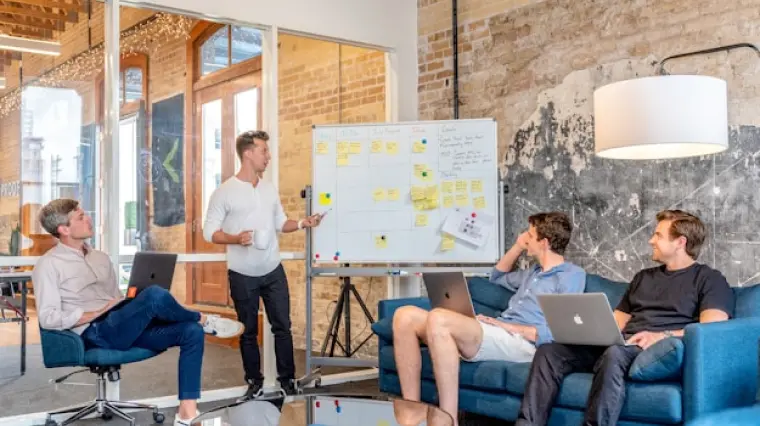
Visla is a comprehensive video production solution: capture, create, edit, and collaborate. Ideal for professional marketing teams.
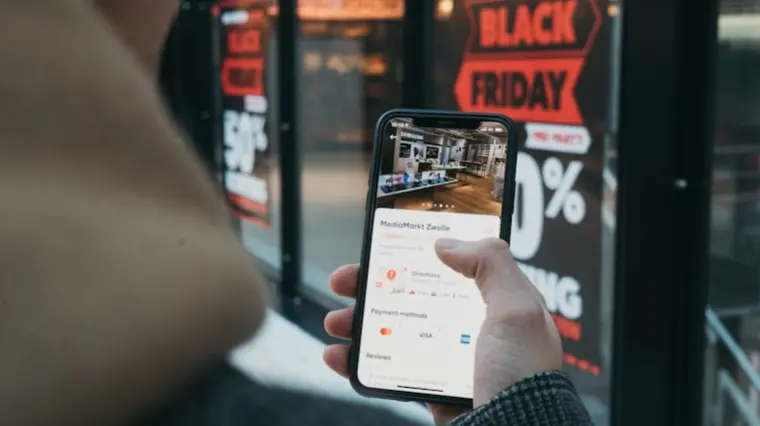
AI simplifies video production, while your expertise elevates it. Create impactful training videos with ease.
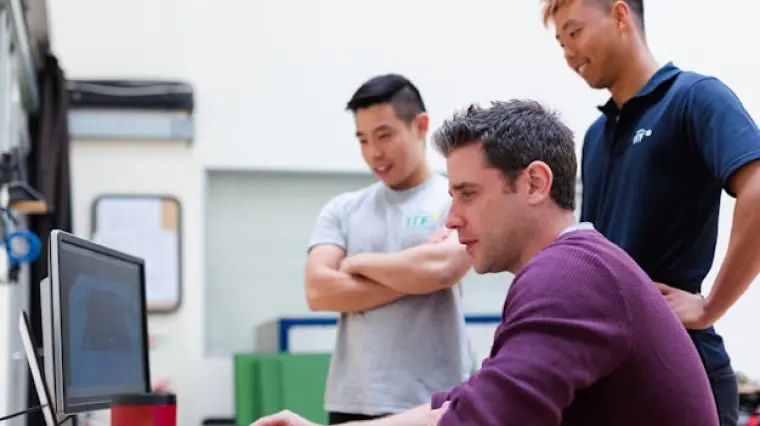
Scale video production with AI to drive lead generation and increase conversion rates.
AI video tools designed with your customers in mind. Visla is the best video creation suite to elevate your success.

We know what you’re best at - making amazing products. But making videos? Well, our AI can help with that.
As a communications team, capturing attention is essential. Achieve this effectively with AI-powered video solutions.
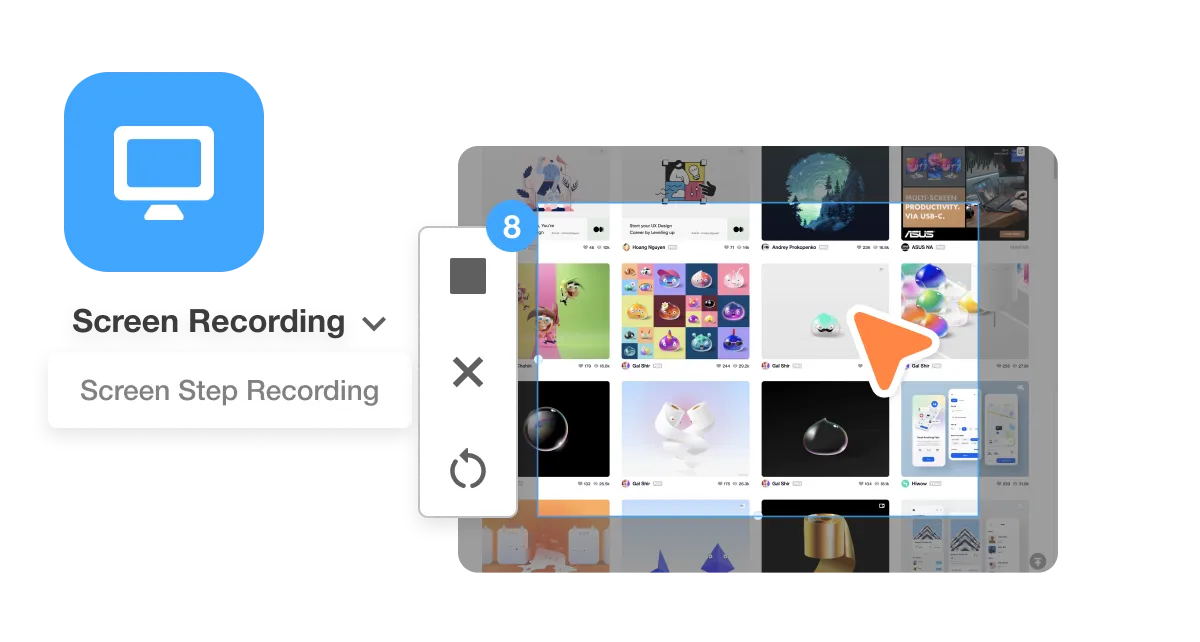
Capture every moment effortlessly with Visla's powerful recording suite. From high-quality video to screen and step-by-step how-to recording, you have a tool for every situation. It helps you create clear, professional content without complicated setups, so you can focus on telling your story.
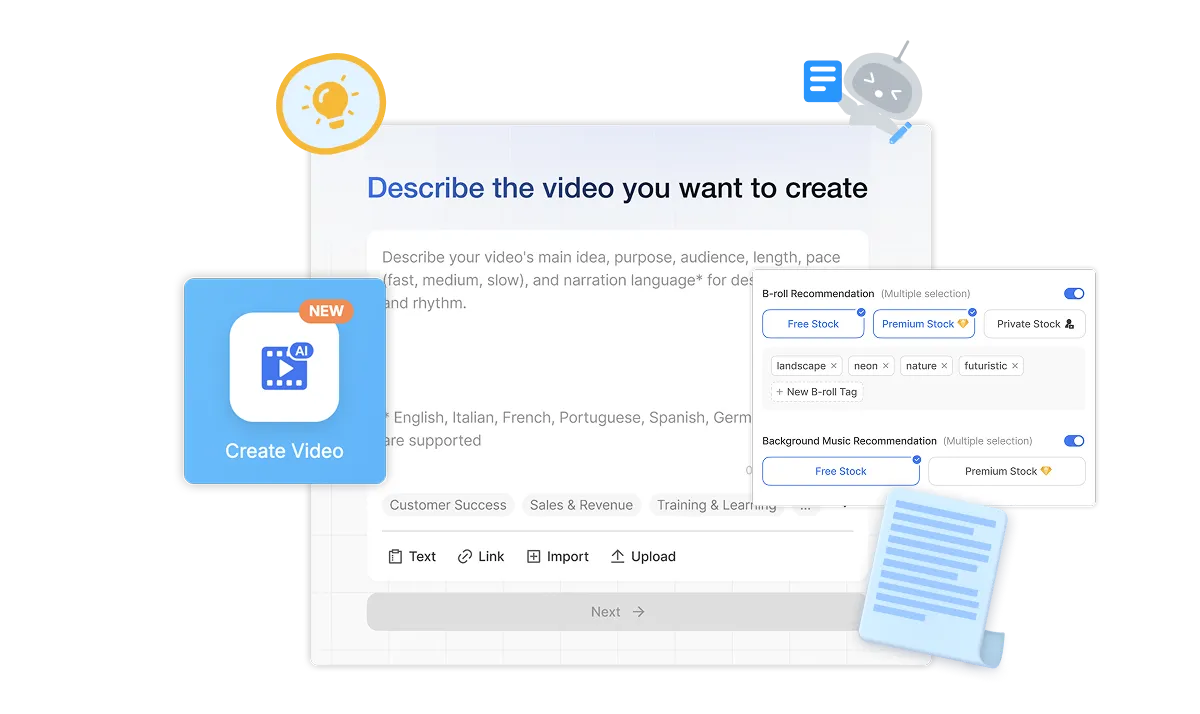
Bring your vision to life instantly with the help of Visla’s AI Video Agent. Start from an idea, a text or script, existing footage, audio, images, or even a PPT/PDF, and let AI assemble a polished, professional video in minutes. You save hours of work while still keeping creative control over the final product.
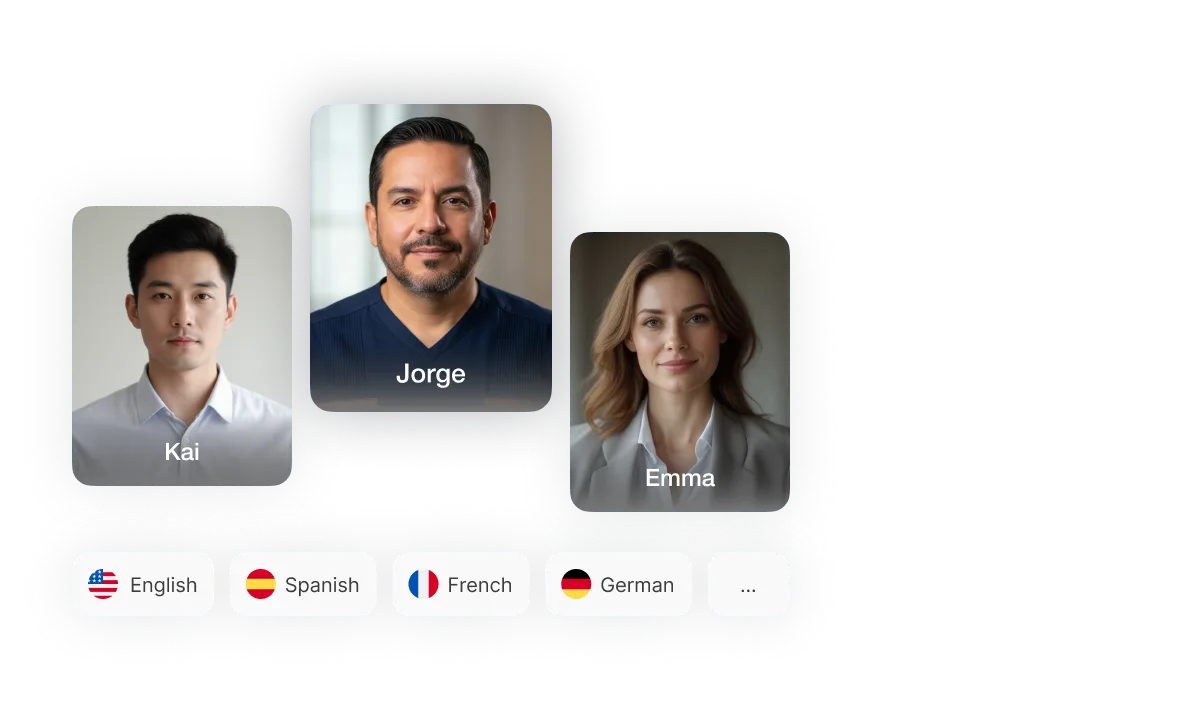
Make every video yours with our AI personalization tools. Choose from 100+ public AI Avatars or create your own custom AI Avatar, and pair it with your AI-cloned voice for authentic narration. This helps you connect with your audience in a more personal, engaging way.
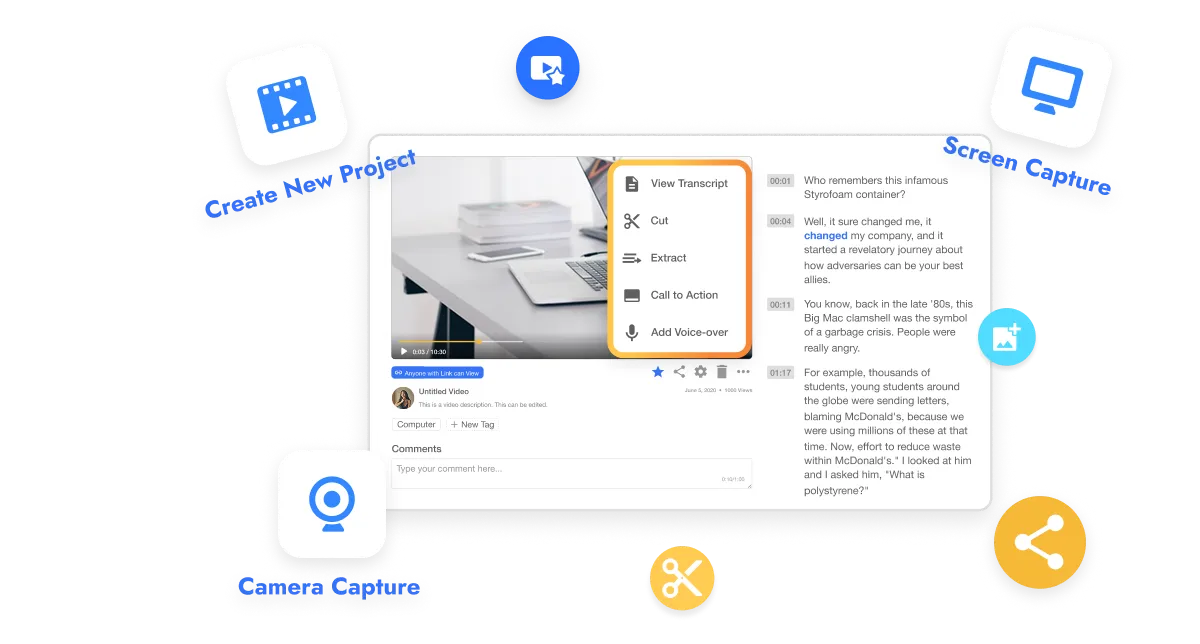
Edit smarter and faster with Visla’s two main editing modes. Use the Scene-Based Editor for precision control over every shot, or start with the AI Video Editor to trim, summarize, and enhance your footage automatically. You always get a pro level video without a steep learning curve.
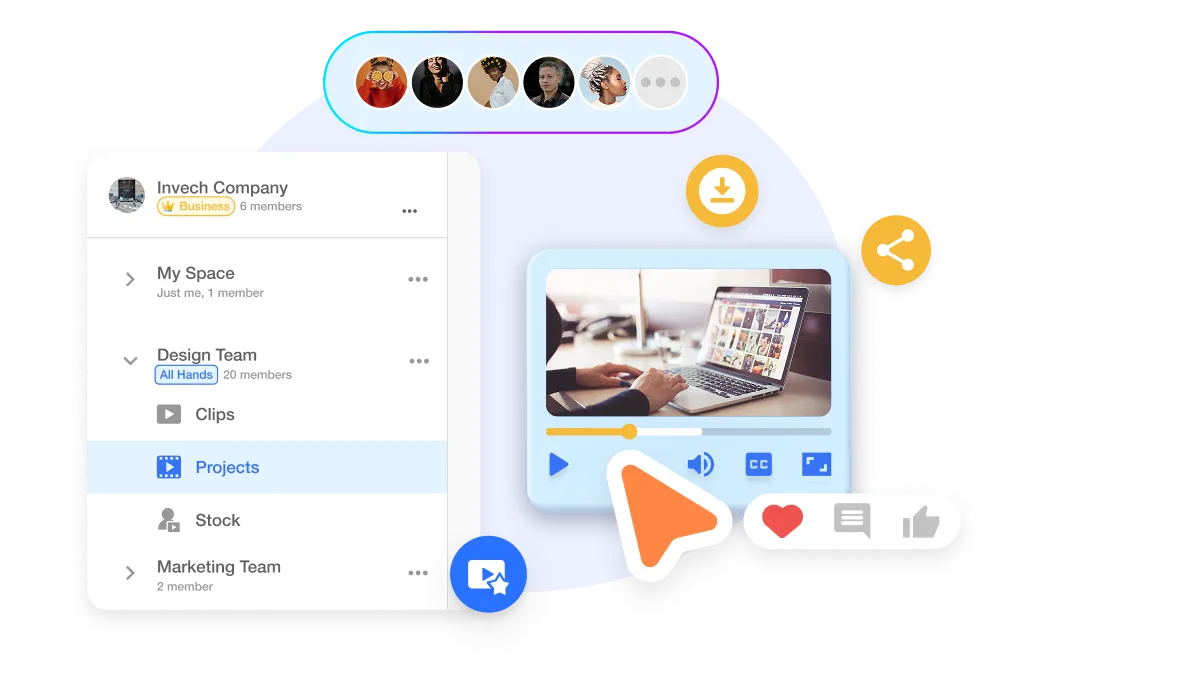
Create and collaborate with ease in our Workspaces and Teamspaces. Organize your footage, share feedback in real-time, and manage approvals, all in one secure, streamlined hub. Whether your team is across the office or across the globe, Visla makes working together feel effortless.
Visla’s SOC 2 Type II compliance ensures strong data security and privacy, ensuring a secure, compliant environment for video creation and collaboration.
Learn more
Visla’s secure Single Sign-On (SSO) enables streamlined, safe access, enhancing user security and simplifying authentication for enterprise teams.
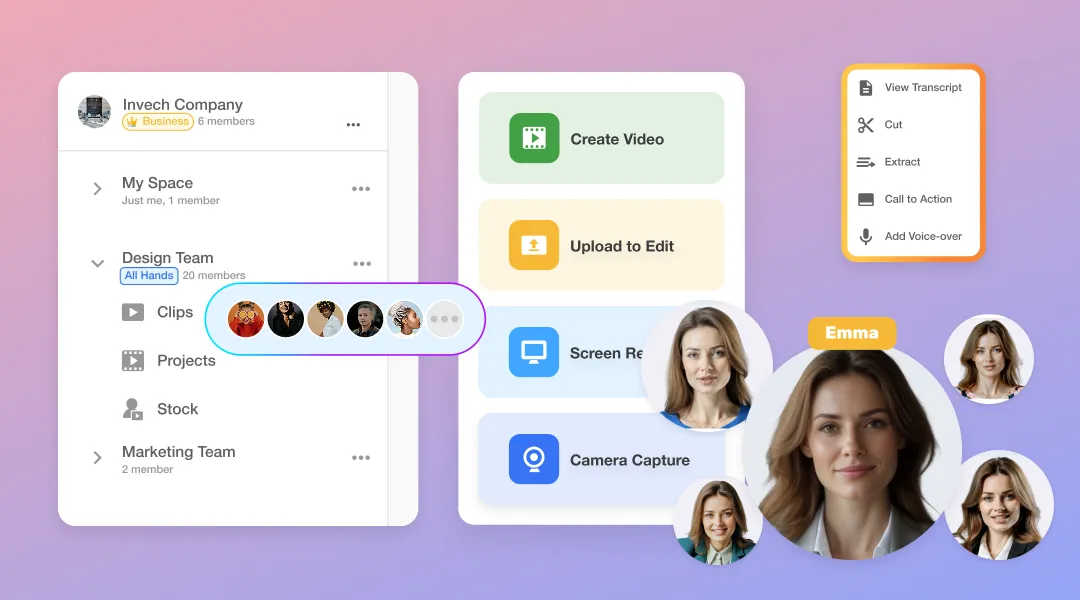
Visla empowers enterprise teams to produce more videos, faster, with the help of AI. From marketing and sales to training, support, and product development, Visla provides an end-to-end platform for capturing, creating, editing, and collaborating on video content. Your teams can maintain brand consistency, streamline workflows, and deliver professional-quality videos at scale.
Enterprise customers unlock our most advanced features: unlimited workspaces, multiple brand kits, full Getty Images access, advanced AI for complex workflows, and seamless API integrations. Plus, Enterprise users enjoy unlimited voice clones and unlimited avatars for personalized, scalable video content creation. A dedicated account manager, powerful admin controls, and premium security ensure your organization’s content stays on brand, on time, and protected.
Start by recording your screen, camera, or both with Visla’s built-in tools. Easily capture presentations, product demos, tutorials, or meetings on desktop or mobile.
Kick things off with anything: an idea, script, text, link, clip, image, audio, or PDF/PPT. Our AI reads, listens, watches, and then analyzes everything.
You control the video’s duration, pace, aspect ratio, and which libraries the Agent pulls stock footage and music from. Plus, pick the AI voiceover and Avatar that fit your story.
Based on your preferences, it creates a fully formed video with narration, visuals, scenes, transitions, and more.
Refine the video draft in our powerful Scene-Based Editor. Add text overlays, graphics, and adjust branding. Cut or move scenes around, fix wording, and more.
Once you’re done editing, share with a click. Download it, get a share link, or copy an embed code.
Watch our step-by-step video guides to learn how to unlock the full potential of our AI-powered platform. Learn about every feature, from recording to editing.