

Create videos in ChatGPT with the Visla Video Maker Plugin
Create videos directly in ChatGPT with the Visla Video Maker Plugin. Turn your ideas, research, or scripts into videos using AI-generated visuals or stock footage, then refine scenes, narration, and graphics in Visla.
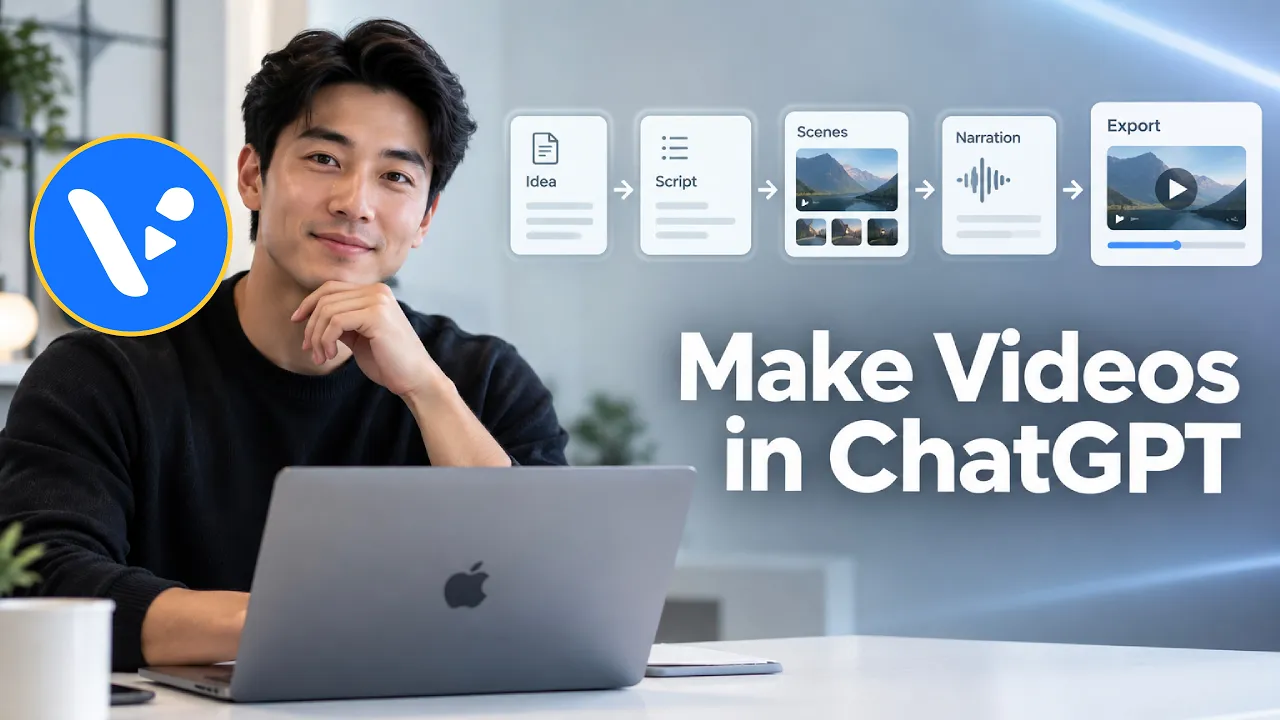

Create videos in ChatGPT with the Visla Video Maker Plugin
Turn your ideas, research, or scripts into videos with AI-generated visuals or stock footage. Create in ChatGPT, then refine scenes, narration, and graphics in Visla
How to make a video with Visla in ChatGPT
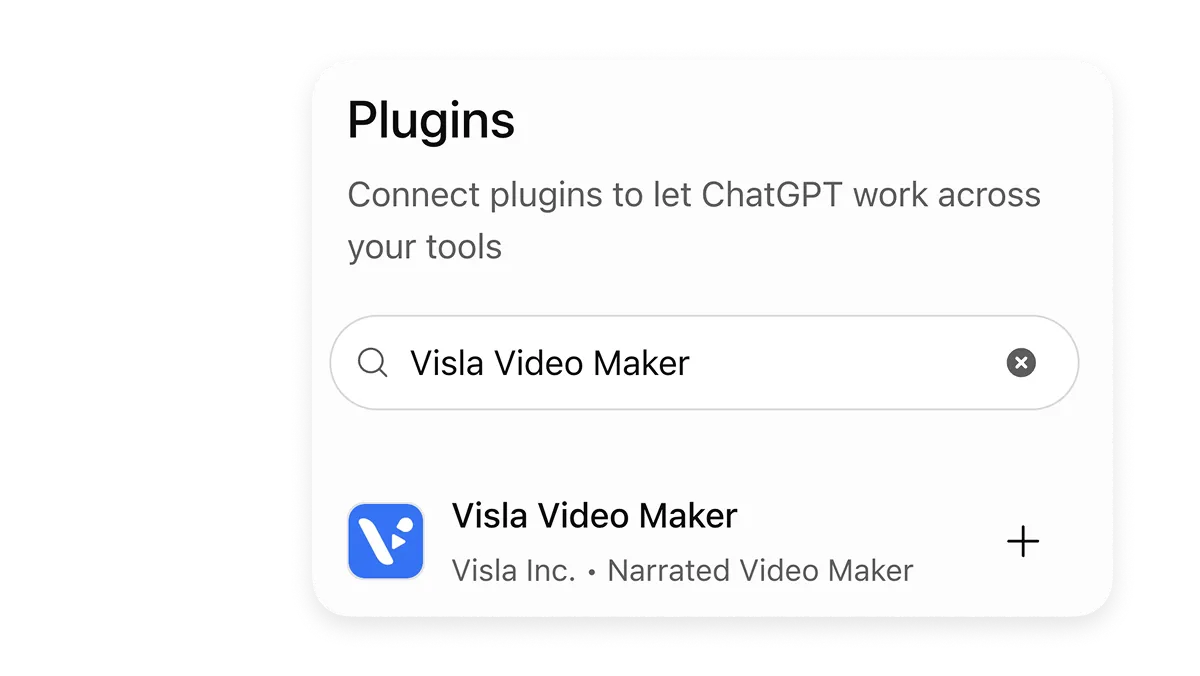
1. Install the Visla Video Maker Plugin
Open the ChatGPT Plugin Directory and search for “Visla Video Maker,” or use the installation prompt above to ask ChatGPT to surface the plugin for you.
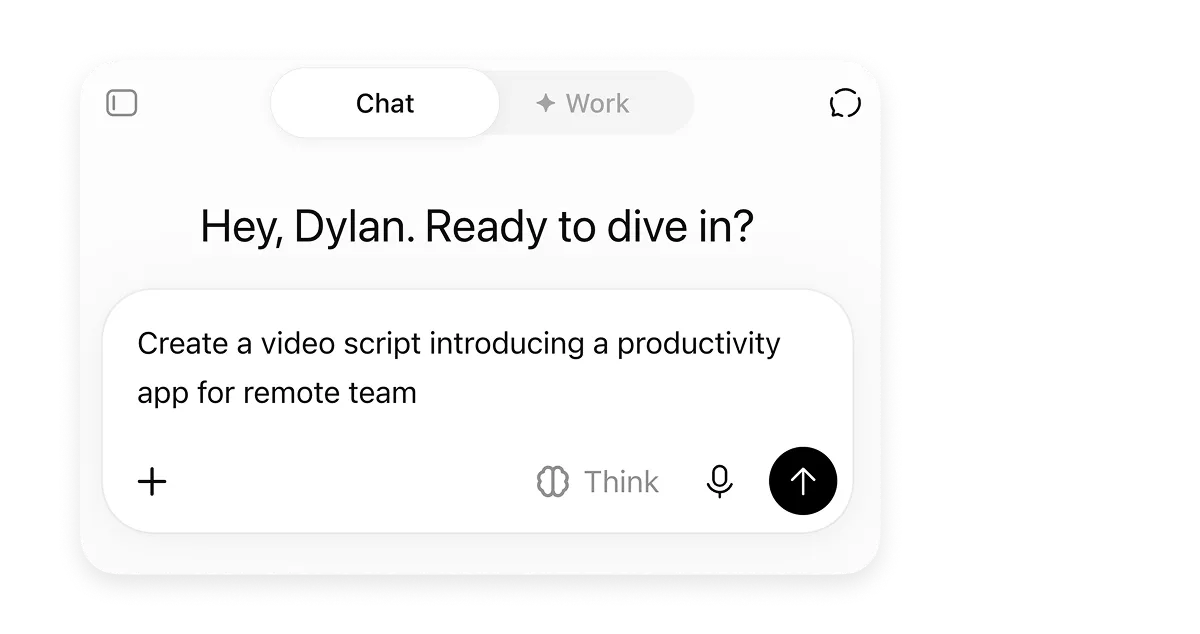
2. Write and refine your script
You can develop your idea, research the topic, and write the script inside the same ChatGPT conversation. For current information, use Web Search. For more complex research, use Deep Research.
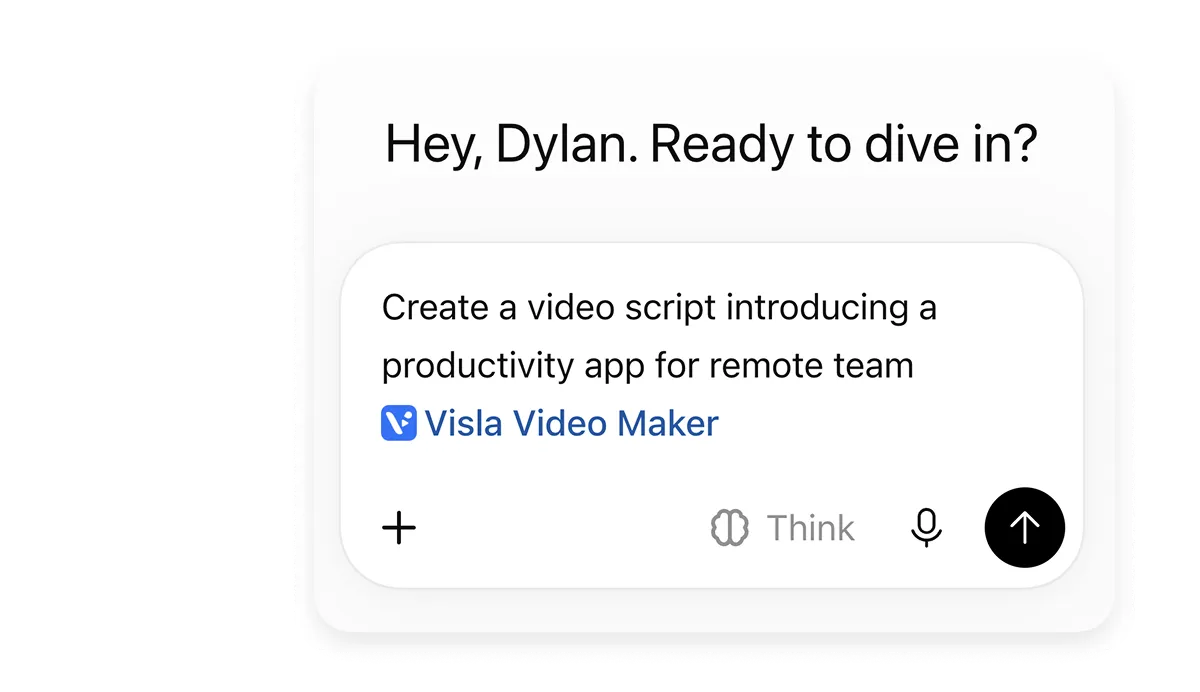
3. Ask Visla to create the video
When the script is ready, call the Visla Video Maker Plugin and tell it what video you want to make. If you don’t want the wording changed, say so explicitly.
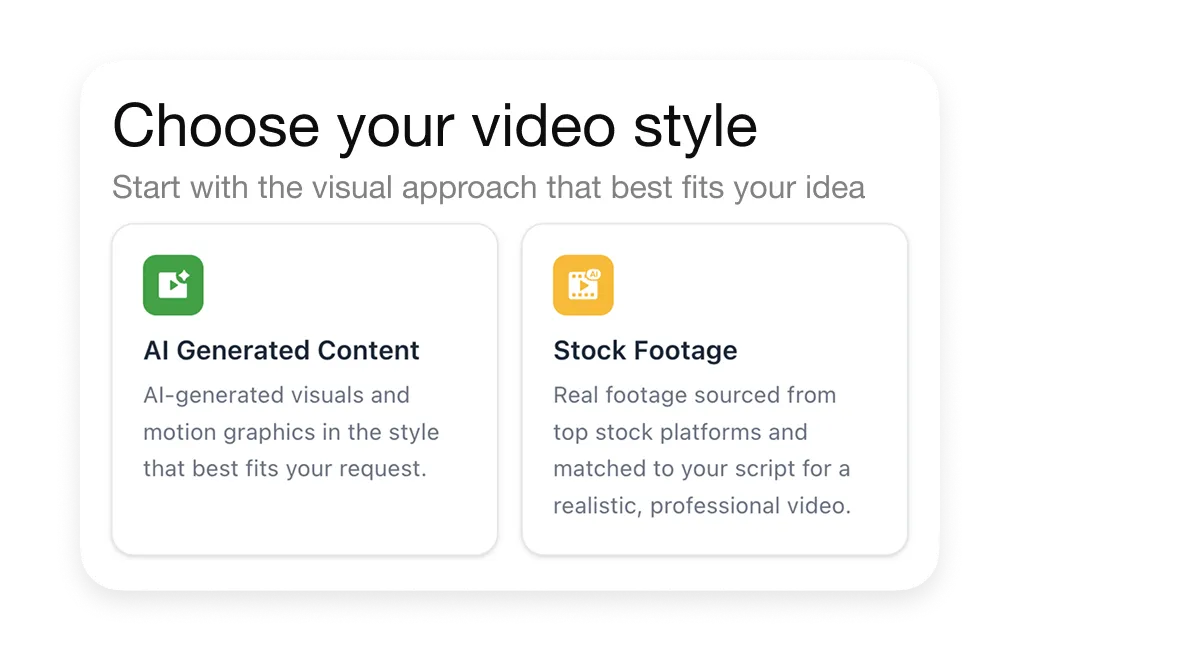
4. Choose your video style and generate
There are two main footage types to choose from:
AI Generated Content
Uses AI-generated video clips and motion graphics that fit the concept of your project.
Stock Footage
Uses real stock footage selected to match the script.
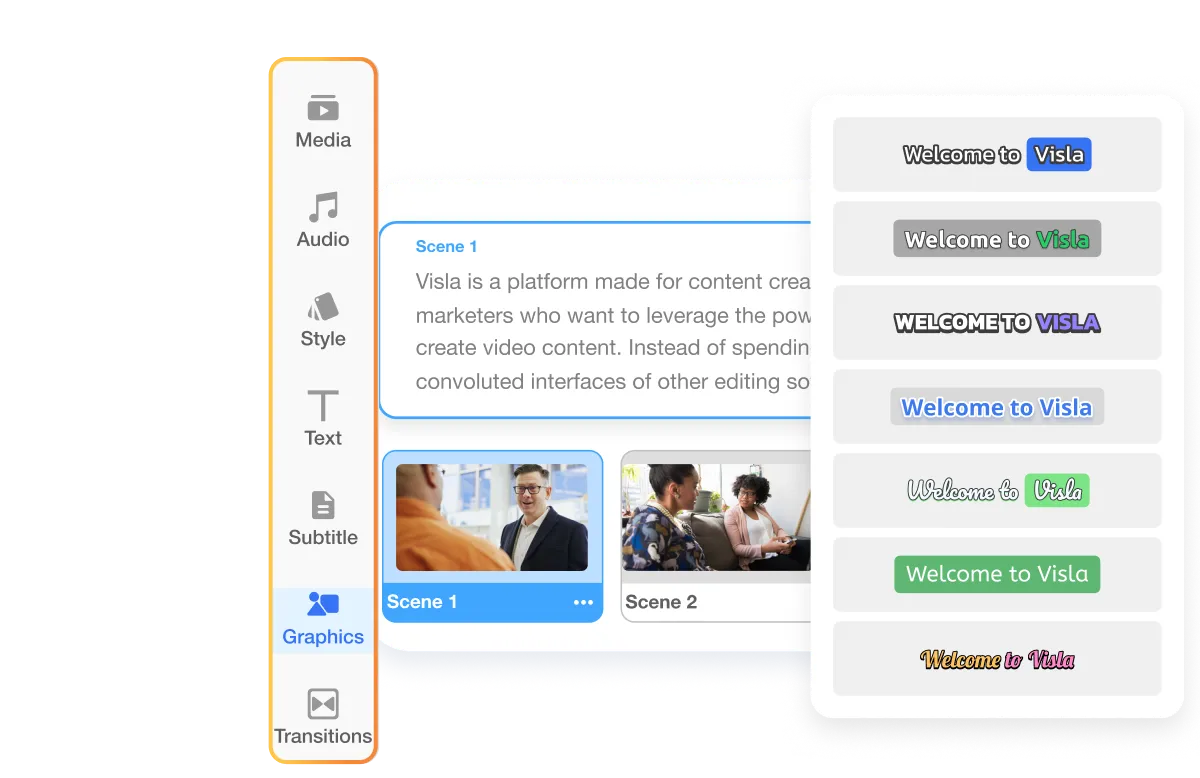
5. Continue editing in Visla
When you want more control, open the generated project in Visla’s Scene-Based Editor. You can rearrange and edit scenes, replace or add footage, add text and graphics, and make other scene-level edits.
Prompts you can use in the Visla Video Maker Plugin
You can call @Visla Video Maker in any existing ChatGPT conversation and ask it to turn the ideas, research, scripts, or other content you've already developed into a video. You can also use the plugin to start AI Director Mode and Scenario-Based Video projects.
@Visla Video Maker Create a 60-second explainer about [topic] for [audience]. Use a clear, conversational tone. Draft the script for my review before generating the video.
 Copy prompt
Research [topic] using up-to-date, reliable sources. Turn the findings into a 90-second explanatory video script. Then, @Visla Video Maker create a video from the finished script.
Copy prompt@Visla Video Maker Create a polished video from the script above. Keep the visual style, characters, products, and environments consistent across scenes.
Copy prompt@Visla Video Maker Create a scenario-based training video from the script above. Use the dialogue verbatim. Show two characters talking to one another, and keep each character's lines assigned to the correct speaker.
Copy promptFrequently Asked Questions
 Do I need a Visla account to use the Visla Video Maker Plugin?
- Do I need a paid Visla plan to create videos in ChatGPT?
- How many Visla credits does creating a video in ChatGPT use?