Create videos with Visla’s AI Video Agent
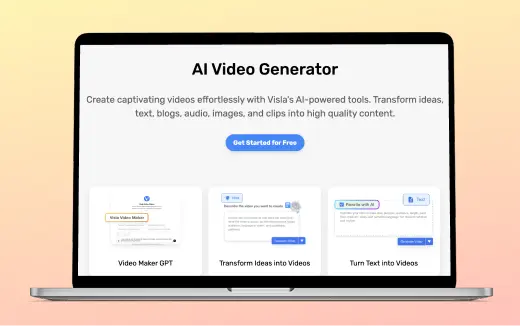
Start with an idea or bring your own source material. Visla turns your direction into a complete video draft you can refine scene by scene.

💡 What is Visla's AI Video Agent?
Visla’s AI Video Agent is our core workflow for turning an idea or source material into an editable video. You set the direction, Visla builds the draft, and you refine the result in the Scene-Based Editor.
How the AI Video Agent works
1. Start with an idea or source material
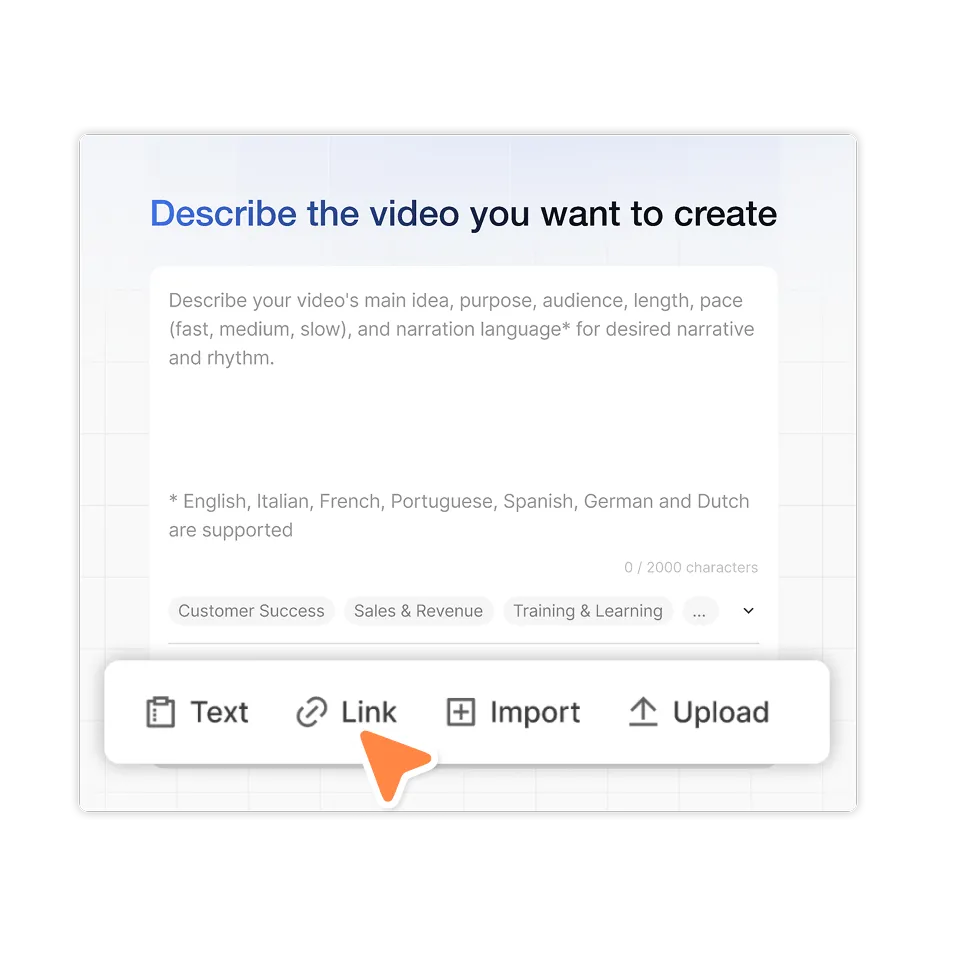
A prompt can be all you need. You can also upload a script, text, webpage, document, audio, images, video clips, or other source material.
2. Set up your video
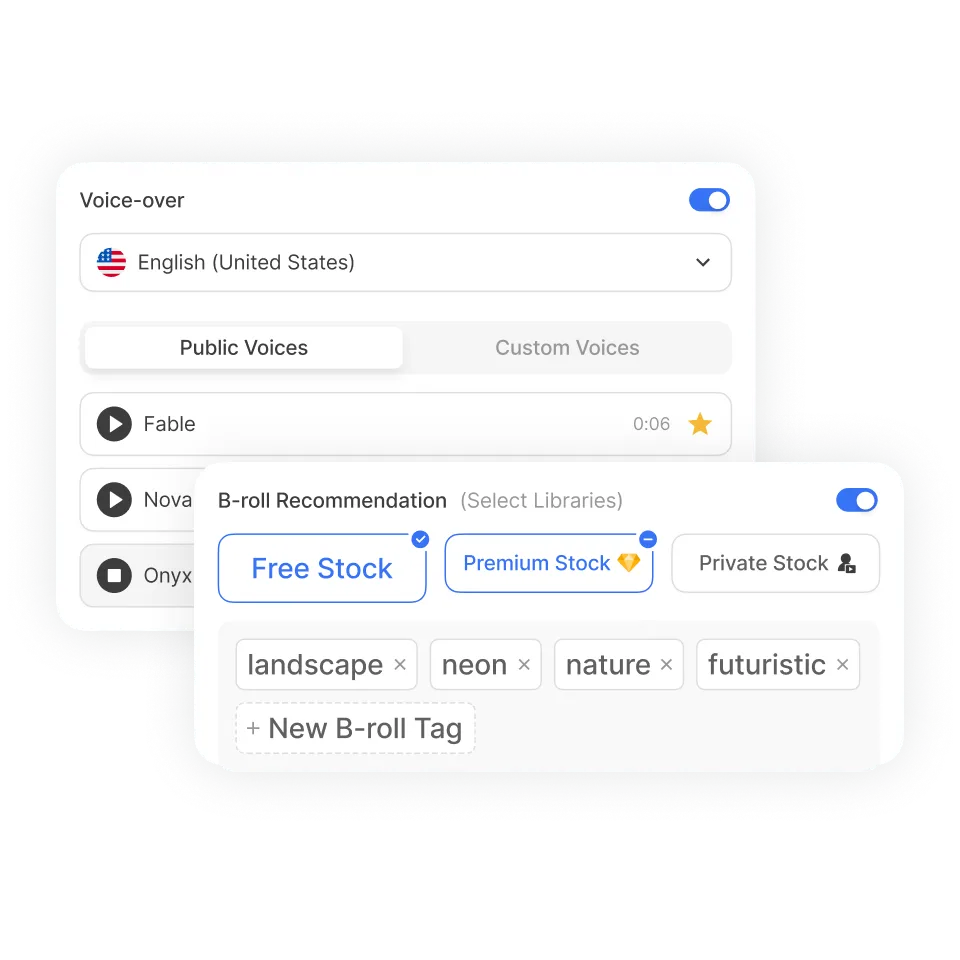
Our video setup adapts to your starting material and allows you to guide the direction for your video without managing options you don’t need.
3. Refine your video
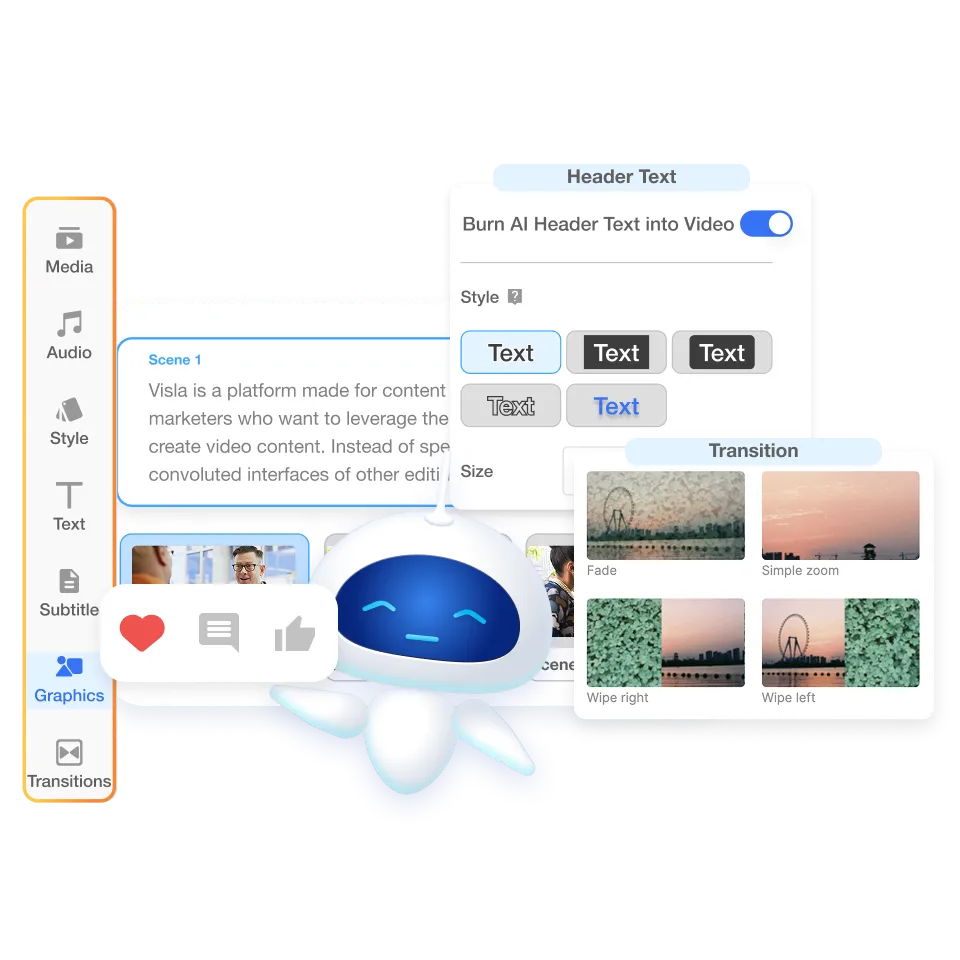
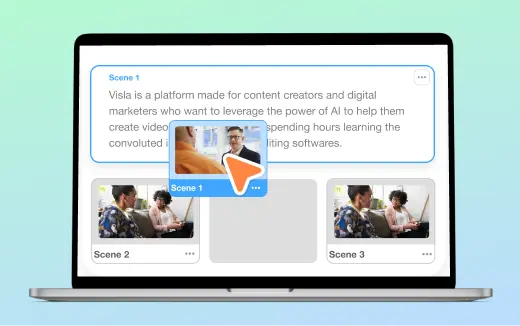
Visla builds your draft and opens it in the Scene-Based Editor. Rearrange scenes, replace footage, rewrite text, and refine the details before you share.
Start a video with almost anything
Different inputs tell the AI Video Agent to work in different ways.

START HERE — FROM A PROMPT

Prompt
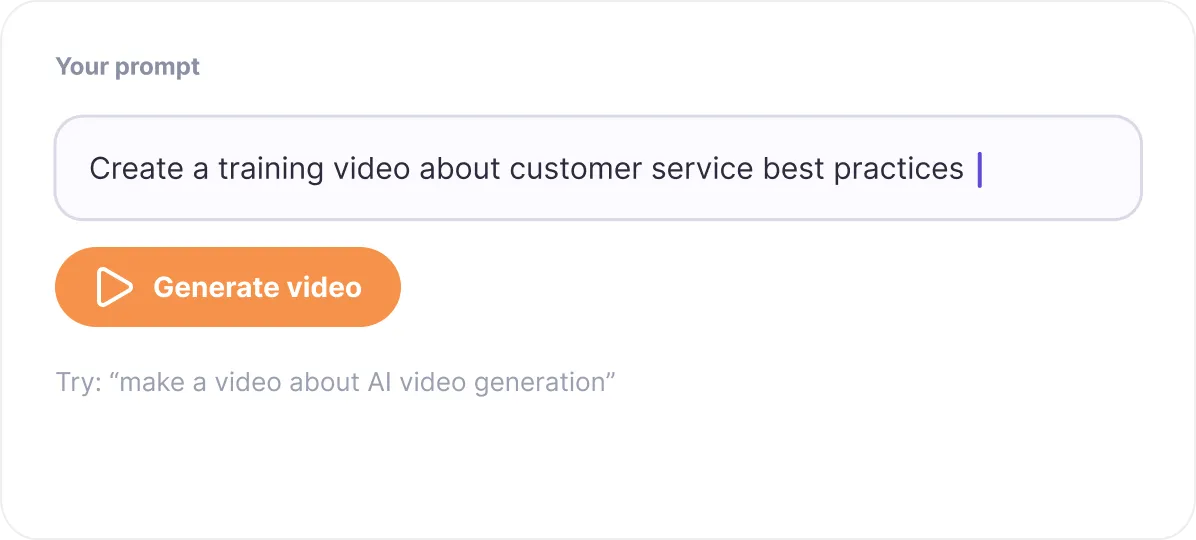
Tell Visla what to make or how to use the material you provide. A prompt can stand on its own as a video idea or guide a project built from other sources.

Idea
Start with only a topic or concept, such as “make a video about AI video generation.” Visla develops the idea into a video from there.
Text
Paste notes, rough copy, or other written material. Visla rewrites it into a video-ready script before creating your draft.

Script
Already have the exact words you want to use? Give Visla a finished script and the Agent builds the video around it without rewriting your copy.

Webpages and documents
Use a webpage, PDF, or PowerPoint as source material for your video.
Audio
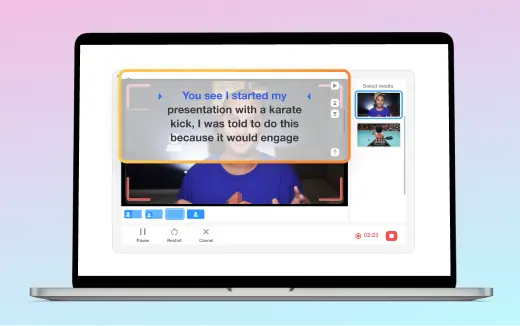
Turn recorded speech, podcasts, or other audio into a complete video.

Images and video
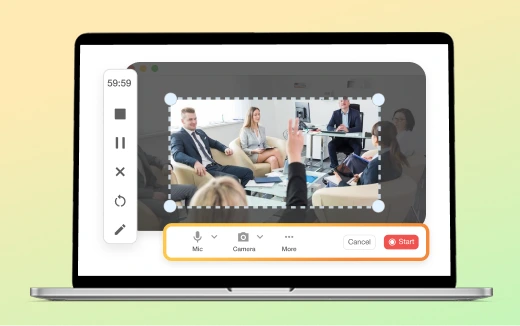
Upload your own images or footage and let Visla organize them into a complete project.
Start a video with almost anything
You set the direction

Content
Choose your topic, prompt, source material, or finished script.

Format
Set the length, pace, language, and aspect ratio.

Style
Choose a voice or existing audio, add an AI Avatar, and set your subtitle style.

Media
Upload your own assets and choose which footage sources Visla can use.
The agent handles the work

Analyze and plan
Visla analyzes your inputs, writes or adapts the script when needed, and structures the video into scenes.

Select and organize
The Agent chooses relevant stock or Private Stock footage and organizes your supplied media where appropriate.

Generate
Visla creates voiceover when needed, builds and times subtitles, selects background music, and adds transitions.

Assemble
The Agent puts everything together as an editable video project.
Customize how your video looks and sounds
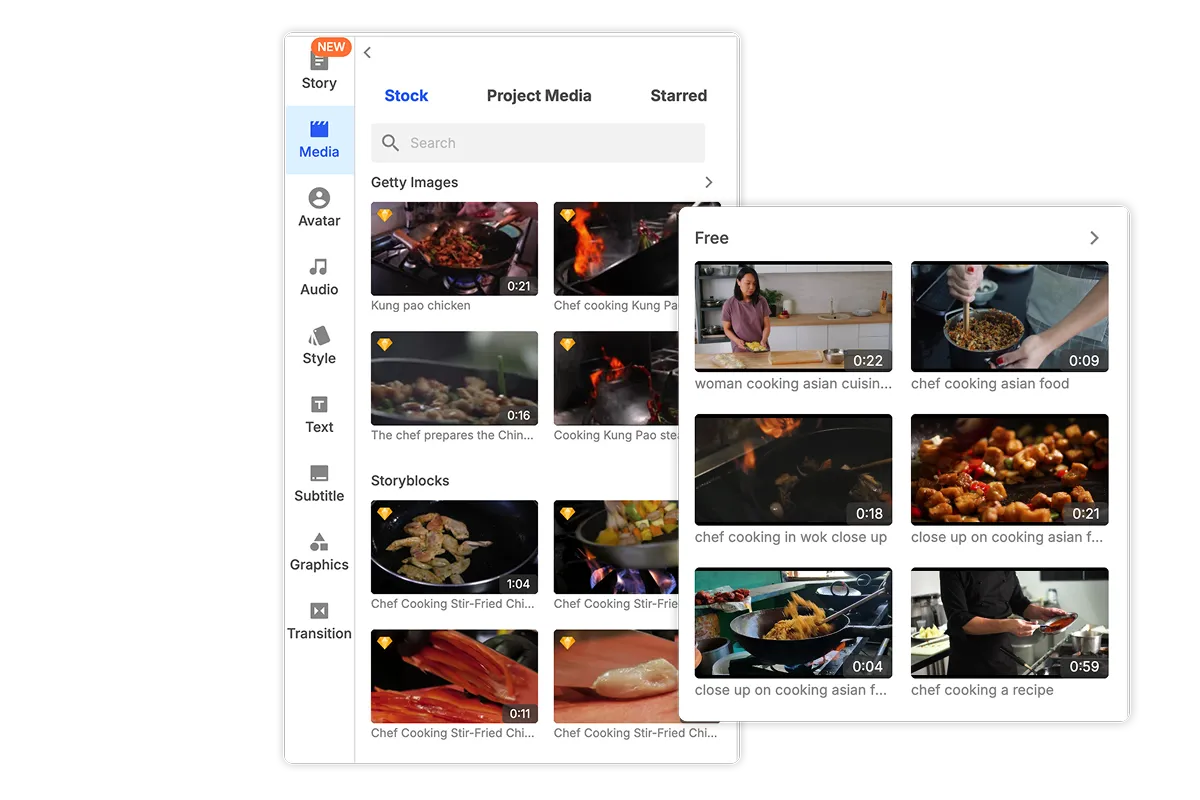
Use the footage you want
Choose from Visla’s Free Stock, Premium Stock, or your own Private Stock libraries. The AI Video Agent selects individual clips that fit each scene.
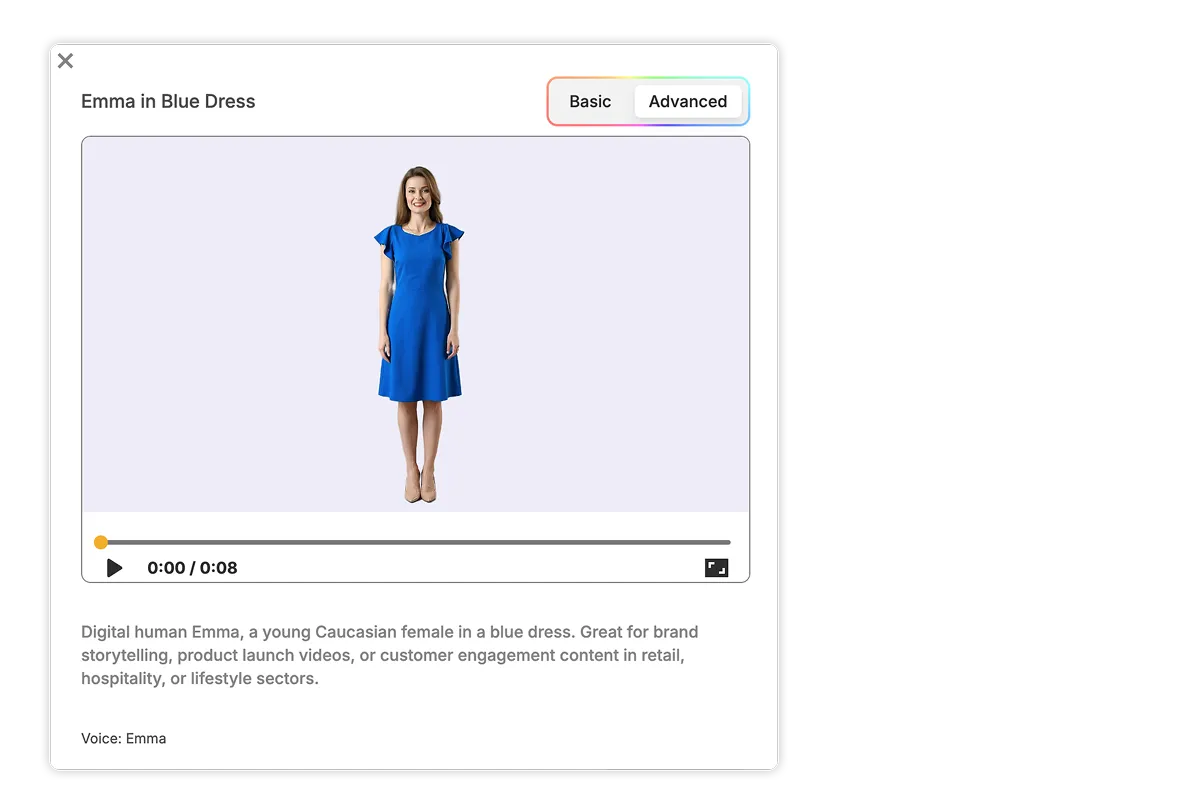
Add an AI Avatar
Choose a public AI Avatar or create your own. We have both Basic and Advanced Avatars. Advanced Avatars have more natural lip sync, expressions, gestures, and body language.
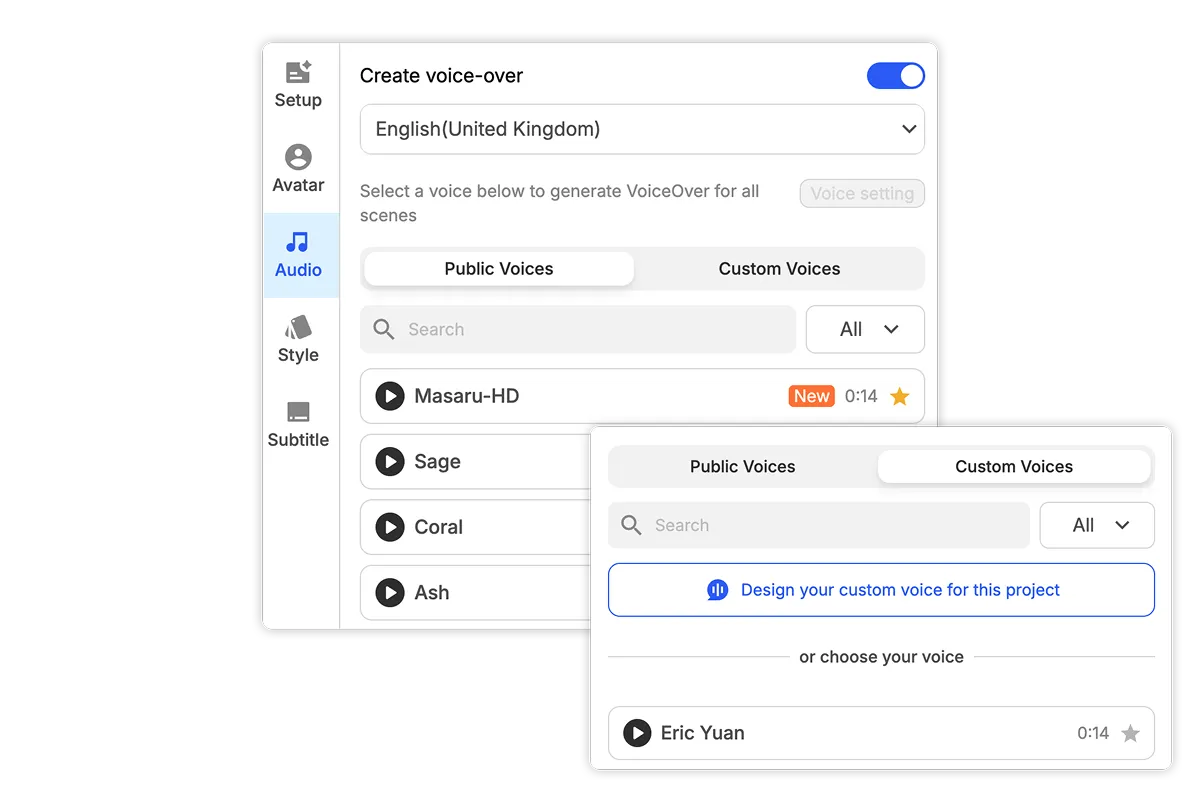
Use the right voice
Choose an AI voice, use a cloned voice, or keep existing speech when your source already has the audio you want.
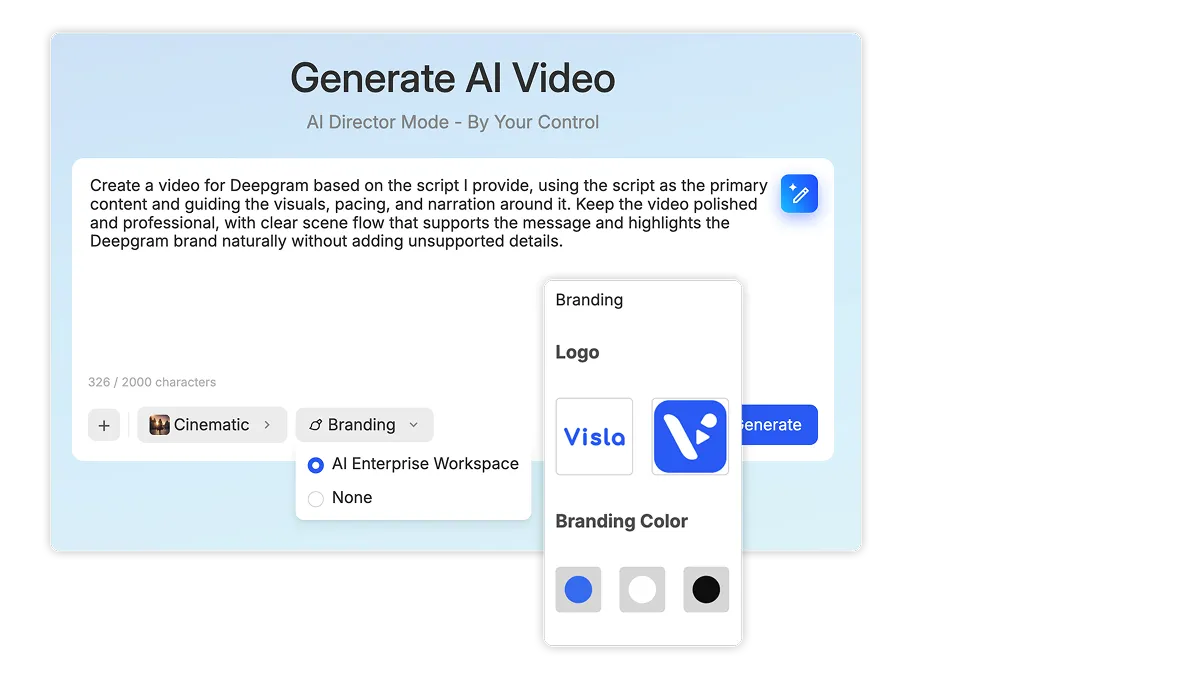
Keep your videos on brand
Apply your brand colors, fonts, logos, subtitle styles, and other visual standards across your video.
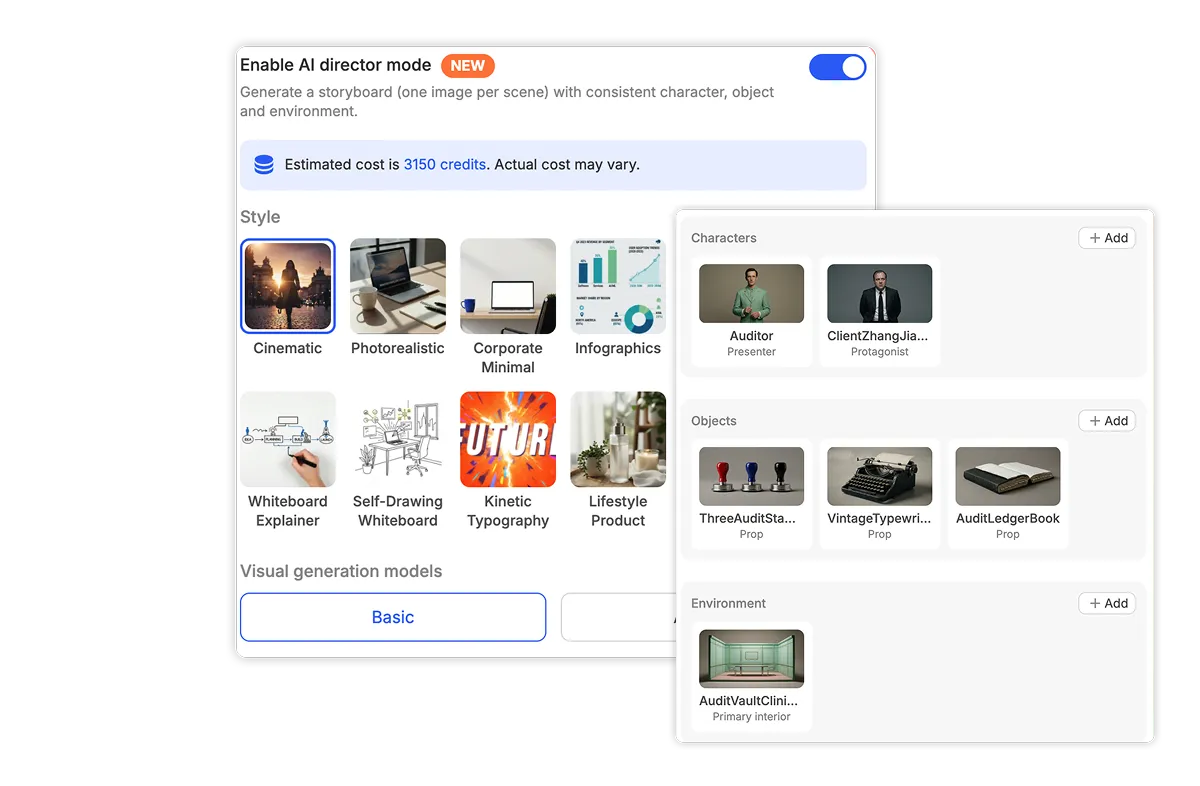
Advanced: Create AI-generated videos with AI Director Mode
This is our full-fledged AI video generation pipeline. AI Director Mode keeps characters, objects, and environments across scenes, so you get a cohesive, consistent video made entirely with AI.
One workflow for very different videos
Turn a campaign brief into a launch video

Give Visla a prompt along with your landing page, product information, footage, or other campaign assets. The Agent turns them into an editable launch video your team can refine.
Turn an SOP into a training video
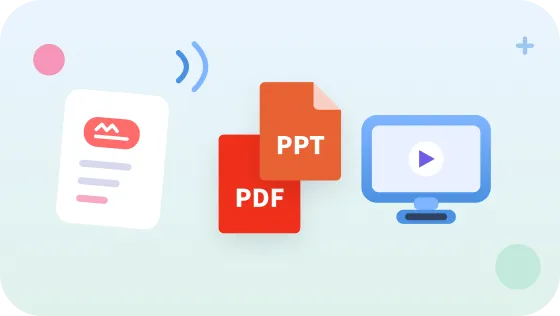
Upload a PDF, presentation, or written process. Visla can structure the material into scenes and build a training video with narration, visuals, subtitles, and an optional AI presenter.
Turn recorded footage into a product demo
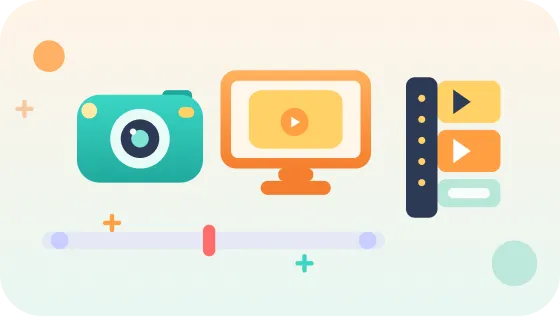
Upload screen recordings or product clips and keep the original audio when you want it. Visla organizes the material into scenes and builds a draft you can finish in the Scene-Based Editor.
Frequently Asked Questions
 Is Visla secure enough for internal or proprietary business videos?
- Can my team work together on videos created with the AI Video Agent?
- How much does it cost to create videos with the AI Video Agent?
- Can I use Visla’s stock footage in business and commercial videos?
- Can I automate video creation with Visla instead of starting every project manually?