
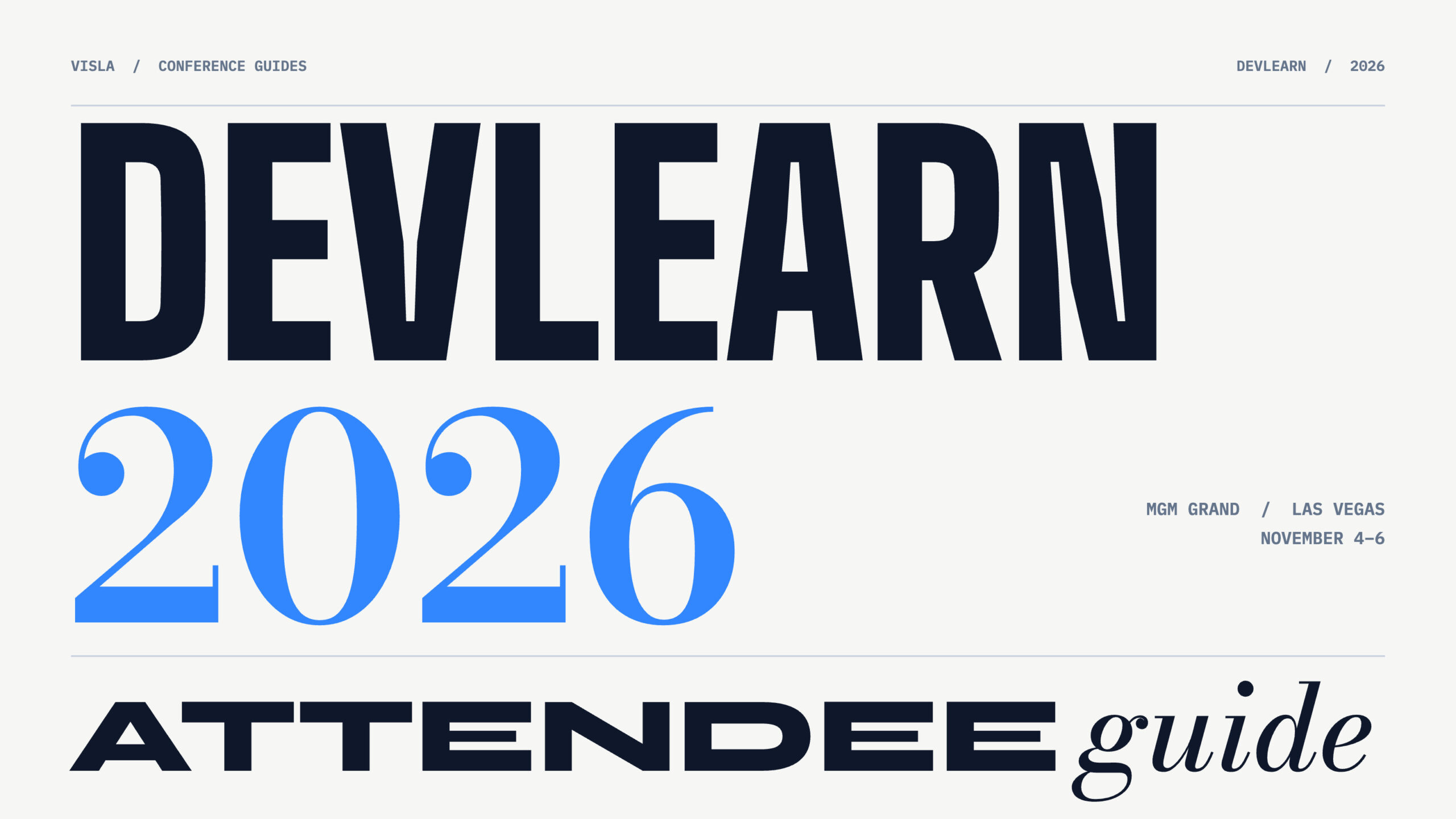
Quick Answer: DevLearn 2026 takes place November 4–6 at MGM Grand in Las Vegas, with optional preconference activities November 1–3. The Expo Hall is open Wednesday and Thursday only, so plan your exhibitor visits before Friday. Choose sessions and demos based on problems you want to solve, but leave time for unexpected conversations. Our team at Visla recommends arranging meetings early, bringing comfortable shoes, and allowing more time than you expect to get around the resort.
DevLearn 2026 at a glance
| What | Details |
|---|---|
| Main conference | November 4–6, 2026 |
| Preconference activities | November 1–3 (separate paid registration required) |
| Location | MGM Grand Conference Center, 3799 S. Las Vegas Blvd., Las Vegas, NV 89109 |
| Registration | Conference Center, Room 153 |
| Expo Hall hours | Wednesday: 9 a.m.–6 p.m. Thursday: 9 a.m.–2:45 p.m. |
| Conference app | Learning Guild Events |
All times are Pacific Standard Time (PST).
Key DevLearn 2026 events and times
Here are the major events and deadlines to work around when planning your visit. See the schedule at a glance for the overall event timetable.
| Date and time | Event |
|---|---|
| Tuesday, Nov. 3, 4:30–6:30 p.m. | Learning Tech Meetup: Industry Night |
| Tuesday, Nov. 3, 4:45–5:05 p.m. | Intro to DevLearn Orientation |
| Wednesday, Nov. 4, 8–9 a.m. | Opening Keynote |
| Wednesday, Nov. 4, 9 a.m.–6 p.m. | Expo Hall open, with an afternoon Expo Reception |
| Thursday, Nov. 5, 8–9 a.m. | Morning Keynote |
| Thursday, Nov. 5, 9 a.m.–2:45 p.m. | Expo Hall open for its final day |
| Thursday, Nov. 5, 4:15–6 p.m. | DemoFest and Learning Tech Meetup: Hot Topics |
| Friday, Nov. 6, 11:15 a.m.–12:30 p.m. | Closing Keynote; conference ends at 12:30 p.m. |
Before you go: Your preparation checklist
- Identify what you want to learn. Maybe your team struggles to keep software tutorials current, or you’re evaluating alternatives to traditional training courses. Use those problems to narrow down the conference agenda. We’ve also examined some of this year’s AI and L&D themes.
- Choose sessions and backups. Save your priorities, identify alternatives for scheduling conflicts, and leave openings for exhibitor demos.
- Contact people beforehand. Gabe recommends researching speakers and exhibitors, connecting on LinkedIn, and arranging meetings before the event. A short message explaining what you’d like to discuss can help you secure time with someone whose schedule might otherwise fill up.
- Download the conference app. Search for Learning Guild Events, sign in using your registration email, and select DevLearn 2026. Use it to organize sessions, find exhibitors, and check schedule changes.
- Pack the essentials. Gabe’s recommendations are comfortable shoes, a refillable water bottle, and an external battery bank. Add a sweater for chilly meeting rooms and a laptop if you’re attending BYOD (Bring Your Own Device) sessions.
During DevLearn: How to spend your time
Prioritize sessions, but know when to leave
You won’t have time to see everything, so you’ll need to make choices.
If a session isn’t covering what you expected, it’s fine to leave discreetly and find something more relevant. Don’t let an interesting-sounding presentation distract you from a meeting or demonstration that directly addresses a problem you’re trying to solve.
At the same time, leave room for worthwhile surprises. An unfamiliar topic might turn out to be more relevant than you expected.
Start at the smaller booths
Gabe has attended plenty of large trade shows, and one of his favorite strategies is to begin at the back or outer edges of the Expo Hall.
Smaller, lesser-known exhibitors may have more time for detailed conversations, especially when the major booths are crowded. You can work toward the busier booths afterward, provided that doesn’t interfere with meetings you’ve already arranged.
Bring questions to every demo. For example, ask an exhibitor to demonstrate how their platform updates an outdated software tutorial. What can it automate? What requires manual editing? How would it fit your team’s workflow?
Expect questions in return. Exhibitors will want to know what you’re trying to accomplish, so prepare a brief explanation.
Give people a reason to start talking
Greg’s biggest recommendation is to stay open-minded and go out and talk to people. Conference attendees can sometimes be shy, and someone needs to initiate the conversation.
Zach, who regularly speaks with prospective customers, also emphasizes the importance of a good hook that catches someone’s attention.
That works for attendees, too. Instead of introducing yourself with only your job title, try explaining a problem you’re facing: “We have dozens of training videos to update every quarter. How does your team handle revisions?”
You can also join DevLearn’s Buzz Discussions and Learning Tech Meetups. At Thursday’s DemoFest, ask people presenting completed learning projects what they’d change if they built them again.
Getting around MGM Grand and Las Vegas
Getting around a large conference venue almost always takes longer than expected.
Review the DevLearn floor plans beforehand. Allow extra time between sessions, especially when moving between different parts of MGM Grand.
If you’re staying elsewhere, account for travel time and the walk through the resort. The MGM Grand Monorail station connects to other stops along the Strip, but reaching the station takes time, too.
Staying within walking distance of a conference can save considerable effort, although changing hotels this close to the event may be impractical.
Plan breaks when you need them. DevLearn also offers a Serenity Space for attendees who want somewhere quieter.
Come meet us at DevLearn 2026
You’ll find the Visla team at booth #468 on Wednesday and Thursday. We’d love to hear how your team creates training videos, works with subject matter experts, and keeps instructional content current.
We’re also presenting two Expo Stage sessions:
- Wednesday, November 4, 11:15–11:45 a.m.: Beyond the Screen Recording: Bringing Software Training to Life with AI Video. Greg Meyers and Zach Vergillo join Kristy Elsman of Optimal Blue to discuss combining software demonstrations with AI-powered scenario videos.
- Thursday, November 5, 12:25–12:55 p.m.: From Recording Information to Simulating Experience: The Evolution of Video for L&D. Gabe Moronta explores how AI video tools can help L&D teams demonstrate realistic workplace scenarios and practical skills.
After DevLearn: Put something into practice
Before heading home, review your notes and identify something specific you want to try.
For example, if you discovered a promising approach to updating training videos, test it on one existing tutorial. Record the time required, identify what still needs manual work, and compare the result with your current process.
For a software walkthrough, try capturing one process with Visla’s Screen Step Recorder.
Follow up with the people who helped you explore that idea. You’ll have a concrete question to ask, rather than a generic message about enjoying the conference.

May Horiuchi
May is a Content Specialist and AI Expert for Visla. She is an in-house expert on anything Visla and loves testing out different AI tools to figure out which ones are actually helpful and useful for content creators, businesses, and organizations.