
Where enterprise video strategy gets sharper
New articles every Tuesday and Thursday.
The Visla blog covers AI video tools, production workflows, and video strategy for marketing, enablement, and operations teams. Practical content, no filler.
-
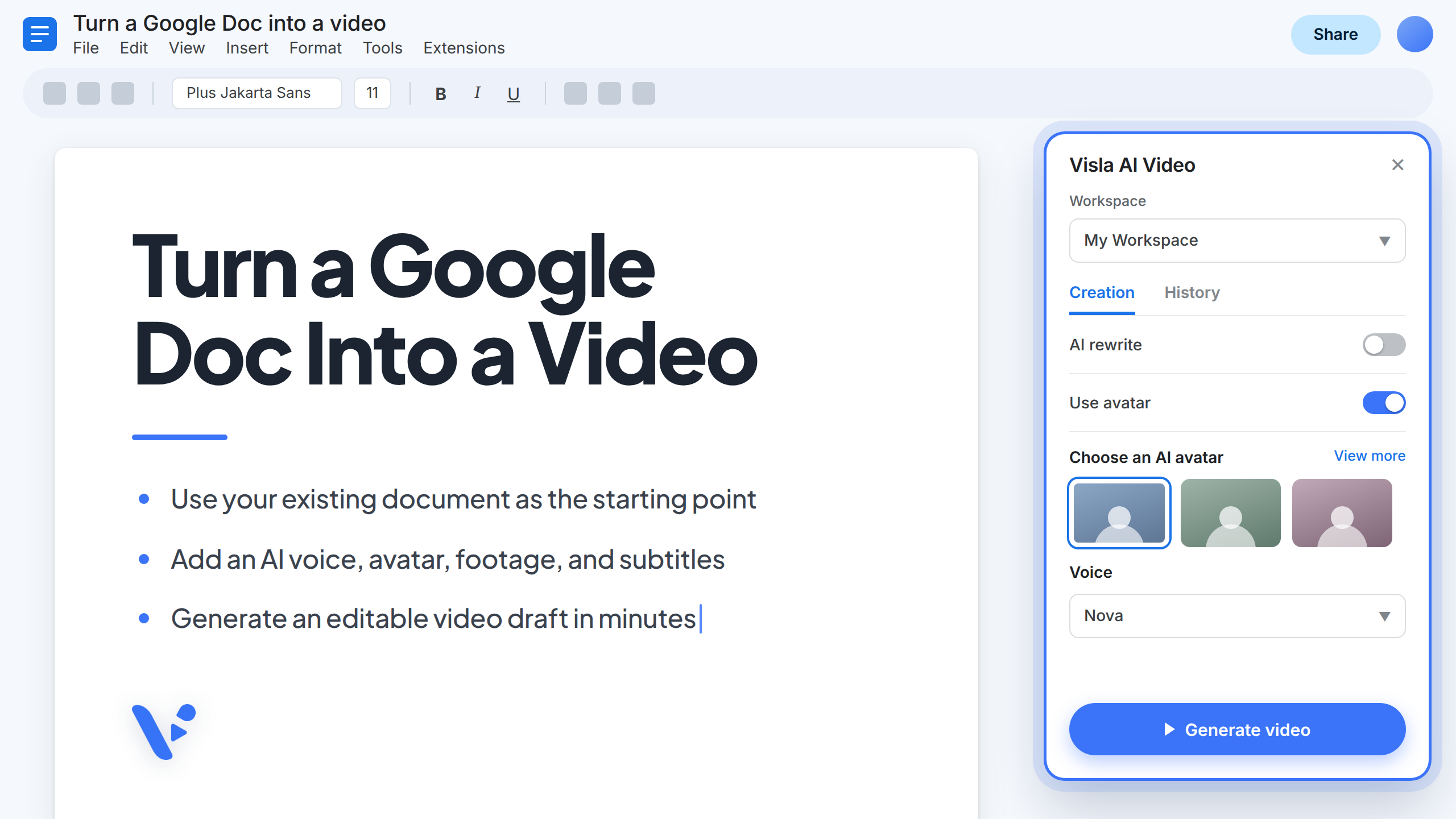
How to Turn a Google Doc Into a Video With Visla AI Video
Quick answer: How does Visla work with Google Docs? Visla AI Video is a Google Docs add-on that turns the document you already have open into an editable video draft. You can use your text exactly as written or ask AI to adapt it into a video script. Once Visla…
—
in How-Tos -

What Are ChatGPT Plugins and How Do They Work?
Quick answer A ChatGPT Plugin gives ChatGPT or Codex the tools and instructions needed for a specific workflow. It can include an App that connects to another service, reusable skills that guide ChatGPT through a task, or templates that a company configures for its own systems. OpenAI replaced the App…
—
in Guides -
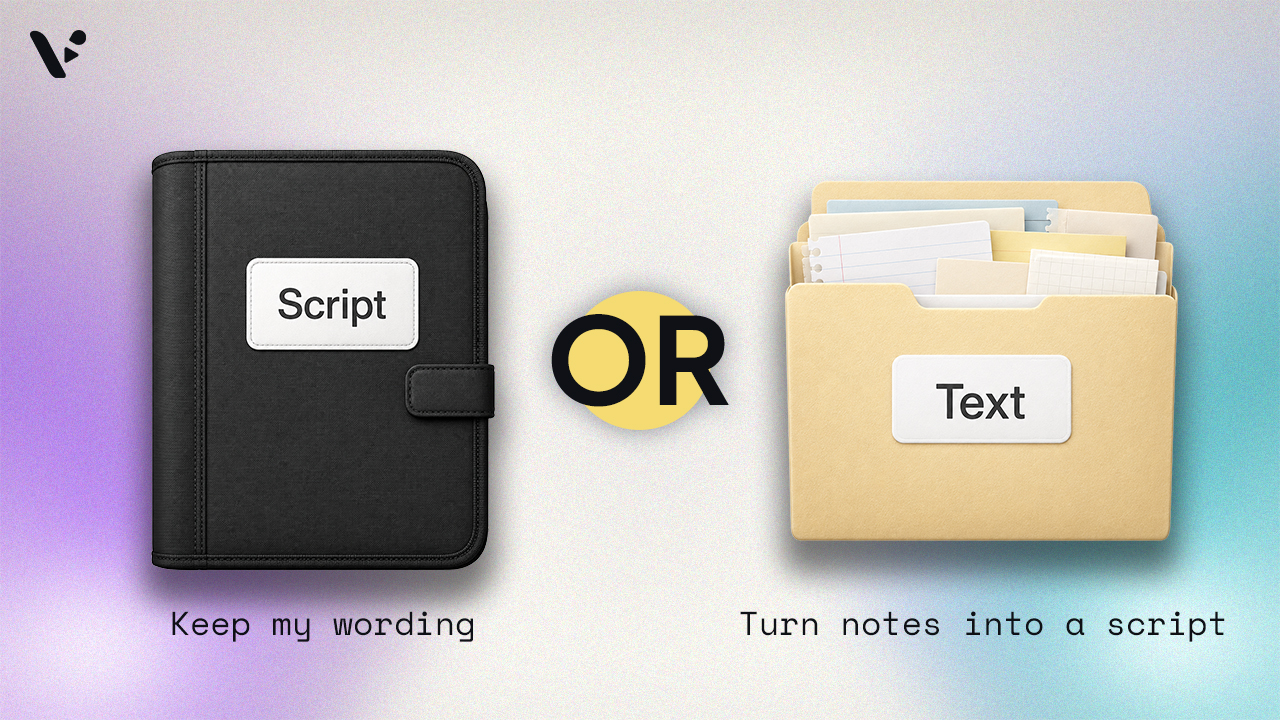
Script to Video vs. Text to Video: What’s the Difference?
Quick answer: The main difference between script to video and text to video is whether the AI rewrites your script. In Visla, script to video uses the script you provide, while text to video turns rough text or source material into a new video script. Choose script to video when…
—
in Guides -
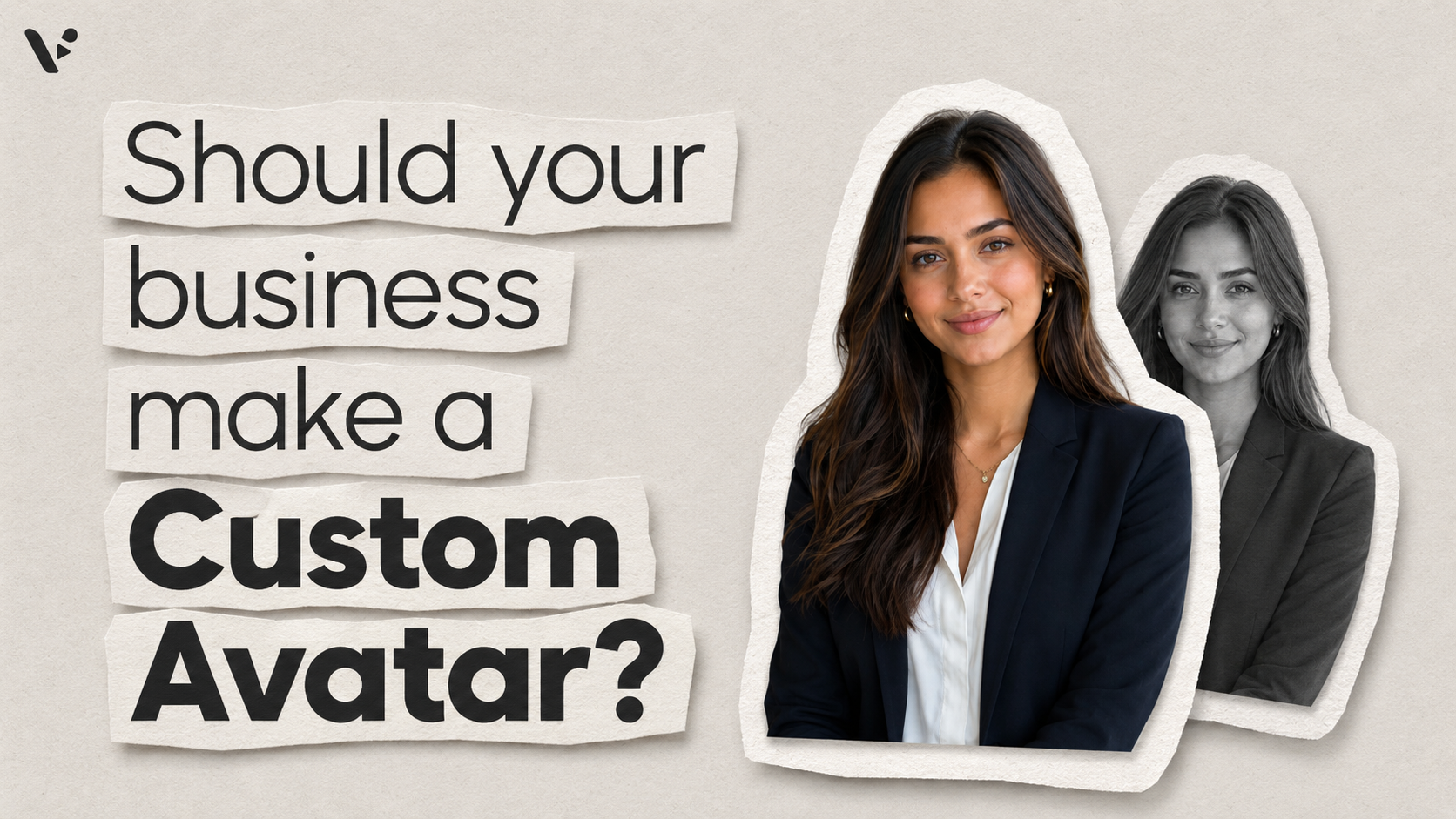
Should your business create a custom AI avatar?
Quick Answer A custom AI avatar makes sense when a public avatar isn’t specific enough for your brand, video series, or audience. Use a public avatar when speed matters and the presenter’s identity doesn’t. Use a generated custom avatar when you want a consistent branded presenter. Use a photo-based avatar…
—
in Guides -
Your AI avatar can speak for your company. Who approves the script?
Quick Answer: What is an AI avatar policy? An AI avatar policy explains how a company may create, use, approve, disclose, share, and retire digital presenters. It should identify which avatars are allowed, who may access them, what they may communicate, and who approves each video. Avatars based on real…
—
in Editorials -
AI Avatars for Training: A Decision Guide for L&D Teams
Quick answer: When should L&D teams use AI avatars? Use AI avatars for training that must stay consistent, change often, or reach employees in several languages. Use a human presenter when the speaker’s identity, experience, or responsibility for the message affects how employees receive it. For technical training, give the…
—
in Guides -
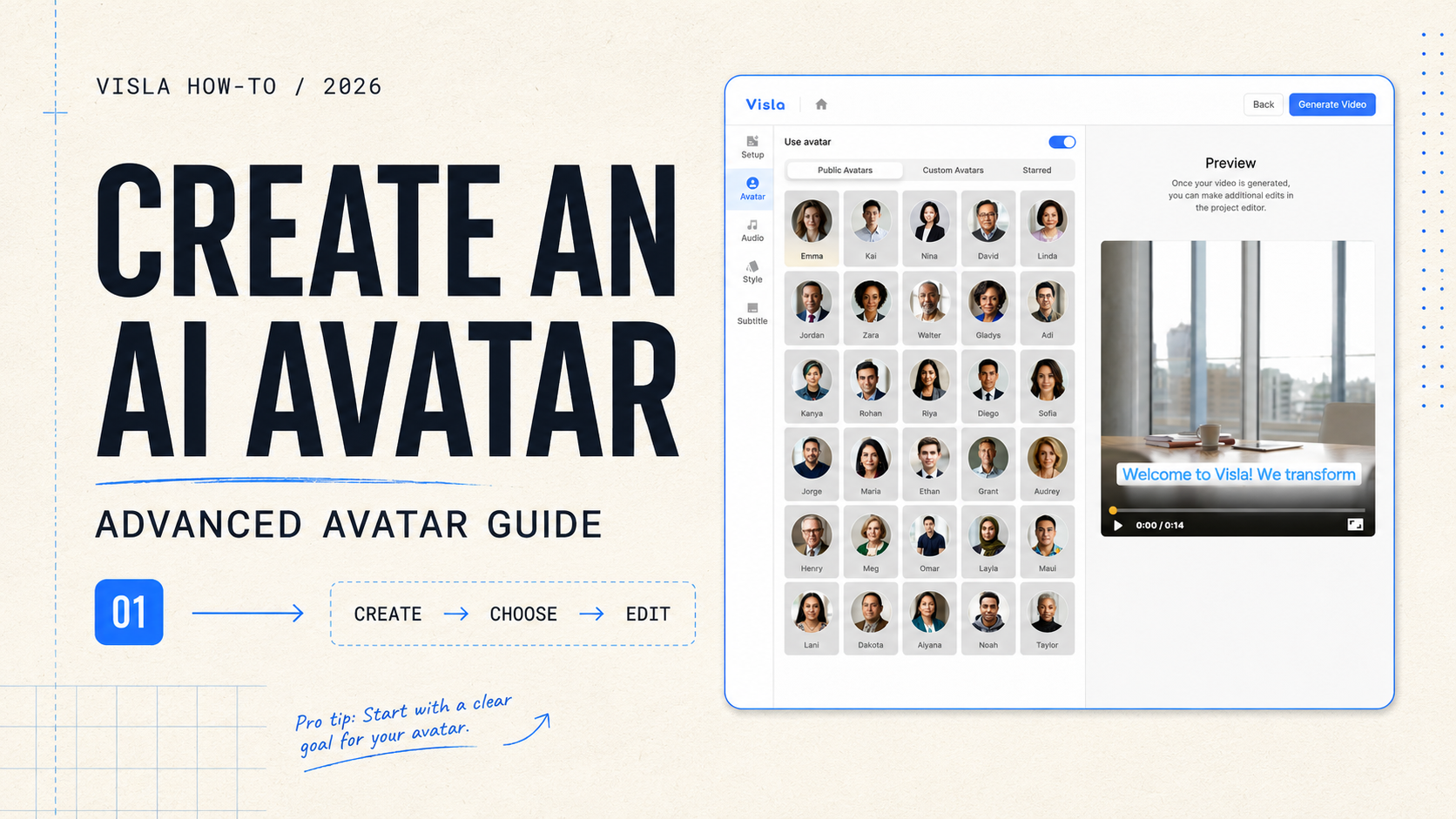
How to create an AI avatar in Visla: Advanced Avatar guide
AI avatars give videos a presenter without requiring a new recording session for every script. Visla’s Advanced Avatar model offers more natural lip sync, facial expressions, and gestures than the Basic model, especially when the presenter appears large on screen. This guide explains how to create an AI avatar in…
—
in How-Tos -
Introducing Advanced Avatars: A better presenter inside a complete video workflow
Visla already had AI avatars before this launch, and we’re keeping them. Basic Avatar is still useful for smaller overlays, quick presenter moments, and scenes where the footage should stay in charge. Advanced Avatar was built for a different job. Sometimes the presenter needs to fill the frame. Maybe they’re…
Get the Visla newsletter
Weekly insights on tools, strategy, and what’s changing in enterprise video. No noise, just what your team needs to know.