

There are a lot of AI video generators in the marketplace in 2026, but they’re not all built the same. Some focus on AI Avatar creation. Others are focused more on editing. Some are focused on template-based consumer video creation. The best AI video generators for business give you a full production environment: recording, creating, editing, branding, collaboration, and publishing, all without switching platforms.
This article focuses on AI video generators that handle end-to-end video production workflows, not raw generative models like Sora or Veo 3.1 (though several platforms below let you access these models). Whether you’re a small business or a massive enterprise team, there’s a solid option here for you.
What is an AI video generator?
An AI video generator is a tool that uses AI to help users create video content, with less time, cost, and technical skill than traditional video production requires. Depending on the platform, AI video generators can turn text prompts, blog posts, scripts, existing footage, and more into complete, polished videos with visuals, voiceover, subtitles, and background music. The most capable platforms handle the entire video production workflow from start to finish.
Best AI Video Generators for Business: At a Glance (2026)
| Platform | Best For | Free Plan/Trial | Paid Plans Start At | Key Differentiator |
|---|---|---|---|---|
| Visla | Enterprise B2B video production | Yes | $18/mo | Full-stack platform: creation, editing, collaboration, and brand management in one place |
| Synthesia | Corporate training and internal comms | Limited | $29/mo | Highly realistic AI avatars in 160+ languages |
| HeyGen | Sales and marketing avatar videos | Yes | $29/mo | Fast, lifelike talking-head videos with strong lip-sync |
| Descript | Podcast and talk-based video editing | Yes | $24/mo | Edit video by editing a transcript |
| VEED.io | Quick, browser-based video creation | Yes | $24/mo | Easy-to-use editor with solid caption and translation tools |
| Pictory | Repurposing existing content into video | Yes | $29/mo | Converts blog posts and scripts to video automatically |
| InVideo AI | High-volume creation | Yes | $35/mo | Large template library, prompt-to-full-video generation |
| Runway | Creative and cinematic AI video | Yes | $15/mo | Advanced camera controls and generative filmmaking tools |
Visla – Best AI Video Generator for Enterprise Video Production

If your team produces video at scale, then Visla is for you. It’s a complete, start-to-finish AI video production platform: you can use its AI video agent to go from an idea, script, PDF/PPT, footage, or audio all the way to a polished, branded final video in the same place. However, Visla doesn’t just handle creation. It also has powerful video and screen recording tools, an innovative screen step recorder, AI avatars, AI voice cloning, massive stock libraries, and more.
What sets Visla apart for business teams is the depth of its enterprise layer. Workplaces and Teamspaces allow teams and businesses to properly organize all of their video assets and projects. The AI Director Mode lets you control characters, objects, and environments across scenes, so your video doesn’t change actors or settings halfway through. Plus, Business and Enterprise tiers get you Private Stock with AI labeling, full brand kits, SSO, dedicated account management, and more custom avatars and voice clones.
Best for: Marketing teams, L&D departments, and enterprise organizations that need consistent, branded video output at scale.
Visla Pricing: Free plan available. Pro starts at $18/month. Business starts at $59/month. Enterprise is custom.
Synthesia – Best AI Video Generator for Corporate Training
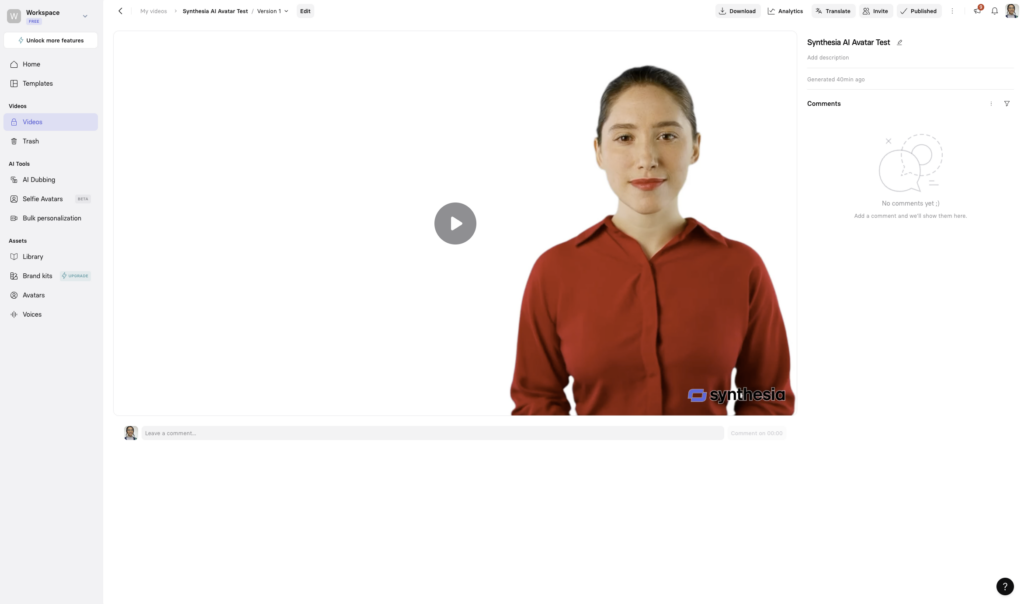
Synthesia has long been one of the most mature AI avatar platforms on the market, and it continues to earn that reputation. The platform is built around generating avatar-led videos from a script, boasting support for 160+ languages and a growing library of realistic digital presenters.
The tradeoff is that Synthesia is quite structured. If you’re sure that you want to create videos led by digital presenters, then it’s the right tool for you. It’s great for consistency but somewhat limiting if you need more creative flexibility or want to incorporate your own footage and B-roll.
Best for: Enterprise L&D teams and HR departments creating high-volume training and onboarding content in multiple languages.
Synthesia Pricing: Limited free trial. Starter at $29/month (120 minutes/year). Creator at $89/month. Enterprise is custom.
HeyGen – Best AI Video Generator for Content Creation and Marketing
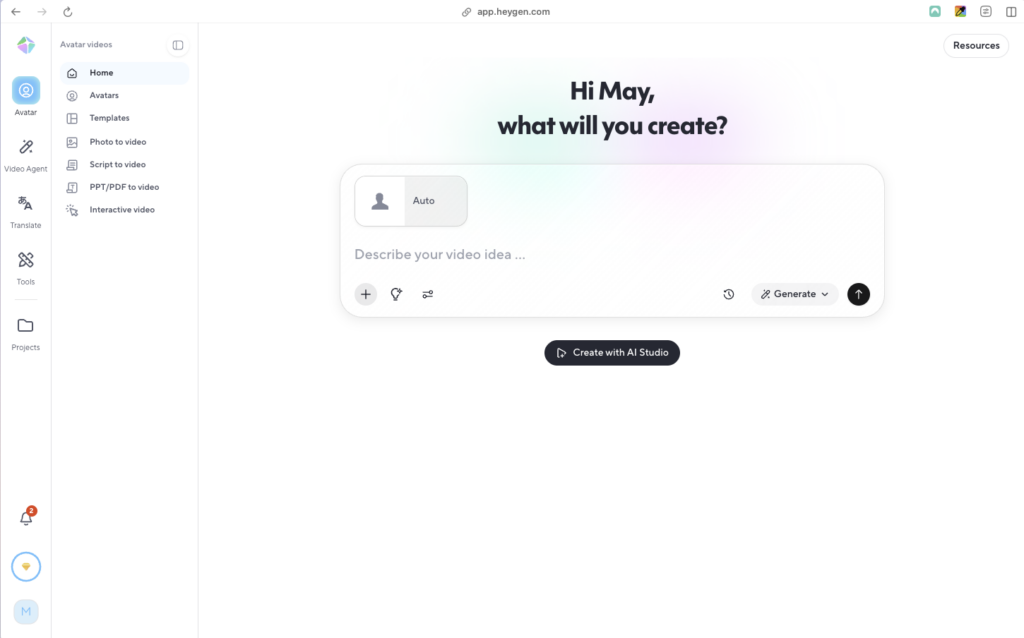
HeyGen hits the sweet spot between ease of use and quality for AI avatar video content. You simply upload a script, choose an avatar, and you’ll have a lip-synced, pro-level video in minutes. It supports 175+ languages and the avatar realism is very high, if a bit slow.
Where HeyGen falls a bit short is video editing. It’s a great tool for generating avatar-led video fast, but it’s less suited for complex productions that involve real footage, multiple scene types, or deep brand control.
Best for: Marketing and sales teams that need a steady stream of avatar-driven videos for campaigns, demos, and outreach.
HeyGen Pricing: Free plan available. Creator tier is $29/month, Pro is $99/month.
Descript – Best AI Video Editor for Talk-Based Content
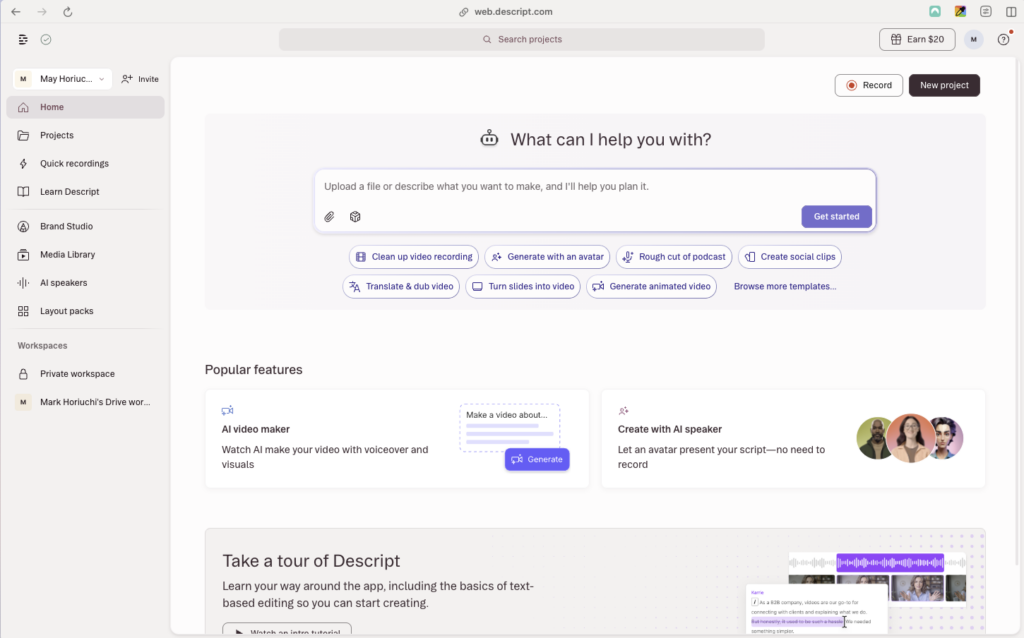
Descript introduces a new way to edit videos. Instead of working on a timeline with a million video clips and audio tracks, you edit by modifying the transcript. If you delete a word, the corresponding video and audio are deleted as well. It’s a unique approach to an old problem that works well with editing content like interviews, presentations, webinars, and podcasts. It can also handle filler word removal, noise cleanup, and screen recording.
However, Descript isn’t a generative video tool like many others on this list are. You won’t be constantly generating AI video clips with Veo 3.1 in the program and then stitching them together. However, that doesn’t mean it’s not useful. It shines when you’re working with real recordings, which I don’t have to tell you is a massive use case.
Best for: Content creators, marketers, and teams who edit a lot of recorded video and want a faster, smarter workflow.
Descript Pricing: Free plan available. Hobbyist is $24/month, Creator is $35/month, Business is $65/month, Enterprise is custom.
VEED.io – Best AI Video Generator for Quick, Browser-Based Creation
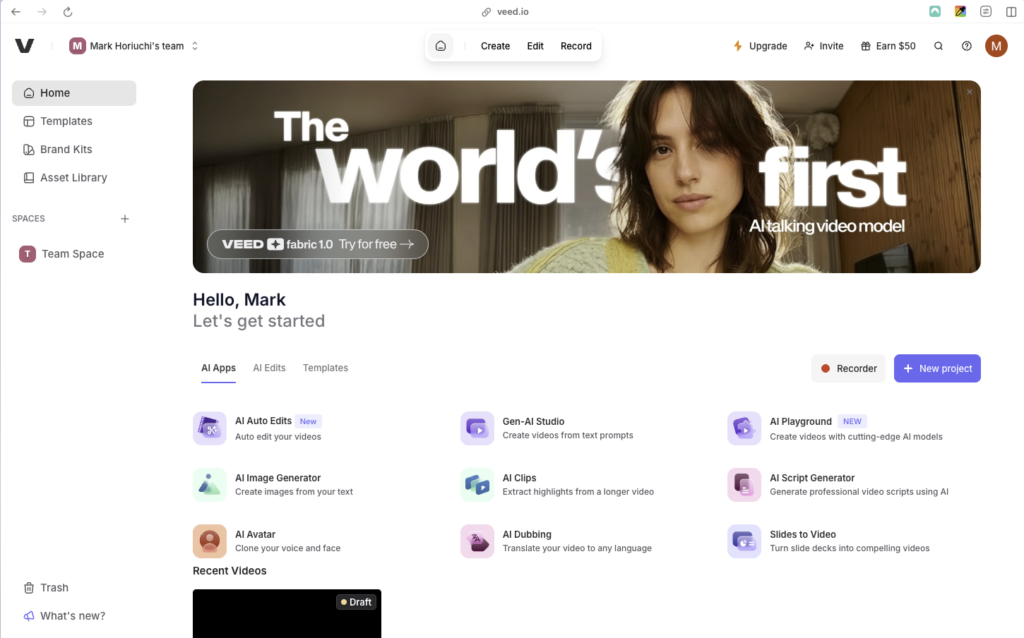
VEED is one of the simplest, most accessible AI video generator tools out there. You can just fire it up in your browser and get to creating. It handles AI avatar generation, auto-captioning, translation, background removal, eye-contact correction, and works as a clean general-purpose editor.
That said, VEED has real limitations at the professional and enterprise level. Its AI avatars aren’t as realistic as Synthesia’s or HeyGen’s, and users have flagged performance issues when working with longer videos or heavier projects. Its Business tier does add team collaboration and brand controls, but the platform isn’t designed with that use case primarily in mind. It’s more of a consumer tool, and if that’s what you need, then it could be right for you.
Best for: Solo creators, small marketing teams, and non-technical users who need fast, polished video output without much setup.
VEED Pricing: Free plan available (with watermark). The Lite plan is $24/month, pro is $55/month, and Enterprise is custom.
Pictory – Best AI Video Generator for Creating from Existing Content
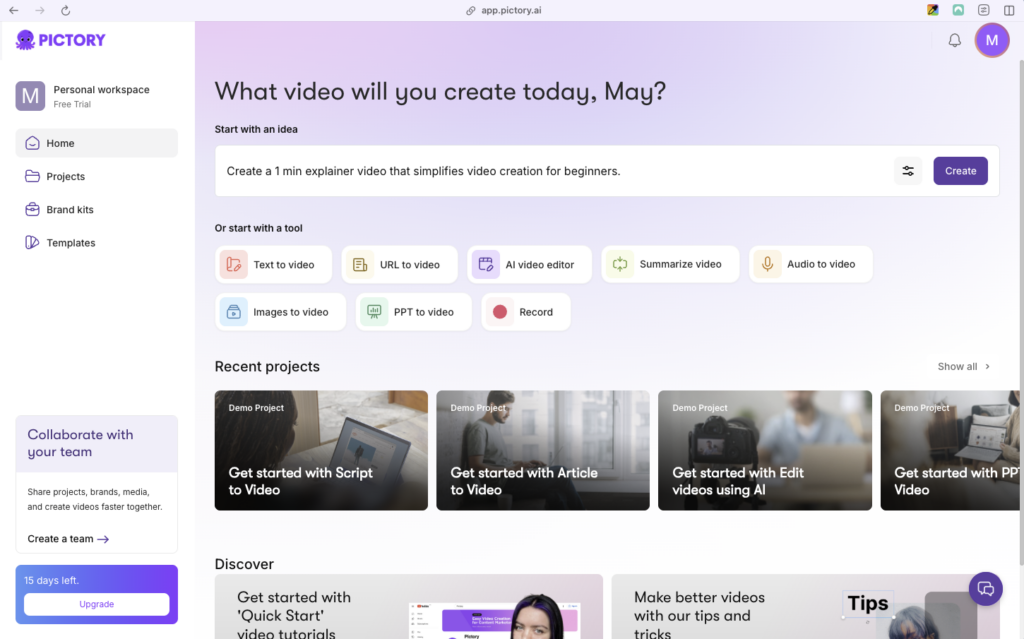
Pictory’s main strength is turning whatever you already have into video. The platform can turn blog posts, scripts, slide decks, podcasts, Zoom calls, URL, images, and more into a complete, polished video. It also integrates ElevenLabs voices for high-quality AI narration in 29+ languages, and its auto-caption feature makes sure that content is accessible to everyone.
The trade-off is that Pictory has streamlined this model so much that it doesn’t give you the same kind of creative control or enterprise features that some of these other platforms boast. Yes, it’s useful that it’s optimized for speed and efficiency. That could mean it’s the tool for you, but you may need something that gives you more control.
Best for: Content marketers and bloggers who want to turn articles, transcripts, and webinars into short-form video without manual editing.
Pictory Pricing: Free tier available. The Starter plan is $29/month, Professional is $59/month, Team is $199/month, Enterprise is custom.
InVideo AI – Best AI Video Generator for High-Volume Creation
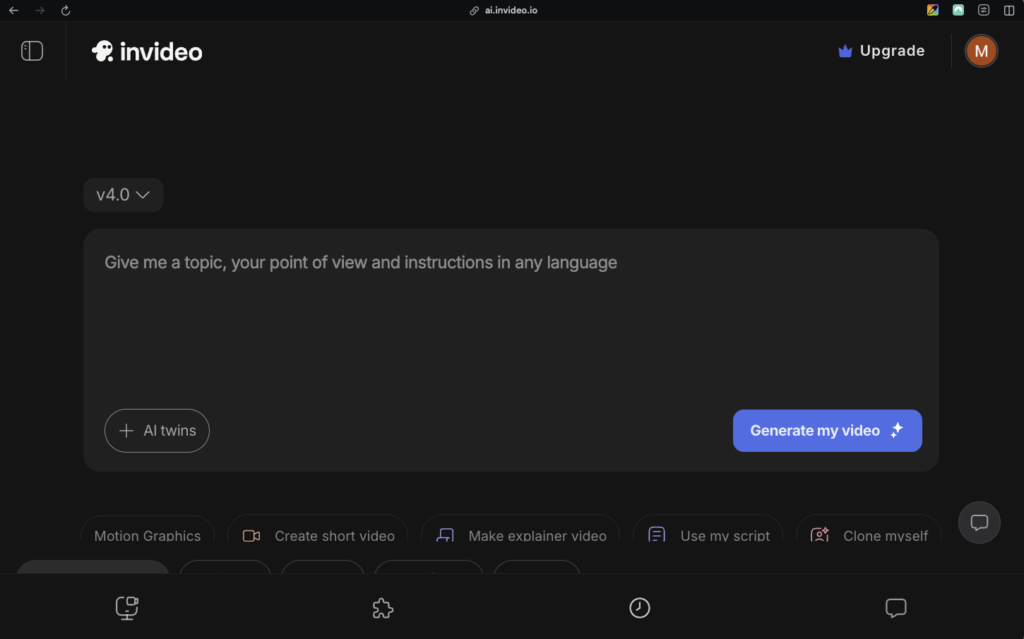
InVideo is a powerful platform that can handle the entire video production platform from a single prompt: script generation, visual selection from a large library of assets, voiceovers in 50+ languages, background music selection, and editing. InVideo also gives you access to Sora and Veo 3.1, both powerful tools for AI video clip generation.
The tradeoff is creative consistency. InVideo is built more for scalability, not artistry. Created videos can sometimes feel generic and in need of refinement. That can be a good starting point, but not necessarily a finished product. However, for teams generating video content at volume, this is a solid choice.
Best for: Social media managers and small marketing teams who need high-volume, short-form video content with minimal production time.
InVideo Pricing: Free plan available. The Plus plan is $35/month, Max is $60/month, Generative is $120/month, Team is $120/month, and Enterprise is custom.
Runway – Best AI Video Generator for Creative and Cinematic Work

Runway is the go-to tool for users who want to push the limits of AI-generated video. If you need cinematic camera controls, expressive motion, and advanced features like multi-motion brushes (which let you animate specific regions of a frame), multi-shot generation, and AI model training for brand-consistent style, this is the tool for you. You can unleash your creativity with this platform.
However, Runway isn’t an enterprise video production platform in the traditional sense. It’s more like a creative studio for designers, filmmakers, and visually ambitious marketers who want precise control over how AI-generated content looks and moves. The learning curve is steeper than most other tools here, but you can get good results out of it.
Best for: Creative teams, designers, and filmmakers who want cinematic AI-generated video with advanced directorial control.
Runway Pricing: Free plan available. The Standard plan is $15/month, Pro is $35/month, Unlimited is $95/month, and Enterprise is custom.
How to Choose
The right AI video generator depends on what kind of video work you’re doing:
- Full-production enterprise video: Visla handles the complete lifecycle from scripting to publishing, with brand controls, team collaboration, and API access built in.
- Editing recordings and talk-based content: Descript is the strongest option.
- Avatar-led videos in multiple languages: Synthesia (for L&D and training) or HeyGen (for marketing and sales).
- Repurposing blog posts and articles: Pictory is built specifically for this.
- Fast, high-volume social content: InVideo AI gives you the most template coverage.
- Cinematic and creative AI video: Runway offers the most expressive toolkit.
FAQ
An AI video generator is a software tool that uses artificial intelligence to help you create video content faster and with less technical skill than traditional video production requires. Depending on the platform, you can start from a text prompt, a script, an existing recording, or even a blog post URL, and the AI handles tasks like visual selection, voiceover, captions, and sequencing. The best platforms go beyond simple clip generation and offer full production workflows, including editing, branding, and collaboration tools, all in one place. The result is professional-quality video in a fraction of the time and cost of a traditional production process.
AI video generator pricing varies widely depending on the platform and what you need it to do, but most tools offer a free plan or free trial to get started. Paid plans for individual creators typically run anywhere from $9 to $30 per month, while tools built for teams and businesses usually range from $29 to $100 per month. Enterprise plans with custom branding, SSO, dedicated support, and advanced usage controls are available from most major platforms at custom pricing. The best way to evaluate cost is to look at what you actually get per plan tier, specifically video minutes, export quality, collaboration features, and brand controls, rather than comparing sticker prices alone.
Most modern AI video generators are explicitly designed for people without any video editing background, so prior experience isn’t a requirement. Instead of working on a traditional timeline, many platforms let you start from a text prompt or an existing document and generate a first draft automatically, then refine it through simple text-based edits or plain-language commands. That said, the more complex your production needs, such as consistent brand visuals, multi-scene storyboards, or custom avatars, the more you’ll benefit from a platform with a deeper feature set and some time spent learning it. For most business use cases, the learning curve is measured in hours, not weeks.
Traditional video production involves cameras, crews, editing software, and post-production work that can take days or weeks and cost thousands of dollars per finished minute of content. AI video generators compress that timeline dramatically: a polished, on-brand video that might have taken a week can often be produced in under an hour, and at a fraction of the cost. The tradeoff is that AI-generated content, while increasingly impressive, still benefits from human review and curation, especially for high-stakes external communications where brand accuracy matters. For most business video needs, such as training, product explainers, marketing content, and internal communications, the speed and cost advantages of AI video generation far outweigh the tradeoffs.
Yes, the vast majority of AI video platforms explicitly allow commercial use of the video content you create on their platform, though the specific terms vary by tool and plan tier. Most reputable platforms also build their stock media libraries from licensed sources, so the footage, music, and images included in your videos are cleared for commercial use. It’s worth reviewing the terms of service for any platform you use, particularly around AI-generated faces and voices, where rules around likeness rights and usage restrictions can differ. When in doubt, enterprise plans from established platforms typically offer the clearest commercial rights and the strongest data privacy protections.

May Horiuchi
May is a Content Specialist and AI Expert for Visla. She is an in-house expert on anything Visla and loves testing out different AI tools to figure out which ones are actually helpful and useful for content creators, businesses, and organizations.