Create presenter videos with Advanced Avatar
Better lip sync, expressions, gestures, and body language inside Visla’s complete video workflow.

What is Visla’s Advanced Avatar?
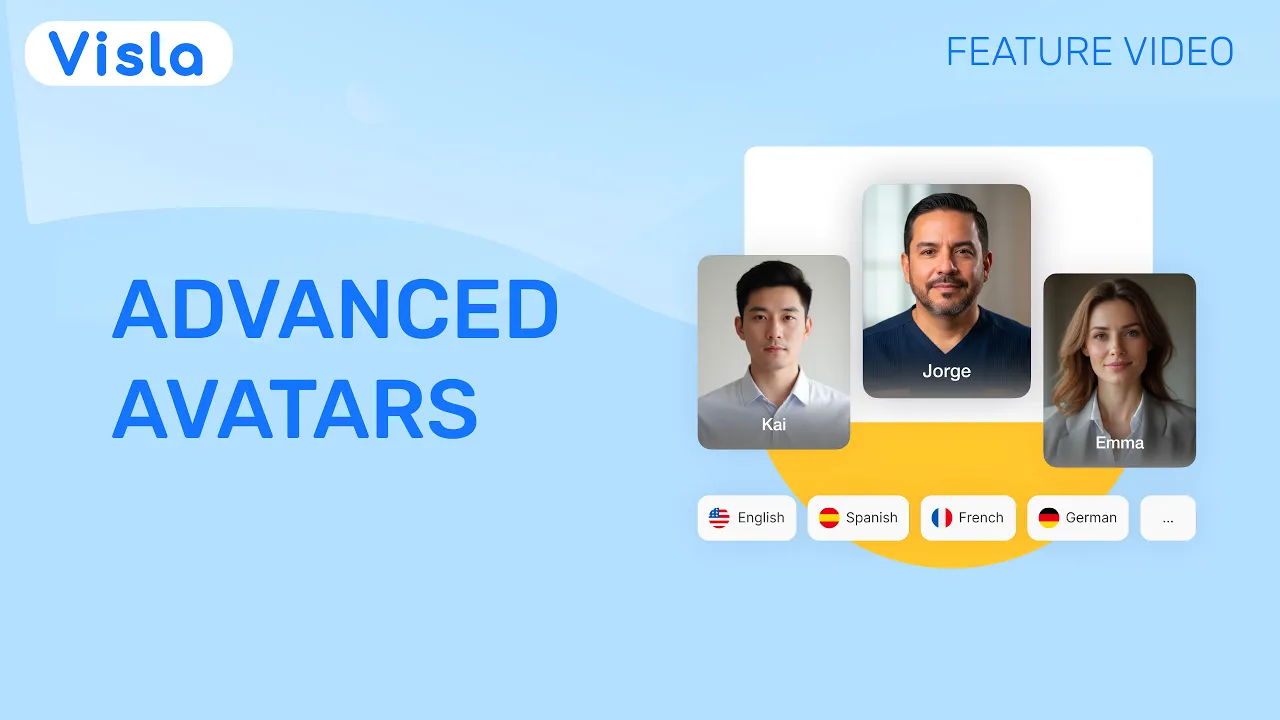
The Advanced Avatar is our highest-quality AI avatar model yet for creating presenter-led videos with more natural lip sync, expressions, and body language. Choose a public avatar or create your own, then pair it with any compatible voice or language. It slots perfectly into Visla’s powerful video production pipeline so you can create a high-quality video with a high-quality avatar.
More natural AI presenters

Better lip sync
With a powerful lip sync model, our Advanced Avatars deliver lines like a pro.

Natural gestures and body language
Our Advanced Avatars move like you'd expect them to, with realistic gestures and motions.

A stronger full-screen presence
When the presenter fills the frame, small things become big things. Advanced Avatar is designed for that kind of scrutiny.
Build a complete video around your avatar

Start with almost any input
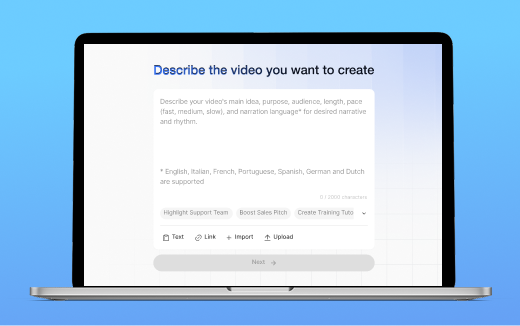
Give the AI Video Agent an idea, script, webpage, document, presentation, or other source. Visla turns it into a polished video with scenes, a voiceover, and footage.

Move naturally between presenter and b-roll
Show your avatar full screen, place it over supporting footage, or let AI Dynamic Layout switch between the two.

Refine your avatar scene by scene
Change the model, avatar, size, position, shape, or layout without rebuilding the entire project.

Use the voice and language you need
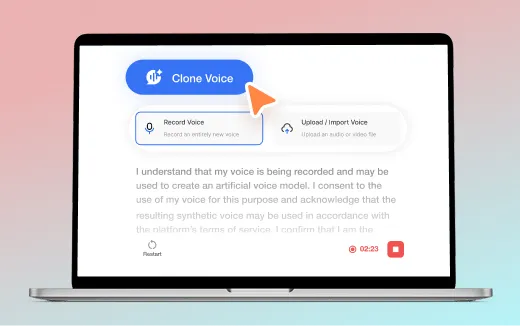
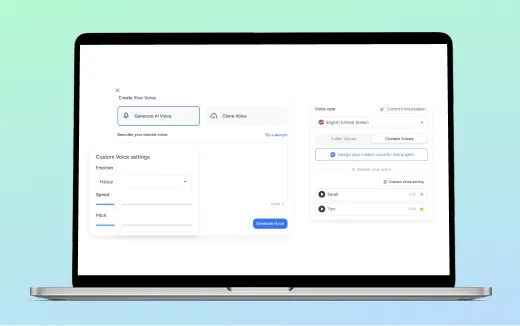
Advanced Avatar works with Visla’s available voices, cloned voices, and supported languages.
Basic vs. Advanced Avatar
By default, Visla uses Advanced Avatar for full-screen scenes and Basic Avatar for smaller b-roll overlays. You can change these settings based on what you need.
Choose Basic Avatar when
- The avatar appears as a smaller overlay
- B-roll or product footage is the main focus
- You want more credit-efficient generation
Choose Advanced Avatar when
- The avatar appears full screen
- The presenter is the main focus
- Gestures, expressions, and lip sync need to look their best


How to use Advanced Avatar
2. Choose your avatar and layout>
Select the avatar you want to use from our pre-made public avatars or your own custom avatars. Then, decide how it will appear: full screen, over b-roll footage, or have our AI choose.
3. Refine every scene>
If you need to, you can refine your avatar in our Scene-Based Editor. You can switch between the Basic and Advanced avatar, add or remove them, change their position and shape, and even use different avatars across the video.
Create more personalized sales videos from one core message
Training and education

Create an instructor for onboarding, lessons, and process explanations. Combine scenes featuring an avatar with screenshots, demonstrations, and supporting footage.
Marketing and customer education

Produce product explainers, tutorials, campaign videos, and feature announcements with an avatar. Let it introduce the topic, then place it over product footage to let the visuals speak for themselves.
Company communications

Create presenter-led leadership updates, policy explanations, internal announcements, and localized messages without needing a recording session.
Frequently Asked Questions
 What is the difference between Basic Avatar and Advanced Avatar?
- Can I use Basic Avatar and Advanced Avatar in the same video?
- How many credits does Advanced Avatar use?
- Can I create a custom avatar and use my own voice?
- Can I change the avatar after the video is generated?