

How can you blur healthcare videos to protect patient privacy?
Visla’s Blur tool makes healthcare video editing simple, helping hospitals and clinics protect patient privacy while creating professional, HIPAA-compliant content.
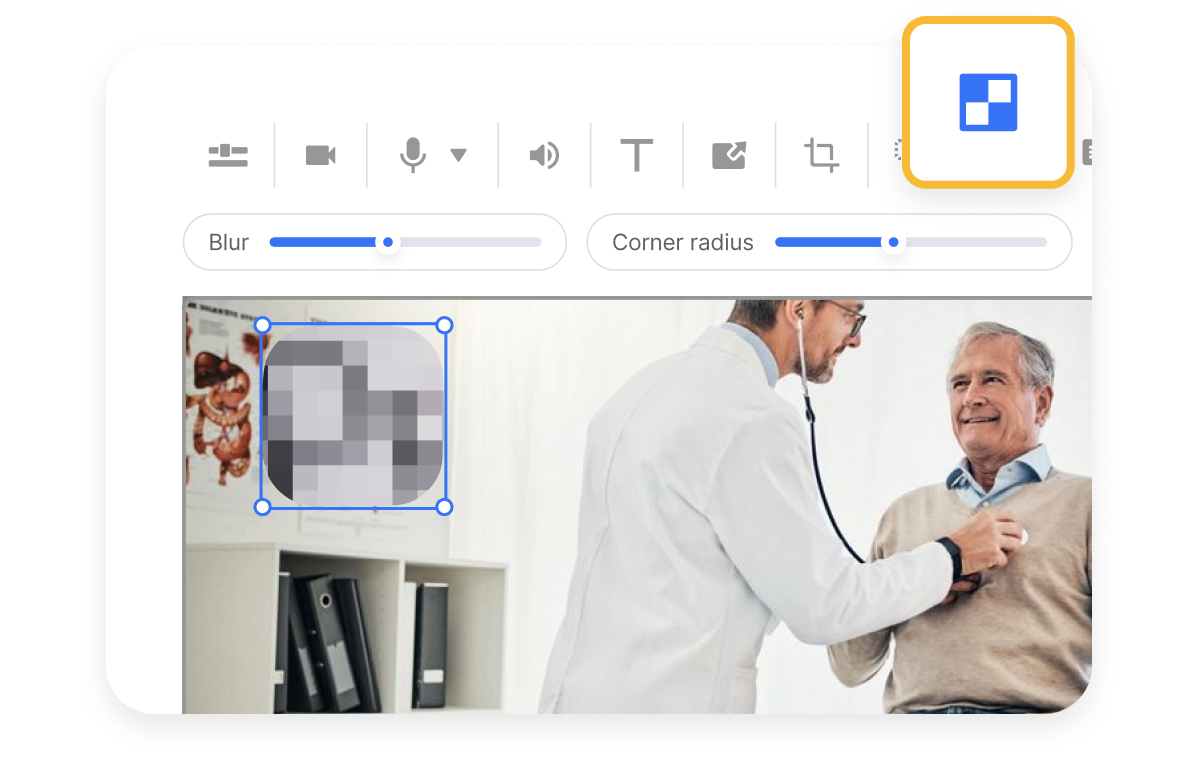
How to safeguard patient privacy in healthcare videos
Healthcare teams often need to share powerful stories, but unblurred footage can reveal patients or sensitive records. Visla solves this by giving you quick blur controls to hide faces, charts, or any personal data. This keeps your videos compliant without slowing down production. The result: safe, engaging, and polished healthcare videos.


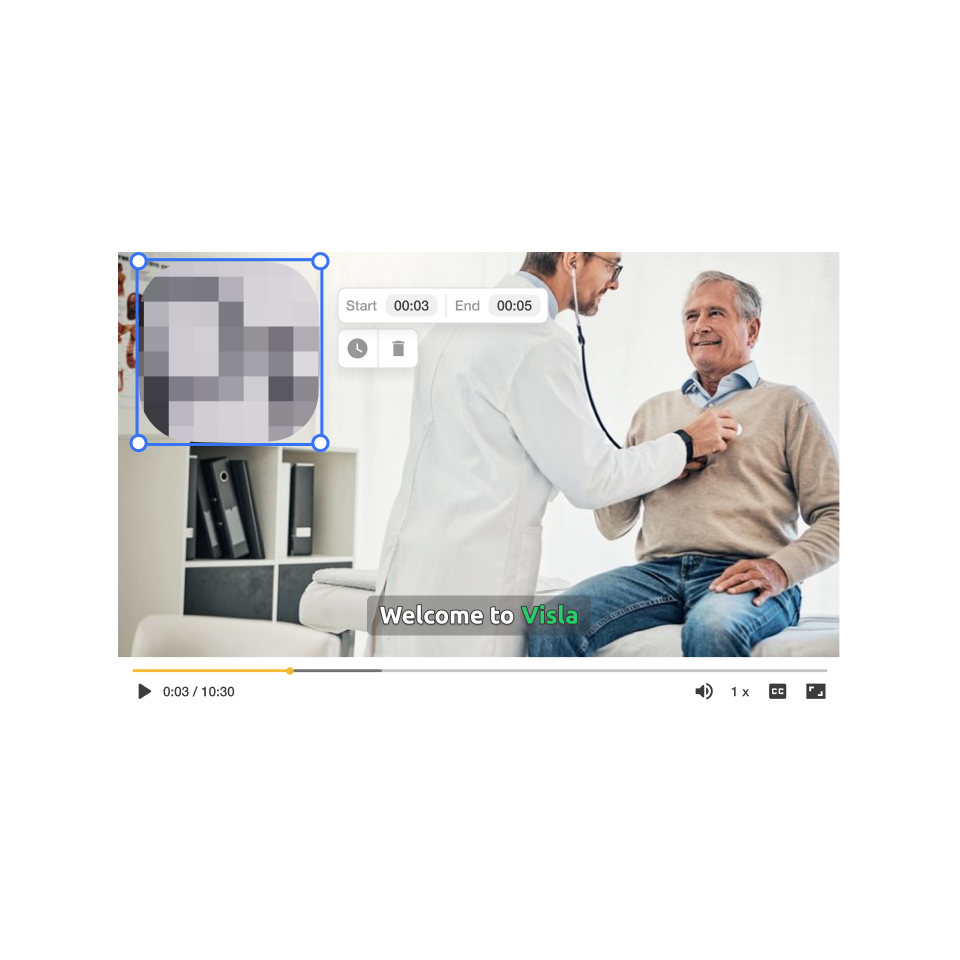
How to blur sensitive info in your videos
2. Apply the blur tool>
Above the video preview, click “Blur.” This instantly activates Visla’s privacy editing feature.
3. Adjust your blur settings>
Tweak the size, duration, blur strength, and corner radius. This flexibility ensures that every patient face or medical detail stays hidden.
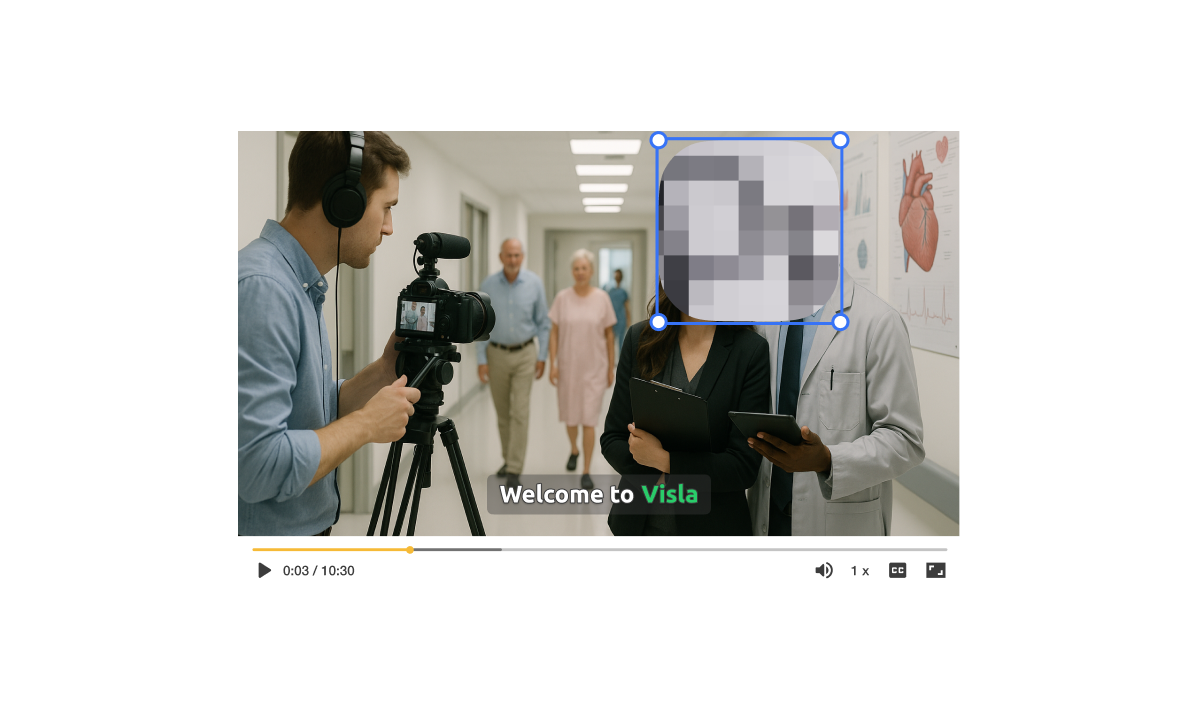
How you can use the blur tool in real life
A hospital marketing team is creating a video to showcase a new cardiology wing. The footage includes patients walking and charts visible on walls.
Add Blur hides faces, charts, and sensitive information to ensure HIPAA compliance.
Script-to-Video turns the raw footage into a narrated, polished story.
Final export is safe for both training staff internally and promoting the hospital externally.
Why you’re going to love Visla
Record anything
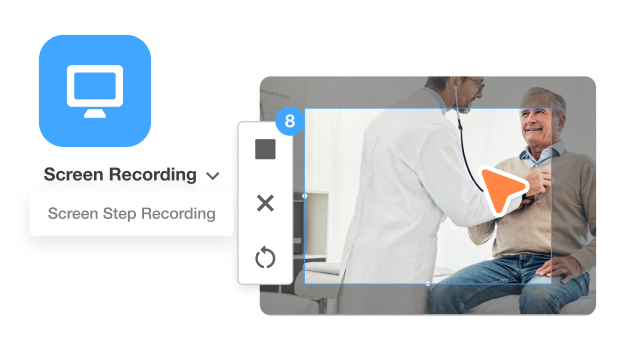
Capture screens, presentations, or live footage with ease. Record a surgeon explaining a new device or a nurse walking through patient care processes. You control what’s shown, and you can always blur sensitive details later.
Easy video creation
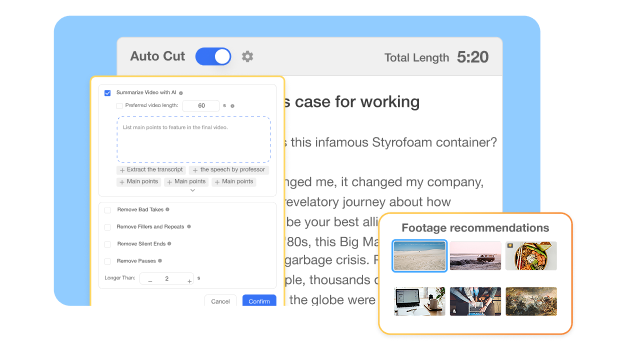
Visla’s AI helps you edit without stress. From cutting filler words to adding subtitles, it takes care of the busywork so you can focus on clear, compliant storytelling. You’ll produce professional-quality videos in minutes, not hours.
Better team collaboration
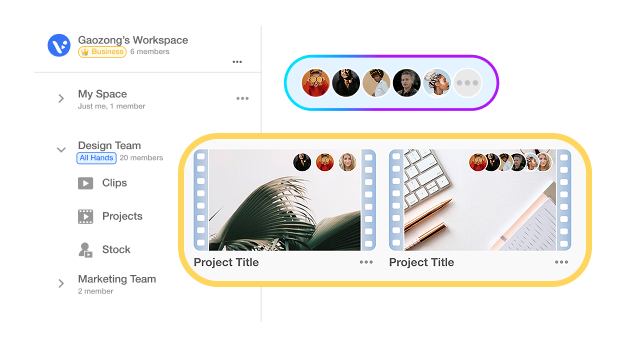
With Workspaces and Teamspaces, healthcare staff, compliance officers, and marketing teams can review and approve content together. Everyone stays aligned, feedback is clear, and privacy concerns get addressed before publishing.
Beyond a blur tool for healthcare videos
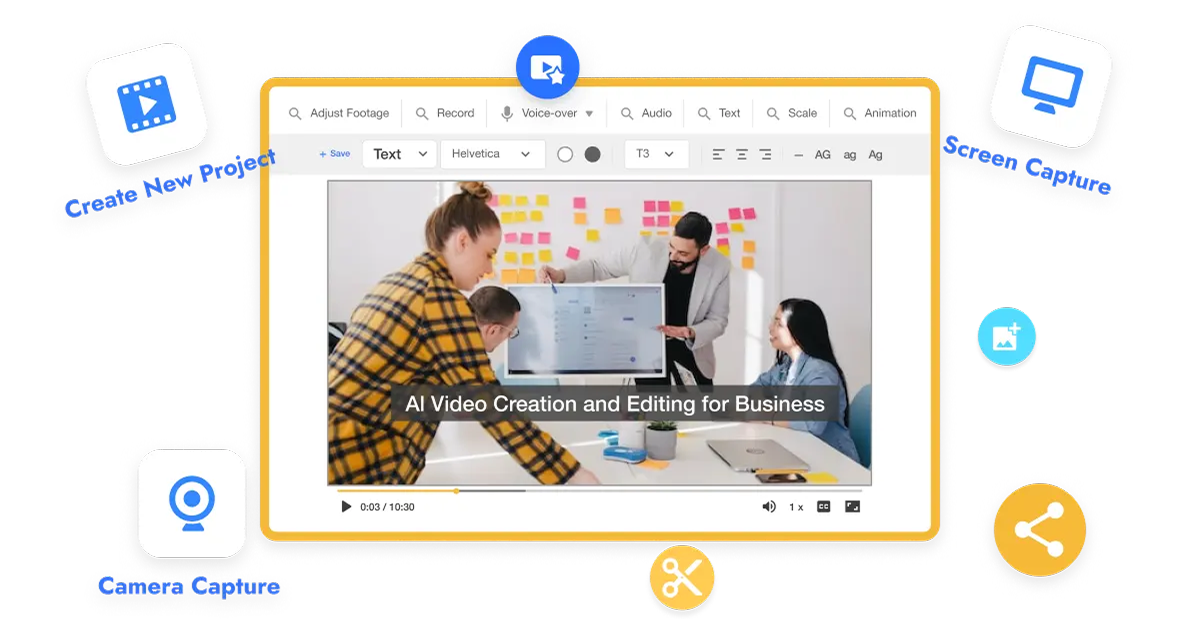
Do it all with Visla
Visla isn’t just about blurring, it’s your all-in-one healthcare video platform. You can record, edit, brand, and share videos all in one place.
Other video types you can create:
Training videos for staff onboarding
Patient education explainers
Internal compliance updates
Healthcare marketing promos
Community outreach stories
Frequently Asked Questions
 Can I use blur in Visla to meet HIPAA requirements?
- Does blur affect video quality?
- Can teams collaborate on healthcare videos with blur applied?
- Can I blur both faces and text?
- How does Visla help beyond privacy?