

How can schools protect student privacy in videos?
Visla’s Blur Tool helps schools protect student privacy by hiding faces in videos, keeping content compliant and professional, fast and easy.
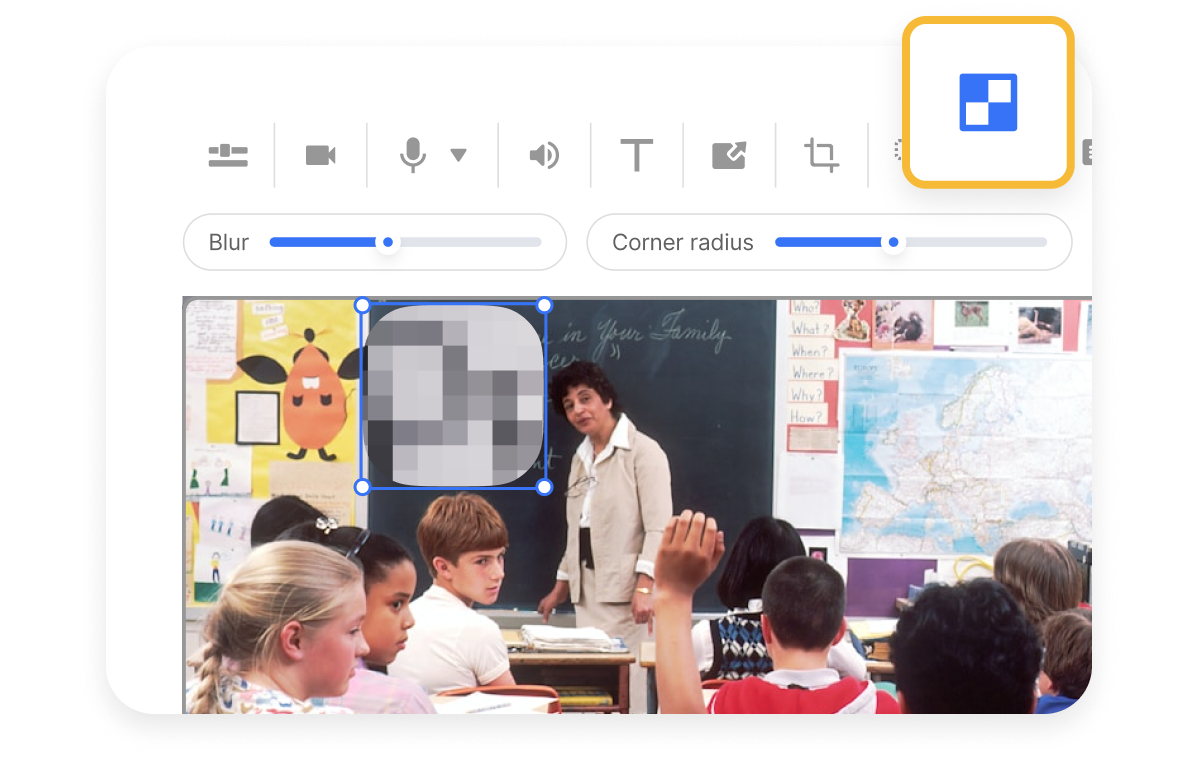
How to protect your school’s reputation, even in videos
Videos bring school events to life, but they can also expose sensitive student information. Visla’s Blur Tool helps educators and marketers share event highlights without risking privacy concerns. Schools can blur student faces, ID cards, or documents while keeping the story authentic. This builds trust with parents and ensures every video stays compliant.


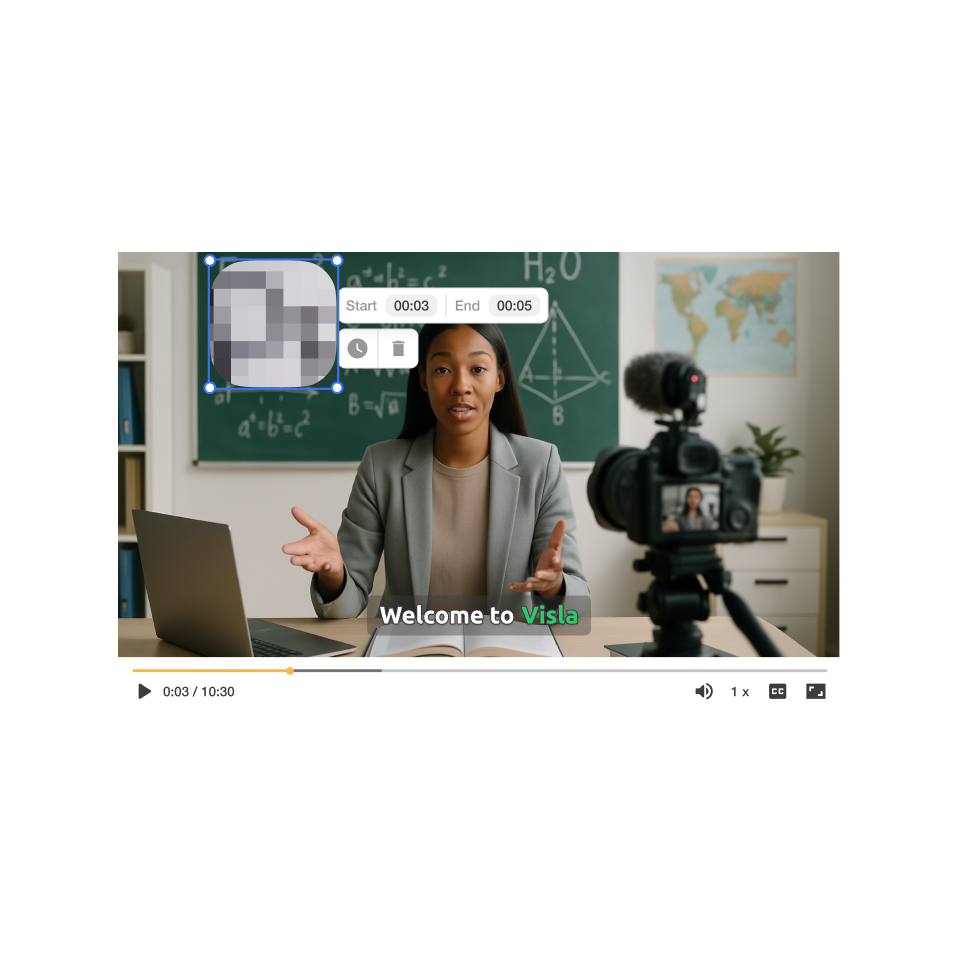
How to blur sensitive info in your videos
2. Select the blur option>
Above the video preview, click Blur. This activates the tool so you can mark areas that need protection.
3. Customize your blur>
Adjust size, duration, blur level, and corner radius. In seconds, your video is ready for secure sharing.
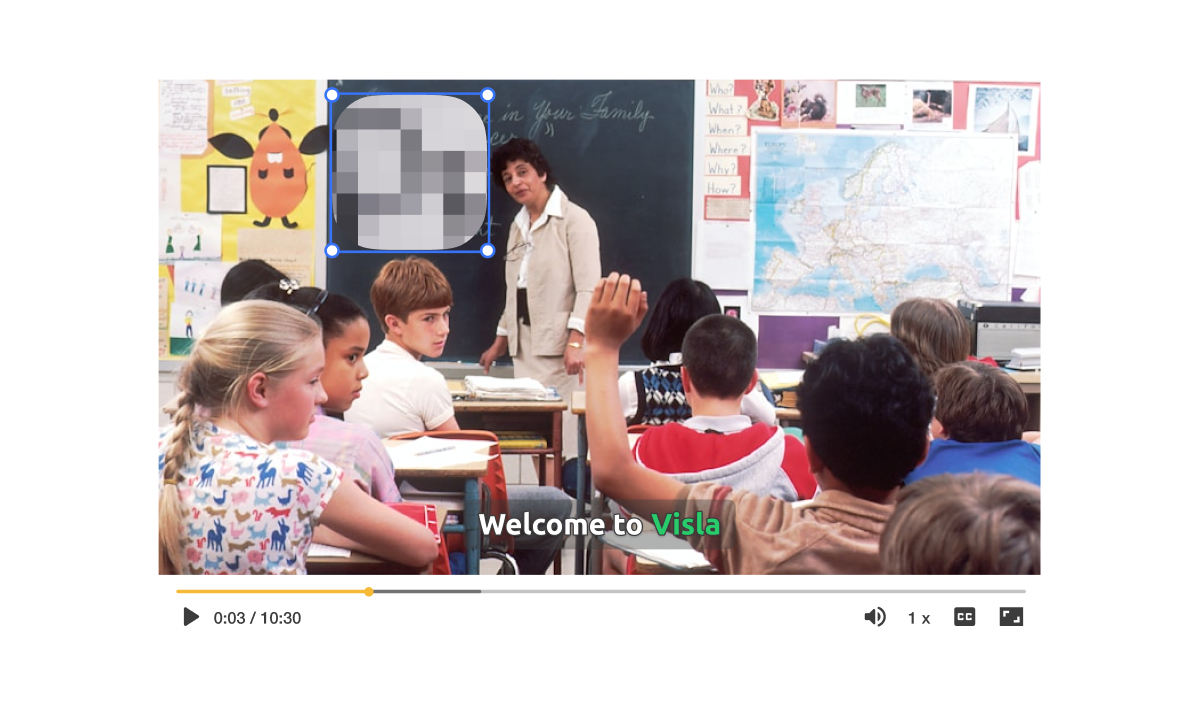
How you can use the blur tool in real life
A university wants to share a highlight reel from its cultural festival. Hundreds of students, including minors, appear in background shots.
Add Blur hides student faces in crowd shots for privacy compliance.
Idea-to-Video generates a polished recap video from raw clip
Why you’re going to love Visla
Record anything
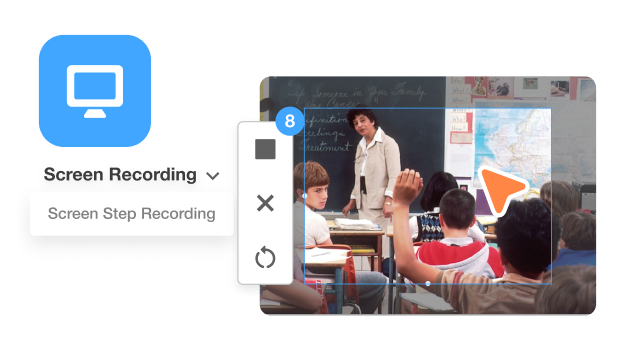
Record lectures, events, or announcements directly in Visla. Use multiple cameras, custom layouts, and even a teleprompter to stay natural. Whether it’s a teacher update or a school concert, you can capture it all with ease.
Easy video creation
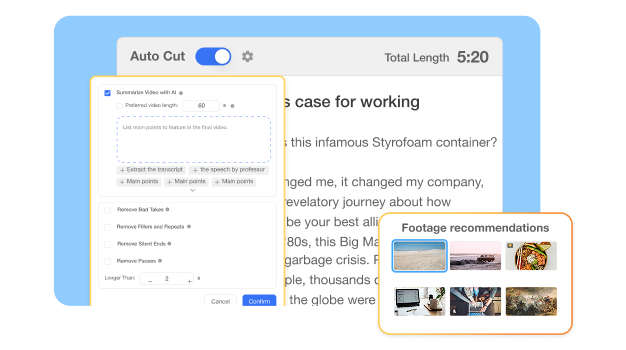
Visla’s AI takes care of the heavy lifting, from editing to summarizing. You can trim awkward pauses, add b-roll, or instantly generate subtitles. This saves educators hours of work while keeping videos polished and accessible.
Better team collaboration
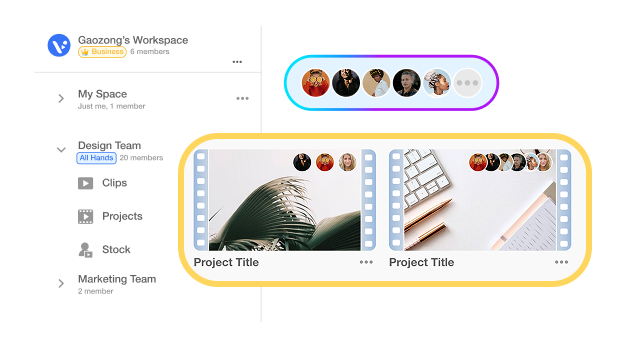
Workspaces and Teamspaces let marketing teams, teachers, and administrators collaborate in one place. Share footage, comment on edits, and approve versions without endless email threads. Everyone stays aligned and productive.
Beyond a blur tool for school videos
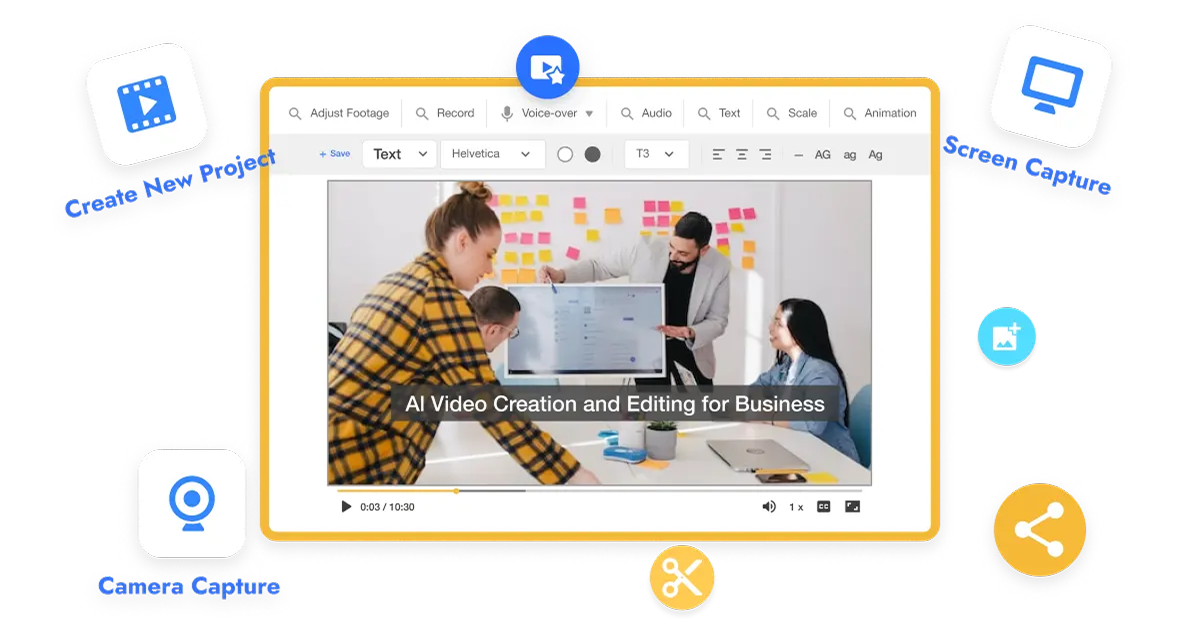
Do it all with Visla
Visla is more than a blur editor. It’s an all-in-one video platform for schools, businesses, and creators. Record, edit, brand, and share, all in one place.
Other video types you can create:
Student recruitment videos
Training videos for staff
Event highlight reels
Campus tours
Online course content
Frequently Asked Questions
 Why is blurring student faces important for schools?
- Can I blur multiple students at once in a crowd?
- Does the blur tool affect video quality?
- Can non-technical staff use the Blur Tool?
- What other features support privacy and compliance?