

How can you blur sensitive data in corporate training videos?
Visla’s Blur Tool makes it simple for businesses to protect private details in training content with adjustable, secure, and professional video blurs.
How video could protect your corporate training
Training often includes sensitive dashboards, financial sheets, or personal employee data. Without protection, these details can’t be shared safely. With Visla’s Blur Tool, you can hide any sensitive section of your screen while keeping the video’s message clear. The result: secure, professional training content you can share confidently inside or outside your company.


How to create corporate training videos with blur
2. Add a blur>
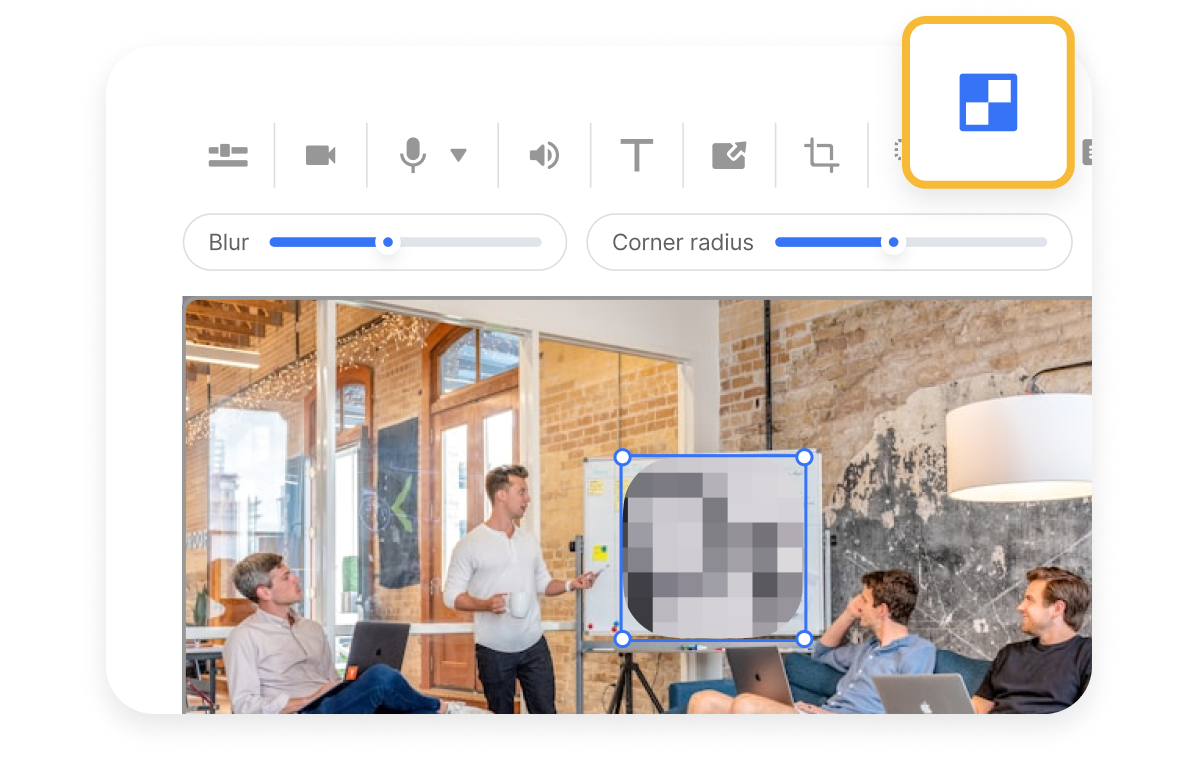
Above the video preview, click the Blur button. This lets you instantly mask sensitive data like names, emails, or financial figures.
3. Adjust your blur>
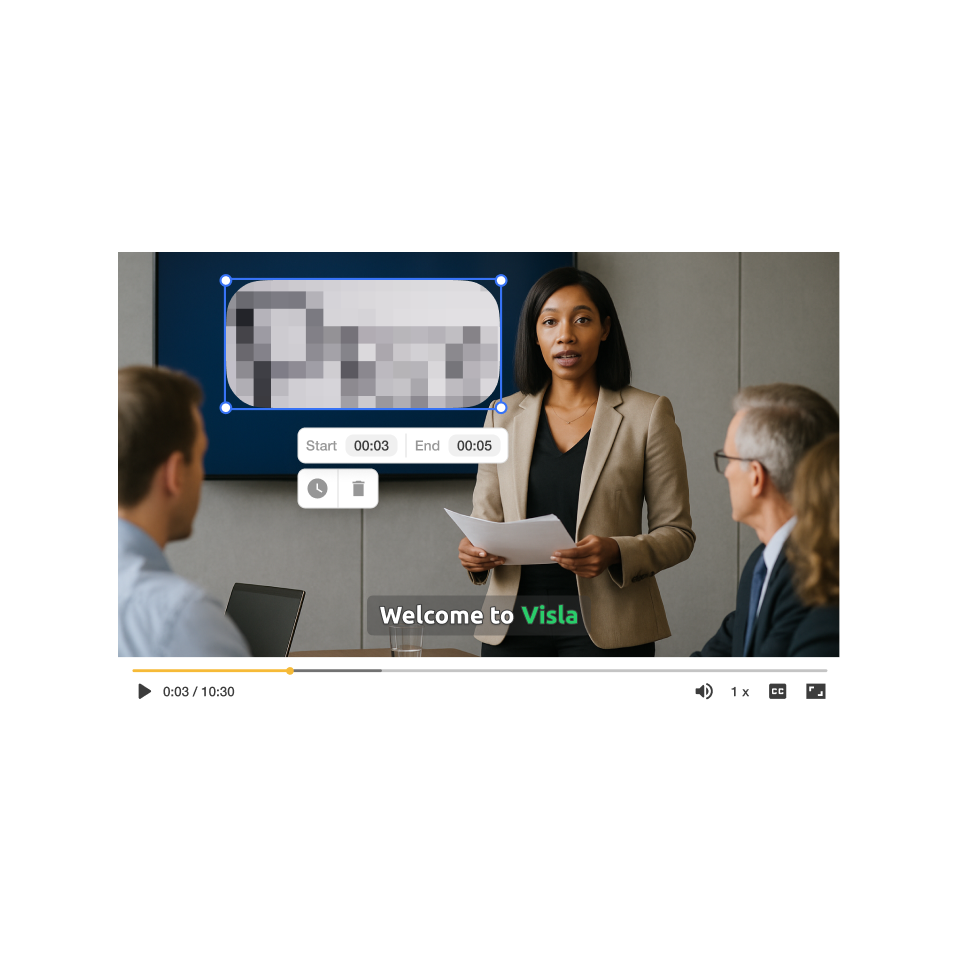
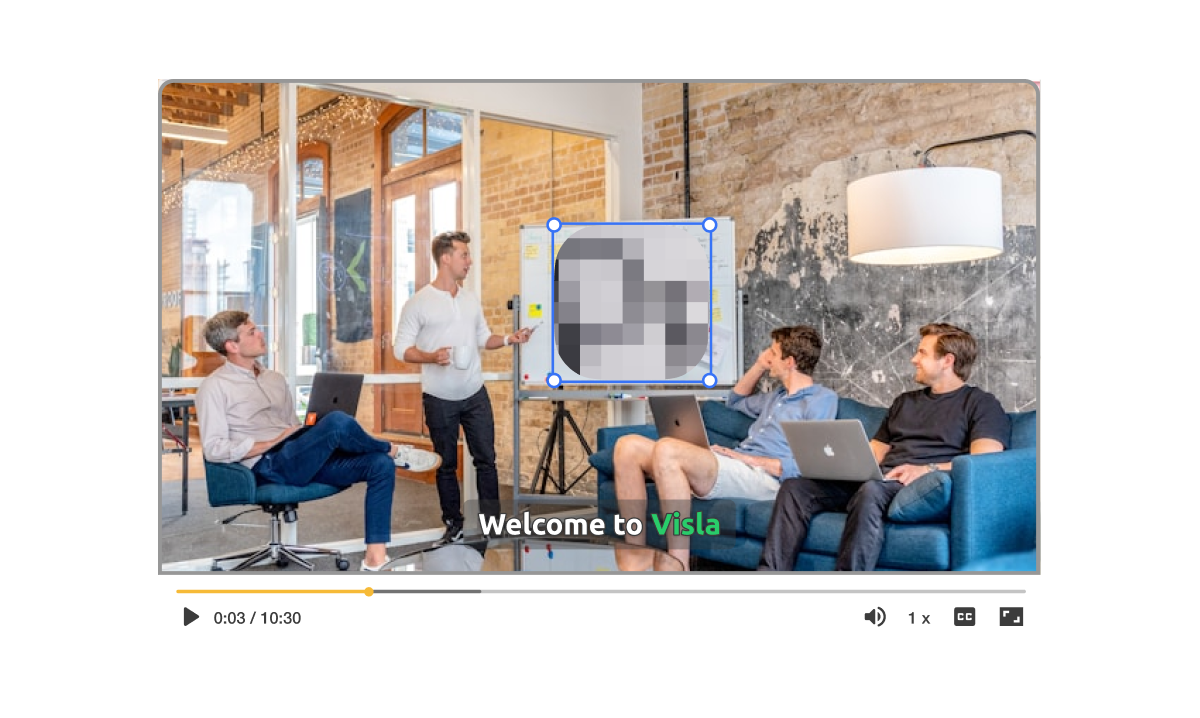
Tweak the size, duration, blur strength, and corner radius to fit your needs. It’s fast, flexible, and keeps your video looking polished.
How you can use blur in real life
Companies often need to share tutorials that include private data. Visla’s Blur Tool solves this by:
Blur Tool: Hide sensitive numbers, dashboards, or employee details without cutting the footage.
AI Video Editor: Refine the final tutorial quickly with auto-cutting and summaries.
Workspaces & Teamspaces: Share training securely with the right teams and control access.
Why you’re going to love Visla
Record anything
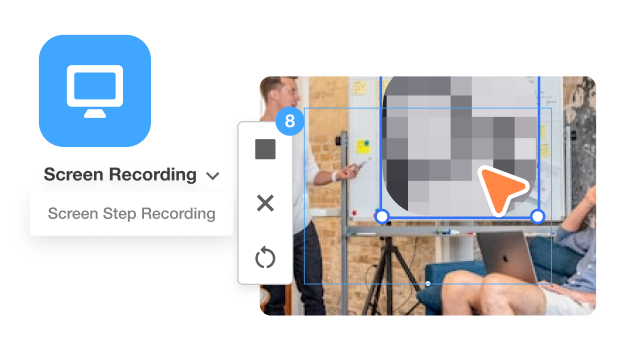
Capture your screen, your webcam, or both at once. Show every step of your workflow while protecting what needs to stay private.
Easy video creation
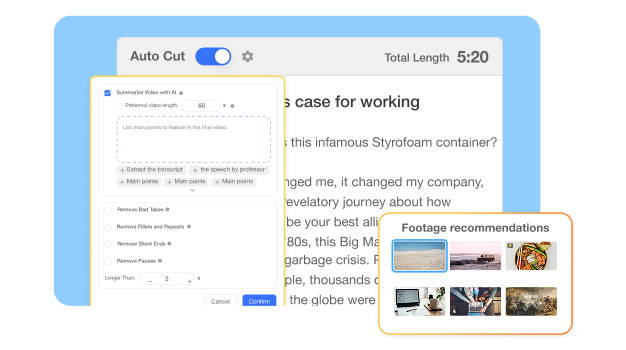
Visla’s AI tools handle trimming, blurring, and subtitle creation. You stay focused on the message, not the technical busywork.
Better team collaboration
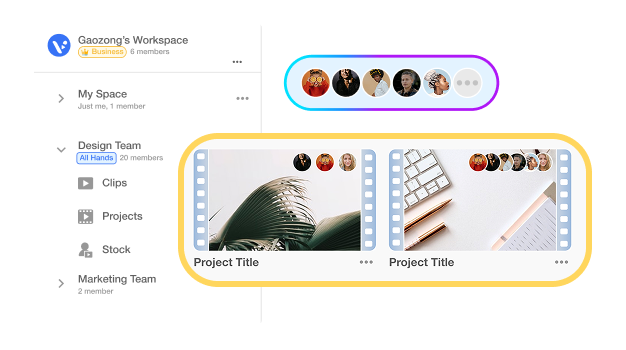
Workspaces and Teamspaces let your whole team access, edit, and approve training videos in one place. No messy file versions or email chains.
Beyond a blur tool for corporate training
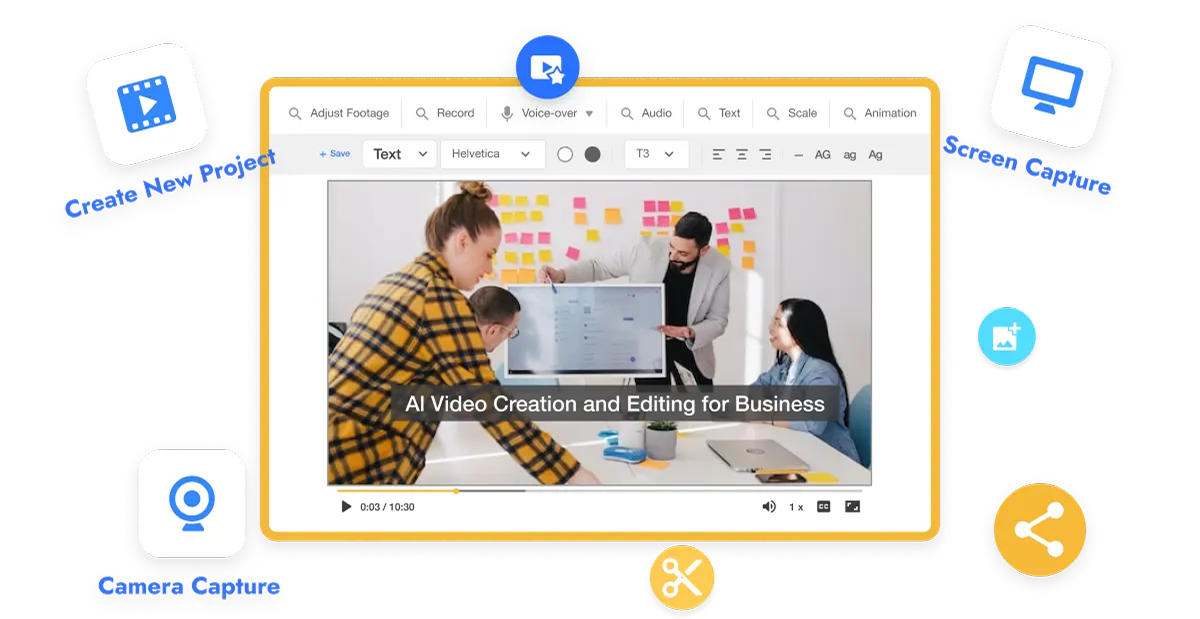
Do it all with Visla
Visla is more than a blur tool. It’s an all-in-one platform to record, edit, and share professional videos. Create:
Onboarding videos
Customer support guides
Product demos
Sales presentations
Internal announcements
Frequently Asked Questions
 How does Visla’s blur tool work in training videos?
- Can I blur multiple sections at once?
- Will blurring reduce my video’s quality?
- Is the blur permanent once applied?
- Can my team use the blur feature together?