

Visla Agent Skills: Enable AI Agents to Create Videos Automatically
Use Visla’s API to connect AI agents and automation tools to video generation. Automatically turn text, scripts, PDFs, and web content into video.
Get Started for Free💡 Can AI agents generate videos using Visla?
Yes. AI agents can automatically generate professional videos using Visla. By sending text, webpages, or documents to Visla, agents receive a complete video project with scenes, visuals, and narration that is ready to edit, share, or publish with no manual work required.
Visla's AI Agent Integration: Key Features
Visla’s AI Agent Integration gives developers and automation platforms a direct line to Visla’s video generation engine. You can feed it content from just about any source:


How AI agents use Visla
2. The agent sends content to Visla>
The AI agent sends prompts, links, files, or structured inputs directly into Visla using integrations, APIs, or automation workflows.
3. Visla generates scenes, visuals, and narration>
Visla automatically generates scenes, visuals, narration, subtitles, and editable video drafts from AI agent inputs.
4. The agent polls for project status until the video is ready, then receives the project link>
The AI agent checks project status until the Visla video project is complete, then retrieves the finished project link automatically.
5. Teams can edit, share, or publish the video>
Teams can review, edit, collaborate on, share, and publish AI-generated videos across websites, email campaigns, social platforms, and internal workflows.
What is the Visla AI video generation API?
Visla's API lets developers and AI agents automatically turn existing content into ready-to-review video projects. You can feed it text scripts, webpages, PowerPoint files, PDFs, and more, then get back a structured video project your team can review and publish. It connects directly to AI agents, internal tools, and workflow automation platforms, making it easy to build content-to-video pipelines at scale.
How different teams can use Visla with an AI agent
Marketing teams

Visla can help turn blog posts into social videos, so your marketing team can repurpose content at scale without extra production time.
Sales teams
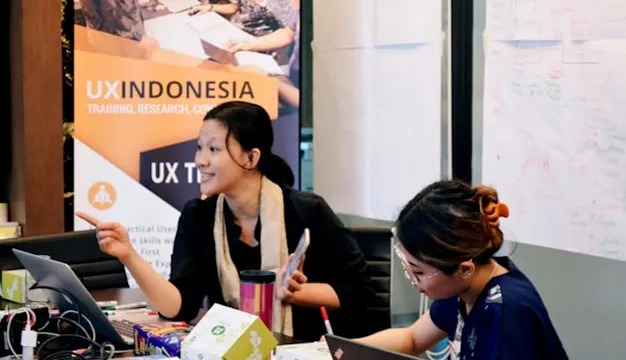
Visla can help convert product pages into demo videos that help your sales team share compelling content with prospects faster.
Learning and training teams

Visla can help transform documentation into training videos, making it easier to onboard employees or educate customers.
Content teams

Visla can help converts long-form content into short, shareable videos, helping you get more value from what you've already created.
Why developers use Visla for AI video generation
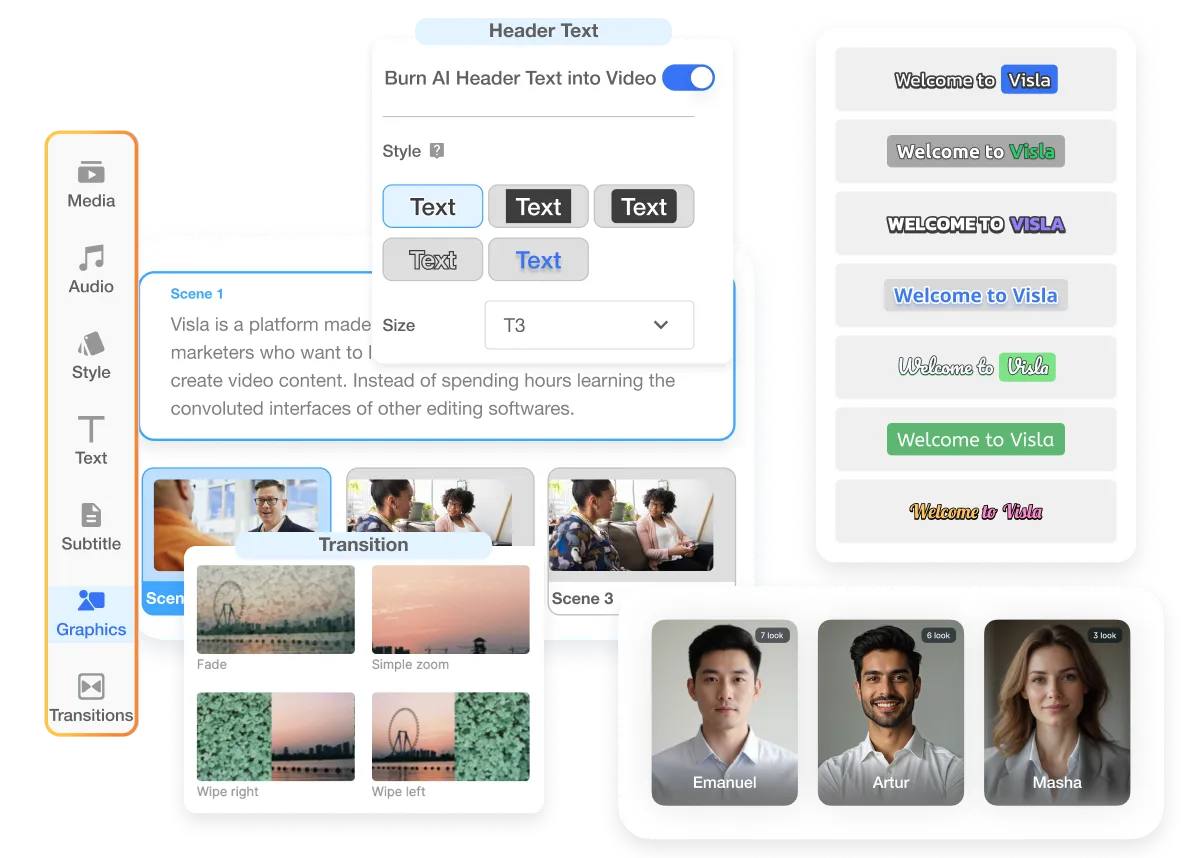
Built for Business Video Workflows
Visla doesn’t just return a raw clip. It builds structured video projects with scenes, narration, and visuals that your team can review and refine before anything goes live.
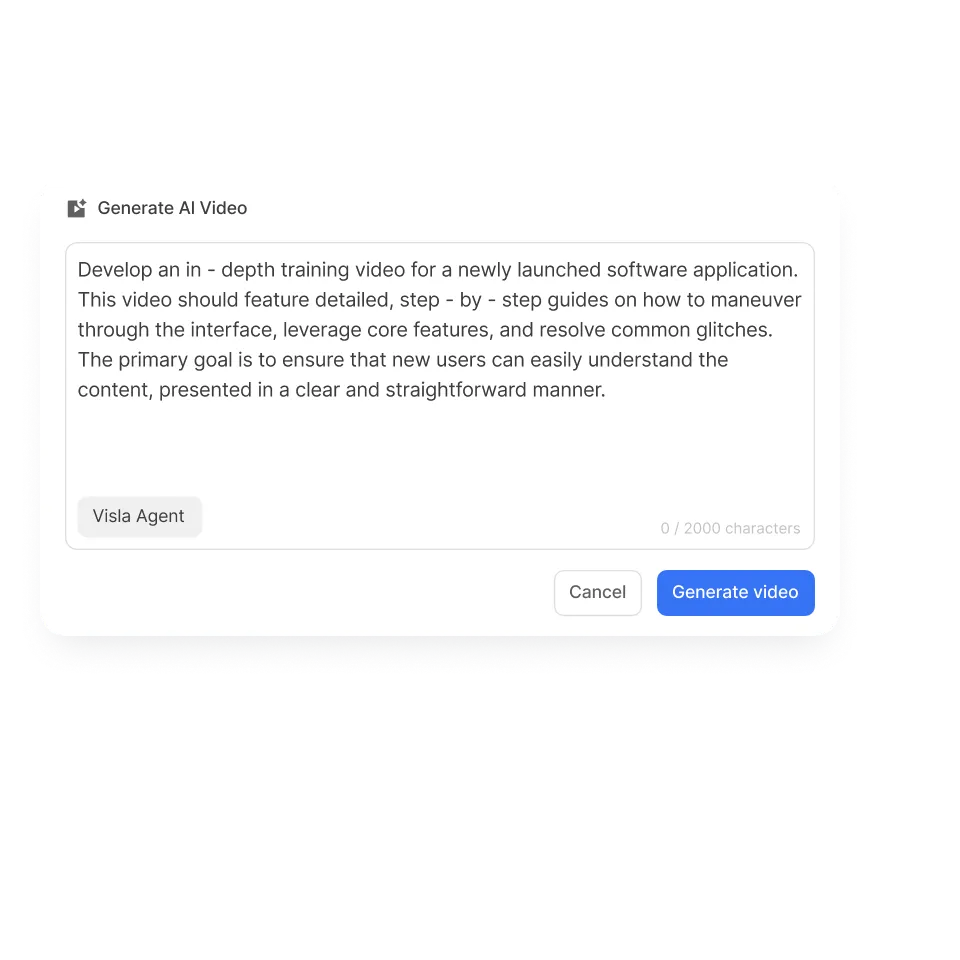
Fast Content-to-Video Pipelines
You can automate video creation directly from your existing content sources. If you’ve got a blog, a knowledge base, or a product catalog, Visla can turn any of it into video without anyone opening an editor.
Works with AI Agents and Automation Tools
Visla connects to developer agents, workflow automation platforms, and custom-built applications. It’s built to fit into the stack you’re already working with, not replace it.
Common integration partners for Visla
Visla works with a wide range of AI platforms and automation tools. Here are some common integration partners:
Frequently Asked Questions
 Do I need to build a custom video editor to use the Visla API?
- What content formats does the Visla API accept?
- Can I use the Visla API with no-code automation tools like Zapier?
- What does the Visla API actually return?
- Is there a free tier for developers who want to test the API?
Start building with Visla
Connect Visla to your workflows using the API and start generating videos from your content automatically.
Documentation