Faster training production
Move from source material to training video faster without relying on a full traditional production cycle.


Turn SOPs, PDFs, process documents, slide decks, and scripts into structured AI-generated training videos with consistent scenes.
AI Director Mode helps L&D teams create training videos faster by turning SOPs, PDFs, process documents, slide decks, and scripts into planned AI-generated scenes. Teams can review and refine the scene direction before generating final AI video clips. This helps training content stay consistent, easier to update, and easier to scale across onboarding, compliance, and internal learning.
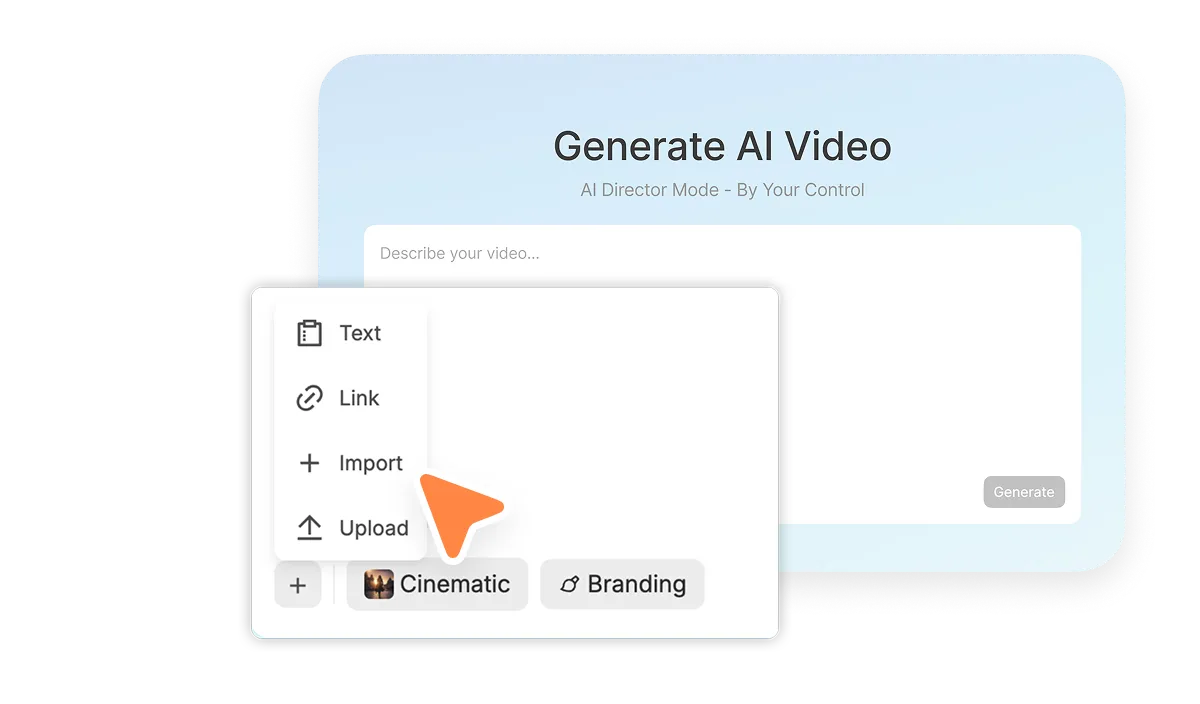
AI Director Mode can use the learning content your team already manages to shape a clear video direction before generation. That helps L&D teams turn static training materials into video without starting from scratch.
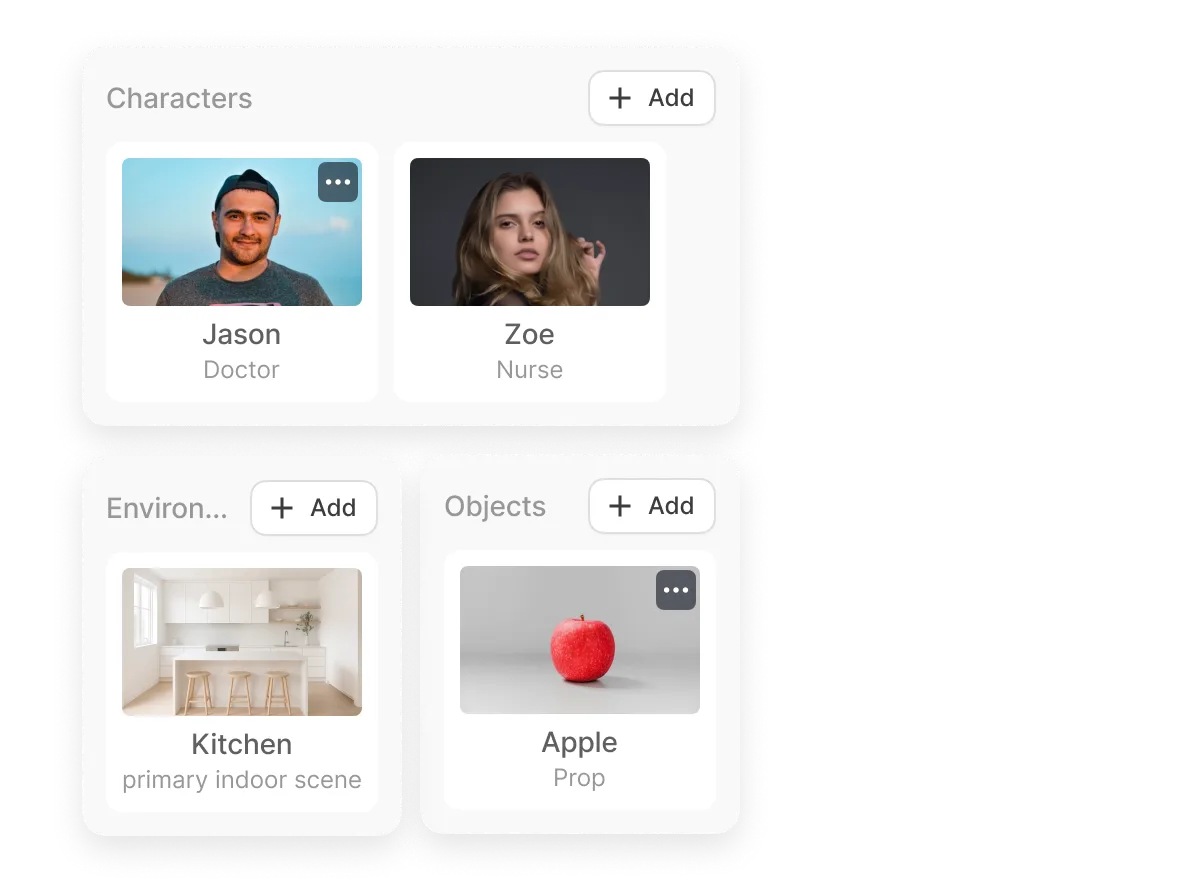
AI Director Mode helps preserve the elements that make training feel structured and familiar. Teams can create videos where scenes use consistent presenters, environments, branding, and visual style.
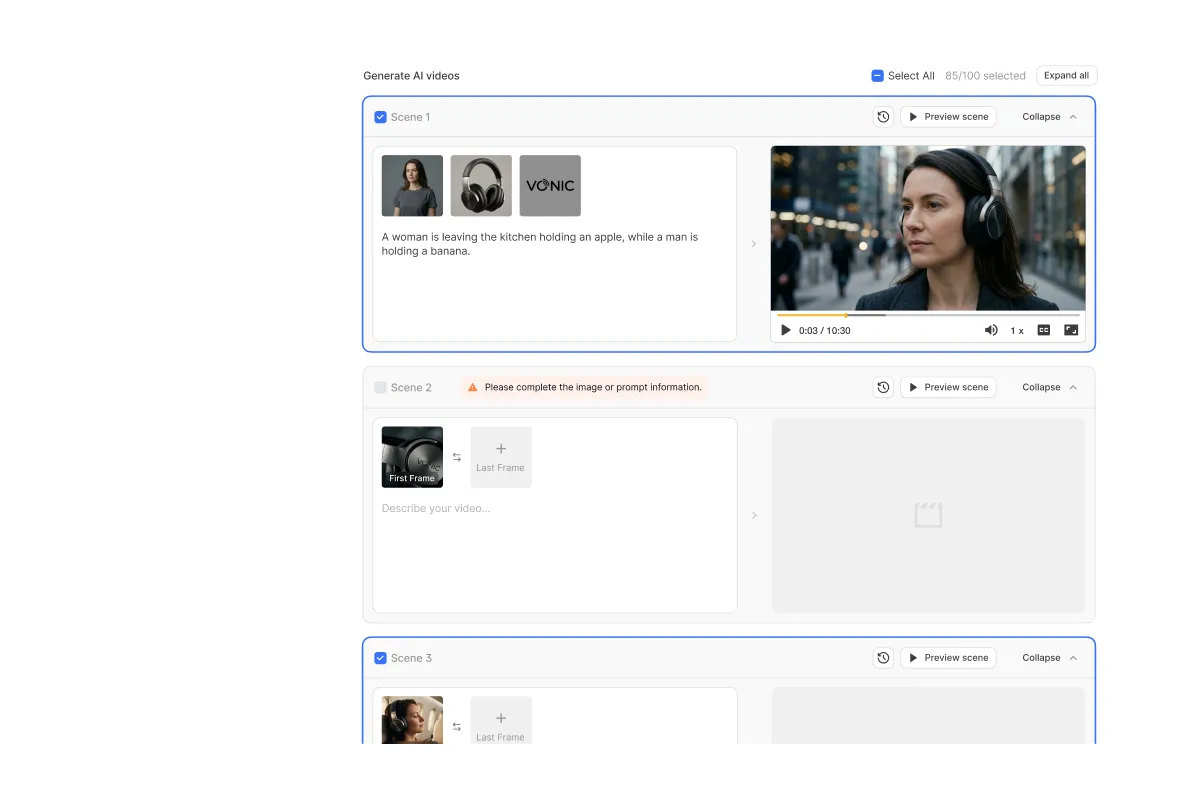
Training videos are easier to improve when teams can check the direction first. With AI Director Mode, teams can review scene visuals, prompts, and lesson flow before generating AI video clips.

Introduce new employees to company processes, tools, policies, and expectations with clear visual training.

Turn standard operating procedures into step-by-step videos that are easier to follow than text alone.

Create structured videos that explain policies, requirements, and procedures in a consistent format.

Build repeatable training content for teams, departments, and ongoing employee development.

Break down internal workflows, systems, and procedures with clear scenes and visual guidance.

Turn internal expertise, team documentation, or best practices into videos employees can revisit.
Move from source material to training video faster without relying on a full traditional production cycle.
Keep training videos aligned across lessons, departments, and learning paths.
Revise scenes, messaging, and structure when processes or policies change.
Create more training content from the documents, scripts, and learning materials your team already has.
 What is AI Director Mode for L&D teams? How can L&D teams use AI Director Mode? Can AI Director Mode help keep training videos consistent? Can training teams review videos before generating final clips? Does AI Director Mode make training updates easier?