
Customer de-escalation
An angry customer demands a replacement; the agent acknowledges the frustration, verifies the order, and explains the next step.


Visla’s Scenario-Based Video turns a prompt or existing support script into multi-character AI training videos showing complaint handling, delayed orders, and customer de-escalation.
Get Started for Free

An angry customer demands a replacement; the agent acknowledges the frustration, verifies the order, and explains the next step.
A customer reports a defective product; the agent investigates without blaming the customer or offering an unauthorized refund.
An agent explains a shipping delay, the available options, and when the customer can expect another update.
A support representative explains why a complaint needs escalation and what the customer should expect from the supervisor.
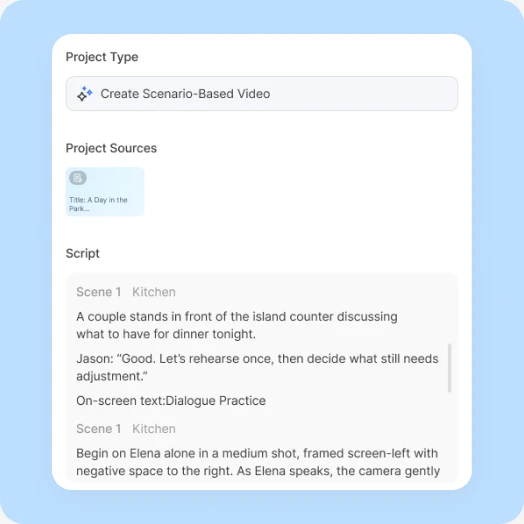
Start with a prompt or speaker-labeled script; select Script to preserve approved dialogue, or add webpages, PDFs, and uploads as supporting material.
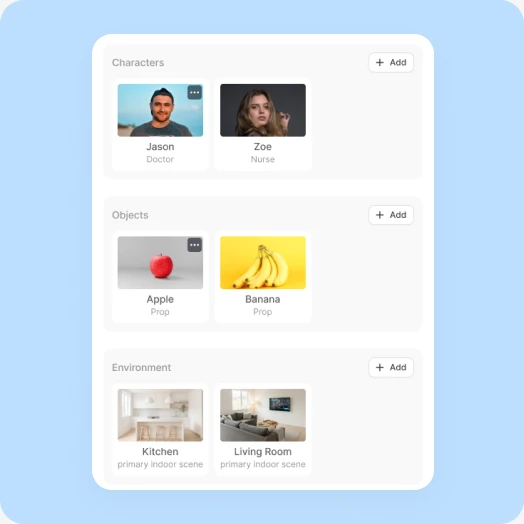
Review the dialogue, each character’s appearance and voice, recurring objects, and environment, plus a shared reference image that keeps the characters and setting consistent.
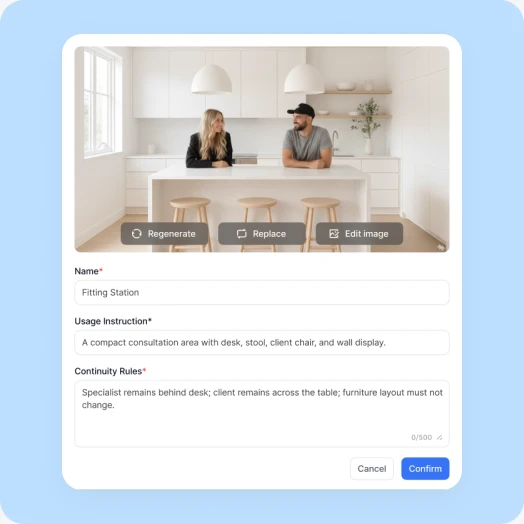
Check each storyboard image for the correct characters, framing, and actions, then choose which scenes to generate as AI video clips.
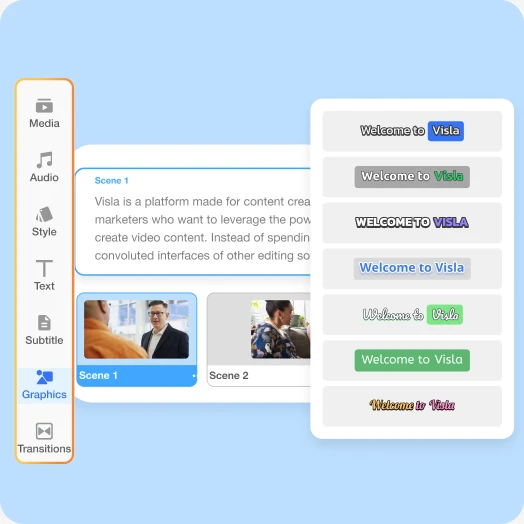
Use Visla’s Scene-Based Editor to adjust dialogue, scene order, timing, and graphics or regenerate individual clips, then export the finished video.
Create a customer-agent training conversation about a delayed replacement order. The customer is frustrated; the agent acknowledges the problem, checks confirmed details, and offers an authorized next step. Learning objective: demonstrate de-escalation without false promises. Keep the two characters and their setting consistent.
Yes. Select Script to retain approved dialogue, identify the customer and agent as speakers, and verify references to refunds, timelines, and escalation policies before export.
Yes. Create two versions of the same customer conversation to compare what the agent says and how the situation develops; these are video examples, not a live simulator.
Yes. Revise the script and regenerate the affected scenes without recreating the entire video; check every policy-specific statement before sharing the update.


