
Constructive feedback
A manager explains how a missed deadline affected the team, listens to the employee, and agrees on next steps.


Visla’s Scenario-Based Video turns a prompt or existing manager-feedback script into multi-character AI training videos showing how managers address missed deadlines, performance concerns, and difficult employee conversations.
Get Started for Free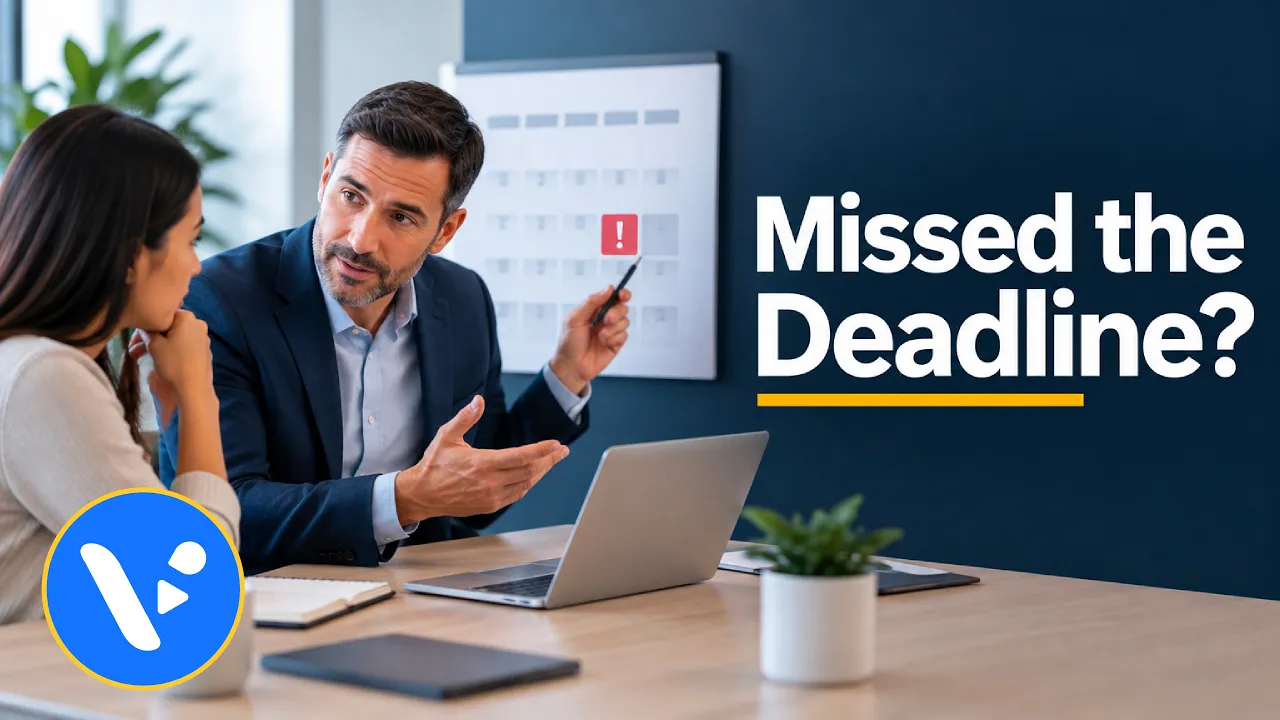

A manager explains how a missed deadline affected the team, listens to the employee, and agrees on next steps.
An employee repeatedly makes the same mistake; the supervisor identifies the pattern, clarifies expectations, and sets a follow-up date.
A manager discusses promotion requirements with an employee and identifies the skills and experience needed to advance.
An employee asks about a reorganization; a team lead addresses the uncertainty without promising decisions that have not been made.
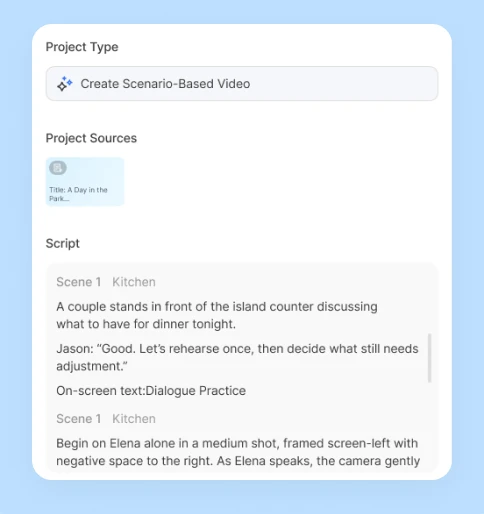
Start with a prompt or speaker-labeled script; select Script to preserve approved dialogue, or add webpages, PDFs, and uploads as supporting material.
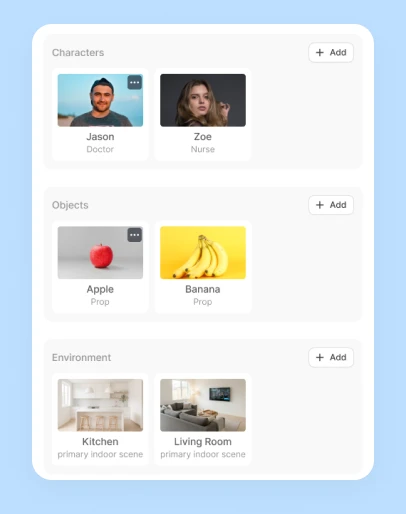
Review the dialogue, each character’s appearance and voice, recurring objects, and environment, plus a shared reference image that keeps the characters and setting consistent.
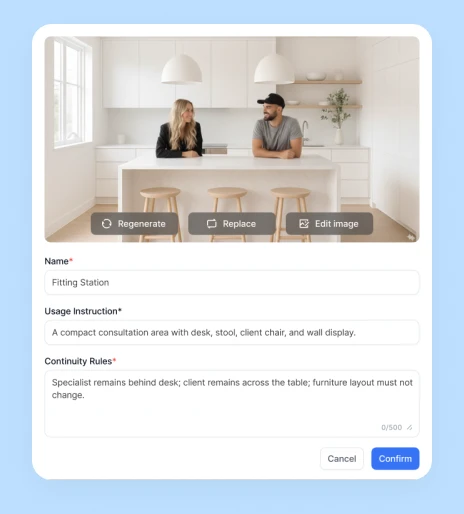
Check each storyboard image for the correct characters, framing, and actions, then choose which scenes to generate as AI video clips.
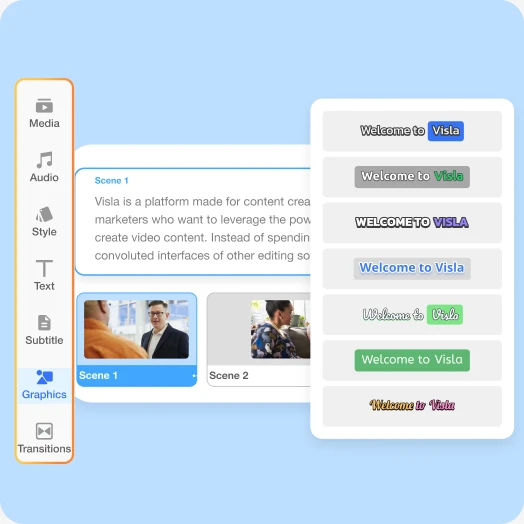
Use Visla’s Scene-Based Editor to adjust dialogue, scene order, timing, and graphics or regenerate individual clips, then export the finished video.
Create a manager-employee training video after Alex misses a deadline. Jordan explains the impact, asks what prevented completion, and agrees on earlier risk alerts and progress check-ins. Learning objective: demonstrate constructive feedback that addresses the problem without assigning blame. Keep both characters and the office consistent.
Yes. Select Script to retain your speaker-labeled manager and employee dialogue, then review character voices, appearances, and scene direction before generating.
Yes. Create different versions of the same manager-employee conversation; add clickable choices or scored responses in a separate course-authoring tool if needed.
Review the manager’s and employee’s reference images, voices, and office setting before generation; Visla uses those references to guide continuity, which you can check in the storyboard.


