Improve AI video prompts in Visla
Turn a short idea into a more detailed, editable prompt before generating a full AI video, individual video clip, or thumbnail.
Get Started for FreeWhat is Visla’s AI Prompt Enhancer?
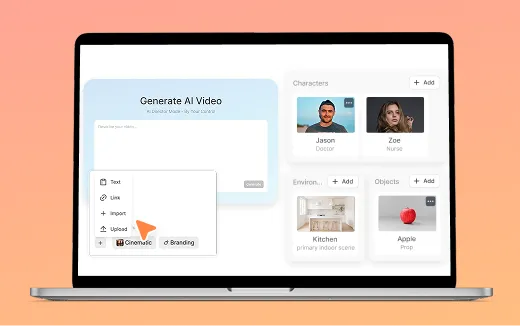
Visla’s AI Prompt Enhancer expands a short video idea into a more detailed prompt inside AI Director Mode or when generating AI video clips, as well as when generating thumbnails. It adds visual and production direction that fits the task while preserving the subject and requirements you entered. The wording changes depending on whether you’re planning a full AI video or generating an individual clip, and it works in multiple languages. You can review and edit the enhanced text before generation.


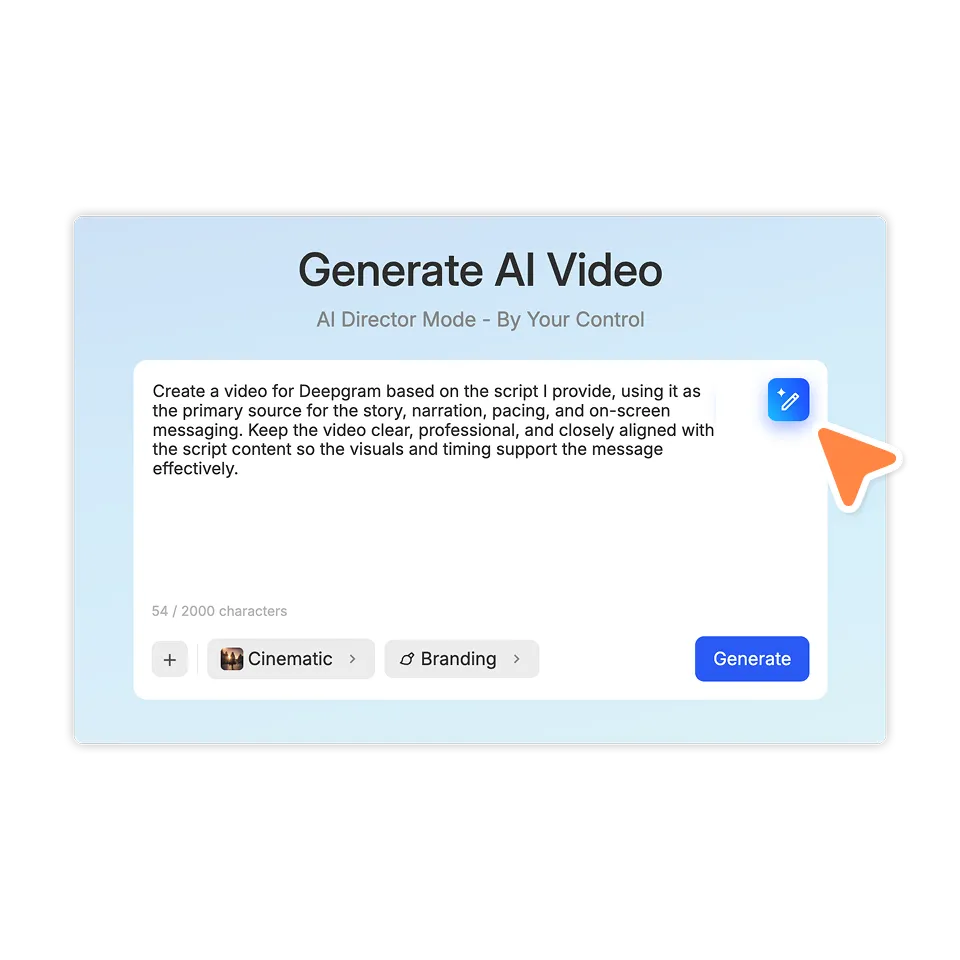
How to enhance an AI video prompt
2. Enter the initial idea>
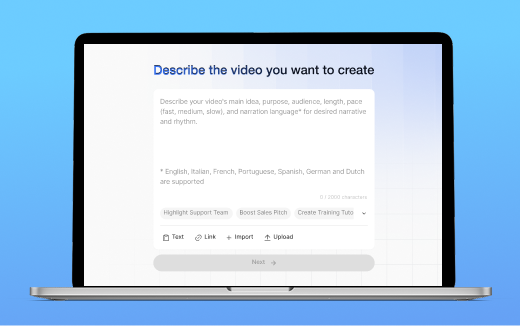
Write the subject, action, product, or visual concept you want the AI to generate. The first version can be brief.
3. Select Enhance with AI>
The Enhance with AI button appears after you begin typing. Click it to replace the text in the prompt field with a more detailed version, then review and edit that version before generating.
Add useful detail to your prompt without changing the idea
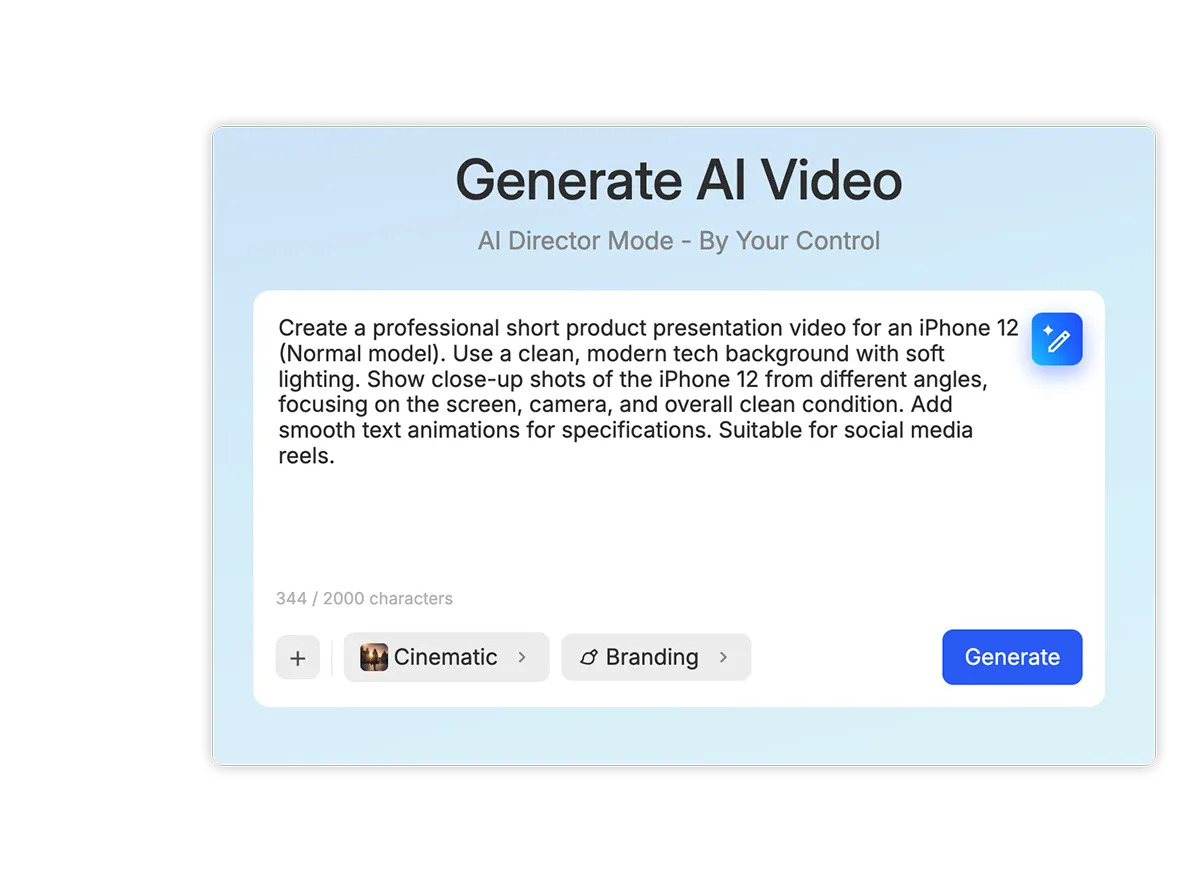
Preserve the original instructions
The enhancer develops the request already in the prompt field instead of replacing it with a different concept. Subjects, products, actions, and required details remain part of the enhanced version.
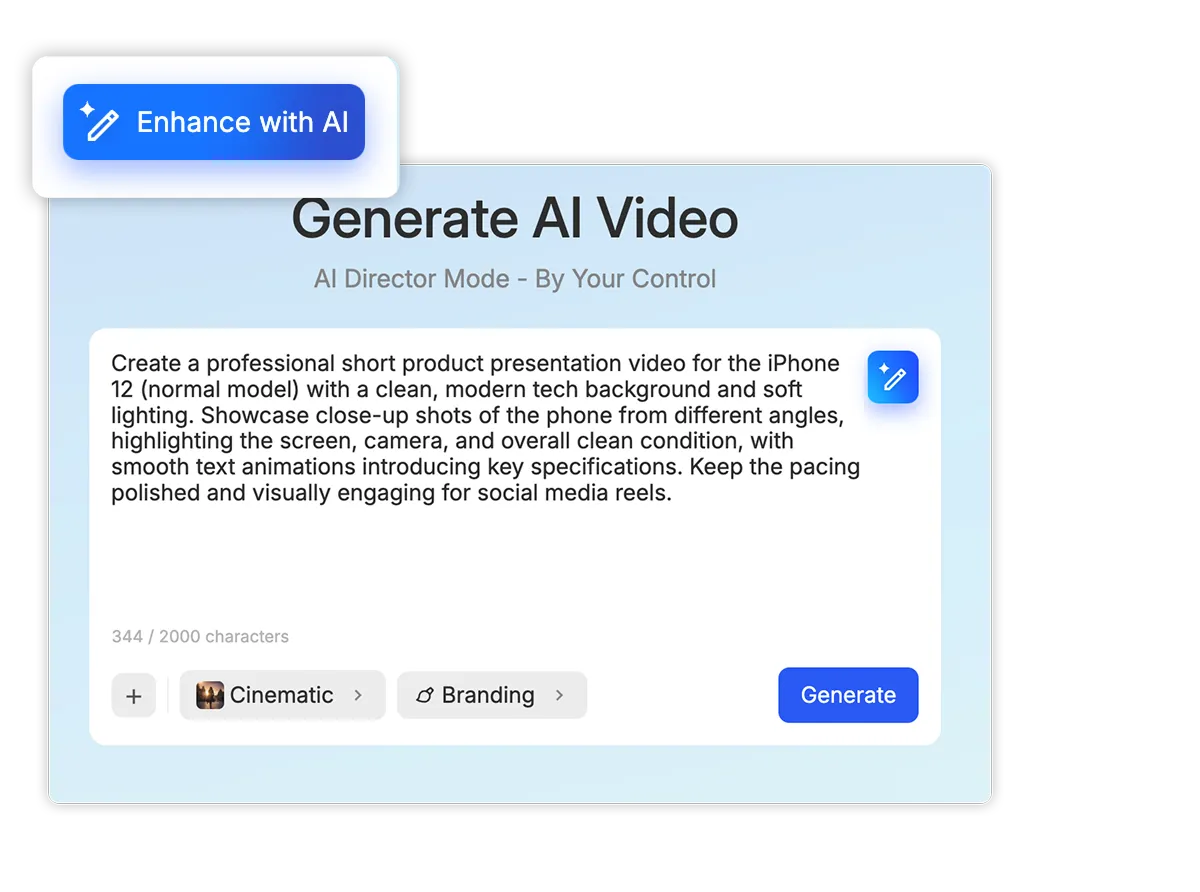
Match the wording to the task
A full-video prompt may need broader direction about the presentation and overall visual treatment. A prompt for one AI-generated clip can focus more closely on what should appear or happen in that specific shot.
See a real AI-enhanced video prompt
Before
“Please create a cinematic ad about our company's new t-shirts.”
After
“Create a cinematic advertisement for our company’s new t-shirts, with a polished, visually engaging style that highlights the product in a premium and appealing way. Keep the focus on the shirts themselves and present them in a clean, modern, high-quality fashion suitable for a brand promo.”
Where AI prompt enhancers help
Marketing and product videos

Begin with a simple campaign or product concept when you haven’t written a complete video brief. The enhancer can add detail about how the subject should be presented while retaining the product and goal you named.
Training and educational videos

Develop a broad lesson or explanation into clearer direction for the AI video. You can edit the enhanced text to account for the audience, required information, or preferred presentation.
Individual AI video clips

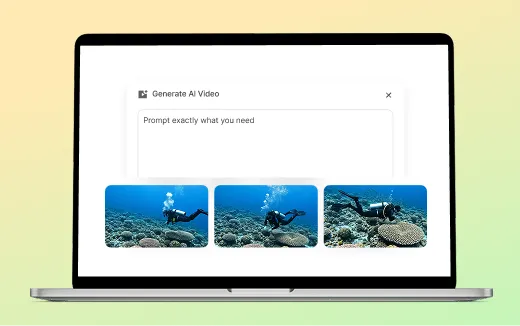
Use the enhancer when you know what should happen in a shot but haven’t fully described it. Visla adapts the added language to that clip rather than treating it as a prompt for an entire video.
Frequently Asked Questions
 Is this a general-purpose AI prompt generator?
- Can I edit the enhanced prompt?
- Can I enhance the same prompt repeatedly?
- Will it change my original request?