

How can I generate a festive holiday video fast?
For marketers, creators, and teams who need holiday content now, Visla turns any input into a festive video with an AI Agent, voiceover, music, and optional Santa avatar.
💡 How video could brighten your holiday marketing and greetings
Holiday videos help you grab attention, share cheer, and drive action in one simple format. Brands often win with festive promos, quick how-to tips, and year-end highlight reels. With Visla, you start from anything, set your style, then let the AI Video Agent build a draft you can polish in minutes.


How to create festive videos
2. Guide the AI Video Agent>
Pick duration, pace, and layout so the video fits each channel. Next, choose your AI voiceover and an AI Avatar, including our custom Santa avatar for holiday campaigns.
3. Generate the first draft>
Click generate and get a complete festive video with narration, visuals, scenes, and music. Then you can review it like a first cut, not a blank page.
4. Edit scene by scene>
Open the Scene-Based Editor and tighten every moment. Next, add text overlays, swap visuals, and match your branding.
5. Share everywhere>
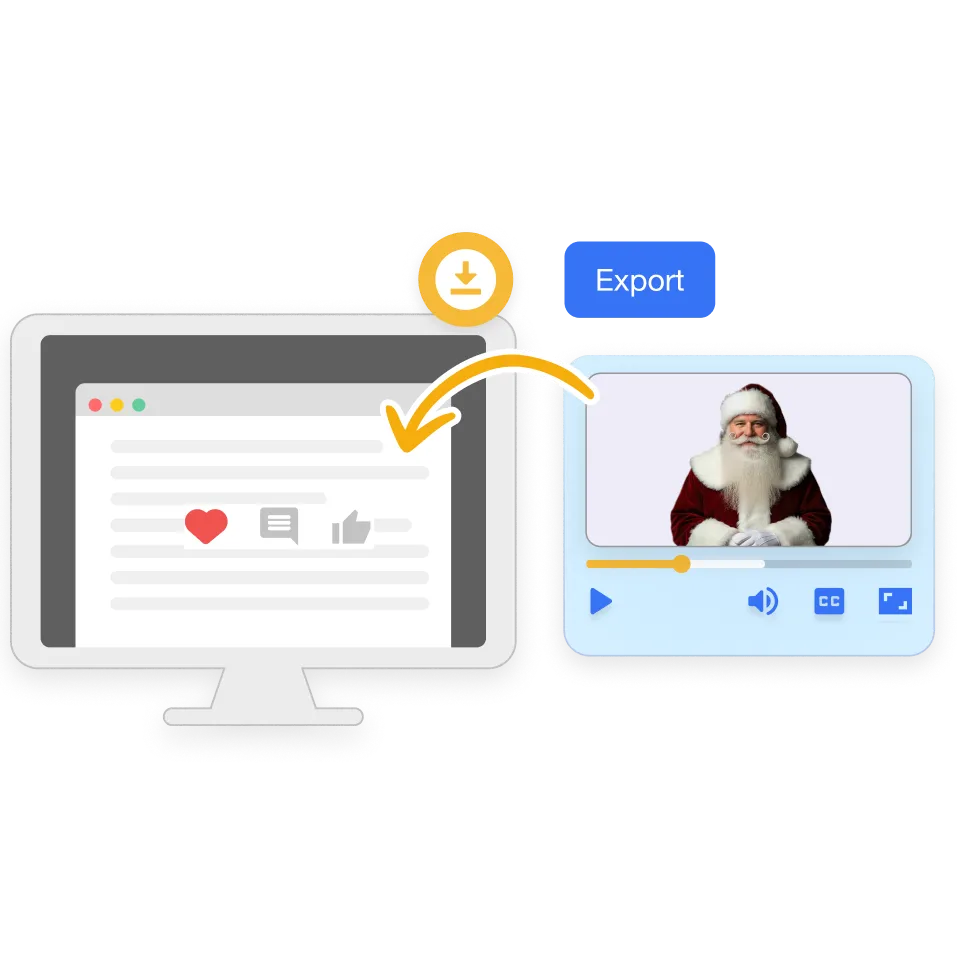
Export in a few clicks when you like the final cut. Then download, share a link, or copy an embed code.

How you can use a festive video in real life
Scenario 2: Share a year-end thank-you and highlight reel>
You want a warm year-end recap for customers or your team, and you want it to feel personal without a huge lift. Year-in-review videos can boost loyalty because they celebrate wins and community.
AI Video Agent: Builds a highlight reel from notes, bullet points, and clips.
Scene-Based Editor: Moves scenes around so the story flows.
AI voiceover: Keeps the message clear even if you hate recording audio.
Video collaboration: Collects feedback and approvals in one place.
Why you’re going to love Visla
Record anything
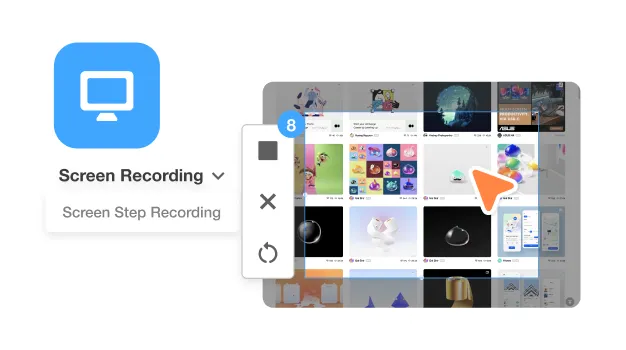
Capture your screen, your camera, or both. Next, add quick takes when you need a human moment. Then drop recordings right into the same project.
Easy video creation
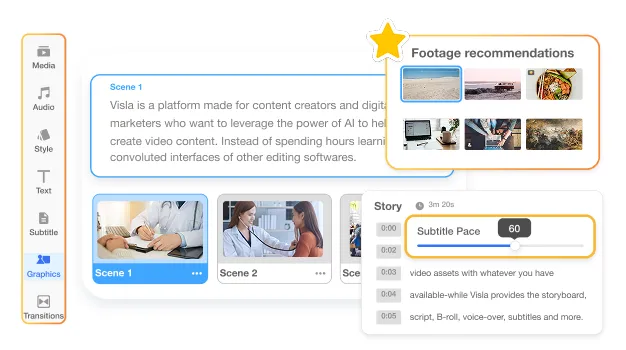
Start with a script, a link, a deck, or a messy pile of assets. Then the AI Video Agent turns it into a structured draft. Plus, you can fine-tune everything scene by scene.
Better team collaboration
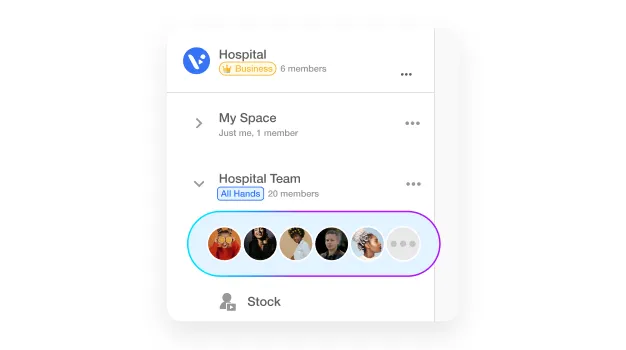
Work with your team without chasing feedback in ten places. Next, share a draft early so everyone aligns fast. Then ship the final cut with confidence.
Beyond a festive video creator
Do it all with Visla
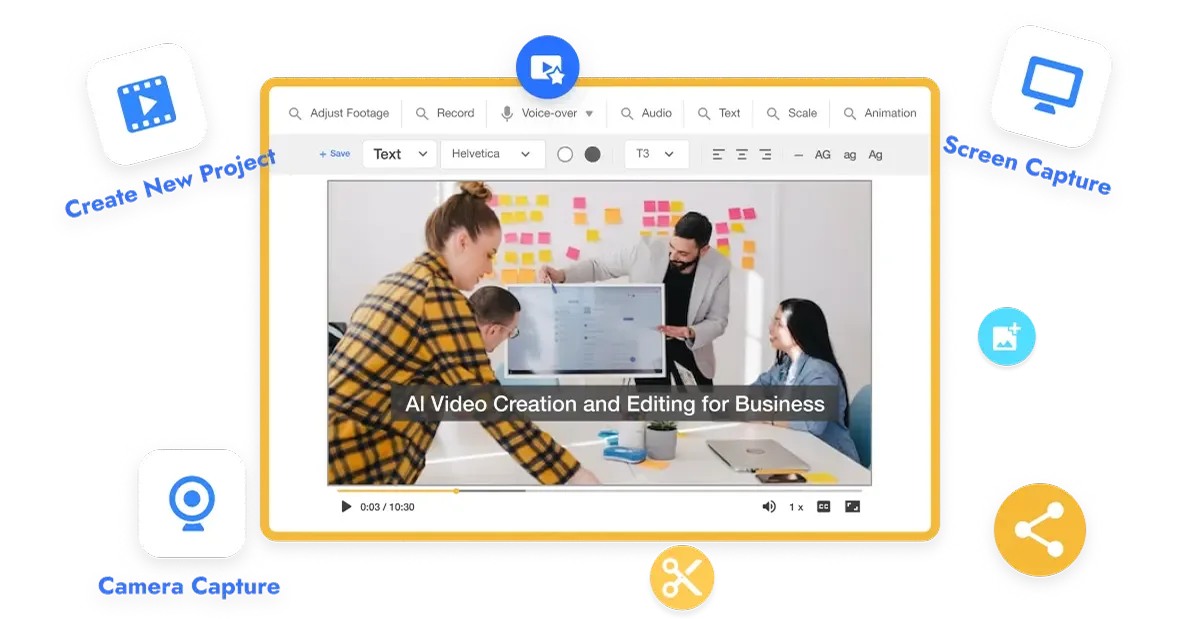
Visla handles recording, creation, editing, collaboration, and sharing in one place. So you can move from idea to final video without switching tools. Create product demos, screen-recorded tutorials, training videos, webinar clips, and social ads.
Frequently Asked Questions
 What makes a festive video feel “holiday” without looking cheesy?
- Can I make a holiday video if I don’t have a script yet?
- Do I need to film myself to create a festive video?
- How do I keep a Santa avatar video on brand?
- What festive video ideas usually work best for businesses?