

How can interior designers use Private Stock to simplify video creation?
For interior design and renovation firms, Visla’s Private Stock makes it easy to organize your visuals, tag them with AI, and reuse them in client-ready videos.
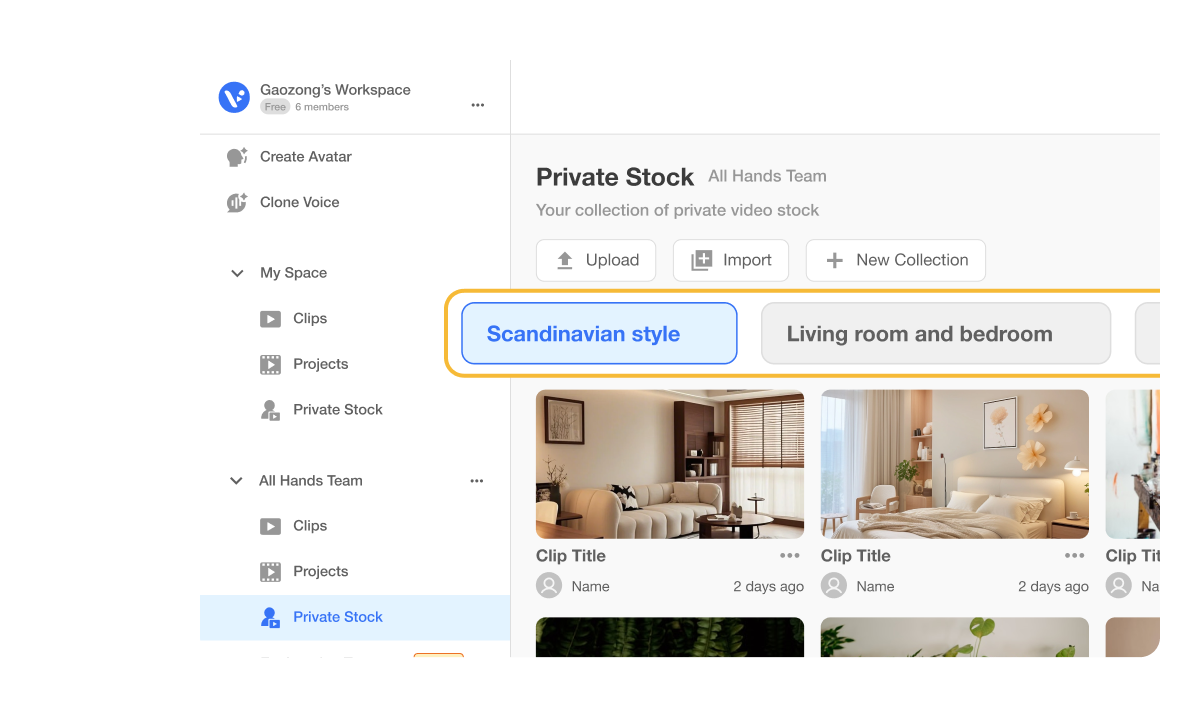
How video could transform your interior design proposals
Interior design teams handle thousands of renderings, mood shots, and before-and-after clips. Keeping them scattered across drives makes it tough to stay organized and slows down client work. Private Stock centralizes everything in one place. AI tagging and collections make your assets searchable, reusable, and ready to turn into polished videos in minutes.


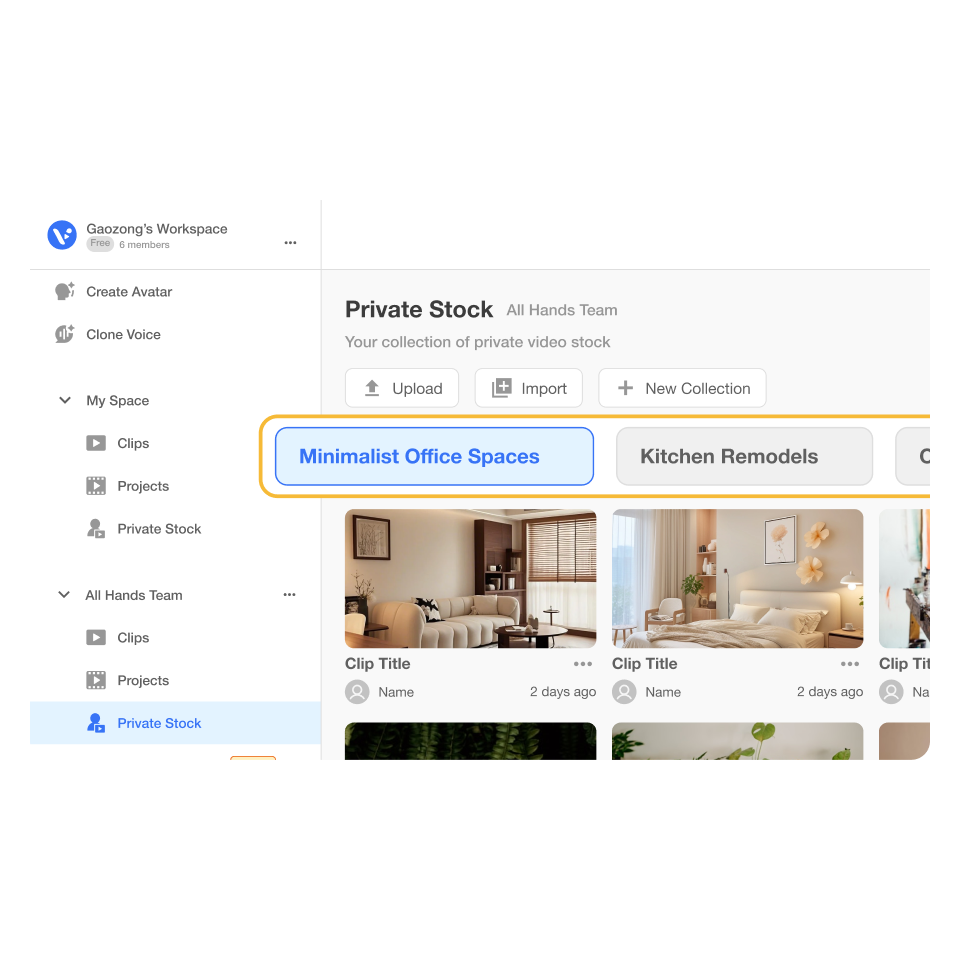
How to use Private Stock to help handle your interior design & renovation clips
2. Review and refine>
Check the AI’s descriptions and tags to make sure they match your style. Edit or add more details so your assets stay accurate and easy to find.
3. Organize with Collections>
Group visuals into Collections like “Kitchen Remodels” or “Minimalist Office Spaces.” Collections make your footage easy to reuse across different projects.
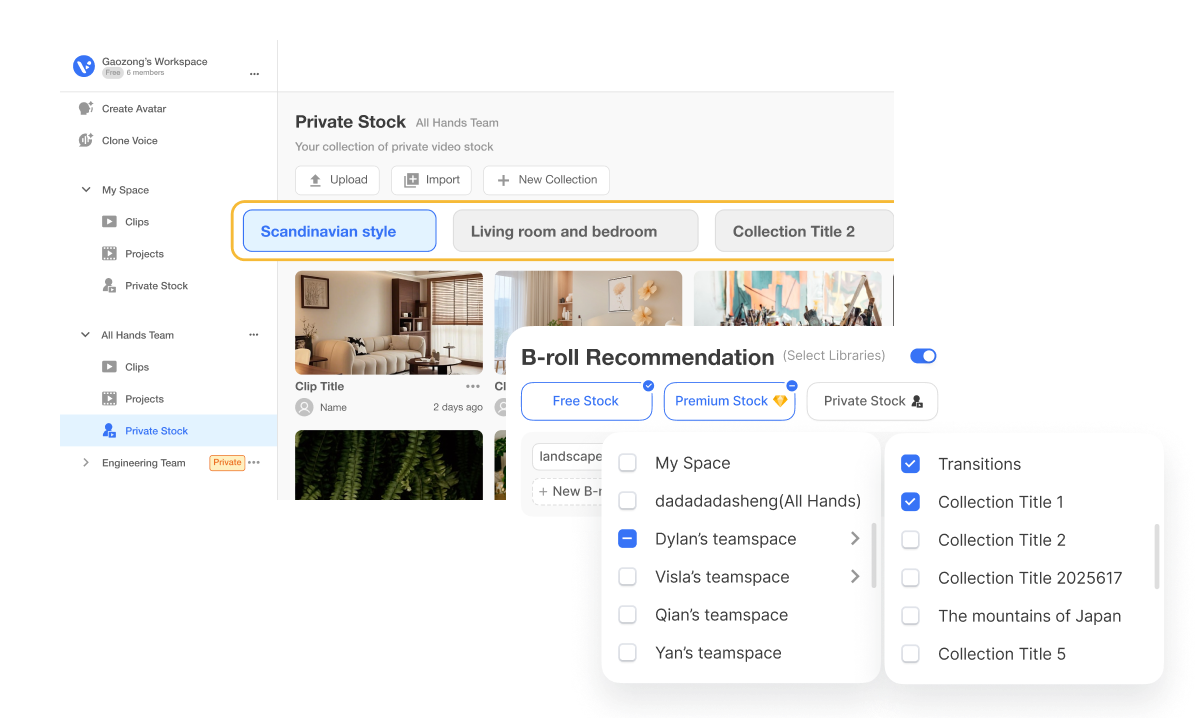
How you can use Private Stock in real life
An interior design firm has years of photos and renderings of kitchens, living rooms, and offices. Every time they pitch a new client, they spend hours digging through folders.
Private Stock: Upload visuals once and centralize everything in your workspace.
AI tagging: Automatically organizes assets by room type, style, or theme.
Collections: Curate specific groups like “Modern Kitchens” or “Cozy Living Rooms.”
vScript-to-Video: Instantly transform curated Collections into client-ready proposal videos.
Why you’re going to love Visla
Record anything
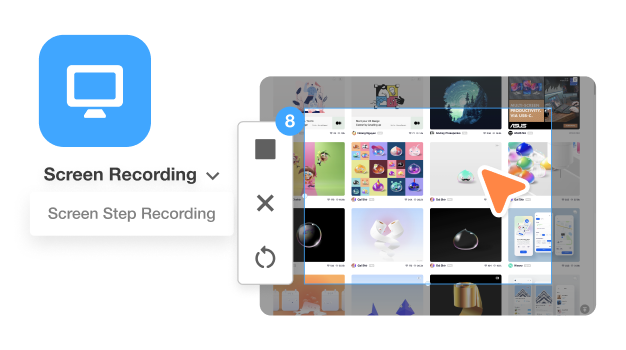
Capture your screen, record design walkthroughs, or upload client calls. With Visla, you can add every kind of media into one place. You stay organized while still having the freedom to record and upload new content.
Easy video creation
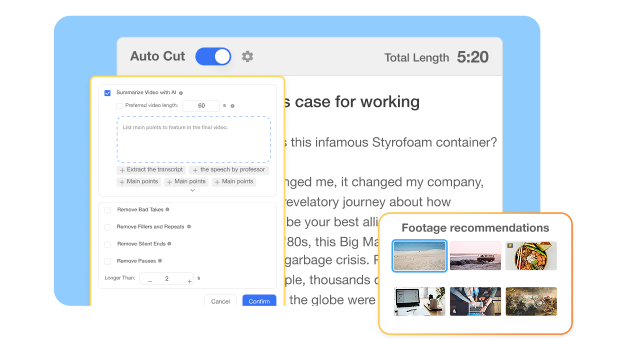
Turn your visuals into a sleek video without starting from scratch. AI summaries, b-roll suggestions, and text-based editing keep the process simple. Your design work shines, and you spend less time editing.
Better team collaboration
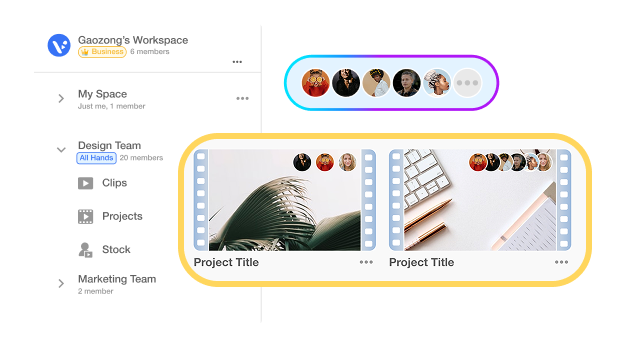
Design is a team effort. Visla’s Workspaces and Teamspaces let your whole team upload, comment, and approve videos together. Everyone stays aligned, and projects move forward faster.
Beyond a design asset organizer
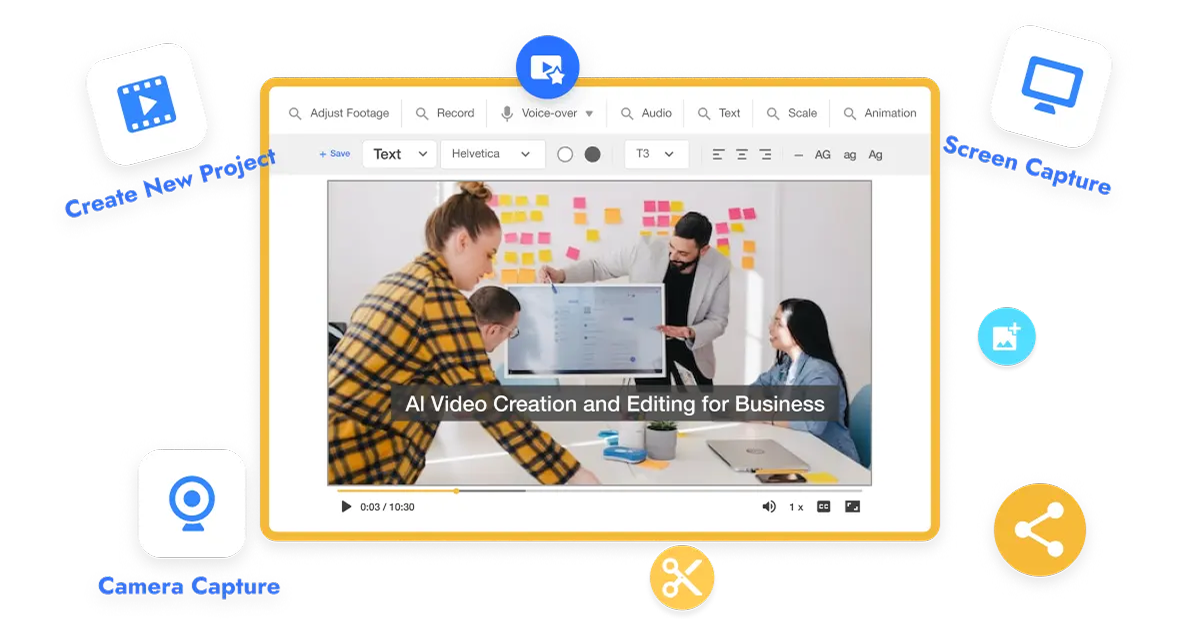
Do it all with Visla
Visla is more than storage. It’s a full video platform where you can record, edit, collaborate, and share, all in one place.
Related video types you can create:
Training videos for new staff
Client onboarding walkthroughs
Marketing reels for social media
Renovation time-lapse videos
How-to explainer guides
Frequently Asked Questions
 What types of files can I upload to Private Stock?
- Can AI tagging really understand design styles?
- How do Collections save time?
- Can I share my Private Stock videos with clients?
- How does this help a small design firm?